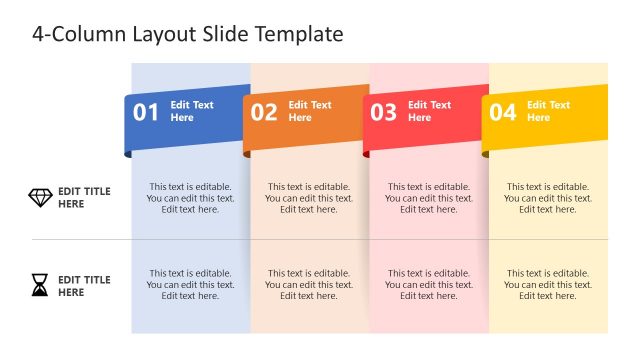
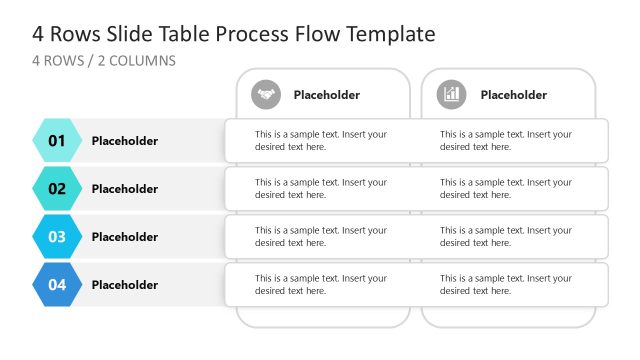
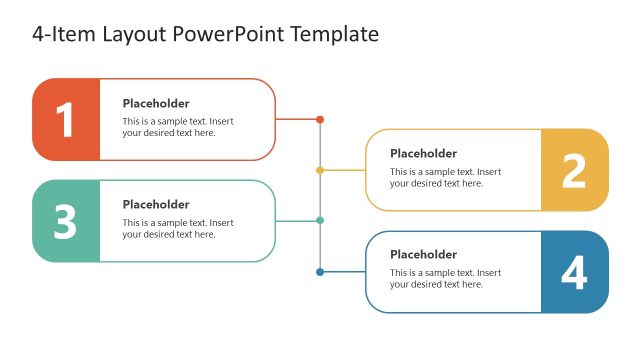
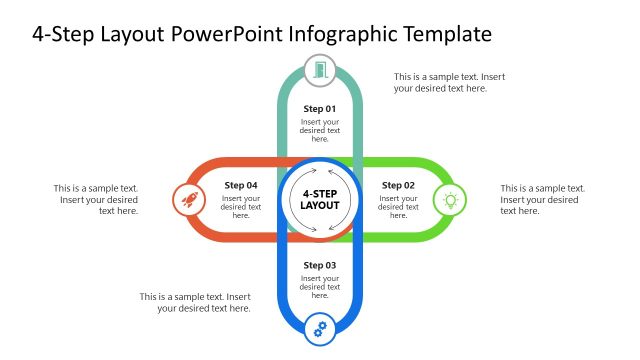
4 Columns Slide Design for PowerPoint is a presentation design that you can use to create comparison slides between four different products or plans. You can use the presentation slide designs under this template to compare product attributes as well as describing a process of four steps.
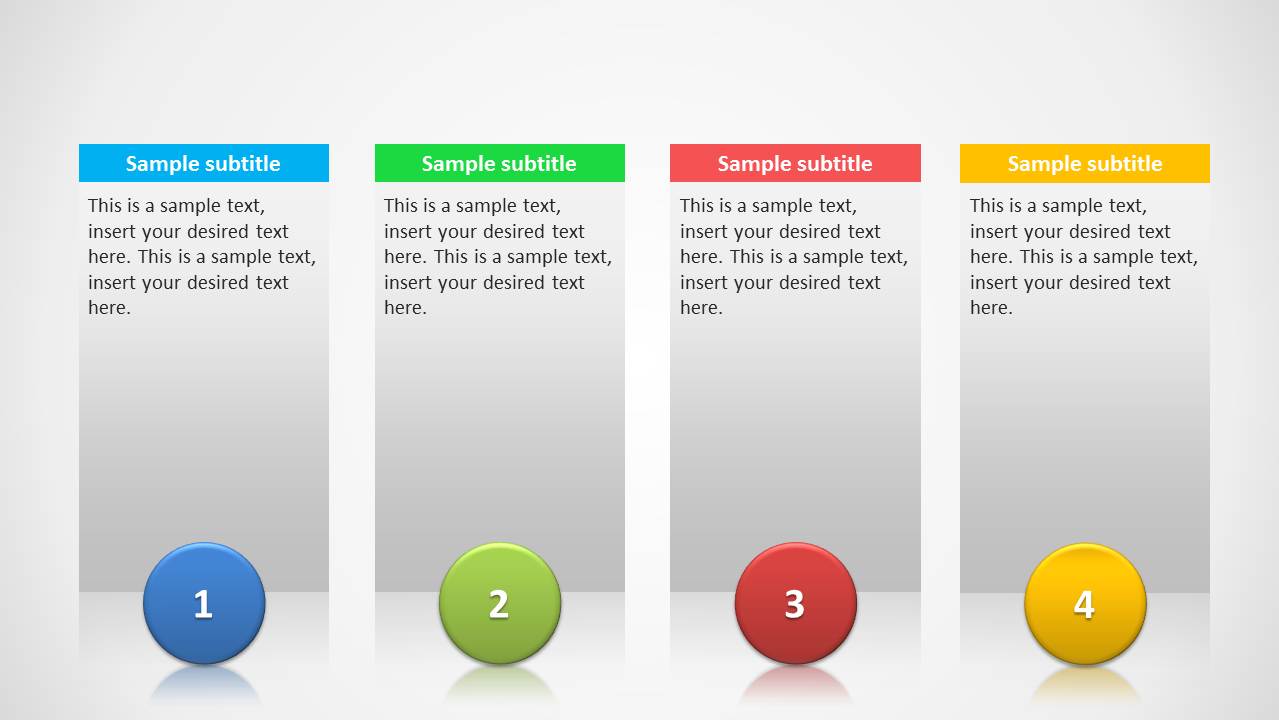
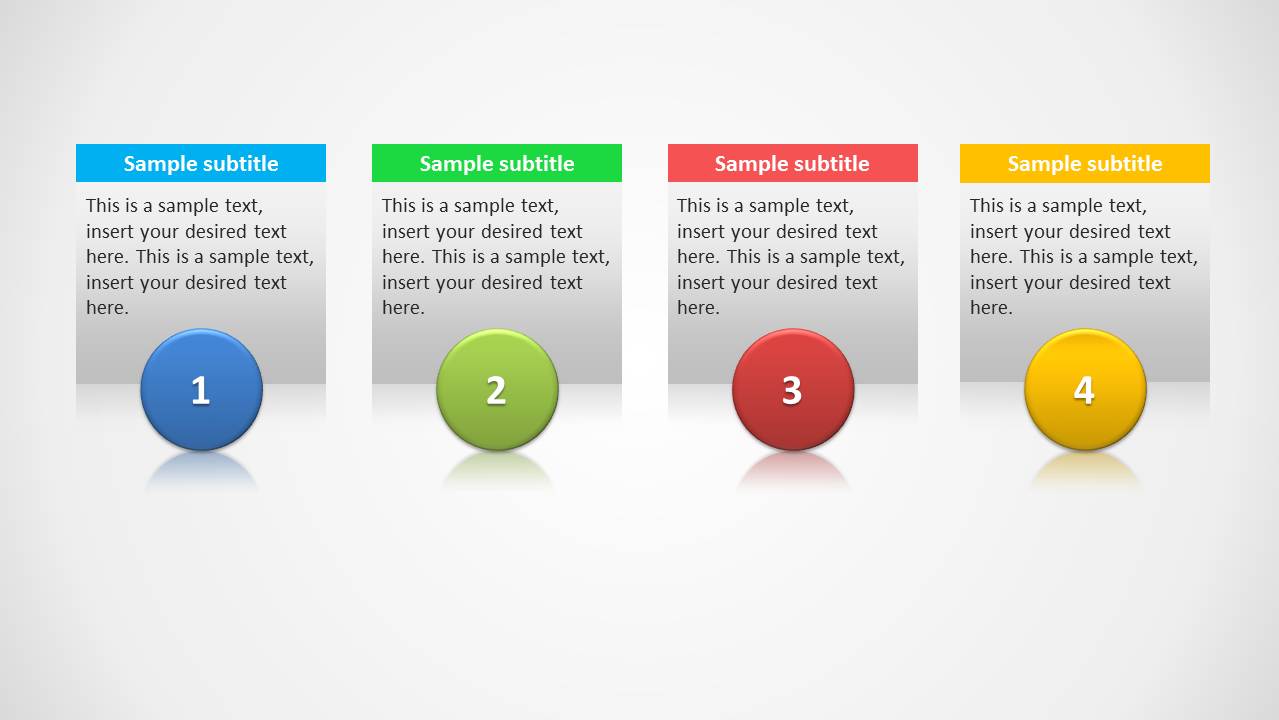
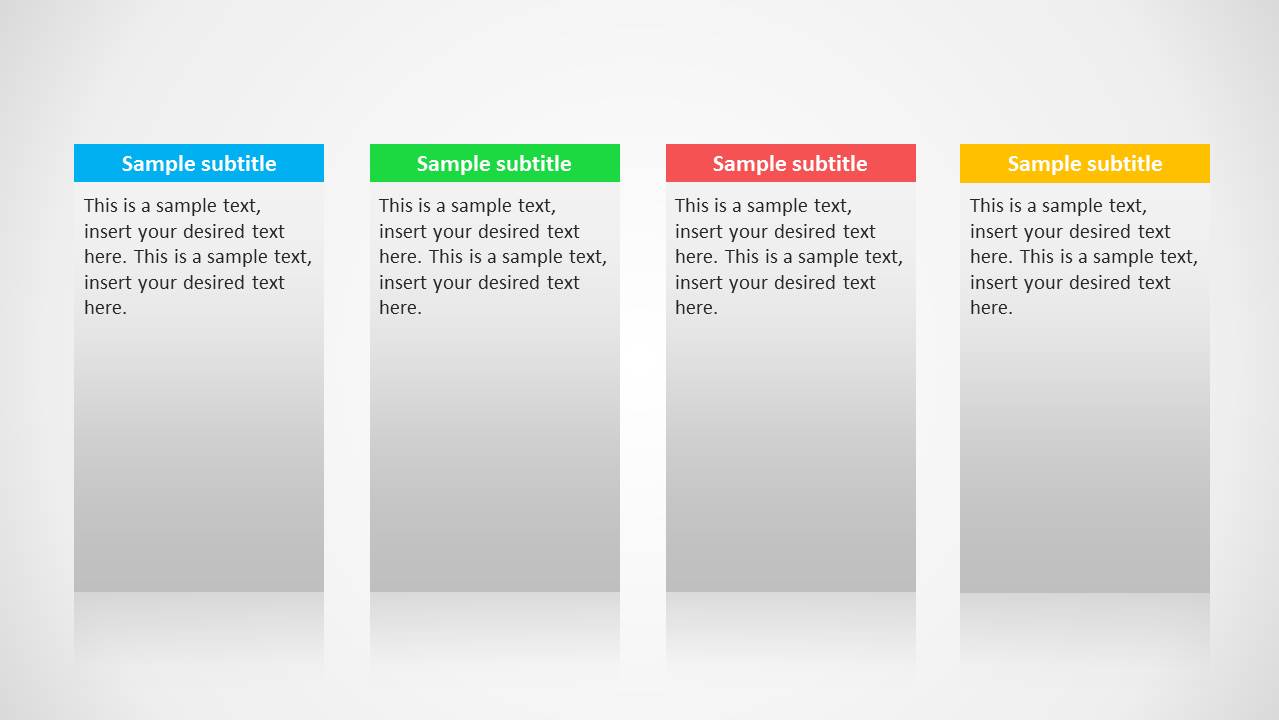
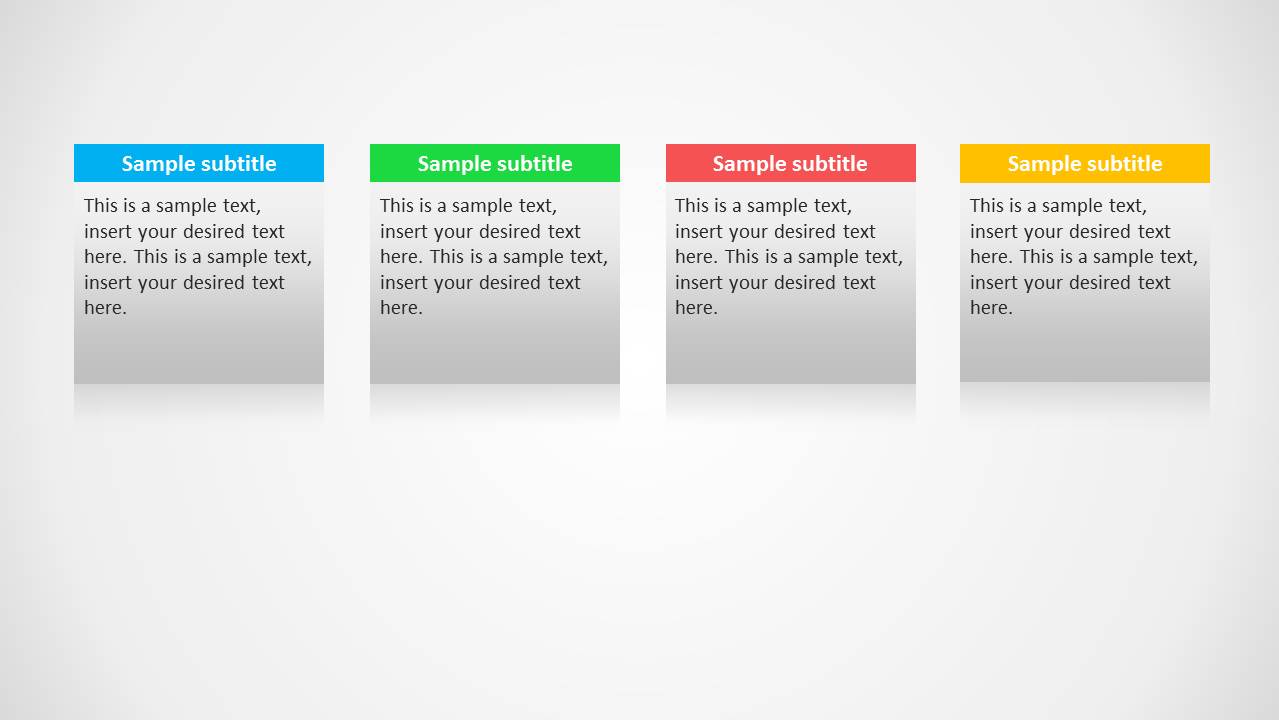
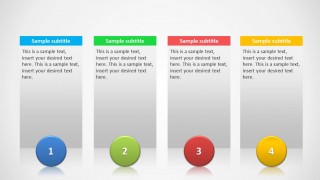
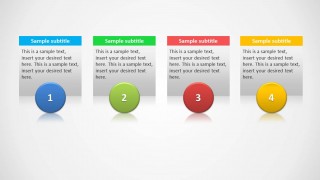
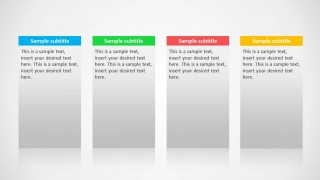
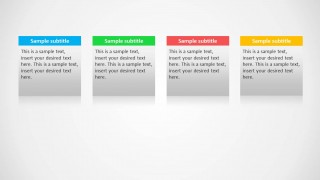
The main slide design contains four numbered columns with editable description and title. Each column is identified by a color. There are some additional variants included like the four small columns design and other variants without the numbers.
What’s inside this template
Example presentation scenarios
- A product manager can compare four subscription plans by placing each plan in one colored column and using the body text area for key attributes.
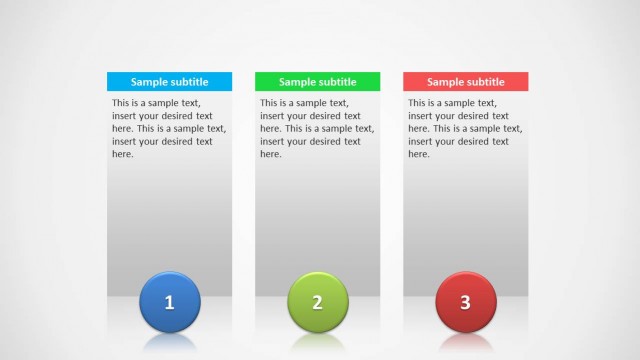
- A consultant can explain a four-step operating model with the numbered circle layouts, using one column for each stage and a short explanation under each subtitle.
- A sales presenter can contrast four product features or service packages with the unnumbered comparison columns, helping buyers scan differences side by side.
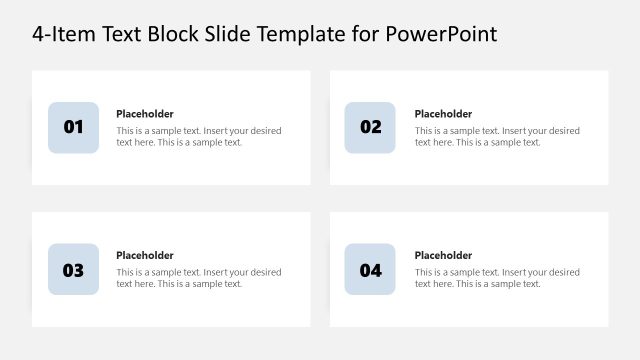
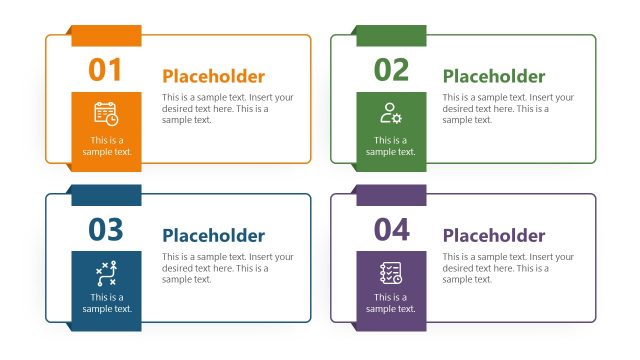
- A trainer can summarize four learning modules with the smaller card layout on Slide 4, leaving white space for verbal explanation or audience notes.
Features
- 100% editable presentation template
- Compatible with Microsoft PowerPoint and Google Slides
- Scalable vector shapes, icons and illustrations
- AI-Ready for Microsoft Copilot and Claude
- Instant access and download
Frequently asked questions
Q: How should a presenter structure a message with four columns without making it feel like a plain list?
A: Assign one clear decision lens to every column, such as plan, feature set, audience type, or process step. Keep subtitles parallel in length and meaning, then use the body text for the differentiator that matters most. The numbered circle slides work best when the audience should read left to right as a sequence.
Q: Who is this template best suited for in a business presentation?
A: This template fits presenters who need to explain four comparable ideas quickly, such as product managers comparing plans, consultants outlining alternatives, or trainers introducing four modules. It is strongest when each item deserves equal visual weight and the presenter wants the audience to make side-by-side judgments rather than read long paragraphs.
Q: Why do the colored headers and numbered circles improve the comparison?
A: The colored headers separate the four categories before the audience reads the text, reducing confusion between columns. The numbered circles add a step metaphor when order matters, while the unnumbered versions remove sequence cues for neutral comparisons. This gives the presenter control over whether the message feels like a process or a set of peers.
4 Columns Slide Design for PowerPoint
4-slide PowerPoint presentation template for four-column comparisons, product plans, and step descriptions
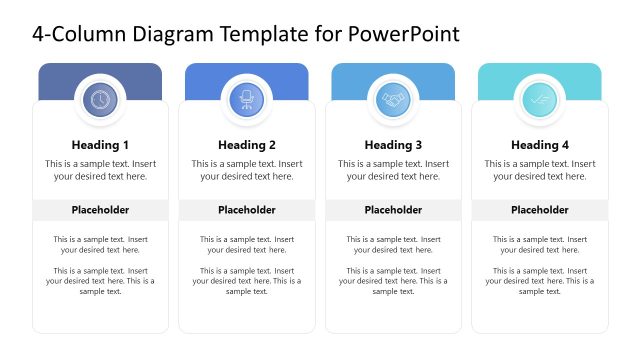
4 Columns Slide Design for PowerPoint is a 4-slide presentation template for comparing four items or explaining a four-step sequence. Visible layouts include tall numbered columns, compact numbered cards, unnumbered comparison columns, and smaller four-card text blocks. It is suited to product managers, consultants, trainers, and sales presenters.


 Loading...
 Microsoft PowerPoint
  Microsoft Copilot
  Claude for PowerPoint
 Other formats supported
Subscribe today and get immediate
access to download our PowerPoint templates.