Slide 2 of 4 from 3 Columns Slide Design for PowerPoint
columns-3-powerpoint-wide-2
Three Column Comparison Layout for Presentations
- Text Layout
- Other
- Comparison Slide
- 16:9
- 100% Editable
The Three Column Comparison Layout from the 3 Columns Slide Design for PowerPoint template offers a structured format ideal for product comparisons and feature highlights. This slide template uses three vertically aligned columns with editable shapes and numbered nodes to clearly contrast options, supporting effective communication in business presentations and pitch decks.
What’s on This Slide
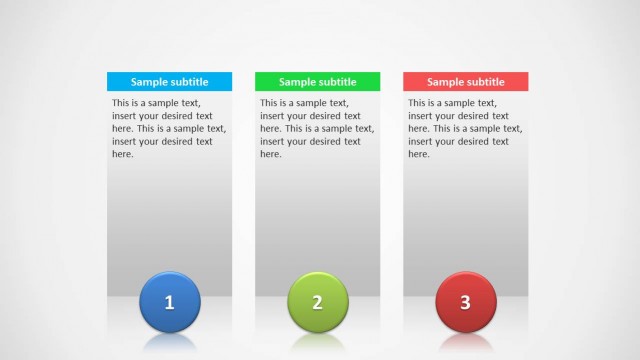
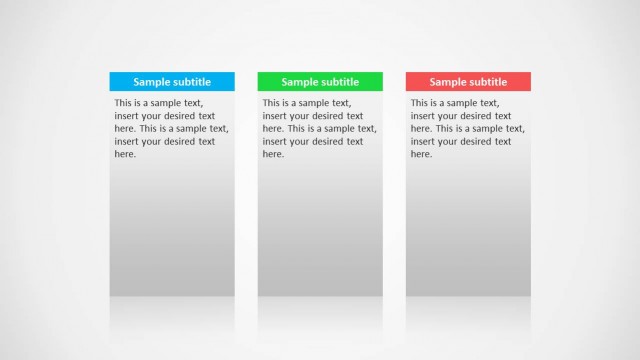
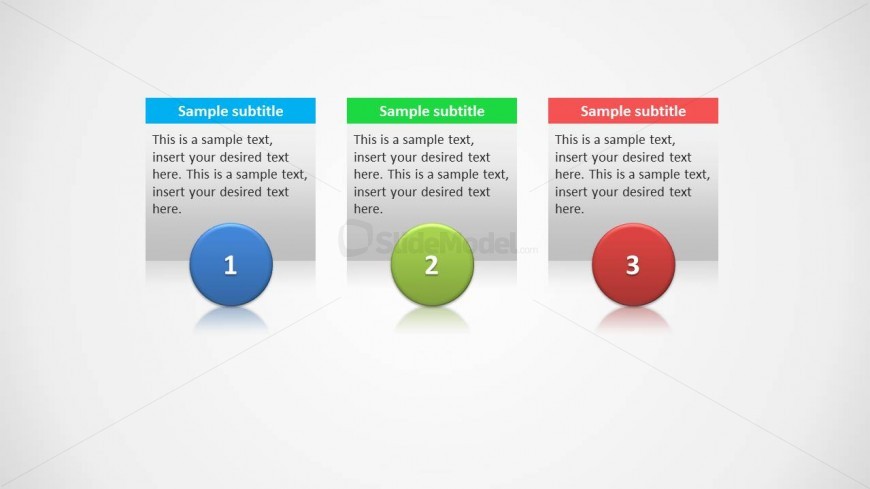
The layout features three vertical columns arranged side by side. Each column contains a rounded rectangular shape at the top with a colored header, followed by a circular node at the bottom displaying numbers one to three. The text placeholders are centrally aligned within the rectangular shapes, allowing for detailed descriptions. The columns have a subtle shadow effect, enhancing their visual separation. The background is a light gradient, providing a neutral canvas for the colored elements. The overall composition is balanced, with equal spacing between the columns.
How to Use It
This layout serves as a three-column comparison tool, ideal for presenting parallel ideas or options. It fits well in a presentation sequence after introducing a topic, allowing for a clear contrast of features or benefits. Business scenarios include product comparisons, project timelines, or feature highlights. The structured format aids in audience understanding by visually segmenting information into digestible parts, making it suitable for both formal and informal presentations.
Text Placeholders & Capacity
Keep your copy within these limits so it fits without resizing. Body slots can hold roughly 25-30 words each.
| Placeholder | Count | Max characters (approx.) |
|---|---|---|
| Slide title | 1 | 40 |
| Subtitle | 3 | 60 |
| Body paragraph | 3 | 150 |
| Item heading | 3 | 10 |
Slide Keywords
Download unlimited PowerPoint templates, charts and graphics for your presentations with our annual plan.
DOWNLOADReturn to 3 Columns Slide Design for PowerPoint.