Slide 1 of 4 from 3 Columns Slide Design for PowerPoint
columns-3-powerpoint-wide-1
Three Column Comparison Layout for Presentations
- Text Layout
- Other
- Comparison Slide
- 16:9
- 100% Editable
What’s on This Slide
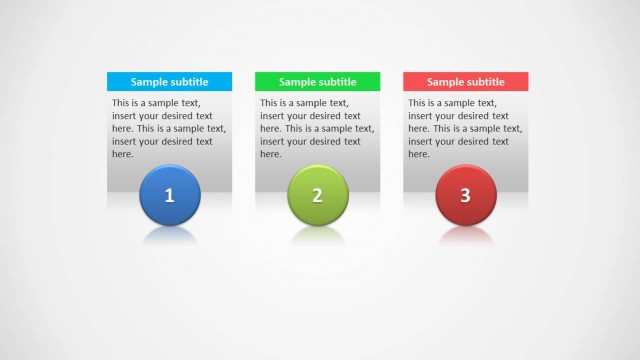
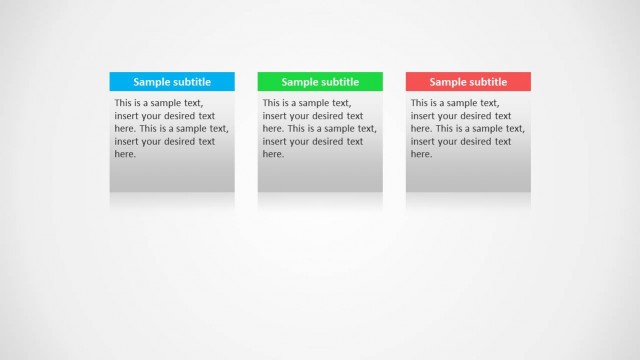
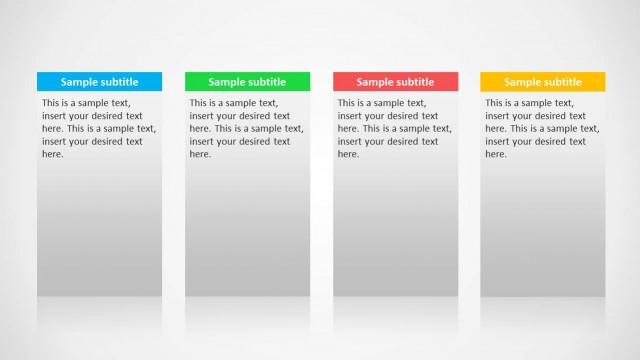
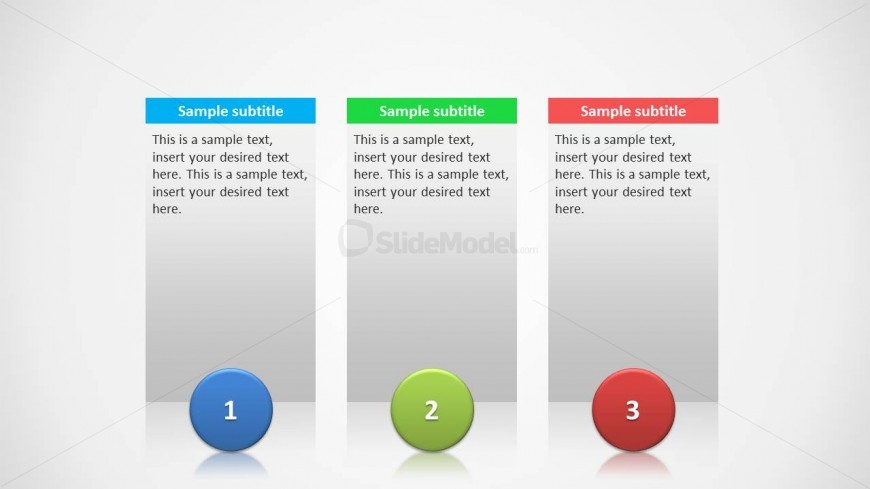
The layout features three vertical columns aligned side by side. Each column contains a colored header with a subtitle at the top, followed by a text placeholder for body content. Below the text area, a circular shape with a number is centered in each column. The headers are colored blue, green, and red, while the circular shapes are filled in matching colors. The background is a light gradient, enhancing the visual separation of columns. Text placeholders are aligned centrally within each column, creating a balanced structure.
How to Use It
This layout serves as a three-column comparison tool, ideal for presenting parallel ideas or options. It fits well in a presentation sequence after introducing a topic, allowing for detailed exploration of three distinct points. Suitable for business scenarios like product comparisons, feature highlights, or project timelines, this format enables clear communication of multiple concepts simultaneously, enhancing audience understanding and engagement.
Text Placeholders & Capacity
Keep your copy within these limits so it fits without resizing. Body slots can accommodate roughly 40-50 words each.
| Placeholder | Count | Max characters (approx.) |
|---|---|---|
| Slide title | 1 | 30 |
| Subtitle | 3 | 30 |
| Body paragraph | 3 | 200 |
| Node number | 3 | 1 |
Slide Keywords
Download unlimited PowerPoint templates, charts and graphics for your presentations with our annual plan.
DOWNLOADReturn to 3 Columns Slide Design for PowerPoint.