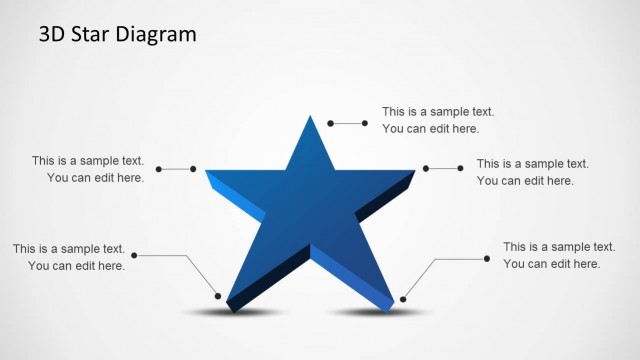
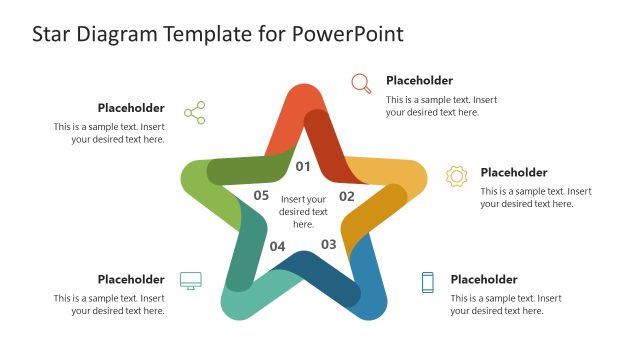
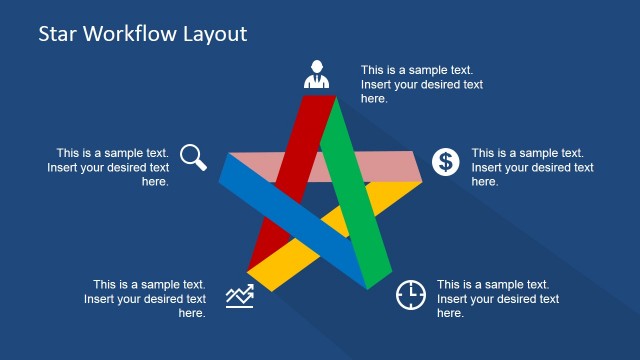
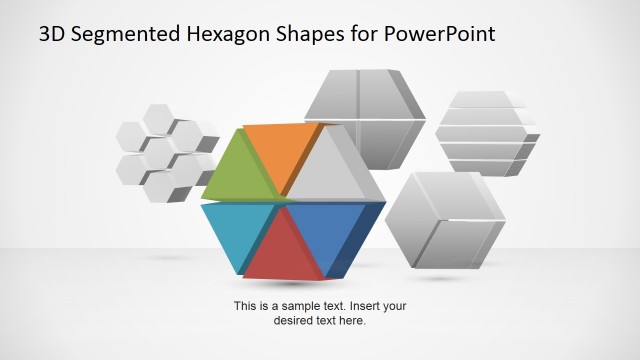
3D Stars Diagram Template for PowerPoint is a presentation design containing star shapes that you can use to prepare awesome 3D diagrams in Microsoft PowerPoint.
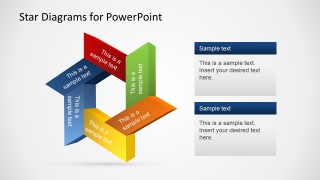
The slide layouts come in a variation of different star themed designs which provide enough scope to create custom diagrams and to rearrange the slide layouts according to your requirements.
What’s inside this template
Example presentation scenarios
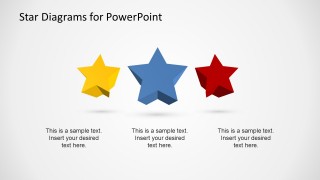
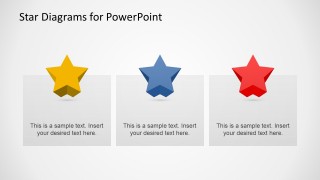
- A sales manager can present top product differentiators by using the three-card star layout to compare the strongest selling points with short supporting descriptions.
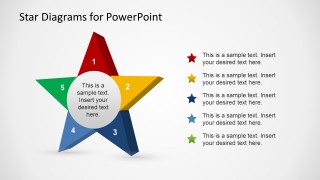
- A trainer can explain a five-step quality framework by using the numbered star process slide and matching legend to connect each point to a learning objective.
- A marketing presenter can introduce a campaign recognition theme by using the 3D star cluster with callouts to label brand promise, audience, message, offer, and proof points.
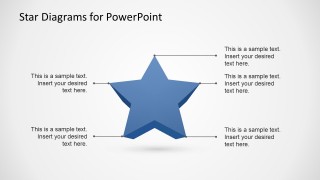
- An HR presenter can summarize employee award criteria by using the large star annotation slide to attach behavior examples to each visible point of the star.
Features
- 100% editable presentation template
- Compatible with Microsoft PowerPoint and Google Slides
- 16:9 aspect ratio slides
- Scalable vector shapes, icons and illustrations
- AI-Ready for Microsoft Copilot and Claude
- Instant access and download
Frequently asked questions
Q: How should a presenter make the star metaphor clear instead of decorative?
A: Tie each star point to a concrete idea such as a criterion, benefit, milestone, or behavior. The five-point process slide is best for structured concepts, while the callout slides work for labeling parts of a single idea. Keep each label short so the star remains the organizing device, not just background art.
Q: Who is this template best suited for in a business presentation?
A: It fits presenters who need to communicate excellence, recognition, ranking, or standout value without building a formal data report. Sales teams can frame differentiators, HR teams can explain awards or competencies, and trainers can convert a five-part model into a memorable visual structure using the numbered star and callout layouts.
Q: Why use 3D star diagrams for priorities and recognition topics?
A: The star shape already signals achievement, quality, and emphasis, so it gives the audience an immediate cue about importance. The 3D effect adds depth, while the callout lines, cards, and numbered arms separate related messages. This helps viewers see both the central idea and its supporting points quickly.
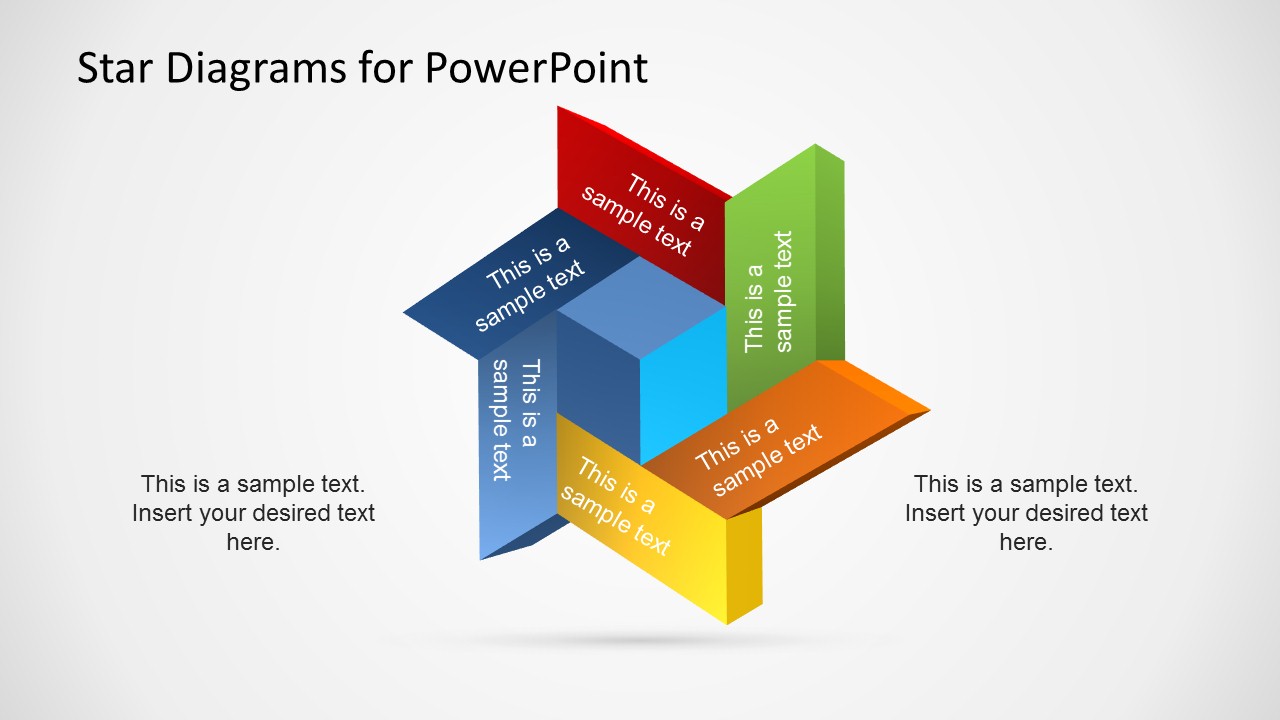


3D Stars Template for PowerPoint
7-slide PowerPoint presentation template with 3D star diagrams and callout layouts
3D Stars Template for PowerPoint is a 7-slide 16:9 diagram template built around editable 3D star shapes. It includes a star cluster diagram, callout diagram, three-item comparison, large star annotation layout, and five-point star process. It is for presenters explaining ratings, priorities, recognition, or ranked ideas in PowerPoint.
- Category
- Diagrams
- Rating


 Loading...
- Aspect ratio
- 16:9
- Item ID
- 6504-01
- Colors
 Microsoft PowerPoint
  Microsoft Copilot
  Claude for PowerPoint
 Other formats supported
Subscribe today and get immediate
access to download our PowerPoint templates.