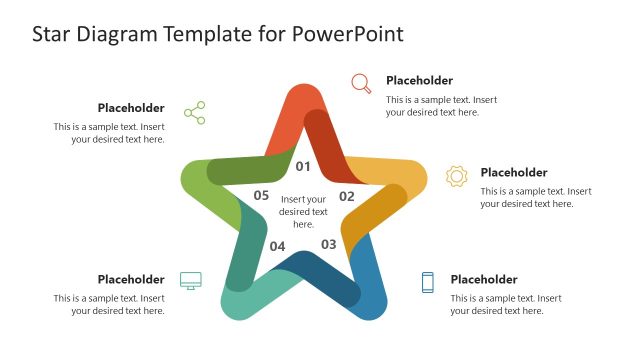
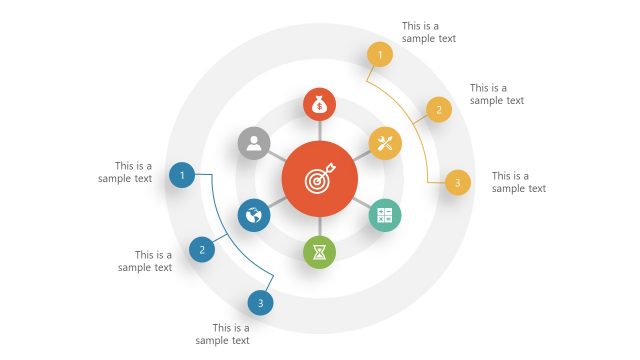
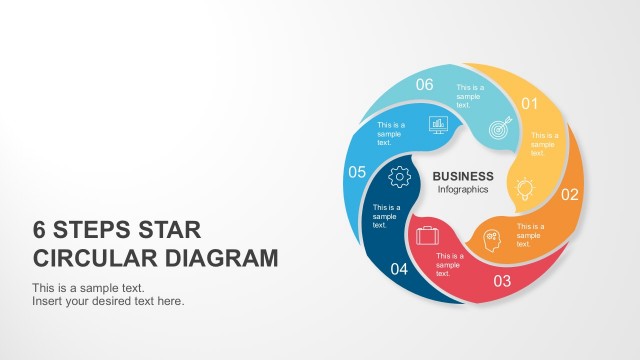
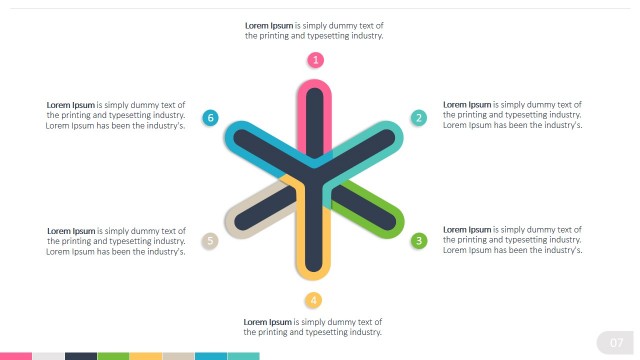
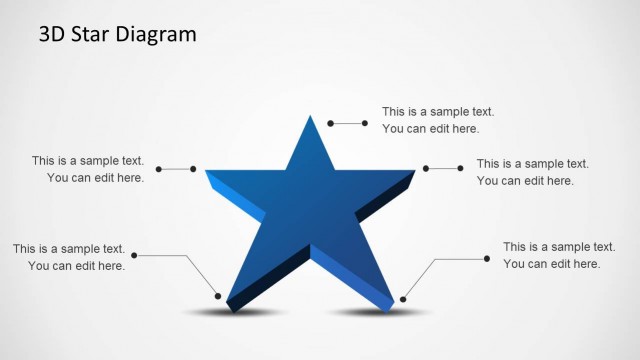
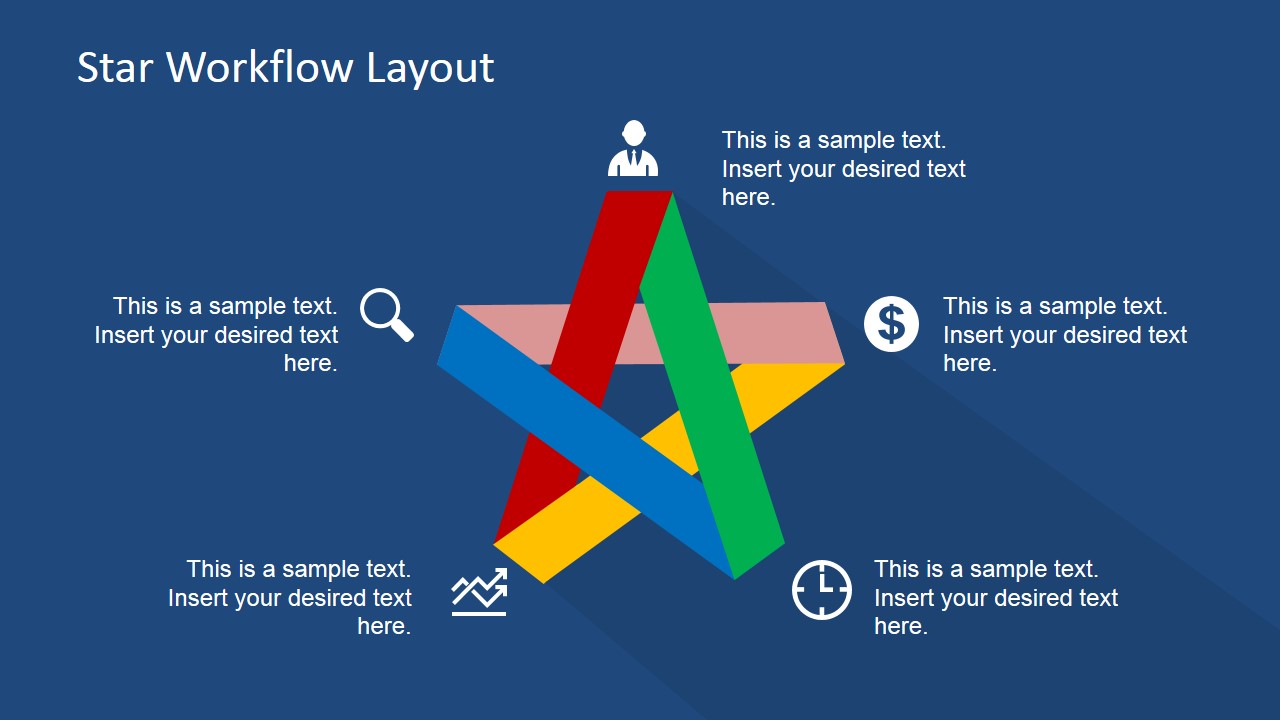
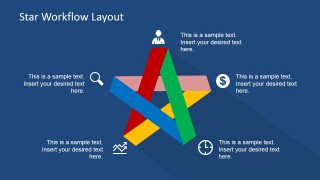
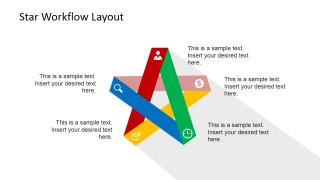
Five Steps Flat Star Diagram for PowerPoint is an inclusive and powerful template to highlight five key aspects of any topic. Stars are used to represent the metaphor of power and potential. Inspired by stars, the Five Steps Flat Star PowerPoint diagram gives a feeling of elegance. The PowerPoint template uses a blended point star, which can be used to describe the five steps or key pillars of any corporate project, business model or strategy.
Each piece of the template is created as PowerPoint objects, which allows the user to customize any detail of the slides appearance. The customization does not require special any PowerPoint knowledge; just updating the regular PowerPoint Shapes properties (size, color, effects,etc.) and updating the text placeholders will be enough for the regular user to reach a professional outcome without the need of a designer. The Five Steps Flat Star Diagram for PowerPoint can be used as the main concept of an infographic or the driving diagram of a process flow description. The flat material long shadow design allows you to present your ideas in a bold fashion.
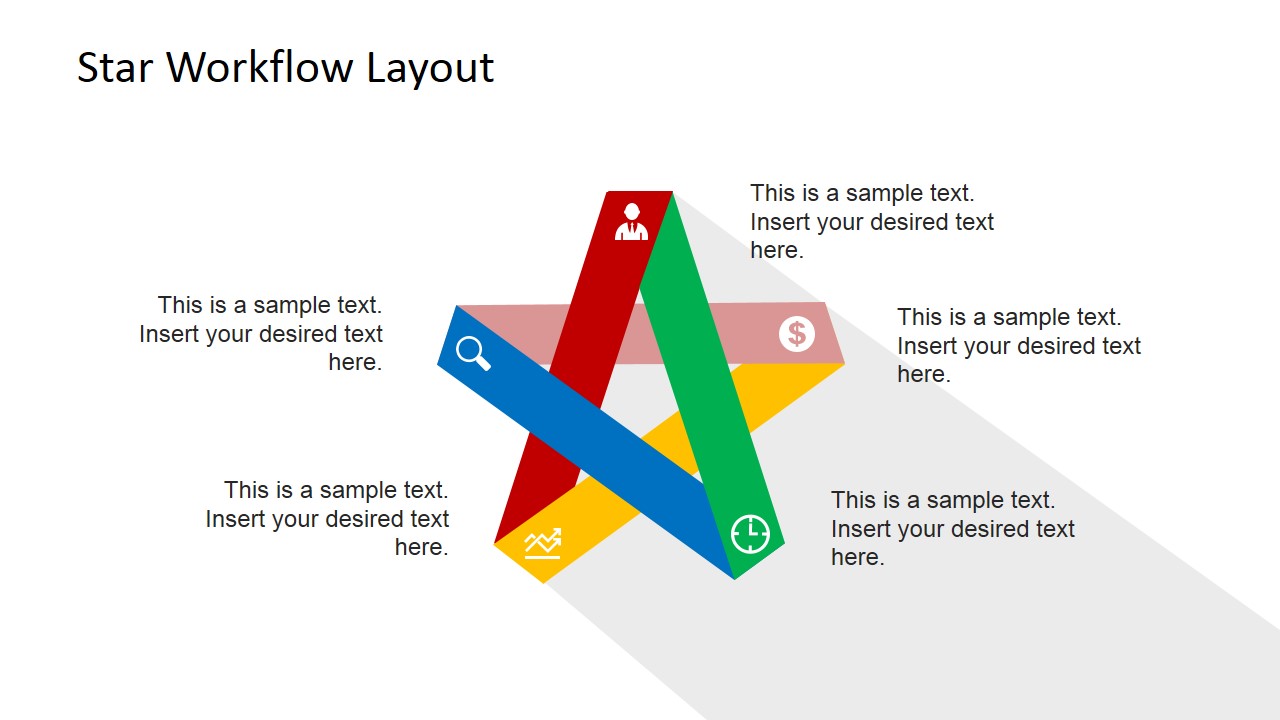
Each star vertex is decorated with PowerPoint Icons, used to represent business concepts. Users can replace the clipart shapes with any of our PowerPoint Icons and design a different theme.
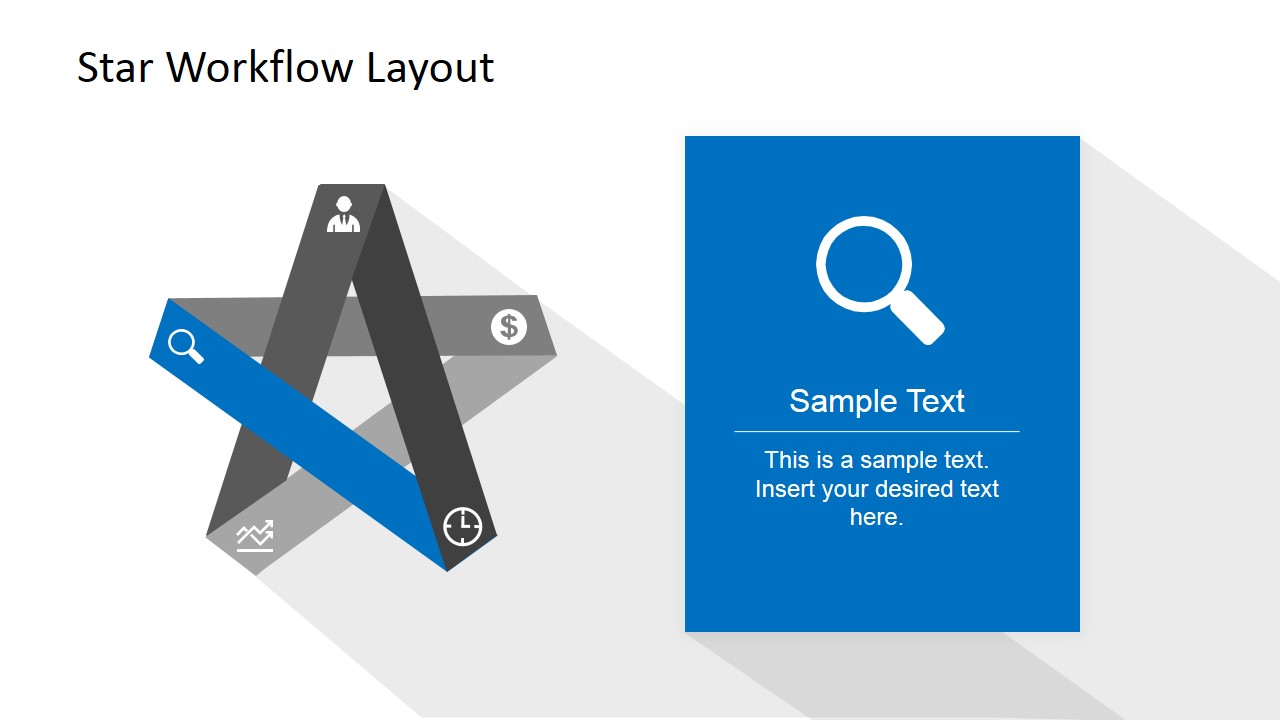
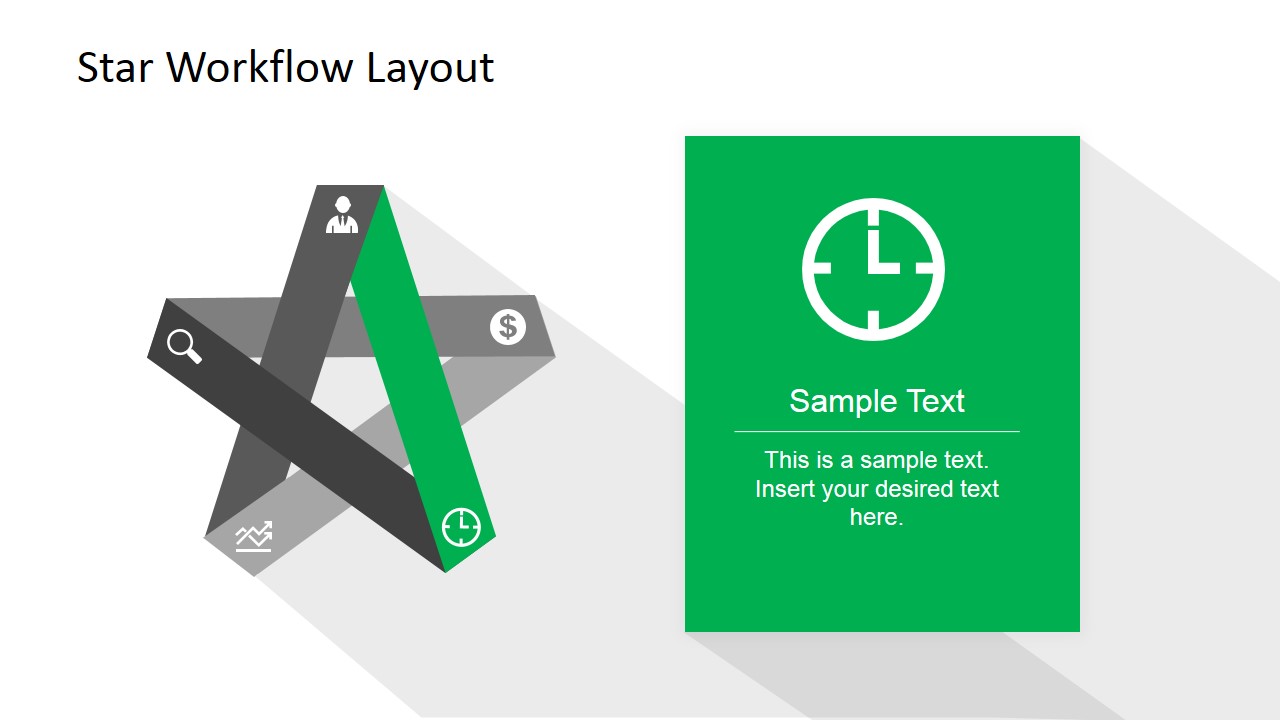
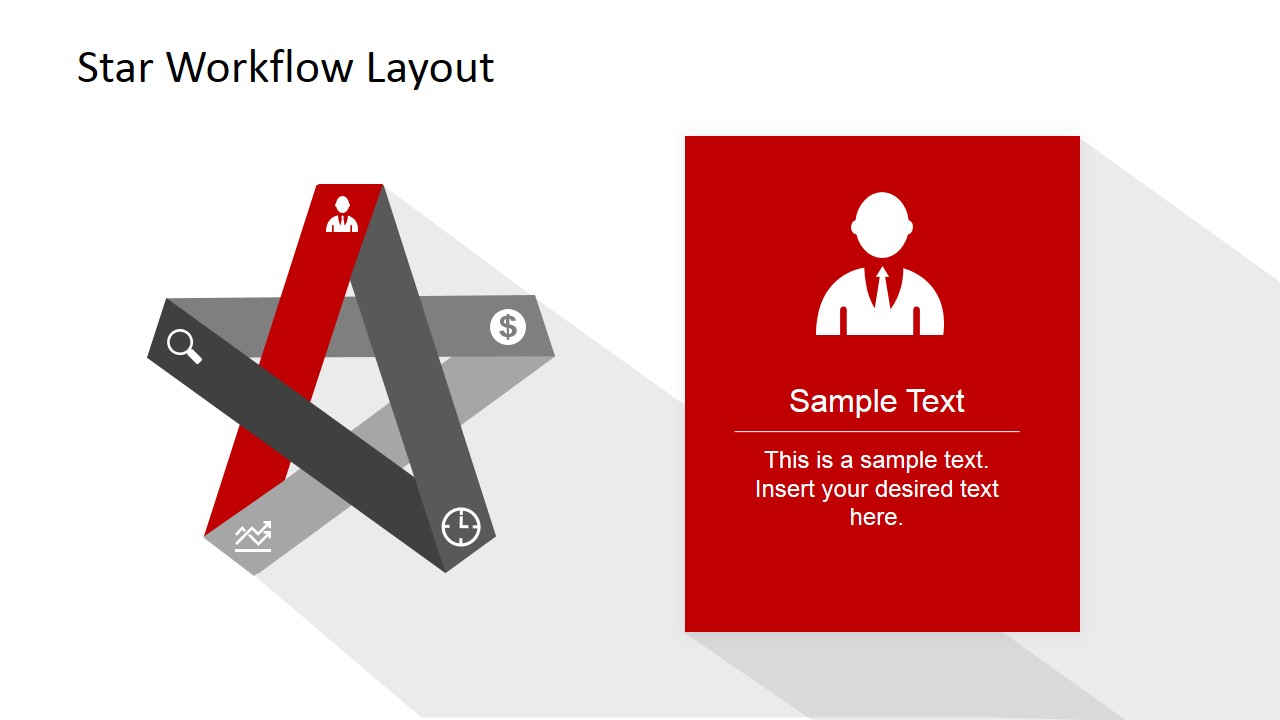
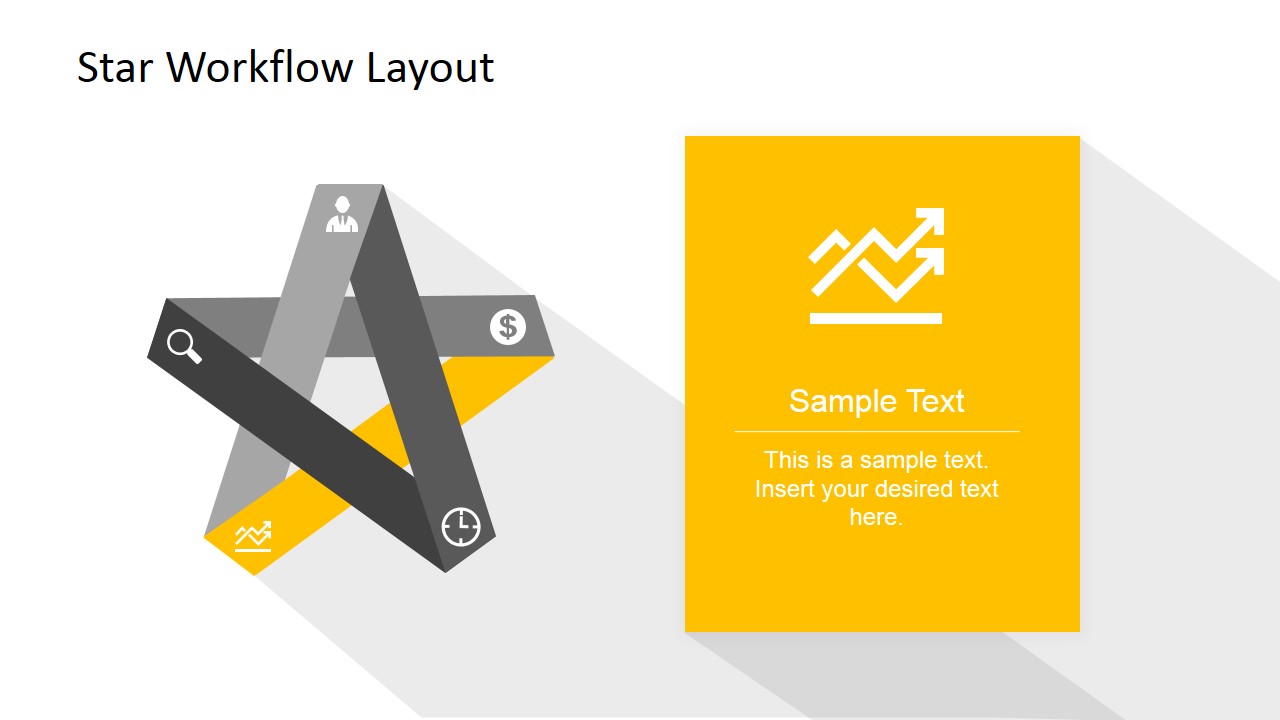
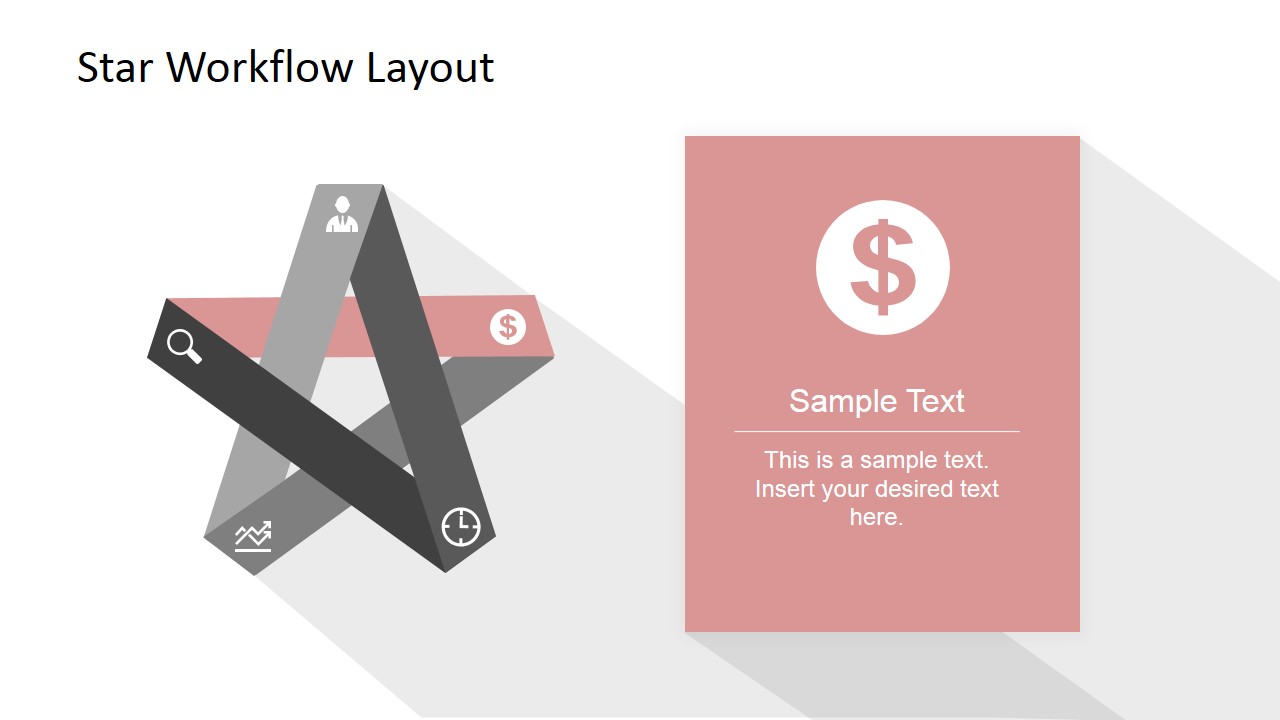
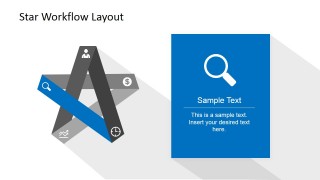
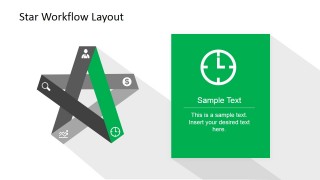
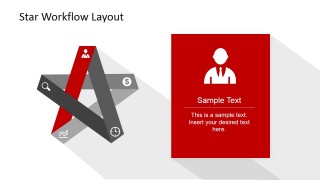
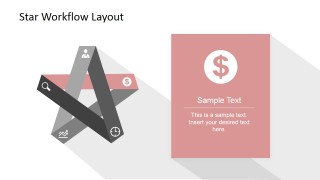
The template layout consists of two sets of slides. The introductory set, where a descriptive centered diagram, full colored, with two options of icons placements are presented. The second set consist of two vertical tiles containing the Star diagram on the left, where one edge of the star is colored and the rest greyed out, and a text placeholder on the right pane. This layout is popular for describing individual elements of the steps, particularly, the step highlighted.
Impress your audience and create professional presentations with our Five Steps Flat Star Diagram for PowerPoint.
What’s inside this template
Example presentation scenarios
- A project manager can present a five-phase delivery plan using the star overview to show the whole workflow and the step-detail cards to explain each phase.
- A strategy consultant can explain five business pillars to executives by using the colored star segments as anchors for objectives, risks, or decision areas.
- A product manager can introduce five roadmap themes by assigning each theme to one icon, then using the matching step-detail slide for supporting notes.
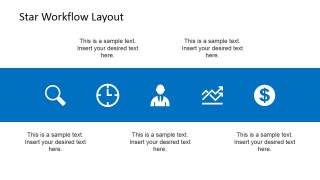
- A training facilitator can teach a repeatable five-step method with the horizontal icon strip as a recap after walking through each highlighted star segment.
Features
- 100% editable presentation template
- Compatible with Microsoft PowerPoint and Google Slides
- 16:9 aspect ratio slides
- Scalable vector shapes, icons and illustrations
- AI-Ready for Microsoft Copilot and Claude
- Instant access and download
Frequently asked questions
Q: How should a presenter explain the five points without making the star feel decorative?
A: Start with the overview slide and define what each star point represents before moving into the step-detail cards. Keep the same order, icon meaning, and color association throughout the deck. This turns the star into a navigation device, not just a graphic, and helps the audience track progress through the five ideas.
Q: Who is this template best suited for in a business presentation?
A: It fits presenters who need to make five related ideas feel connected: consultants explaining a framework, project leads outlining a workflow, or managers summarizing strategy pillars. The layout is strongest when each point has similar importance and can be described with one clear icon, short title, and concise supporting text.
Q: Why use a star metaphor for a five-step process?
A: The star gives equal visual weight to all five points while keeping them tied to one central concept. On the detail slides, the muted gray star and single colored point create focus without losing context. That combination supports both big-picture orientation and step-by-step explanation.

Five Steps Flat Star Diagram for PowerPoint
8-slide presentation template with five-step star diagram, step cards, and workflow icons
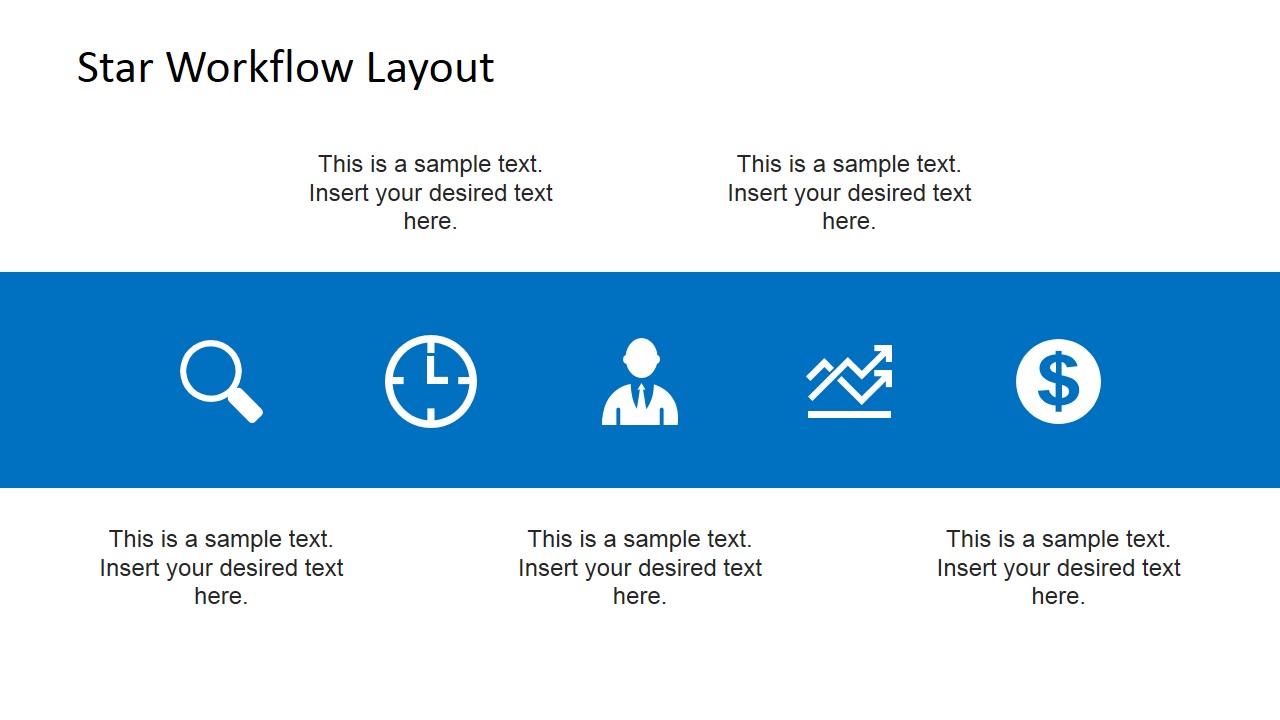
Five Steps Flat Star Diagram for PowerPoint is an 8-slide diagram template for presenting five priorities, process stages, or project pillars. It includes a central star overview, five step-detail cards, and a horizontal icon strip. Built for business presenters, it works in Microsoft PowerPoint and Google Slides.
- Category
- Diagrams
- Rating

 Loading...
- Aspect ratio
- 16:9, 4:3
- Item ID
- 6733-01
- Colors
 Microsoft PowerPoint
  Microsoft Copilot
  Claude for PowerPoint
 Other formats supported
Subscribe today and get immediate
access to download our PowerPoint templates.