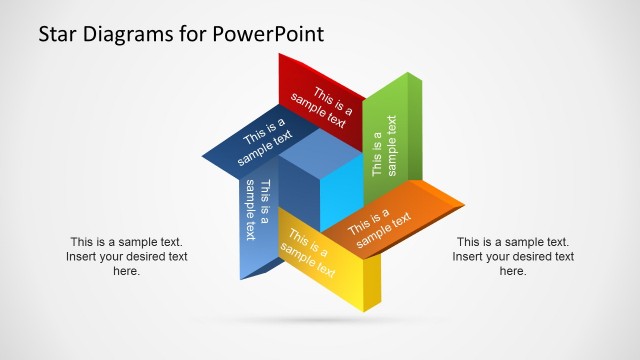
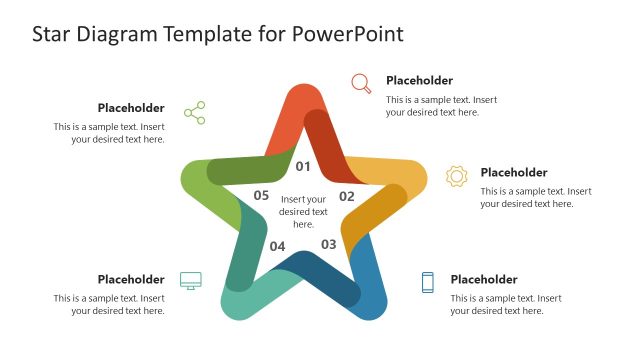
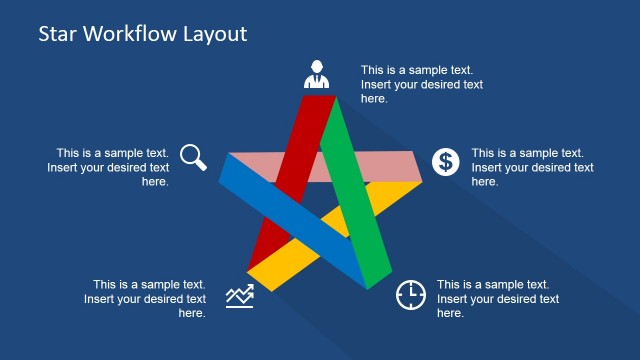
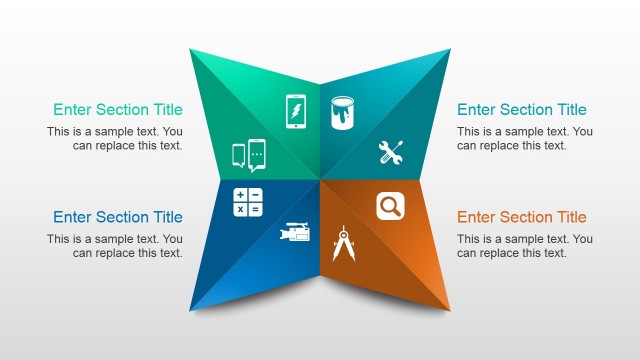
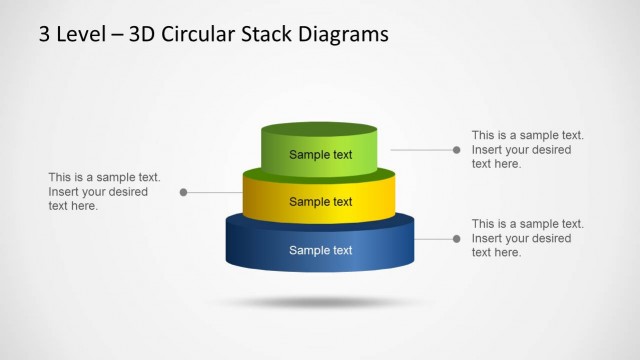
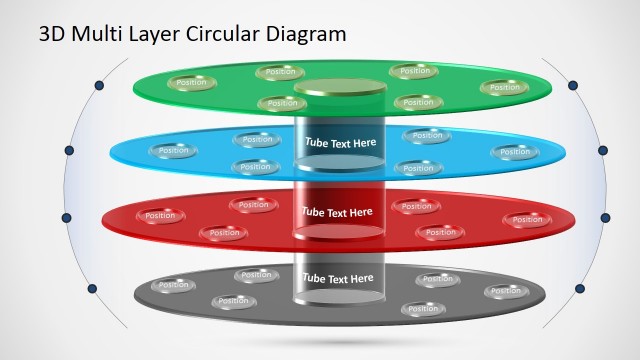
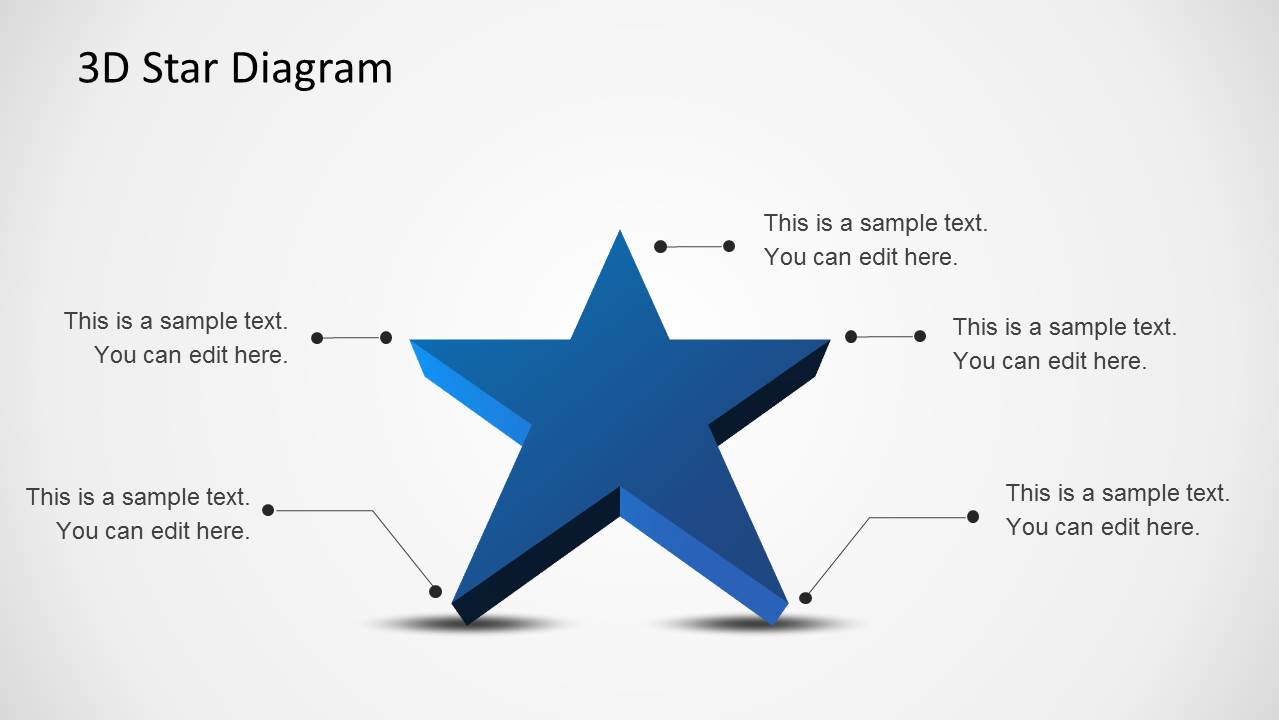
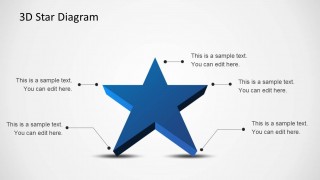
3D Star Diagram Template for PowerPoint is a template for making 3D diagrams by editing readymade slide designs.
With this template you can create anything from comparison slides, quarterly evaluations to project timelines, with the help of a star shaped diagram. Similarly, you can use this template for class lectures or school presentations for elaborating upon various aspects of your presentation topic using a 3D star diagram, which can be easier to comprehend for your audience due to its layout.
Each sample slide in this template provides a unique slide layout, which can help you avoid making your presentation monotonous; by using different types of star diagram layouts to represent different types of information in various slides.
What’s inside this template
Example presentation scenarios
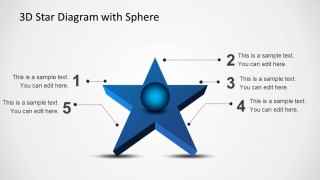
- A project manager can use the five-number star diagram to explain five evaluation criteria and keep each point tied to one central project objective.
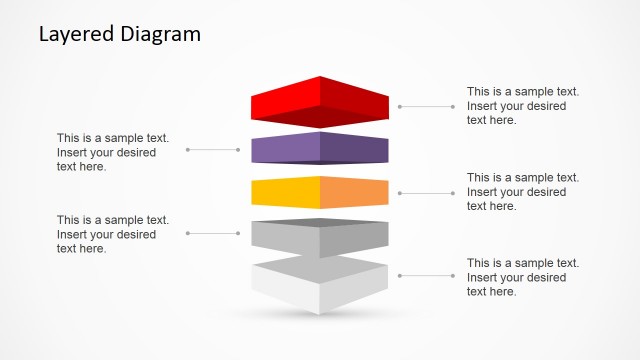
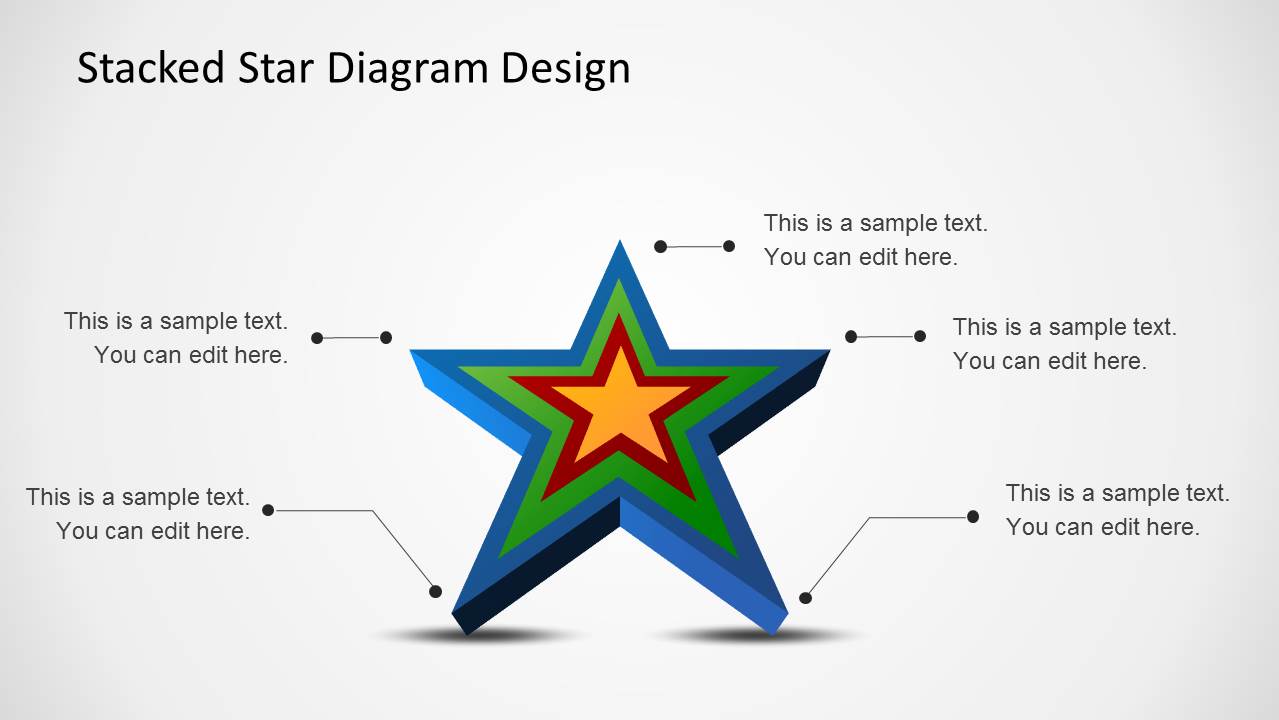
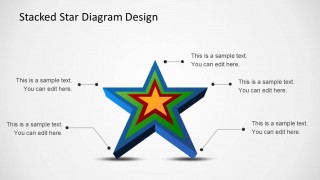
- A consultant can use the stacked star design to show layered priorities, such as core value, supporting factors, and outer impact areas.
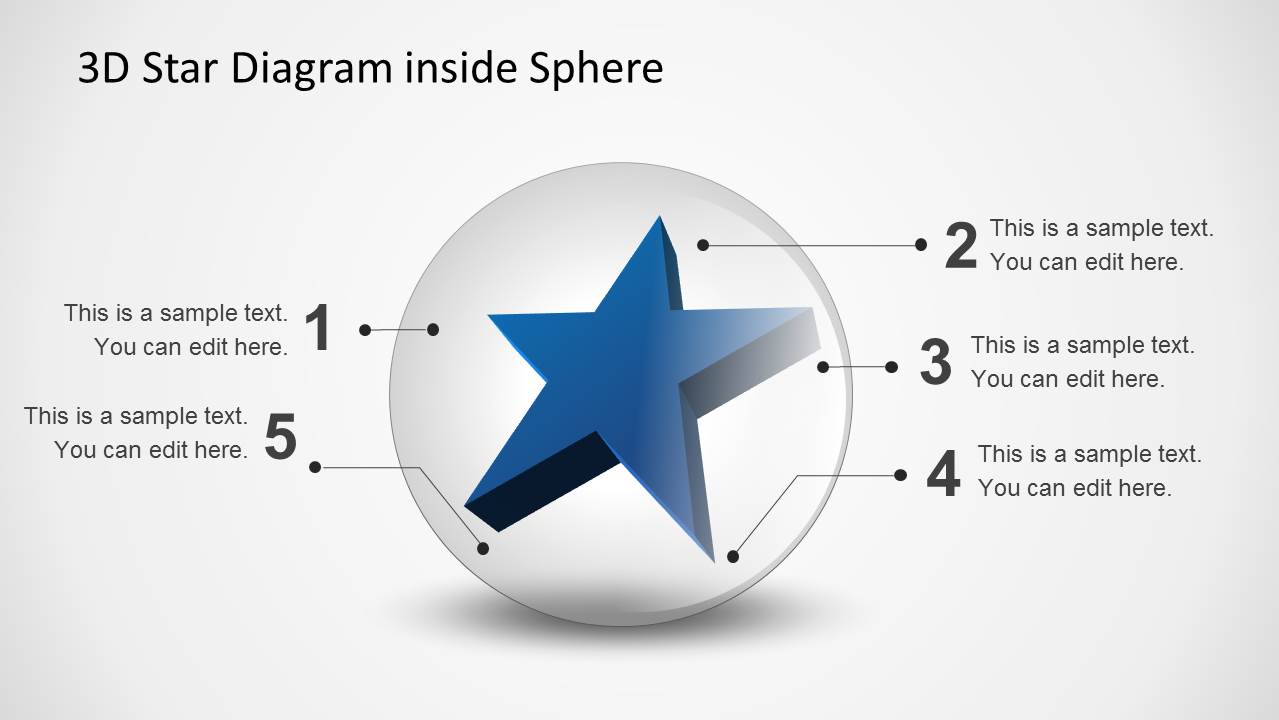
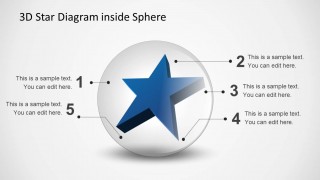
- An educator can use the star inside a sphere to introduce five dimensions of a lesson topic while keeping attention on a single visual metaphor.
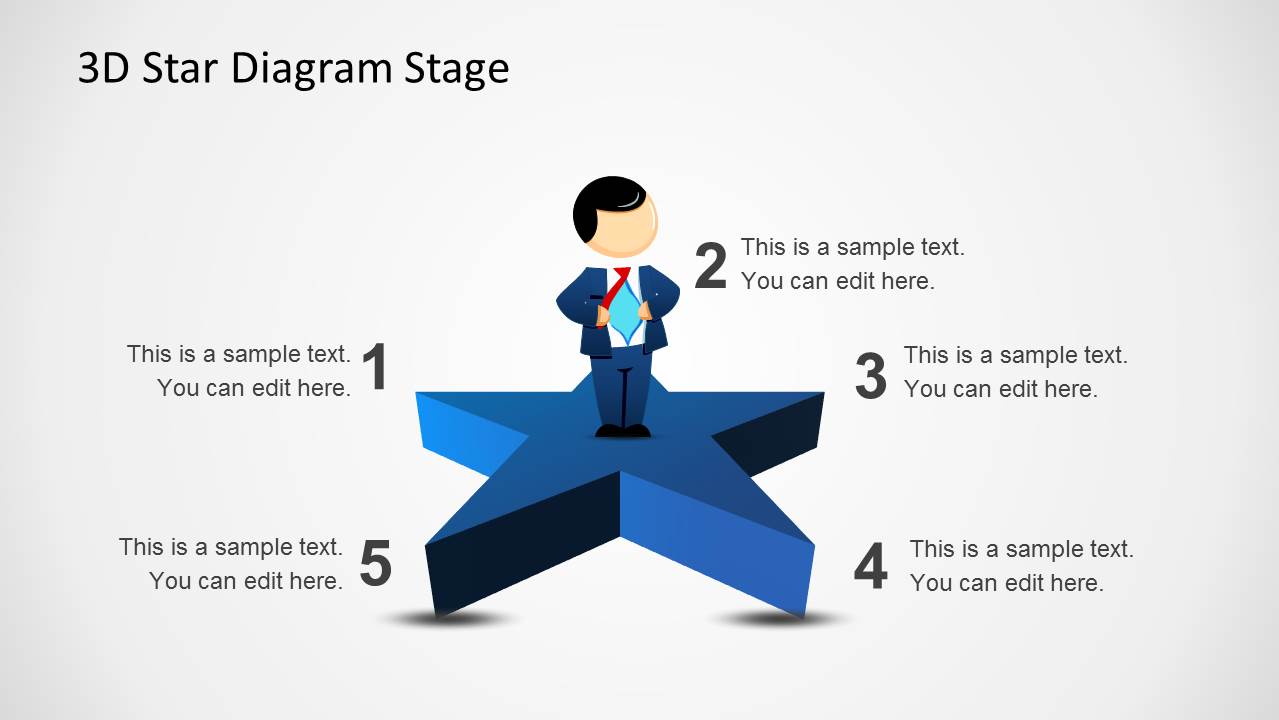
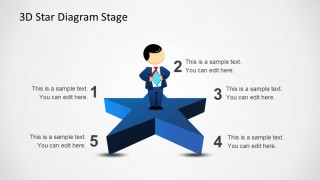
- A business presenter can use the stage-style star with the standing figure to frame a leadership message, team values, or a keynote section.
Features
- 100% editable presentation template
- Compatible with Microsoft PowerPoint and Google Slides
- Scalable vector shapes, icons and illustrations
- AI-Ready for Microsoft Copilot and Claude
- Instant access and download
Frequently asked questions
Q: How should a presenter organize content around the 3D star diagram?
A: Start with one clear central idea, then assign one message to each star point. Keep each callout short so the audience can scan the five parts quickly. Use the numbered slides for ordered criteria or steps, and use the unnumbered callout slides when the points are related but not sequential.
Q: Who is this template best suited for?
A: This template works best for presenters who need to explain five connected factors without building a full process deck. Project managers, consultants, trainers, and educators can use the star, sphere, and stacked star layouts to summarize criteria, values, priorities, or learning dimensions in a compact visual format.
Q: Why does the star metaphor help communicate the message?
A: The star creates a strong center-and-points metaphor: one main concept surrounded by five supporting ideas. The 3D perspective, sphere version, and stacked layers add visual depth, which helps distinguish emphasis, containment, or hierarchy. This works well when the message is conceptual rather than data-heavy.
3D Star Diagram Template for PowerPoint
7-slide PowerPoint presentation template with 3D star diagrams, five-step callouts, and sphere visuals
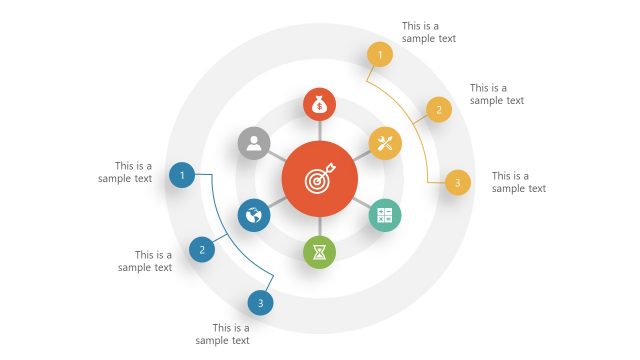
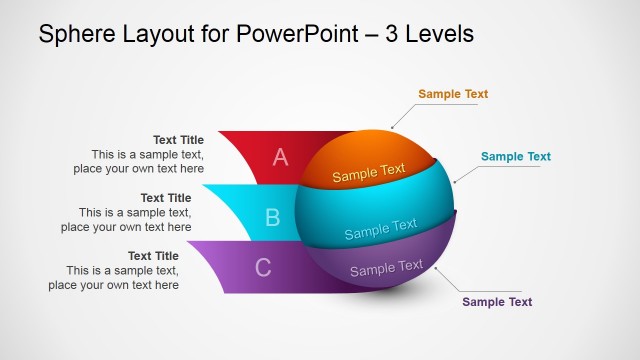
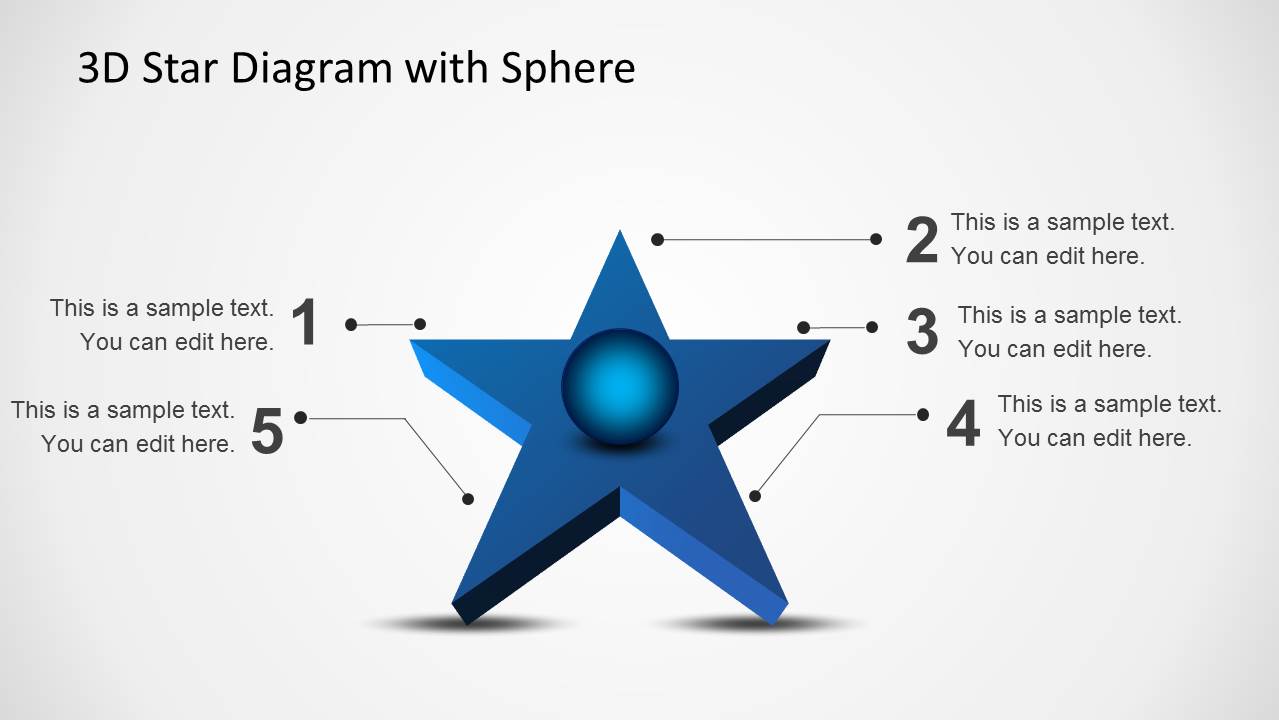
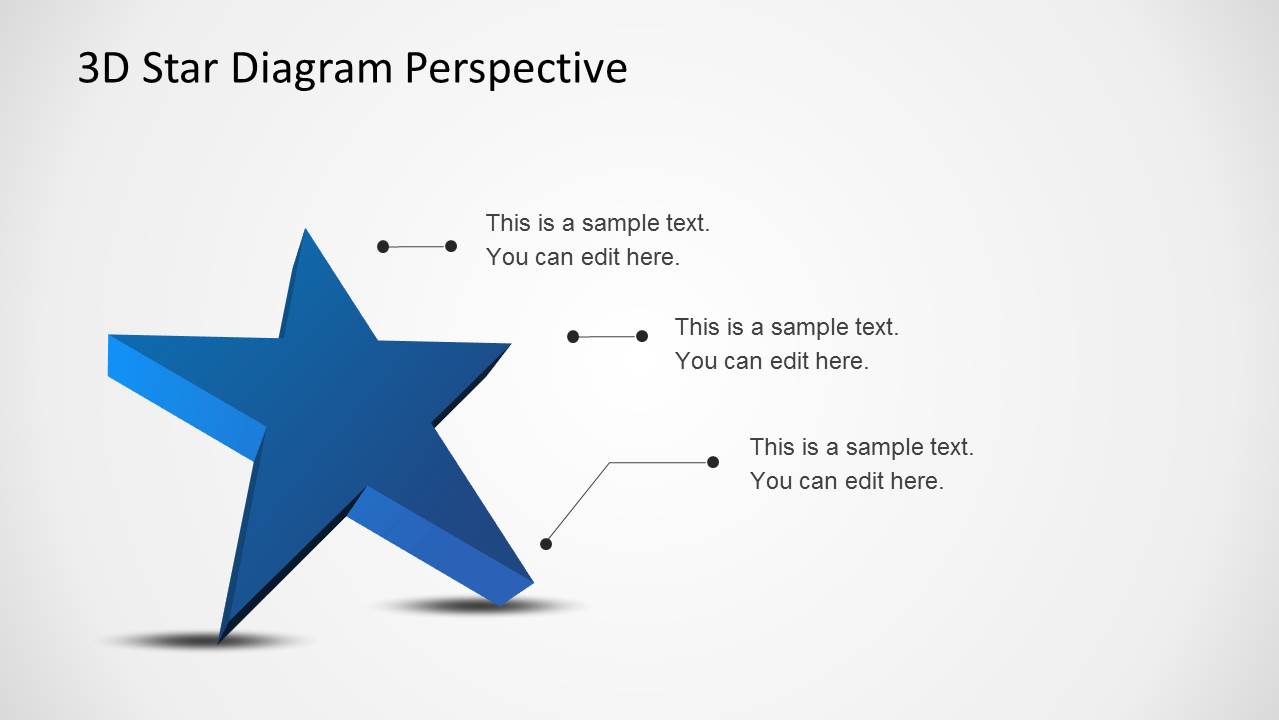
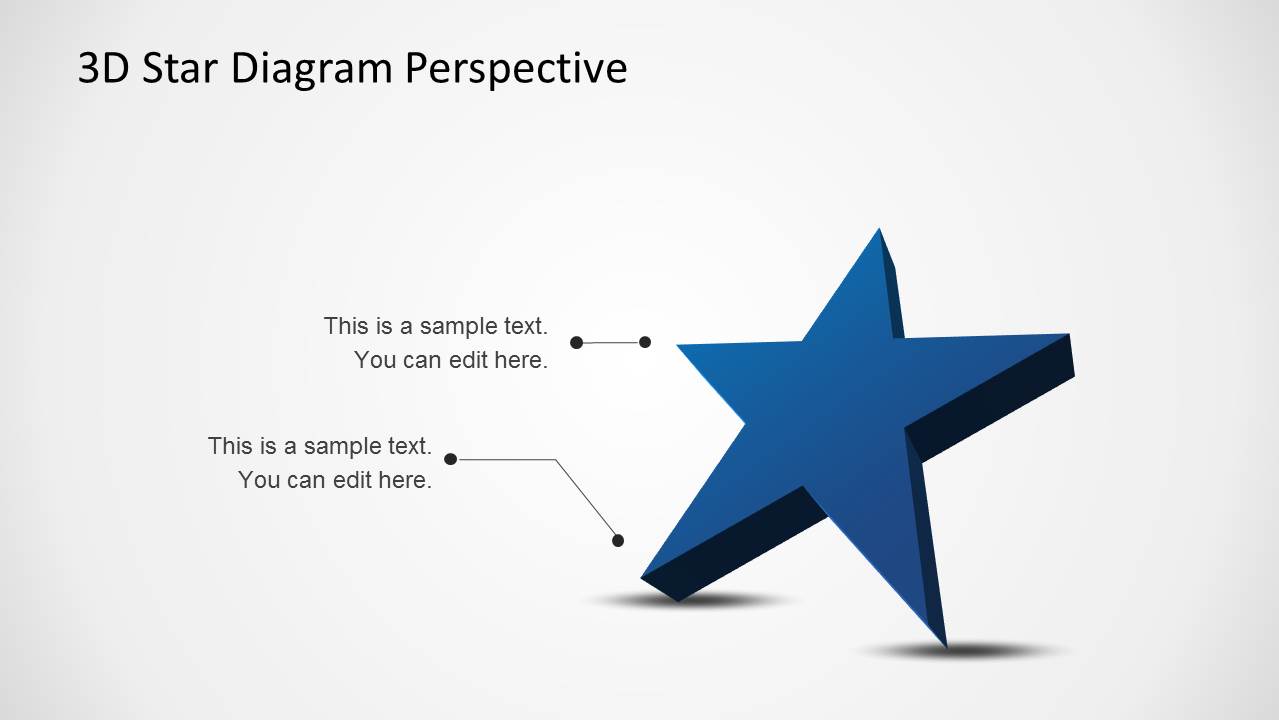
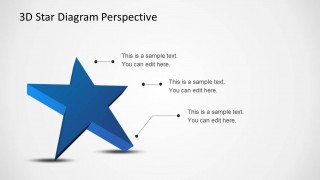
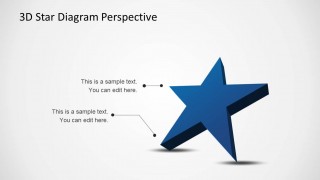
3D Star Diagram Template for PowerPoint is a 7-slide diagram template built around star-shaped 3D visuals. It includes five-point callout diagrams, a star with center sphere, a star inside a transparent sphere, a stage-style star with presenter figure, perspective star layouts, and a stacked star design for business or education presentations.


 Loading...
 Microsoft PowerPoint
  Microsoft Copilot
  Claude for PowerPoint
 Other formats supported
Subscribe today and get immediate
access to download our PowerPoint templates.