Slide 3 of 8 from 3D Pyramid Template for PowerPoint with 5 Segments
6042-01-pyramid-chart-3
3D Pyramid Chart for PowerPoint
- Diagram
- Layered Stack
- Concept Explanation Slide
- 16:9
- 100% Editable
The 3D Pyramid Chart slide from the 3D Pyramid Template for PowerPoint with 5 Segments offers a clear visual hierarchy ideal for corporate presentations and strategic planning. This slide layout features editable shapes and vector icons to illustrate layered concepts effectively, making it suitable for training sessions and educational presentations within a business presentation or pitch deck template.
What’s on This Slide
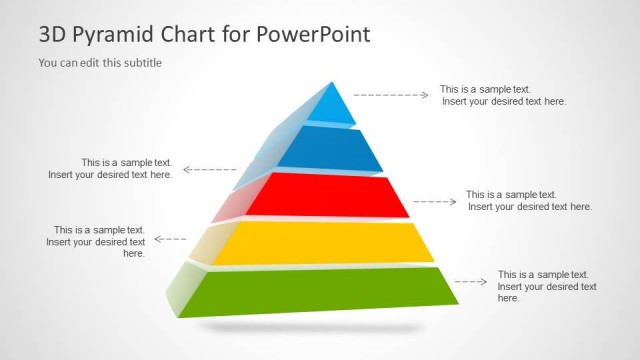
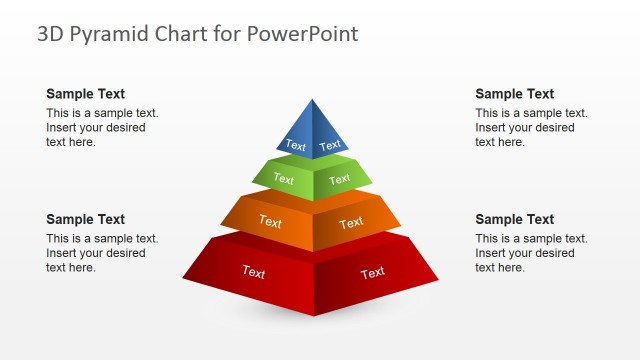
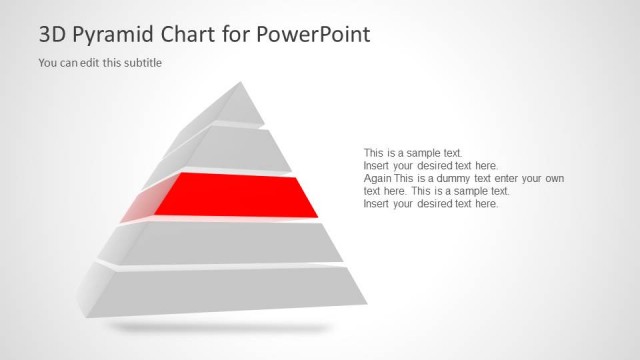
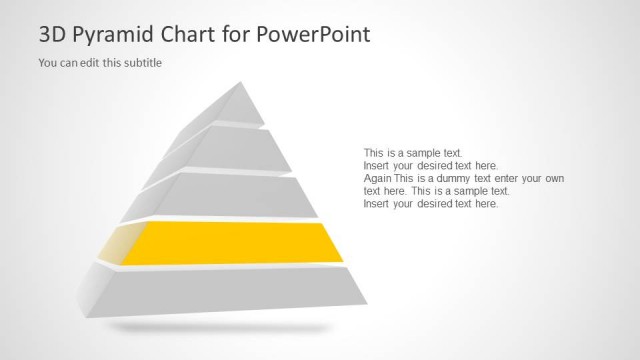
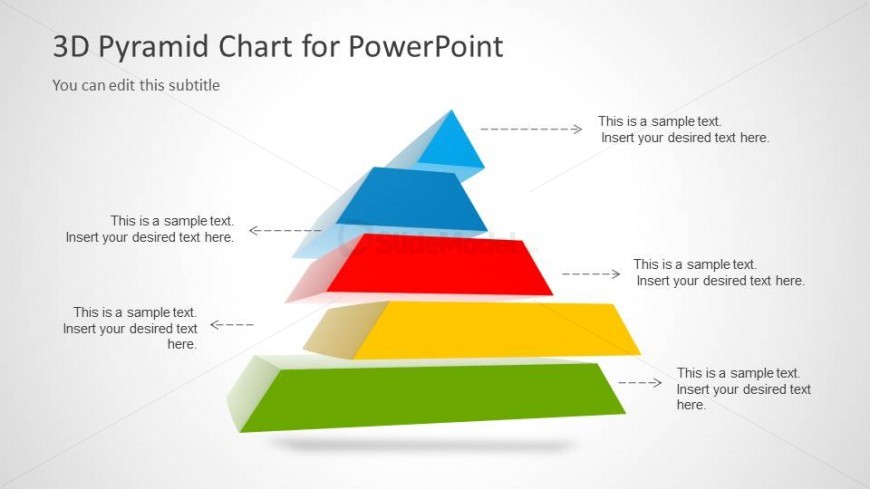
The slide features a 3D pyramid diagram divided into five horizontal segments, each in different colors: blue, red, yellow, green, and gray. The pyramid is positioned centrally with a light background, enhancing visibility. Each segment has a text placeholder aligned to the left, right, or center, indicating where to insert content. Arrows extend from each segment, pointing to corresponding text placeholders, suggesting a relationship between the segments and their descriptions. The title is at the top, with a subtitle placeholder directly beneath it, creating a clear visual hierarchy.
How to Use It
This layout serves as a segmented hierarchy model, ideal for illustrating concepts like Maslow's hierarchy or stages in a process. It fits well in presentations that require a clear visual representation of levels or steps. This slide is useful in business contexts for training sessions, strategic planning, or educational purposes, where complex ideas need to be simplified into a structured format. It can be used individually or as part of a series to maintain thematic consistency.
Text Placeholders & Capacity
Keep your copy within these limits so it fits without resizing. Node body slots can hold roughly 6-8 words each.
| Placeholder | Count | Max characters (approx.) |
|---|---|---|
| Slide title | 1 | 30 |
| Subtitle | 1 | 50 |
| Item body | 5 | 40 |
Slide Keywords
Download unlimited PowerPoint templates, charts and graphics for your presentations with our annual plan.
DOWNLOADReturn to 3D Pyramid Template for PowerPoint with 5 Segments.