Produce creative and helpful presentations with the 2 Levels Segmented 3D Pyramid Design for PowerPoint. Create a striking and interesting report using the colourful segments shown in the PowerPoint template. These are specifically designed to catch the audience’s attention and to ensure that the important details of the presentation are not overlooked.
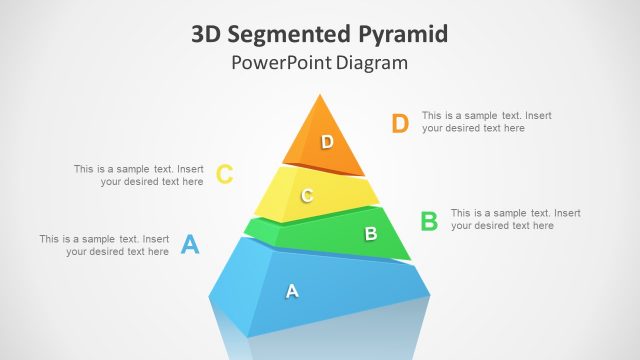
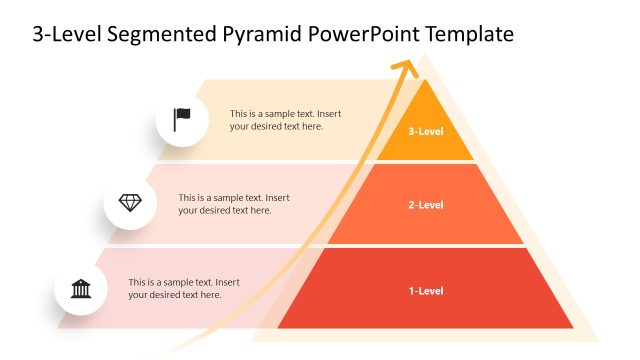
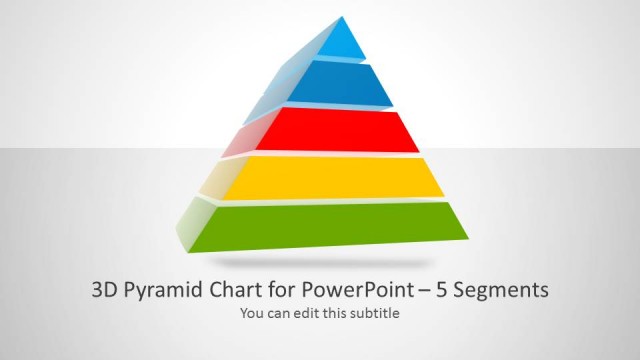
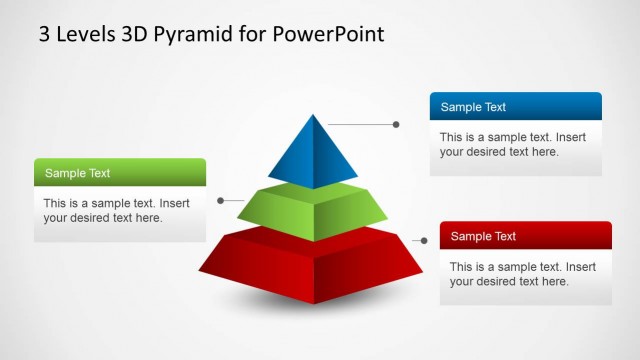
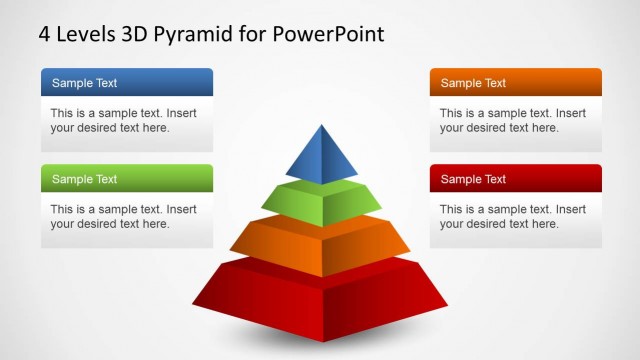
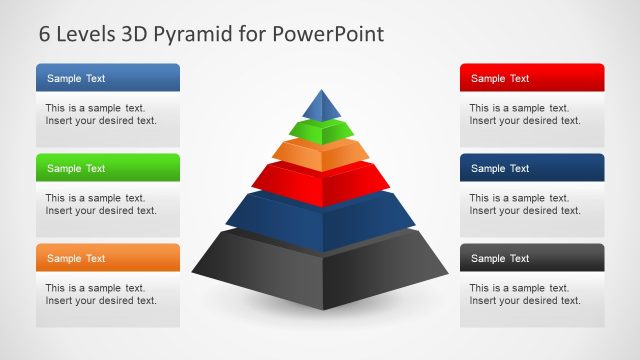
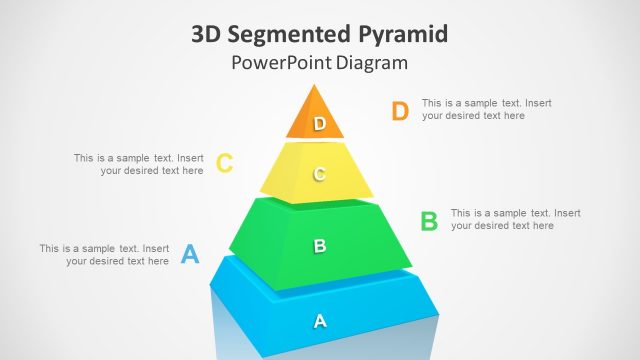
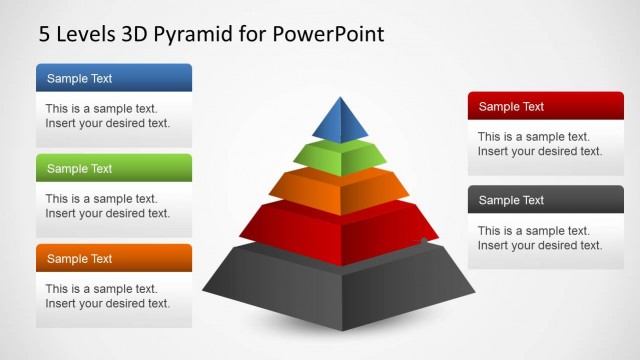
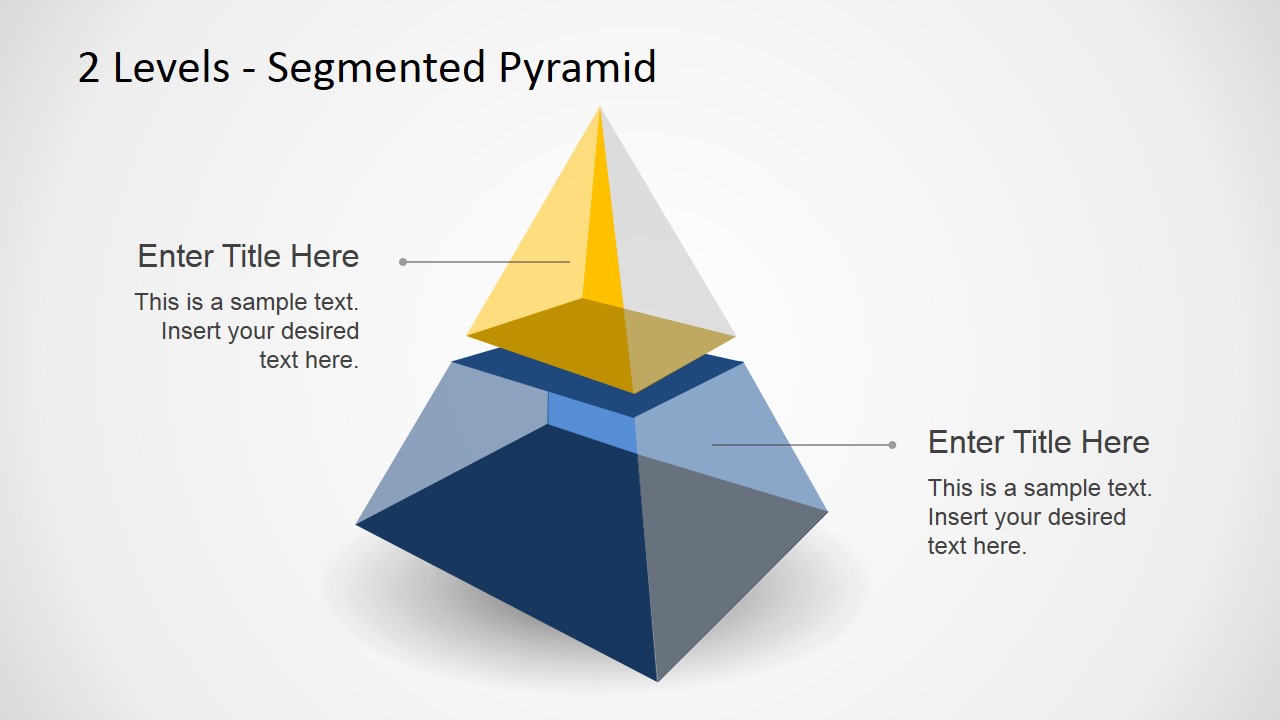
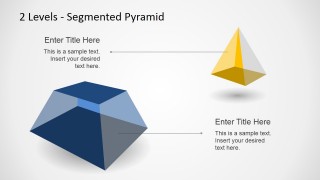
The main features of the PowerPoint template are two 3D shapes. These are created by a pyramid prism that has been divided into two segments. One of these segments is a smaller 3D pyramid shape with yellow surfaces. The other segment is shown in blue and has a rectangular base. These are shown as partially transparent shapes on the slide design. Other PowerPoint templates featuring segmented pyramid designs include the 4 Levels 3D Pyramid Template for PowerPoint. These can be downloaded from the SlideModel Gallery.
Using these shapes, the presenter can show a hierarchy of elements in the business organization. It can also be used to show the composition or demographic of a specific company department or marketing team. The bottom half of the pyramid – that is, the rectangular prism – can be used to represent the bulk of the department, such as the entry-level employees and regular employees. The small pyramid segment at the top can represent the employees which have higher-ranking positions and compose the minority of the company demographic.
The 2 Levels Segmented 3D Pyramid Design for PowerPoint is most ideal for presentations which aim to show the composition of any type of entity or plan. The shapes help the audience visualize the uneven distribution of elements. The content of the presentation design have been created as PowerPoint objects. This allows the presenter to easily edit and revise the objects so that they can fit the presenter’s particular needs and preferences. Through this, the presenter can tailor the presentation to appeal to specific audiences.
What’s inside this template
Example presentation scenarios
- An HR manager can present workforce composition by assigning leadership roles to the top pyramid and broader employee groups to the base segment.
- A strategy consultant can explain a two-tier operating model using the stacked pyramid on the first slide and the separated component view on the second slide.
- A marketing presenter can show customer segmentation by placing a small high-value audience in the yellow top tier and the larger audience base in the blue lower tier.
- A project lead can explain resource allocation by mapping limited strategic resources to the upper pyramid and core execution capacity to the larger base.
Features
- 100% editable presentation template
- Compatible with Microsoft PowerPoint and Google Slides
- 16:9 aspect ratio slides
- Scalable vector shapes, icons and illustrations
- AI-Ready for Microsoft Copilot and Claude
- Instant access and download
Frequently asked questions
Q: How should a presenter structure the explanation around the two pyramid levels?
A: Start with the larger base to define the main population, resource pool, or foundational capability. Then move to the small top segment to explain the specialized, senior, or high-priority group. Keep each callout to one idea so the pyramid remains a clear hierarchy rather than a crowded text slide.
Q: Who is this two-level pyramid best suited for?
A: This template fits presenters who need to explain an uneven split between a large foundation and a smaller upper tier. HR teams, consultants, marketers, and managers can use it for workforce composition, customer segmentation, priority tiers, or resource distribution when two levels are enough to make the point.
Q: Why use a segmented 3D pyramid instead of a flat two-box diagram?
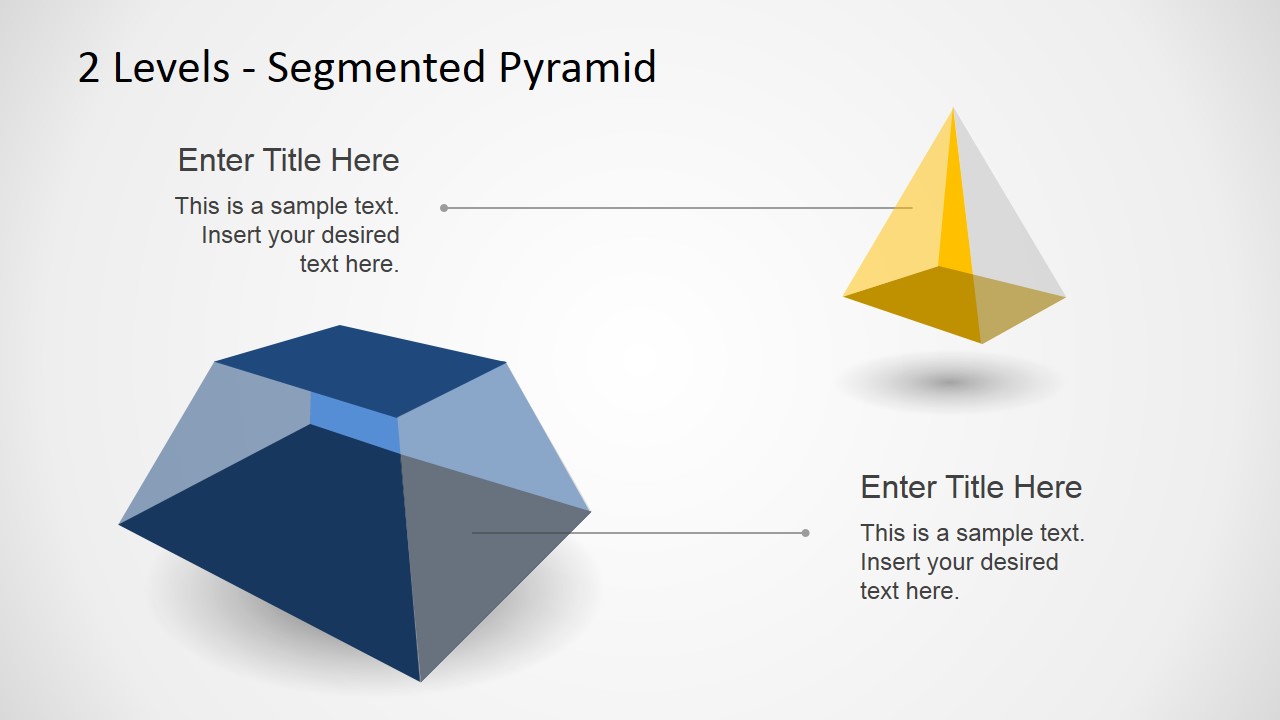
A: The pyramid metaphor immediately signals hierarchy and proportion. The wide base makes the larger group feel foundational, while the smaller top segment reads as selective or higher-level. The separated version on slide 2 helps isolate each component, making it easier to discuss roles, dependencies, or relative size.
2 Levels Segmented 3D Pyramid Design for PowerPoint
2-slide presentation template with segmented 3D pyramid diagrams for hierarchy and composition
The 2 Levels Segmented 3D Pyramid Design for PowerPoint is a 2-slide diagram template for Microsoft PowerPoint and Google Slides. It shows a stacked two-level 3D pyramid and a separated top pyramid with base segment. It is suited to hierarchy, composition, distribution, and organizational layer explanations.
- Category
- Diagrams
- Rating


 Loading...
- Aspect ratio
- 16:9, 4:3
- Item ID
- 12003-01
- Colors
 Microsoft PowerPoint
  Microsoft Copilot
  Claude for PowerPoint
 Other formats supported
Subscribe today and get immediate
access to download our PowerPoint templates.