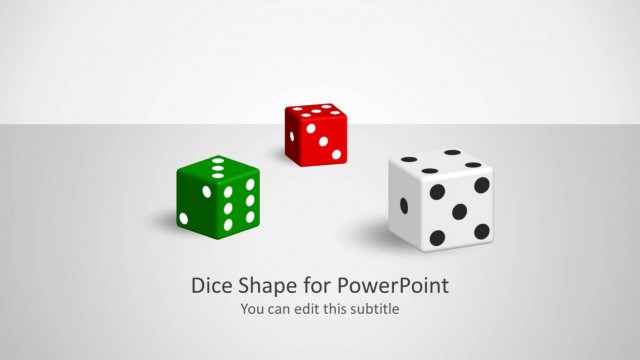
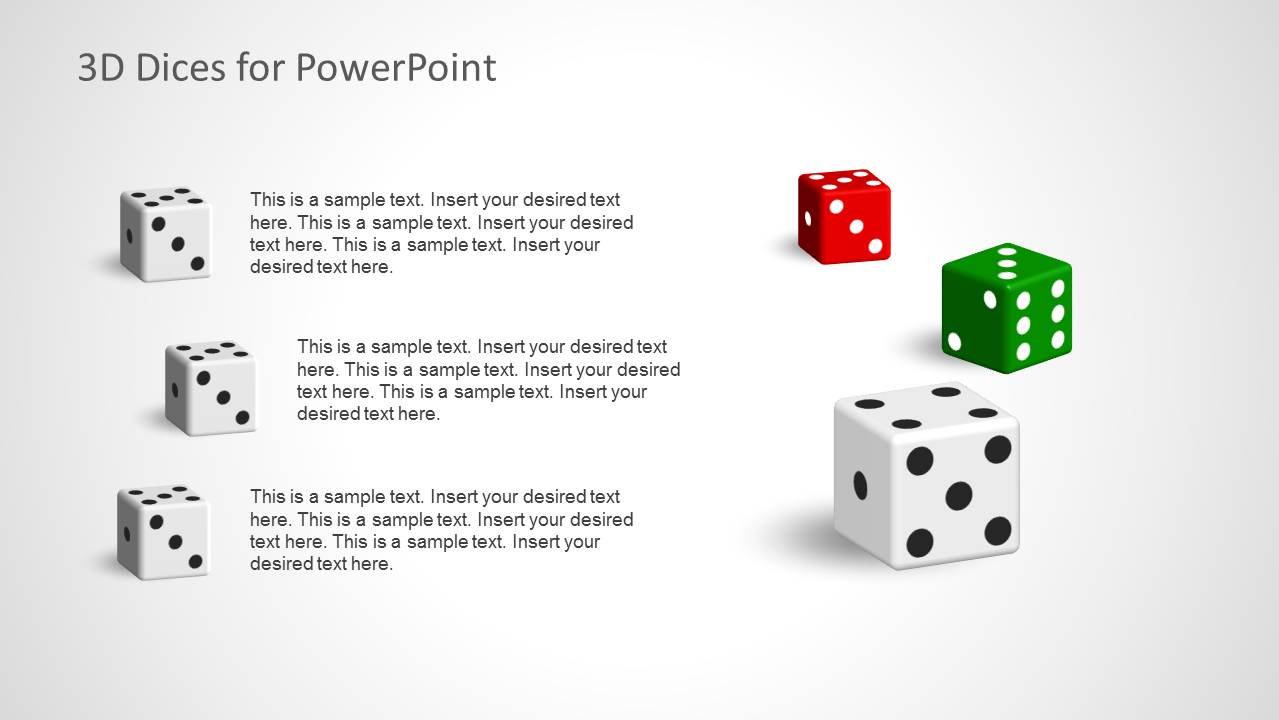
3D Dices for PowerPoint presentations is a template with awesome 3D Dice shapes and layouts that you can use to prepare presentations in Microsoft PowerPoint.
You can use the dices template for PowerPoint to make slide designs with 2 dices or 3 dices as well as other custom slide layouts.
What’s inside this template
Example presentation scenarios
- A training facilitator can introduce probability or decision-making exercises using the cover slide and the three-item callout layout to frame discussion points.
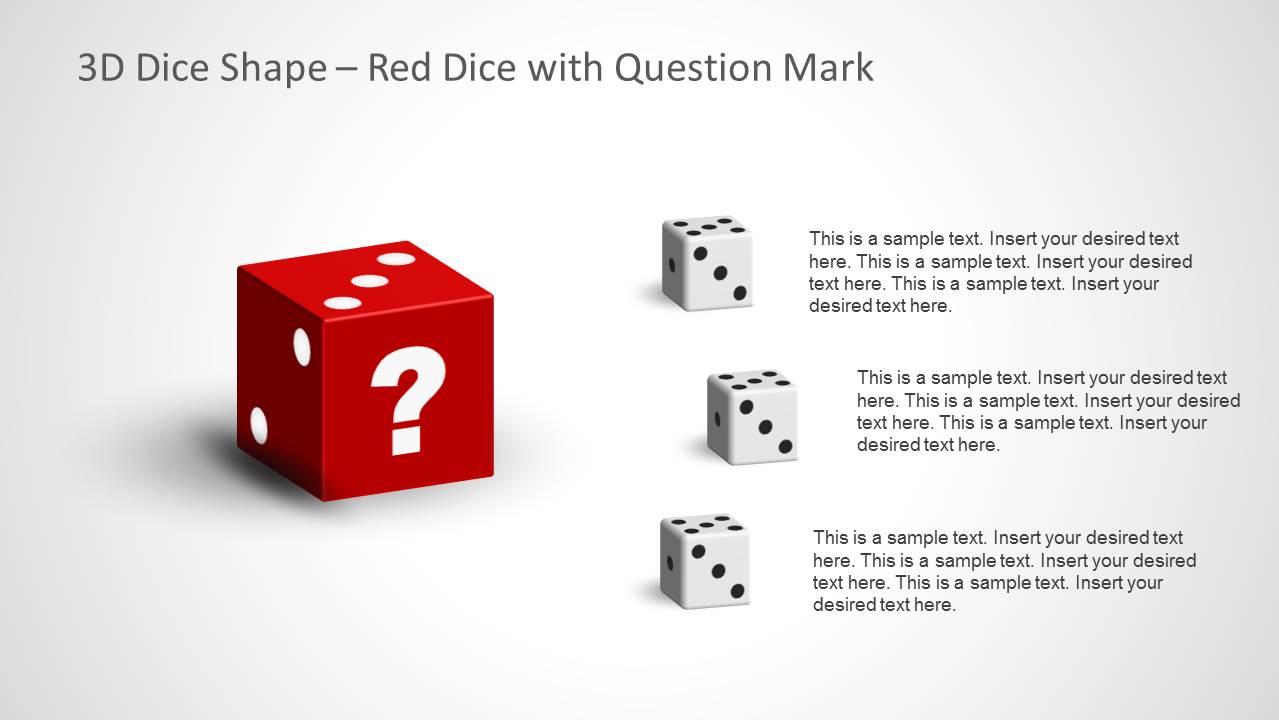
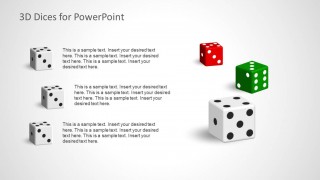
- A gaming product manager can explain game mechanics or reward logic using the red question mark dice and the grouped dice comparison slide.
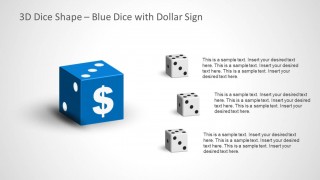
- A finance presenter can discuss payoff, betting, or risk-reward tradeoffs using the blue dollar sign dice layout with three supporting text blocks.
- A consultant can run a workshop on uncertainty by assigning each small dice callout to a risk factor, assumption, or decision option.
Features
- 100% editable presentation template
- Compatible with Microsoft PowerPoint and Google Slides
- Scalable vector shapes, icons and illustrations
- AI-Ready for Microsoft Copilot and Claude
- Instant access and download
Frequently asked questions
Q: How should a presenter use the dice metaphor without making the message feel random?
A: Anchor each dice image to a clear business meaning before adding detail. For example, use the question mark dice for uncertainty, the dollar sign dice for reward, and the grouped dice slide for alternative outcomes. Keep each text block to one point so the metaphor supports the message instead of replacing it.
Q: Who is this template best suited for in a business presentation?
A: This template fits presenters who need to discuss chance, risk, choice, games, incentives, or uncertain outcomes in a simple visual way. Trainers, consultants, gaming teams, and finance presenters can use the callout layouts to turn abstract topics into recognizable scenarios that audiences can discuss quickly.
Q: Why do the dice layouts improve communication for risk and decision topics?
A: Dice are a familiar metaphor for uncertainty, probability, and outcome variation. The large single dice slides create a focal point, while the three supporting callouts give the presenter room to define causes, options, or consequences. This pairing helps audiences connect a visual symbol with practical decision points.

3D Dices for PowerPoint
5-slide PowerPoint presentation template with editable 3D dice shapes for games and risk concepts
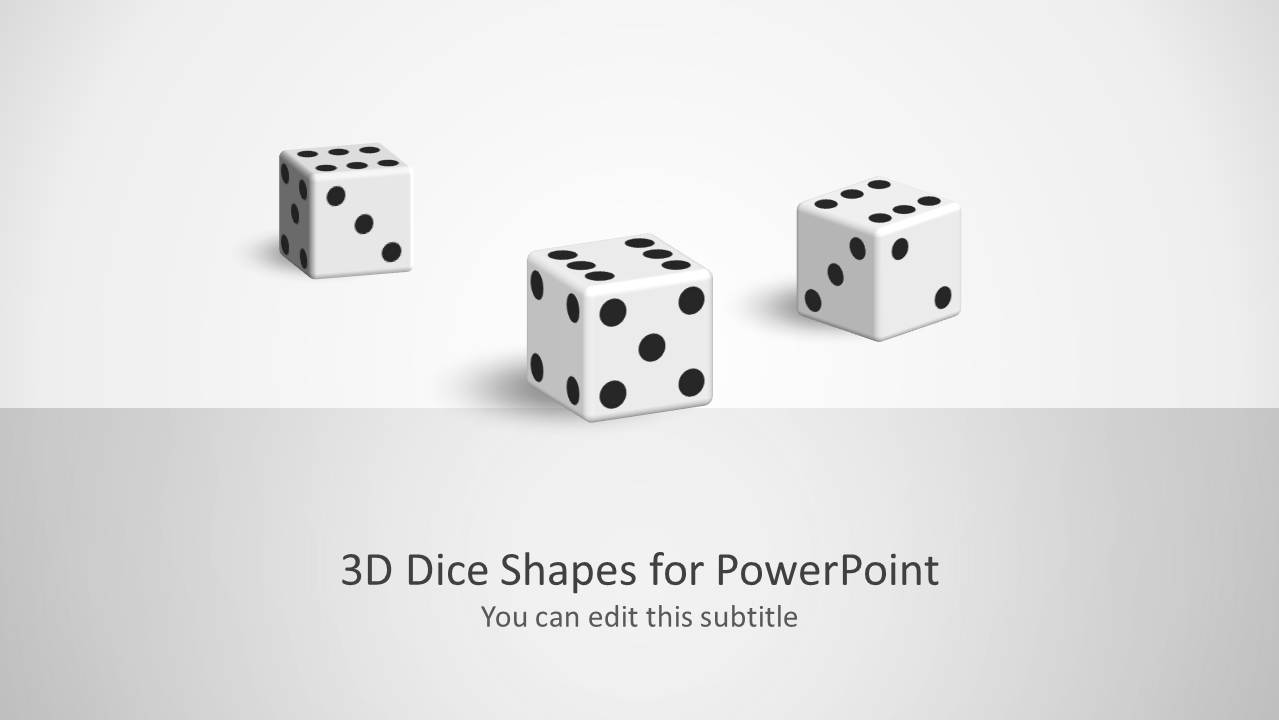
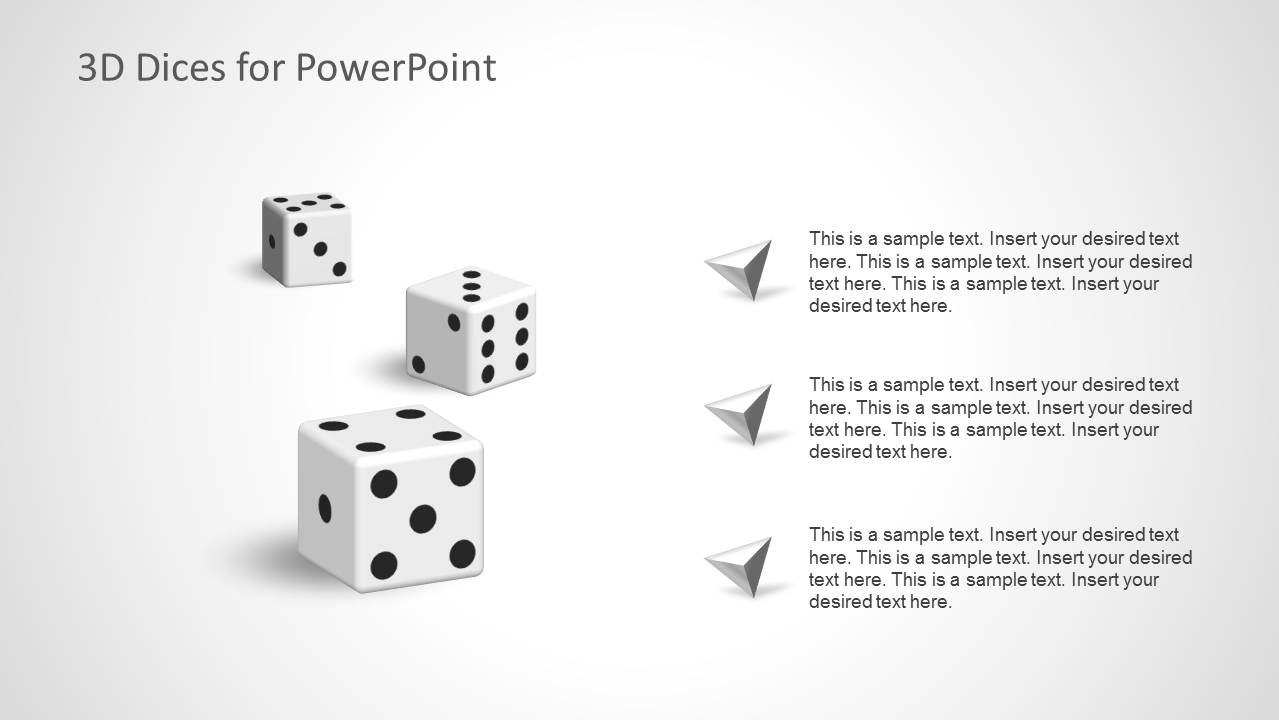
3D Dices for PowerPoint is a 5-slide PowerPoint template of editable dice illustrations for chance, games, gambling, and decision themes. Visible layouts include a cover slide, three-item callout pages, a red question mark dice, a blue dollar sign dice, and a multi-dice comparison layout for presenters using visual metaphors.


 Loading...
 Microsoft PowerPoint
  Microsoft Copilot
  Claude for PowerPoint
 Other formats supported
Subscribe today and get immediate
access to download our PowerPoint templates.