Slide 5 of 5 from 3D Dices for PowerPoint
3 Numbers in Dices for PowerPoint with Colorful Dices
3D Dice Comparison Layout for Presentations
- Diagram
- Comparison Split
- Comparison Slide
- 16:9
- 100% Editable
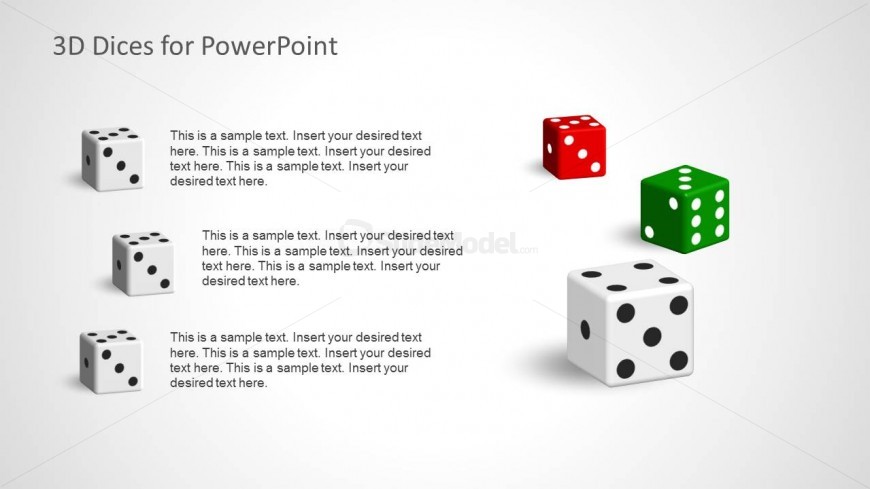
The 3D Dice Comparison Layout from the 3D Dices for PowerPoint template offers a clear visual format for comparing options in game strategy and risk evaluation. This slide features editable shapes of colorful 3D dice paired with text placeholders, making it suitable for business presentations and decision-making pitch decks that require distinct visual differentiation between choices.
What’s on This Slide
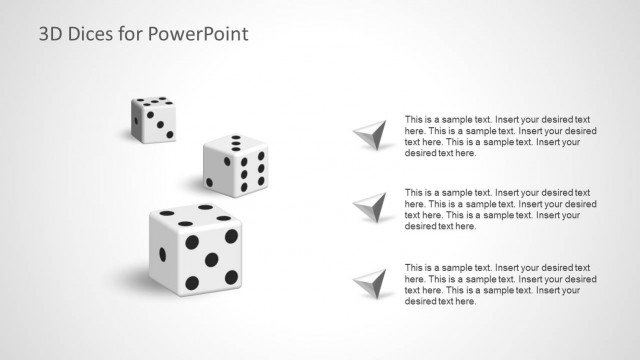
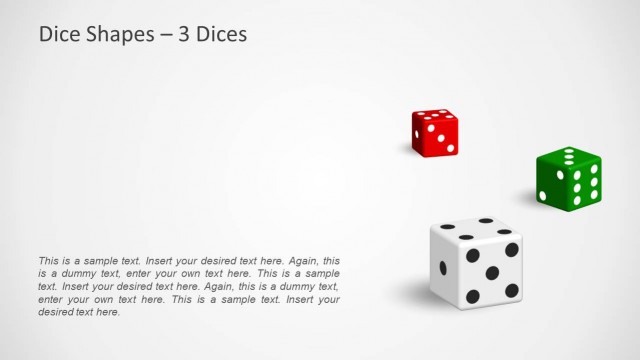
The layout features three 3D dice positioned vertically on the left side, with a larger red die and a green die on the right. Each die has visible dots representing numbers, with the leftmost die being white, the middle die green, and the rightmost die red. Text placeholders are aligned to the right of the dice, with three sections for content. The background is light gray, providing contrast to the colorful dice. The visual hierarchy emphasizes the dice on the left, while the text placeholders are clearly defined for easy reading.
How to Use It
This layout serves as a comparison tool, ideal for presenting options or outcomes in a game or decision-making context. It fits well in a sequence following a problem statement, allowing for visual representation of choices. Business scenarios include discussing game strategies, evaluating risks in gambling, or illustrating decision-making processes. The structure supports clear visual differentiation between options while maintaining a cohesive theme throughout the presentation.
Text Placeholders & Capacity
Keep your copy within these limits so it fits without resizing. Node body slots can hold about 15-20 words each.
| Placeholder | Count | Max characters (approx.) |
|---|---|---|
| Item body | 3 | 80 |
Slide Keywords
Download unlimited PowerPoint templates, charts and graphics for your presentations with our annual plan.
DOWNLOADReturn to 3D Dices for PowerPoint.