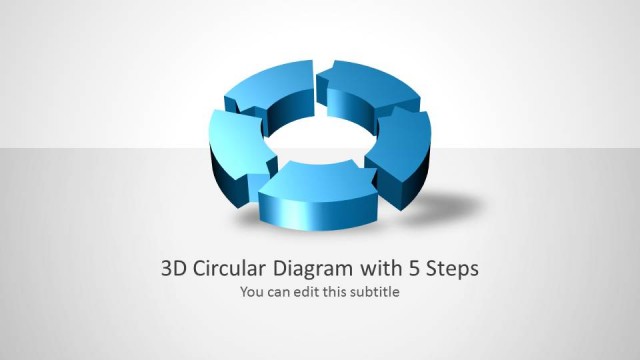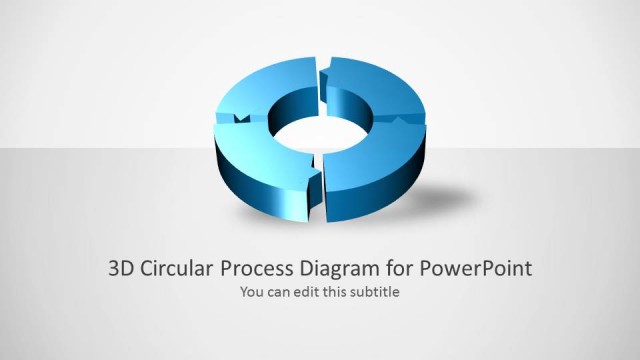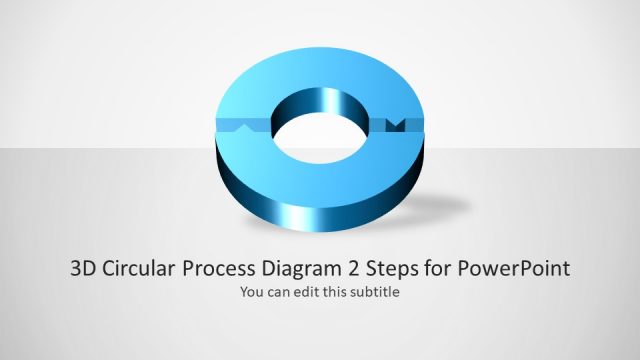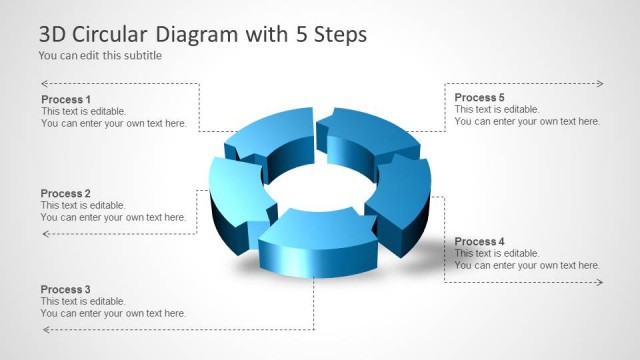
Slide 1 of 5 from 3D Circular Process Diagram 3 Steps for PowerPoint
6015-03-3d-circular-diagram-wide-1
3D Circular Process Diagram for Presentations
- Diagram
- Circular Cycle
- Process Slide
- 16:9
- 100% Editable
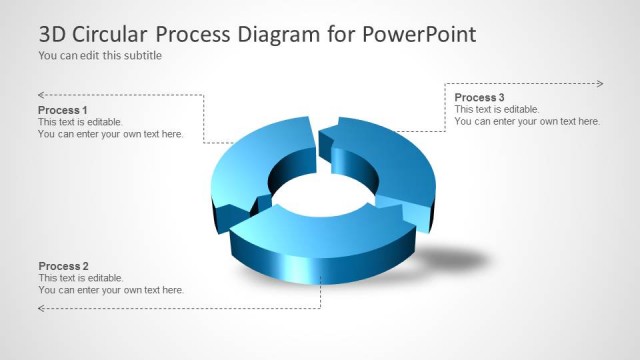
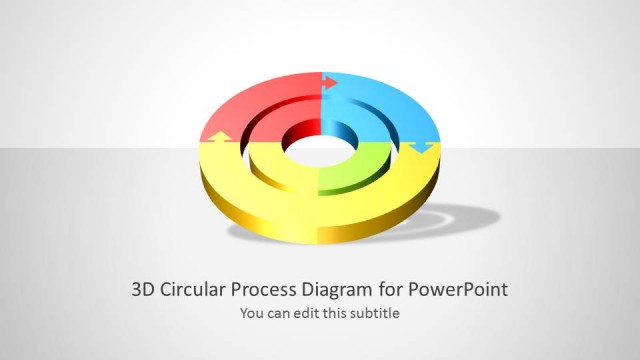
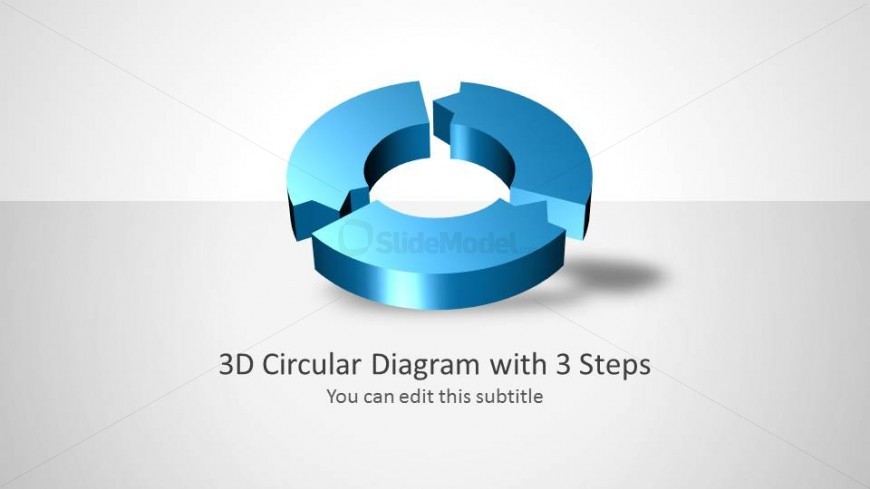
The 3D Circular Diagram with 3 Steps slide from the 3D Circular Process Diagram 3 Steps for PowerPoint template offers a clear visual representation of a three-step process. Ideal for business presentations, this slide template uses editable shapes and vector icons to highlight workflows or project phases, making it a practical choice for corporate presentation slide decks and pitch deck templates.
What’s on This Slide
The slide features a 3D circular diagram segmented into three parts, each representing a step in a process. The diagram is centrally positioned, with a light gradient background enhancing its visibility. Below the diagram, there is a title placeholder aligned to the center, labeled '3D Circular Diagram with 3 Steps,' and a subtitle placeholder stating 'You can edit this subtitle.' The visual hierarchy emphasizes the diagram, while the text placeholders are clearly defined and allow for easy editing. The overall composition maintains a clean and organized structure.
How to Use It
This layout serves as an introductory slide for a presentation on a three-step process. It effectively outlines the main components of the process in a visually engaging manner. Suitable for business contexts, it can be used to present workflows, project phases, or product development stages. This slide is best positioned at the beginning of a presentation to set the stage for detailed discussions on each step. It can also serve as a summary slide to reinforce key points after elaboration.
Text Placeholders & Capacity
Keep your copy within these limits so it fits without resizing. Title slot can hold about 6-8 words, subtitle about 8-10 words.
| Placeholder | Count | Max characters (approx.) |
|---|---|---|
| Slide title | 1 | 30 |
| Subtitle | 1 | 40 |
Slide Keywords
Download unlimited PowerPoint templates, charts and graphics for your presentations with our annual plan.
DOWNLOADReturn to 3D Circular Process Diagram 3 Steps for PowerPoint.