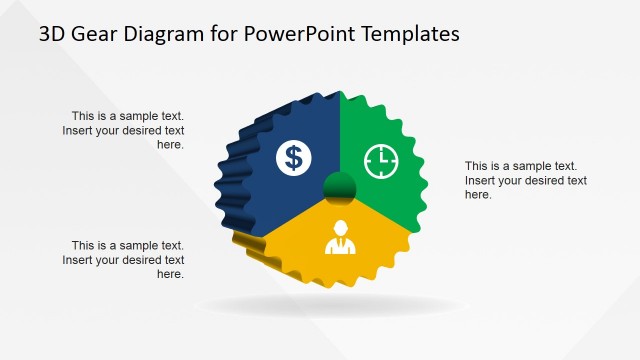
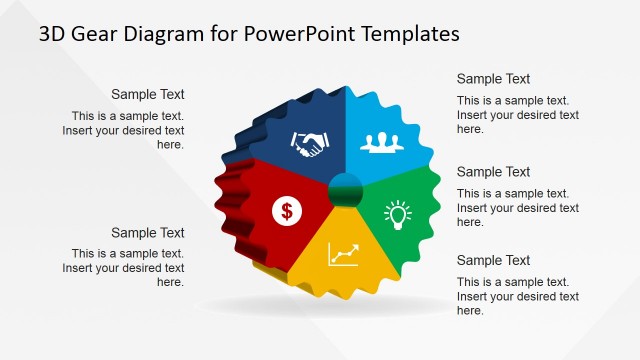
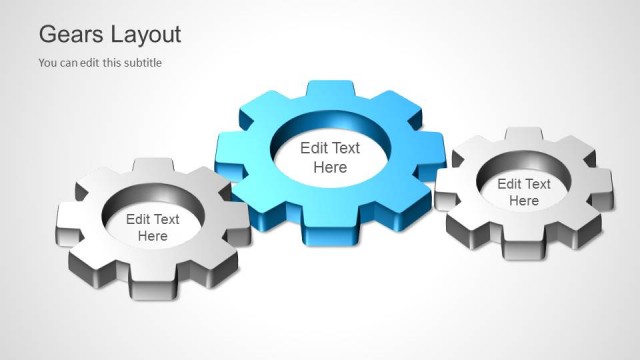
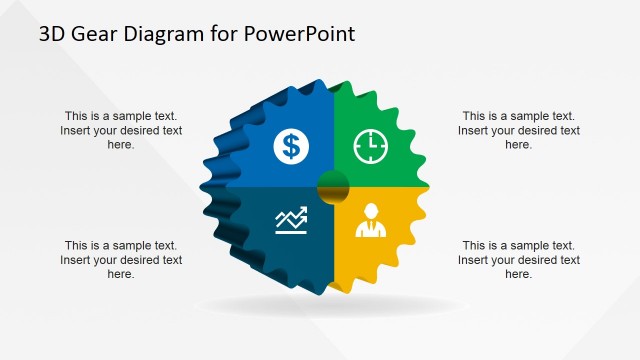
Engage professional audiences with Professional PowerPoint presentations regarding organizational processes and changes using the 3D Broken Process PowerPoint Template. The 3D Broken Process design is a creative visual illustration of the comparison between a working process vs. a broken process, and how the organization may respond to such situations. For the company to maintain its standard of high quality performance, there is constant need to improve existing processes to ensure they are always operational, effective and able to adapt to the changing times.
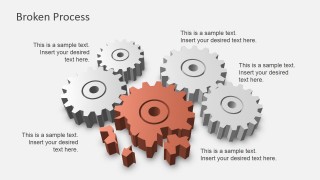
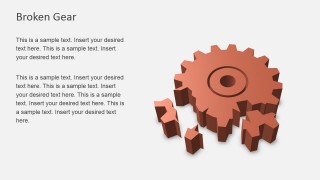
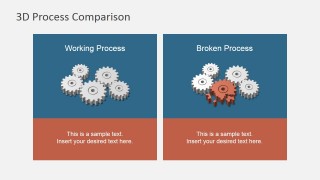
Included in this PowerPoint Template are attractive slides that feature 3D clipart illustrating set-ups of working and broken gears, single working gear, single broken gear, and parallel comparison of working and broken gears. . The PowerPoint lay-out will enable the presenter to label each gear according to the components of the existing processes used in the organization. Then the following concepts may be discussed in detail:
- Organizational Processes;
- Current situation of the organization;
- Necessary organizational changes;
- Future situation after changes are applied;
- Success vs. Fail situations, or Actual vs. Future situations.
Used in this PowerPoint Template are Infographics or the use of graphic visual representations to explain information. This powerful technique will assist the presenter in communicating the message to the audience in a swift, easy manner. Even complex concepts will make sense, in a glance. For this particular template, the 3D gear design conveying processes, improvement, failure, and related topics will be presented in an interesting manner. Charming the audience will not be much of a burden anymore because of the visually appealing form of the PowerPoint icons and shapes.
The 3D Broken Process PowerPoint Template is created with 100% editable PowerPoint shapes in high definition graphics. The presenter may customize the slides according to his specification or preference without effect on its quality.
Impart the importance of organizational processes and change, optimization, and improvement using the 3D Broken Process PowerPoint Template.
What’s inside this template
Example presentation scenarios
- An operations manager can present a workflow audit by showing the Working Process slide first, then the Broken Process slide to identify where execution breaks down.
- A business analyst can explain a root cause review by labeling the single Broken Gear layout with process components, failure points, and needed fixes.
- A consultant can compare the current state and desired state for a client using the 3D Process Comparison slide with two labeled panels.
- A change manager can introduce process improvement priorities with the title slide and then use the gear cluster diagrams to connect each change to a business function.
Features
- 100% editable presentation template
- Compatible with Microsoft PowerPoint and Google Slides
- 16:9 aspect ratio slides
- Scalable vector shapes, icons and illustrations
- AI-Ready for Microsoft Copilot and Claude
- Instant access and download
Frequently asked questions
Q: How should a presenter structure the message with these gear diagrams?
A: Start by defining what each gear represents, such as people, systems, approvals, or inputs. Use the Working Process slide to show the intended state before introducing the Broken Process slide. Then move to the single broken gear to isolate the failure and close with the comparison slide to clarify the before-and-after contrast.
Q: Who is this template best suited for in a business presentation?
A: This template fits presenters who need to explain an operational issue without turning the session into a dense flowchart review. Operations leaders, process owners, consultants, and business analysts can use the gear metaphor to discuss dependencies, breakdowns, and recovery actions with managers or cross-functional teams.
Q: Why does the broken gear metaphor help communicate process problems?
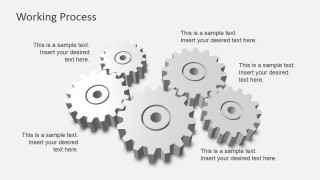
A: The gear system makes interdependence visible: one damaged component affects the whole mechanism. The contrast between gray working gears and the orange broken gear directs attention to the failure point, while the side-by-side comparison slide helps audiences separate normal operation from the disrupted process state.





3D Broken Process PowerPoint Template
6-slide presentation template with 3D gears, broken process diagrams, and working process comparison layouts
The 3D Broken Process PowerPoint Template is a 6-slide diagram set for explaining workflow health, process failure, and improvement needs. It includes a title slide, working process gear cluster, broken process gear cluster, single gear layouts, and a side-by-side process comparison for Microsoft PowerPoint and Google Slides.
- Category
- Shapes
- Rating


 Loading...
- Aspect ratio
- 16:9, 4:3
- Item ID
- 6888-02
- Colors
 Microsoft PowerPoint
  Microsoft Copilot
  Claude for PowerPoint
 Other formats supported
Subscribe today and get immediate
access to download our PowerPoint templates.