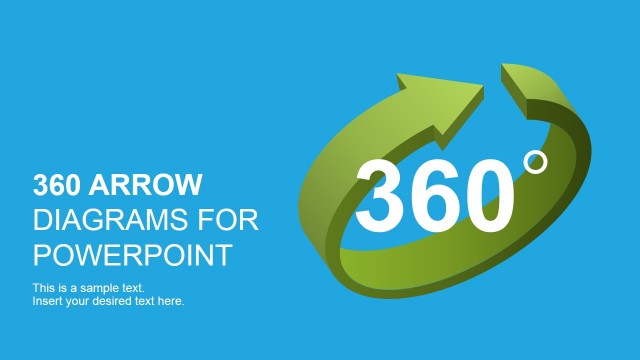
3D Arrows PowerPoint Template is a presentation design template containing useful arrow shapes that you can copy and paste into your PowerPoint presentations. Arrows can be very useful to create nice diagrams and highlight important data in the slide design.
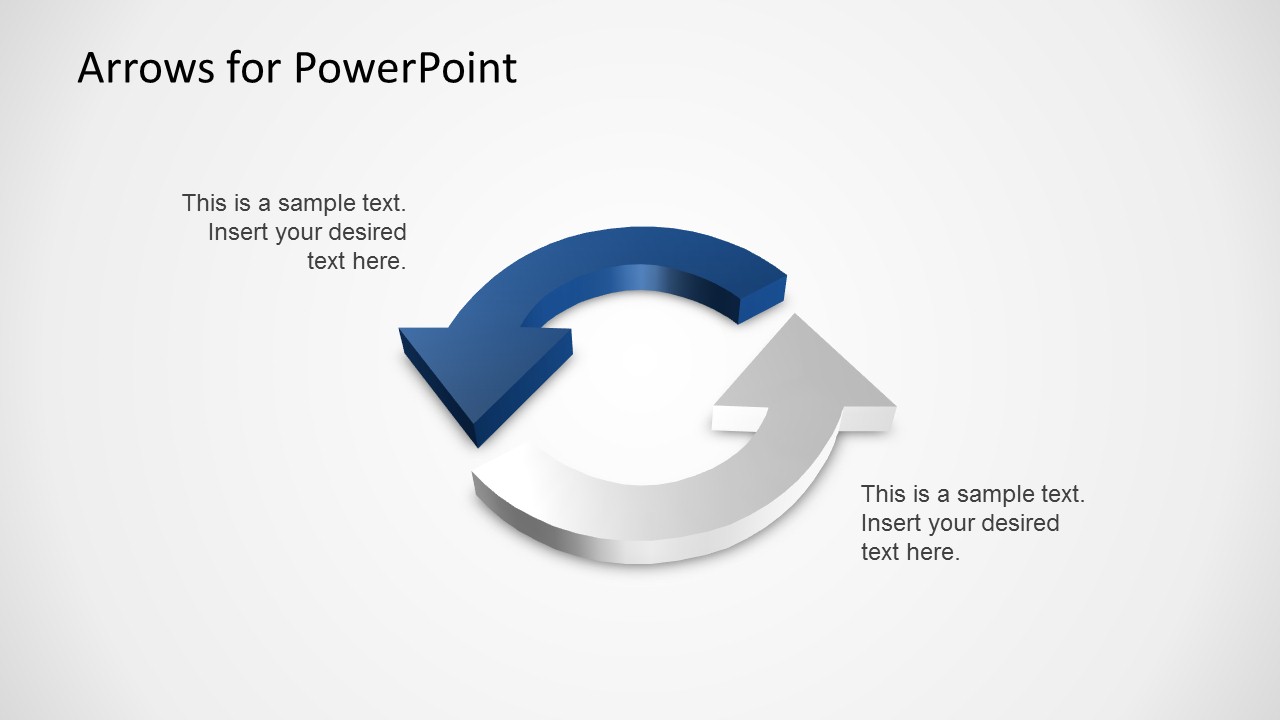
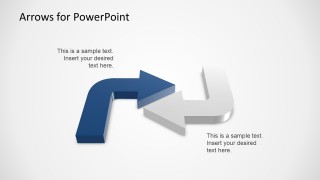
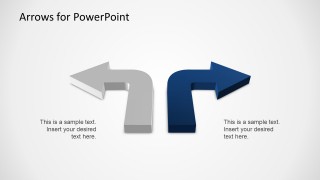
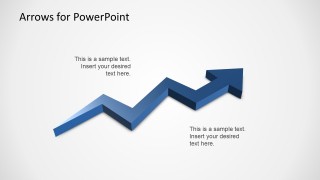
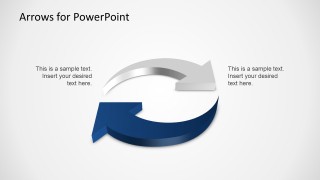
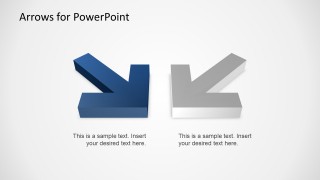
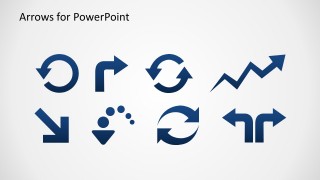
This 3D arrows template for PowerPoint includes useful arrow designs including circular arrows, arrow icons with zig zag arrows, left angle arrows and right angle arrows as well as other arrow designs ready to be used in Microsoft PowerPoint presentations.
What’s inside this template
Example presentation scenarios
- A consultant can use the circular arrow slides to explain feedback loops, recurring operating cycles, or iterative improvement steps during a client workshop.
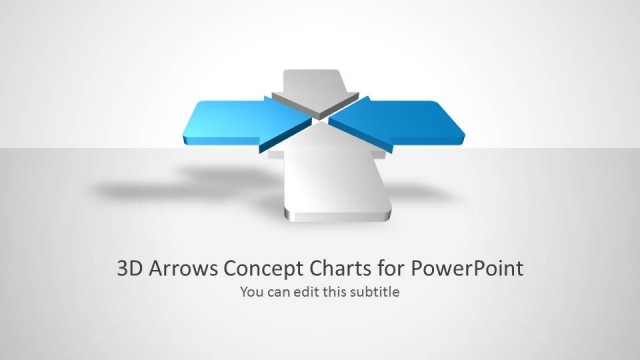
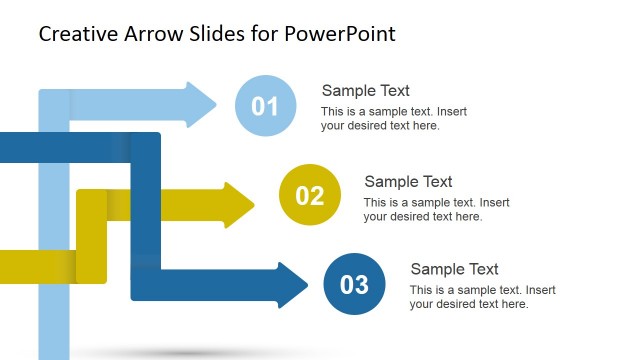
- A project manager can use the right-angle arrow and paired direction slides to show decision turns, handoffs, or route changes in a project update.
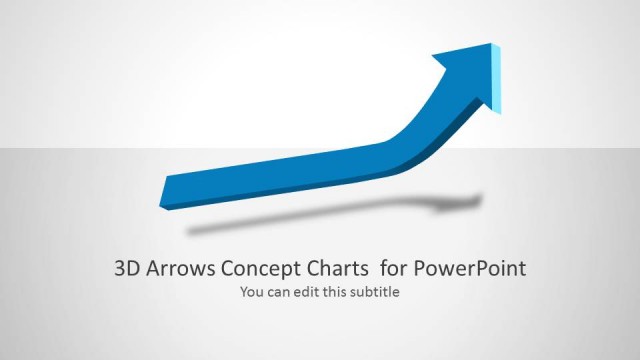
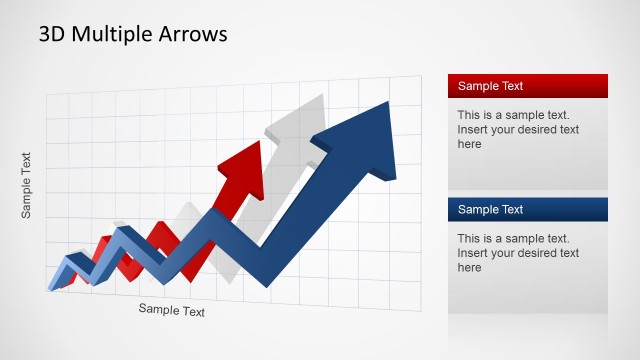
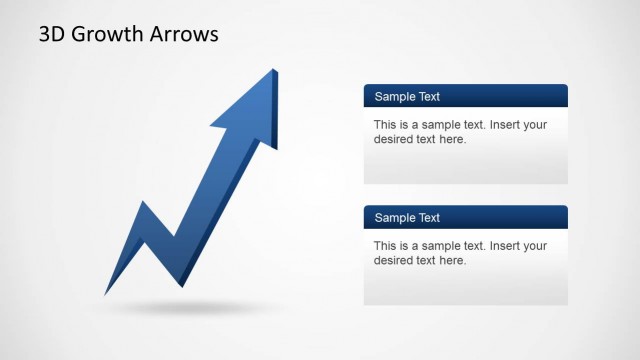
- A sales or marketing presenter can use the zigzag growth arrow slide to introduce upward momentum, pipeline movement, or strategic progress in a business review.
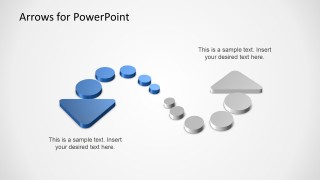
- An operations trainer can use the dotted circular flow diagram to walk learners through a repeated process with checkpoints and directional cues.
Features
- 100% editable presentation template
- Compatible with Microsoft PowerPoint and Google Slides
- 16:9 aspect ratio slides
- Scalable vector shapes, icons and illustrations
- AI-Ready for Microsoft Copilot and Claude
- Instant access and download
Frequently asked questions
Q: How should a presenter use these arrow slides without making the message feel decorative?
A: Assign each arrow a clear communication role before adding text. Use the circular arrows only for repeated loops, the right-angle arrows for changes in direction or decisions, and the zigzag arrow for movement over time. Keep labels short so the 3D shape explains the relationship instead of competing with a paragraph.
Q: Who is this template best suited for in a business presentation?
A: This template fits presenters who need to explain movement, sequence, change, or reversal without building diagrams from scratch. Consultants, project managers, trainers, and marketing teams can use the visible arrow layouts to make abstract ideas such as iteration, redirection, growth, and handoff easier for an audience to follow.
Q: Why do the 3D arrow metaphors help explain process and change?
A: The arrow shapes create an immediate visual metaphor for direction. Circular arrows signal repetition, opposing arrows show contrast or reversal, and the rising zigzag arrow suggests progress. The 3D depth adds visual weight, which helps the audience notice the motion cue before reading the supporting text.


3D Arrows PowerPoint Template
10-slide 3D arrows presentation template with circular arrows, turn arrows, and direction icons
3D Arrows PowerPoint Template is a 10-slide arrow diagram set for building directional explanations in presentations. It includes circular arrows, angled turn arrows, zigzag growth arrows, paired direction arrows, dotted cycle elements, and an icon sheet. The slides are designed for PowerPoint users who need reusable 3D arrow visuals.
- Rating


 Loading...
- Aspect ratio
- 16:9
- Item ID
- 6502-01
- Colors
 Microsoft PowerPoint
  Microsoft Copilot
  Claude for PowerPoint
 Other formats supported
Subscribe today and get immediate
access to download our PowerPoint templates.