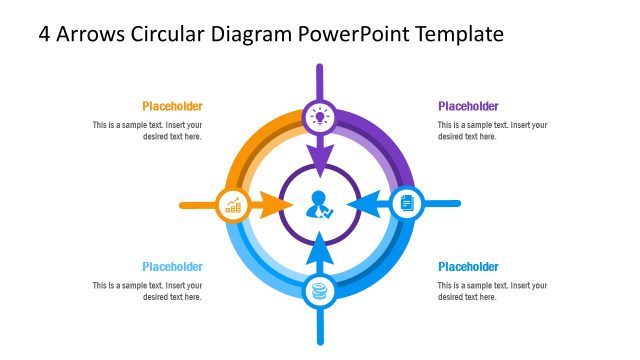
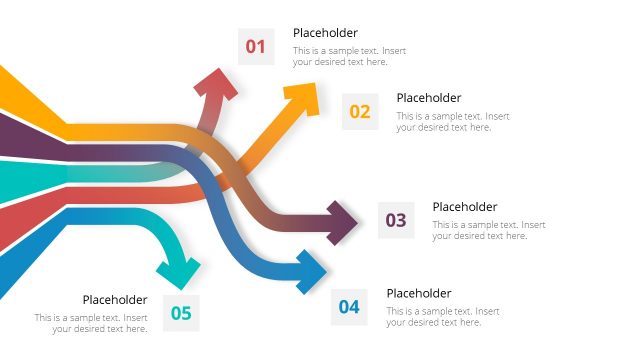
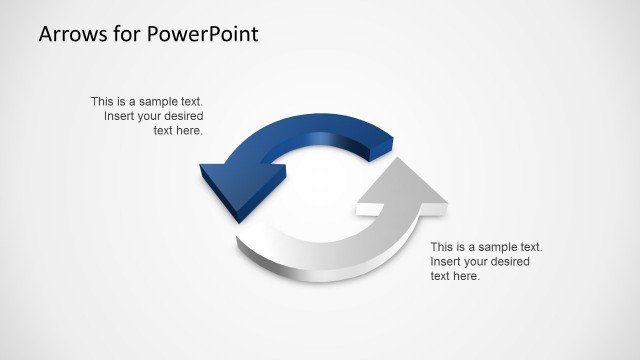
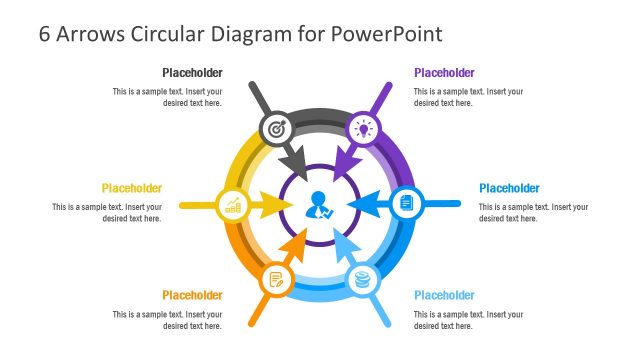
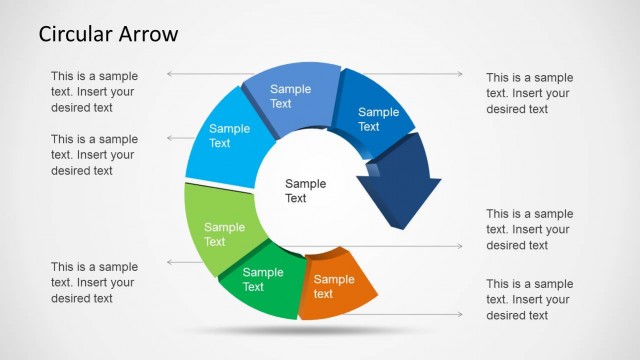
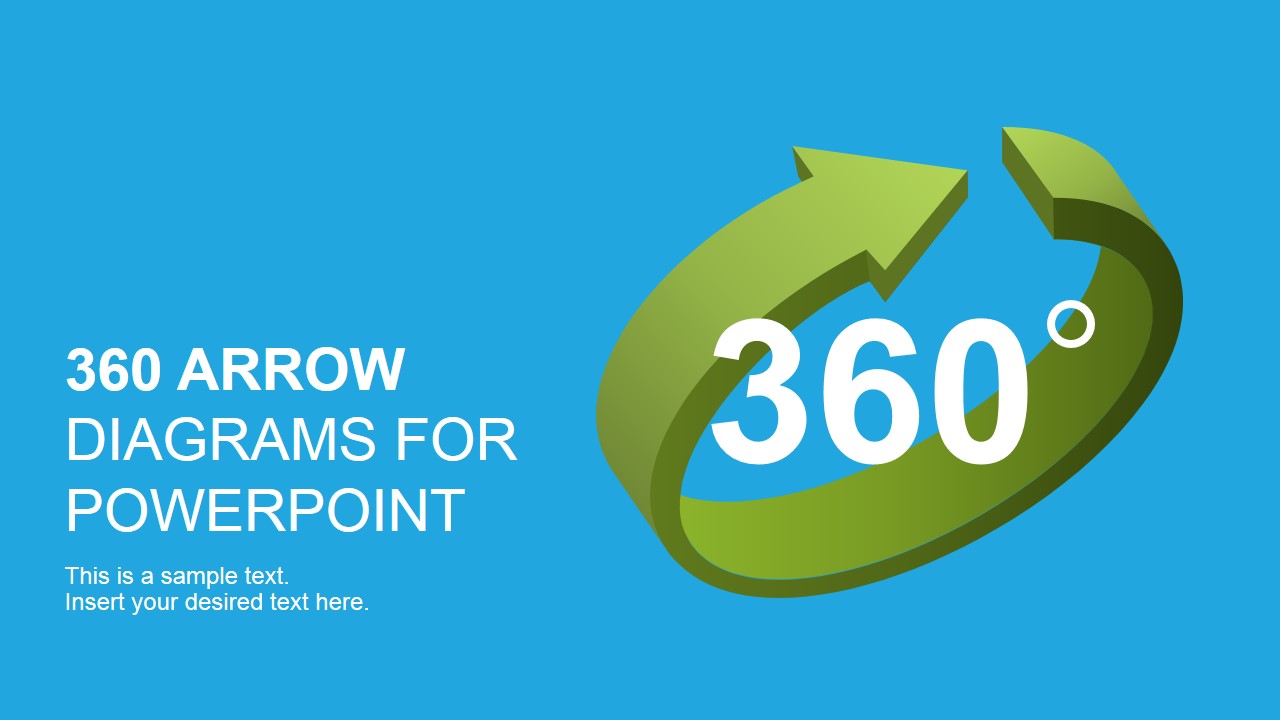
360 Arrows PowerPoint Diagrams is a professional presentation created around the 360 degrees concept. The PowerPoint Template provides different versions of 360 Diagrams. It uses different PowerPoint Arrows shapes. Each diagram is decorated with professional PowerPoint Icons and Shapes created as PowerPoint objects. The user can customize the appearance of each diagram editing the PowerPoint Shape properties. Shapes do not lose resolution or visual quality when edited.
The 360 degrees concept can be mapped to different metaphors in business contexts. For example, in People Management areas, also known as Human Resources, the concept of 360 degree feedback has achieved high popularity. The presenter can describe a an employee’s immediate work circle and how the feedback is provided applying any of the 360 diagrams.
360 Arrows PowerPoint Diagrams contains:
- 3D PowerPoint Arrows shapes.
- Flat circular designs.
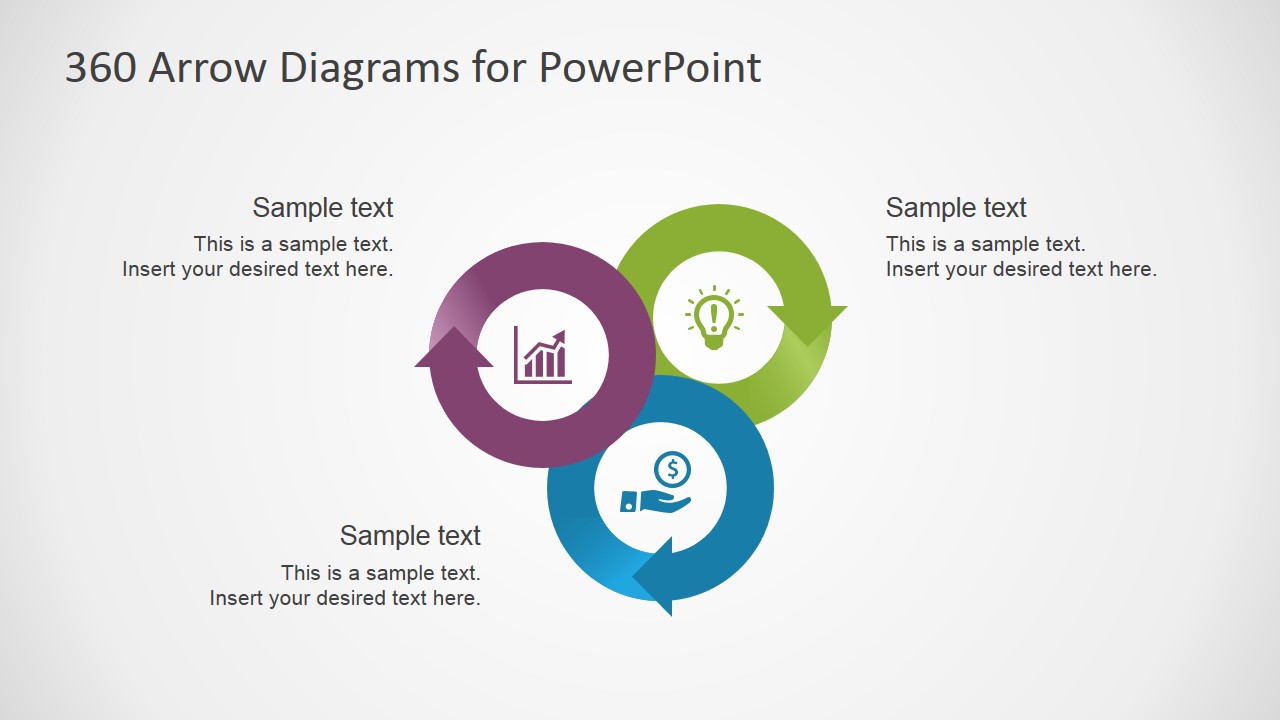
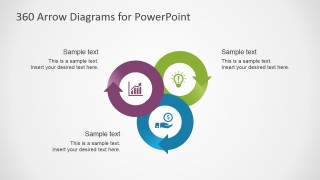
- Interconnected cycles.
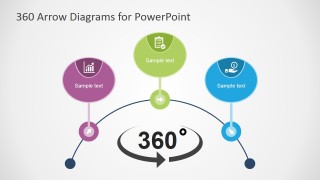
- 360 looping overview diagram.
The PowerPoint Template includes Vector circle arrows that can be used in infographics. Ideal Template for diagrams, charts, graph. The user can build Business concepts with three and four options, parts, steps or processes.
The Circular Arrow diagrams are useful when scheduling and monitoring tasks, to simplify the relationship of tasks within a complex project or process. For high level descriptions, to describe a sequence and how describe the repetitive nature of the loop task.
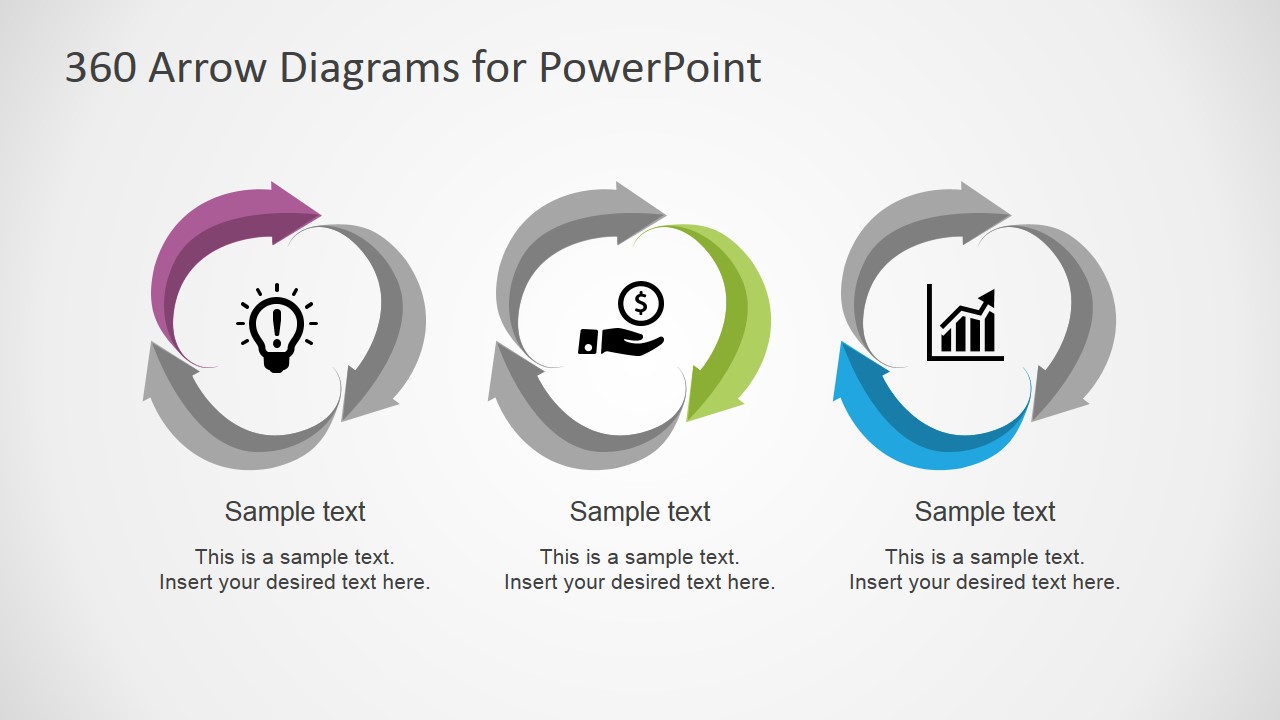
The circular pictogram can be used to represent refresh and reload concepts based on rotation loop signs. The loops use simple colors on white background. Each of the designs is Modern, built with a contemporary solid plain flat minimal style.
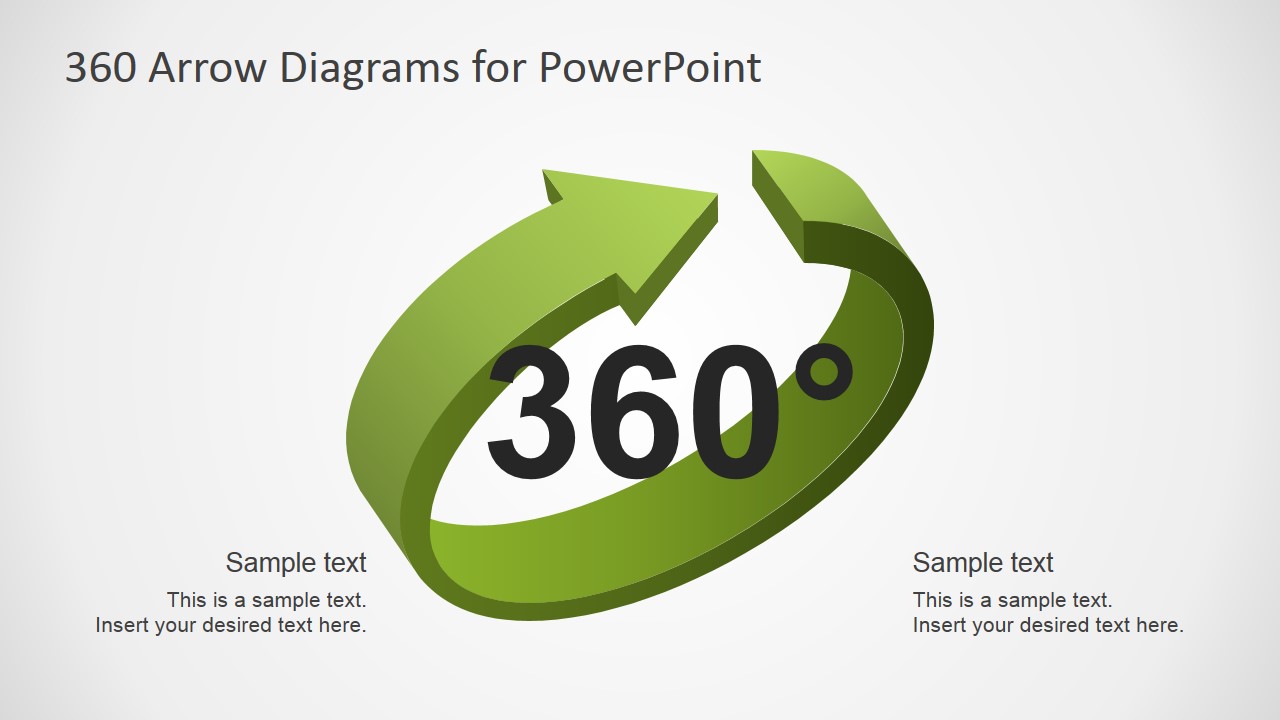
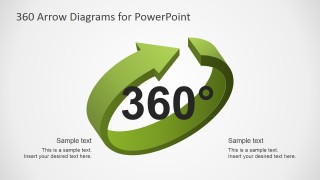
The initial 3D sign icon can be mapped to a new technology symbol. The rotation arrow is created with PowerPoint 3D effects.
The Arrows diagrams are compatible with all major PowerPoint versions for PC and Mac. The flat shapes are compatible with Apple Keynote and Google Slides. Impress your audience with 100% editable 360 Arrows PowerPoint Diagrams. Create presentations that engage with professional visual assets.
What’s inside this template
Example presentation scenarios
- An HR manager can use the three-node cycle and 360 arrow symbol to explain feedback sources, review loops, or employee development conversations.
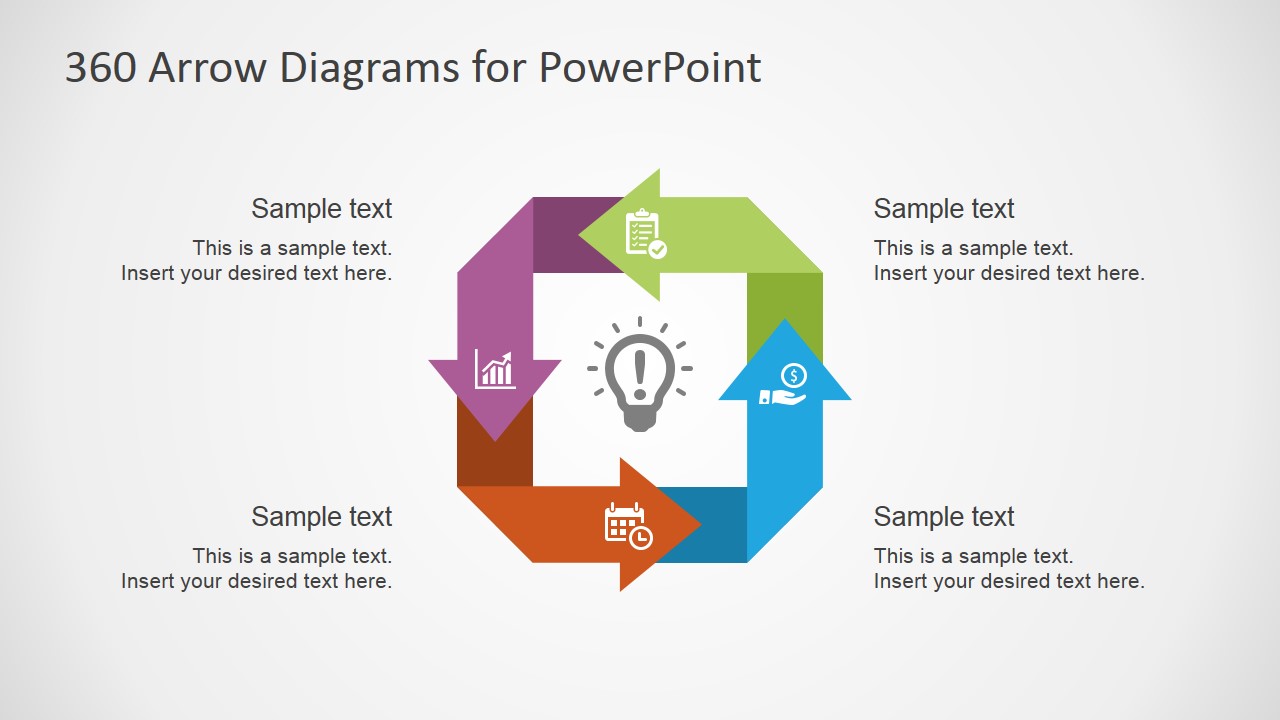
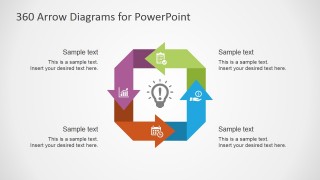
- A project manager can use the four-step square loop to show how tasks move through planning, execution, monitoring, and follow-up.
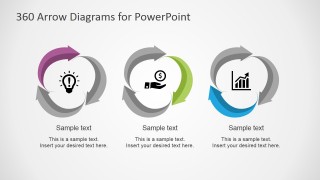
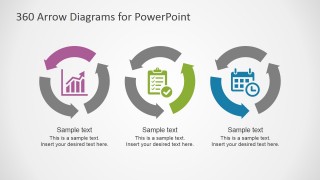
- A consultant can use the separated circular arrow diagrams to compare three recurring business cycles side by side for a client audience.
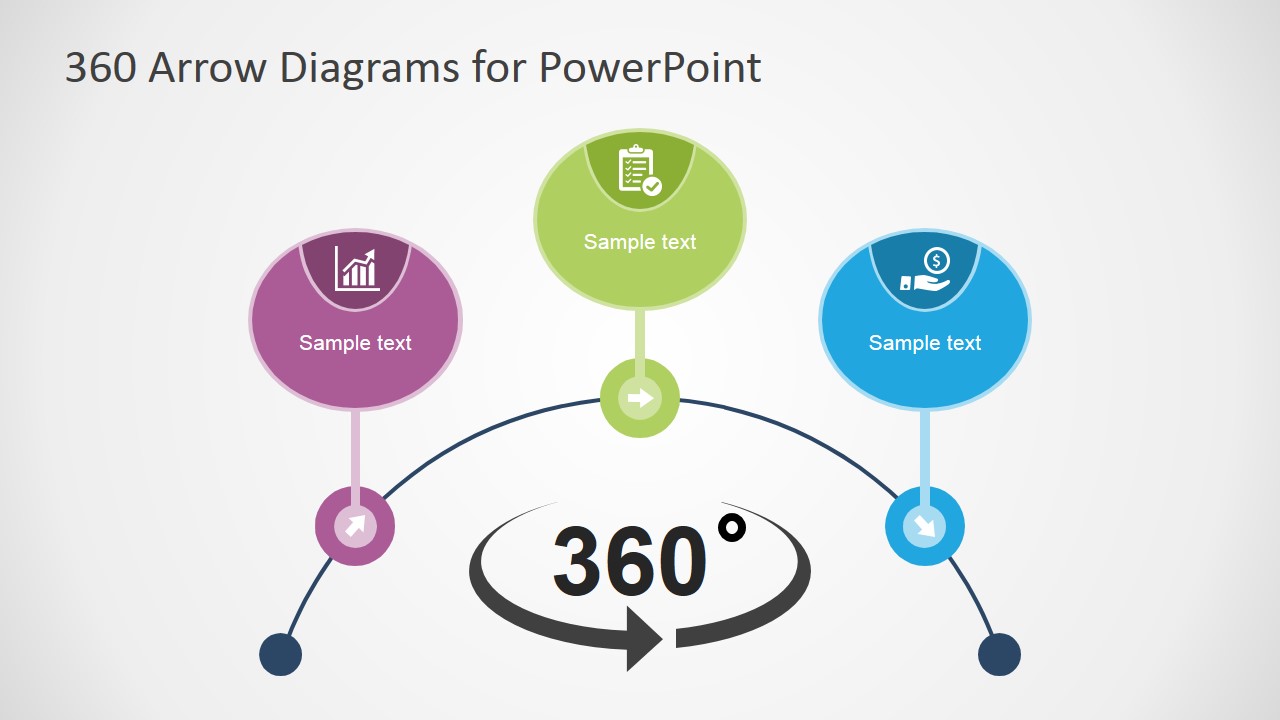
- A training facilitator can use the semicircle milestone layout to walk learners through sequential steps that repeat after completion.
Features
- 100% editable presentation template
- Compatible with Microsoft PowerPoint and Google Slides
- 16:9 aspect ratio slides
- Scalable vector shapes, icons and illustrations
- AI-Ready for Microsoft Copilot and Claude
- Instant access and download
Frequently asked questions
Q: How should a presenter choose the right 360 arrow layout for the message?
A: Start with the relationship you need to explain. Use the three-node circular layout when the process has three recurring parts, the four-step square loop when the sequence needs equal stages, and the semicircle milestone layout when the audience should follow a guided path before returning to the 360 concept.
Q: What presentation situations fit this template best?
A: This template fits presenters who need to make repetition visible, such as HR leaders explaining 360 feedback, operations teams describing recurring task cycles, or consultants mapping continuous improvement. It is strongest when the main message is that work, feedback, or review does not stop at a single endpoint.
Q: Why do circular arrows work well for 360-degree concepts?
A: The circular arrow metaphor makes recurrence and completion easy to see without long explanations. In this deck, the loop shapes visually connect steps, icons, and short captions, so the audience can read the relationship before reading the detail. The 3D arrow cover also creates a clear visual anchor for the 360 idea.

360 Arrows PowerPoint Diagrams
7-slide presentation template with 360 arrow cycles, feedback loops, and circular process diagrams
360 Arrows PowerPoint Diagrams is a 7-slide diagram template for presenting circular processes, feedback loops, and recurring workflows. It includes a 3D 360 arrow cover, three-node circular arrow diagrams, a four-step square loop, and a semicircle milestone layout for business, HR, operations, and project presenters in PowerPoint and Google Slides.
- Rating


 Loading...
- Aspect ratio
- 16:9, 4:3
- Item ID
- 6178-01
- Colors
 Microsoft PowerPoint
  Microsoft Copilot
  Claude for PowerPoint
 Other formats supported
Subscribe today and get immediate
access to download our PowerPoint templates.