Slide 5 of 9 from 3D Arrows Concept Charts for PowerPoint
6021-3d-arrows-concept-charts-5
3D Arrow Progress Chart for Presentations
- Diagram
- Timeline Vertical
- Timeline Slide
- 16:9
- 100% Editable
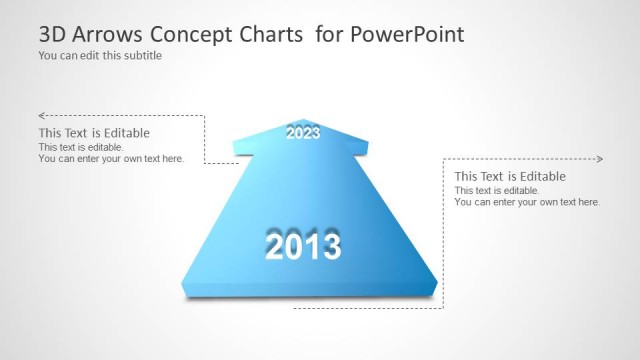
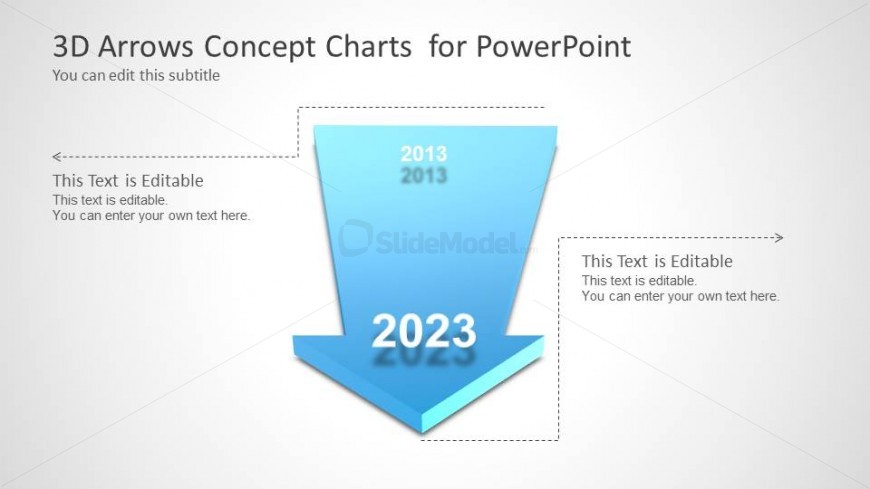
The 3D Arrow Progress Chart slide from the 3D Arrows Concept Charts for PowerPoint template offers a clear timeline visualization ideal for business presentations. This slide layout uses editable shapes and vector icons to depict progress or historical comparisons from 2013 to 2023, making it suitable for corporate presentations and pitch deck templates focused on growth and strategic planning.
What’s on This Slide
The layout features a large 3D downward arrow positioned centrally, with a light blue gradient. Above the arrow, there are two smaller arrows pointing left and right, indicating a timeline from 2013 to 2023. Text placeholders are positioned around the arrow, with one above and two on either side of the arrow. The title is aligned at the top left, and a subtitle placeholder is just below it. The overall composition emphasizes the downward arrow, creating a clear visual hierarchy with the year indicators.
How to Use It
This layout serves as a timeline or progress indicator, ideal for illustrating growth or change over time. It fits well in presentations discussing trends, forecasts, or historical comparisons. Use it to highlight key milestones or shifts in data. This structure is particularly useful in business contexts where visualizing progress or transitions is essential, such as annual reports or strategic planning sessions.
Text Placeholders & Capacity
Keep your copy within these limits so it fits without resizing. Body slots are tight, roughly 10-15 words each.
| Placeholder | Count | Max characters (approx.) |
|---|---|---|
| Slide title | 1 | 30 |
| Subtitle | 1 | 50 |
| Item heading | 2 | 4 |
| Body paragraph | 3 | 50 |
Slide Keywords
Download unlimited PowerPoint templates, charts and graphics for your presentations with our annual plan.
DOWNLOADReturn to 3D Arrows Concept Charts for PowerPoint.