Slide 8 of 9 from 3D Arrows Concept Charts for PowerPoint
Steps Diagram with Timeline for PowerPoint
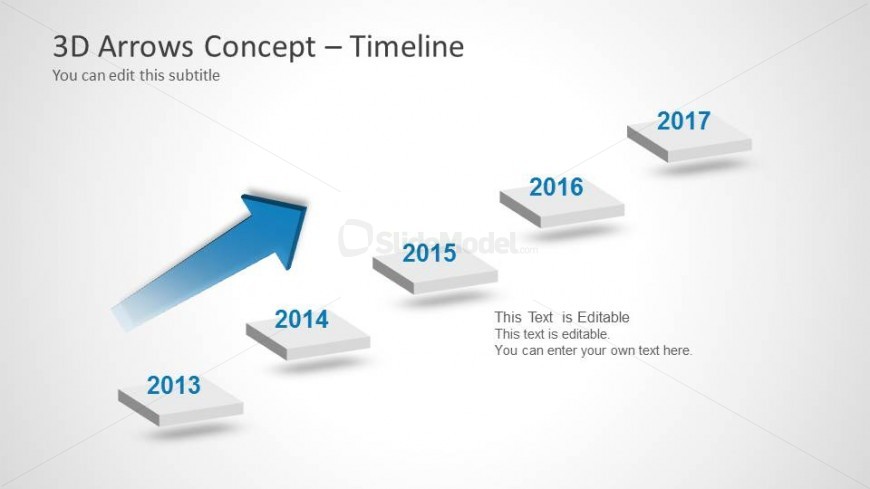
3D Arrows Concept - Timeline Slide
- Diagram
- Timeline Horizontal
- Timeline Slide
- 16:9
- 100% Editable
The 3D Arrows Concept - Timeline slide from the 3D Arrows Concept Charts for PowerPoint template offers a clear, editable timeline layout ideal for business presentations tracking milestones or annual performance. Featuring diagonal 3D arrows that emphasize growth, this slide integrates well into corporate slide decks and pitch deck templates, providing a professional way to visualize project timelines and growth projections using editable shapes.
What’s on This Slide
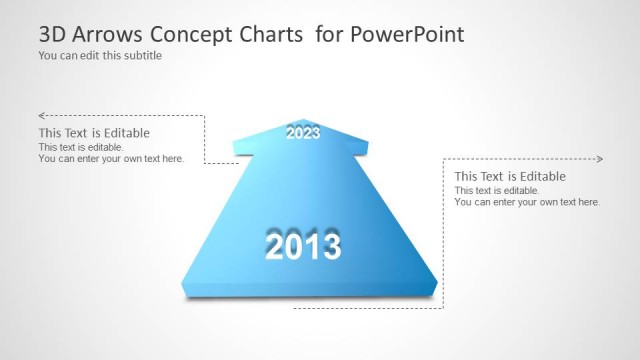
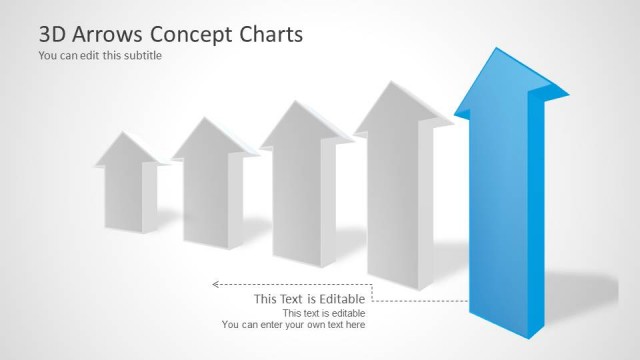
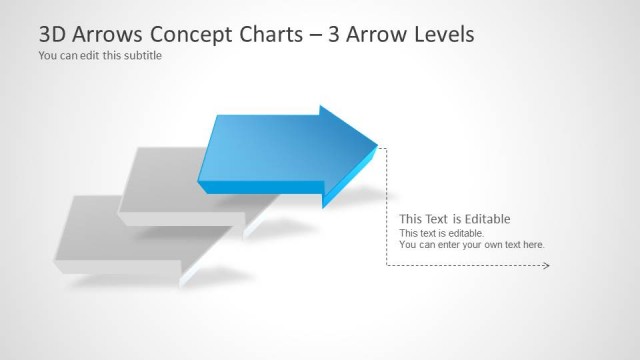
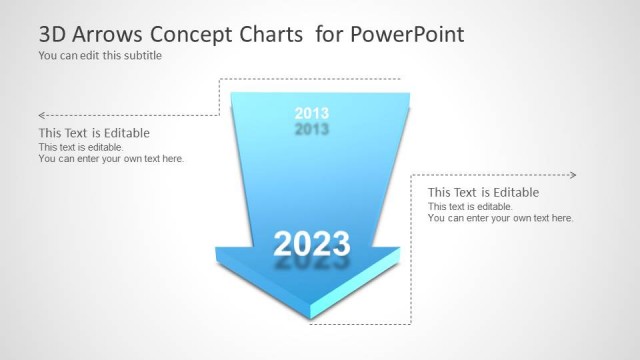
The slide features a timeline layout with five 3D arrow shapes positioned diagonally from bottom left to top right. The first arrow points upward, indicating progression. Each arrow is labeled with a year from 2013 to 2017, with the year 2014 positioned directly below the upward arrow. Text placeholders are located at the bottom right, allowing for editable content. The background is a light gradient, enhancing the visual appeal. The overall composition emphasizes a sense of forward movement and growth.
How to Use It
This layout serves as a timeline to illustrate progress over a series of years. It is suitable for business presentations that track milestones or achievements. The upward arrow signifies growth or improvement, making it ideal for showcasing annual performance or project timelines. This slide fits well in a sequence following a problem statement or analysis, leading into future projections or goals. It can be used individually to highlight specific achievements over time.
Text Placeholders & Capacity
Keep your copy within these limits so it fits without resizing. Node labels can hold up to 4 characters each.
| Placeholder | Count | Max characters (approx.) |
|---|---|---|
| Slide title | 1 | 30 |
| Subtitle | 1 | 50 |
| Item heading | 5 | 4 |
| Body paragraph | 1 | 150 |
Slide Keywords
Download unlimited PowerPoint templates, charts and graphics for your presentations with our annual plan.
DOWNLOADReturn to 3D Arrows Concept Charts for PowerPoint.