Slide 1 of 5 from 3D Arrows for PowerPoint
6021-03-3d-arrows-concept-charts-1
3D Arrows Concept Chart for PowerPoint
- Diagram
- Other
- Context Slide
- 16:9
- 100% Editable
What’s on This Slide
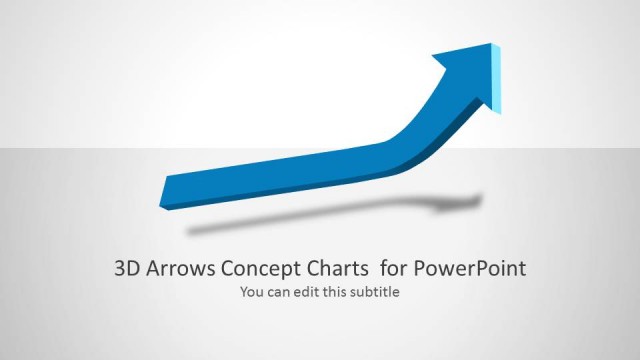
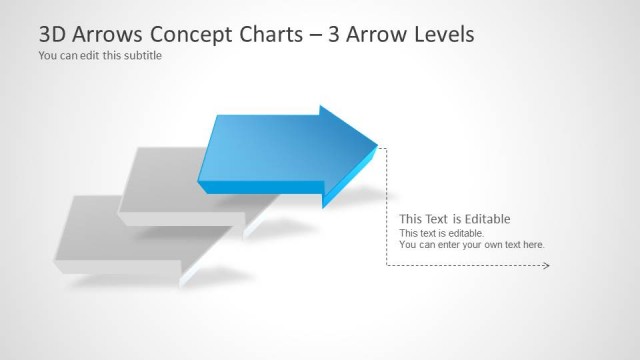
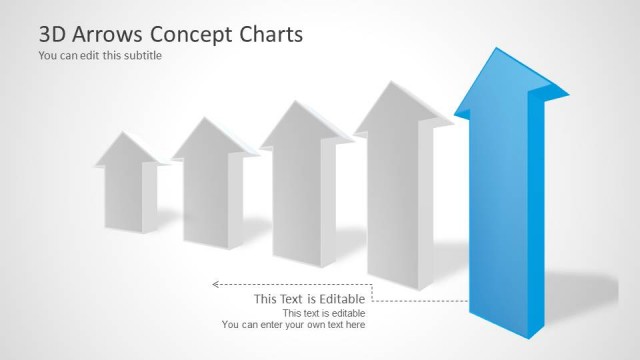
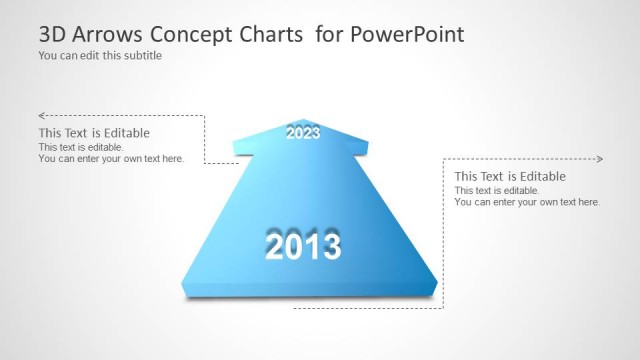
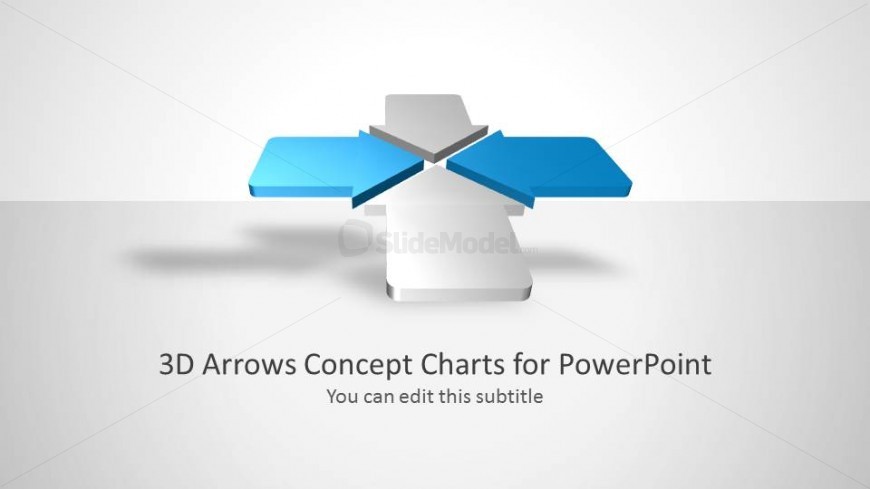
The slide features a central 3D arrow structure with two blue arrows extending horizontally from a central white shape. The arrows are positioned symmetrically, creating a visual balance. Below the arrows, there is a title placeholder aligned centrally, with a subtitle placeholder directly beneath it. The background is a light gradient, enhancing the 3D effect of the arrows. The overall layout emphasizes the arrows as the main visual element, with clear space around them to maintain focus. The design is clean and professional.
How to Use It
This layout serves as a concept chart to illustrate directional flow or comparisons. It is ideal for presentations that require a visual representation of processes or strategies. This slide fits well at the beginning of a presentation to introduce key concepts or themes. It can be used in business contexts to highlight objectives, project phases, or decision-making paths. The symmetrical arrow design allows for easy adaptation to various topics while maintaining clarity.
Text Placeholders & Capacity
Keep your copy within these limits so it fits without resizing. Title and subtitle slots can hold approximately 8-10 words each.
| Placeholder | Count | Max characters (approx.) |
|---|---|---|
| Slide title | 1 | 40 |
| Subtitle | 1 | 40 |
Slide Keywords
Download unlimited PowerPoint templates, charts and graphics for your presentations with our annual plan.
DOWNLOADReturn to 3D Arrows for PowerPoint.