Slide 1 of 9 from 3D Arrows Concept Charts for PowerPoint
3D Arrow Slide Design with Uptrend Effect
3D Arrow Up Trend Diagram for Presentations
- Diagram
- Other
- Context Slide
- 16:9
- 100% Editable
The 3D Arrow Up Trend Diagram slide from the 3D Arrows Concept Charts for PowerPoint template offers a clear visual for introducing growth concepts and project progress. This slide layout uses editable shapes and vector icons to highlight strategic objectives effectively within a business presentation or pitch deck template. Its design supports a professional corporate presentation by emphasizing upward trends and positive movement.
About This Slide
3D Arrow Slide Design with Uptrend Effect
What’s on This Slide
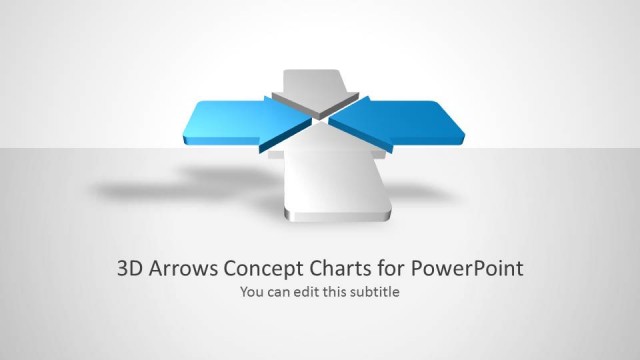
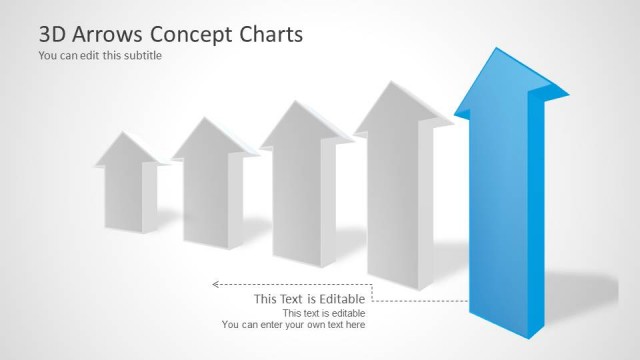
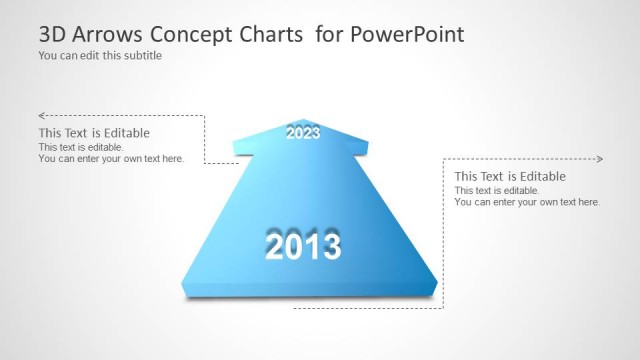
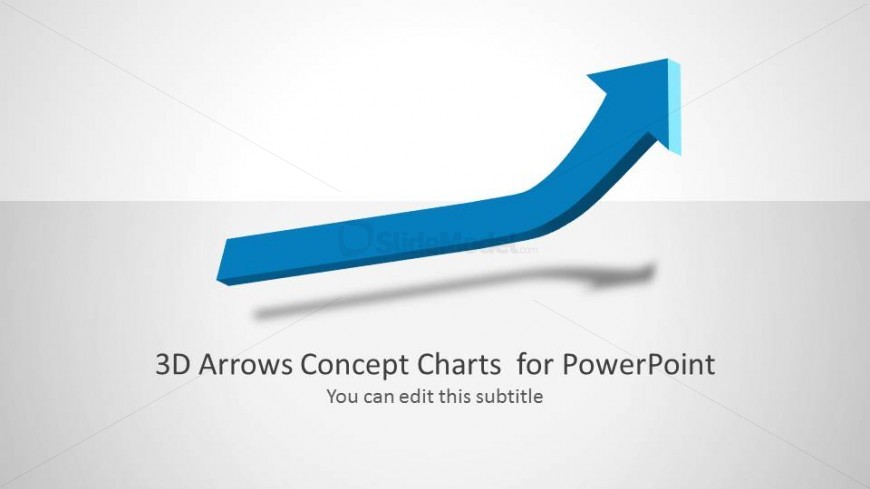
The layout features a prominent 3D arrow pointing upward, positioned centrally at the top of the slide. Below the arrow, there is a title placeholder aligned to the center, with a subtitle placeholder directly beneath it. The arrow has a solid blue color with a shadow effect, enhancing its three-dimensional appearance. The background is light gray, providing contrast to the arrow and text. The overall composition is balanced, with the arrow serving as the focal point, while the text placeholders are clearly defined and easily editable.
How to Use It
This layout serves as an introductory slide, ideal for presenting concepts related to growth or progress. It fits well at the beginning of a presentation, setting the stage for subsequent content. Business scenarios include showcasing annual growth trends, project advancements, or strategic objectives. The upward arrow symbolizes positive movement, making it suitable for motivational or goal-oriented discussions. Use this layout to emphasize key messages about upward trajectories in performance or results.
Text Placeholders & Capacity
Keep your copy within these limits so it fits without resizing. Title slot can hold about 6-8 words; subtitle is tighter, roughly 8-10 words.
| Placeholder | Count | Max characters (approx.) |
|---|---|---|
| Slide title | 1 | 40 |
| Subtitle | 1 | 50 |
Slide Keywords
Download unlimited PowerPoint templates, charts and graphics for your presentations with our annual plan.
DOWNLOADReturn to 3D Arrows Concept Charts for PowerPoint.