Slide 3 of 9 from 3D Arrows Concept Charts for PowerPoint
Business Raising Arrows for PowerPoint
3D Arrow Progress Chart for Presentations
- Diagram
- Arrow Sequence
- Process Slide
- 16:9
- 100% Editable
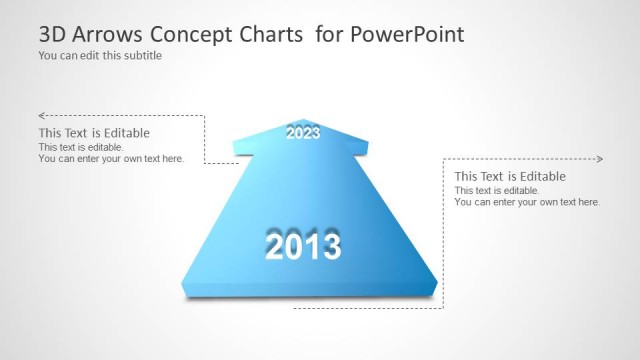
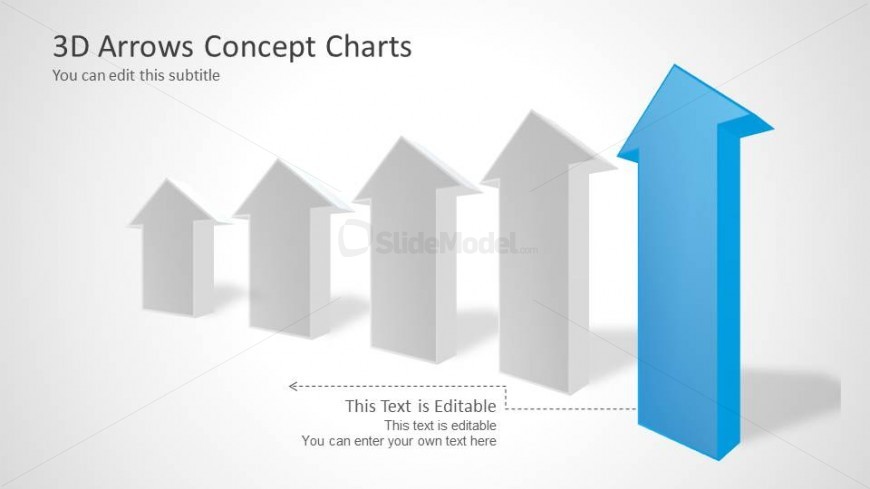
The 3D Arrow Progress Chart slide from the 3D Arrows Concept Charts for PowerPoint template offers a clear visual tool to illustrate process progress and milestones. Featuring editable shapes and a balanced layout with five 3D arrows, it supports business presentations focused on annual performance reviews and strategic goal tracking. This slide integrates seamlessly into corporate presentation slide decks, enhancing clarity with its vector icons and customizable text areas.
What’s on This Slide
The layout features five 3D arrow shapes arranged in a row, with the largest arrow on the right colored blue, indicating emphasis. The arrows are positioned centrally, with the smaller gray arrows to the left. Below the arrows, there are two editable text placeholders, one aligned to the left and the other centered. The background is a light gradient, enhancing the visual contrast. The overall composition is balanced, with a clear visual hierarchy that directs attention to the blue arrow and accompanying text areas.
How to Use It
This layout serves as a progress or trend indicator, ideal for showcasing growth or directional movement in a business context. It fits well after introductory slides and can be used to illustrate annual performance, project milestones, or strategic goals. The editable text placeholders allow for customization, making it suitable for various presentations where visual emphasis on progress is needed.
Text Placeholders & Capacity
Keep your copy within these limits so it fits without resizing. Body slots can hold roughly 8-10 words each.
| Placeholder | Count | Max characters (approx.) |
|---|---|---|
| Slide title | 1 | 30 |
| Subtitle | 1 | 40 |
| Body paragraph | 2 | 50 |
Slide Keywords
Download unlimited PowerPoint templates, charts and graphics for your presentations with our annual plan.
DOWNLOADReturn to 3D Arrows Concept Charts for PowerPoint.