Slide 2 of 9 from 3D Arrows Concept Charts for PowerPoint
6021-3d-arrows-concept-charts-2
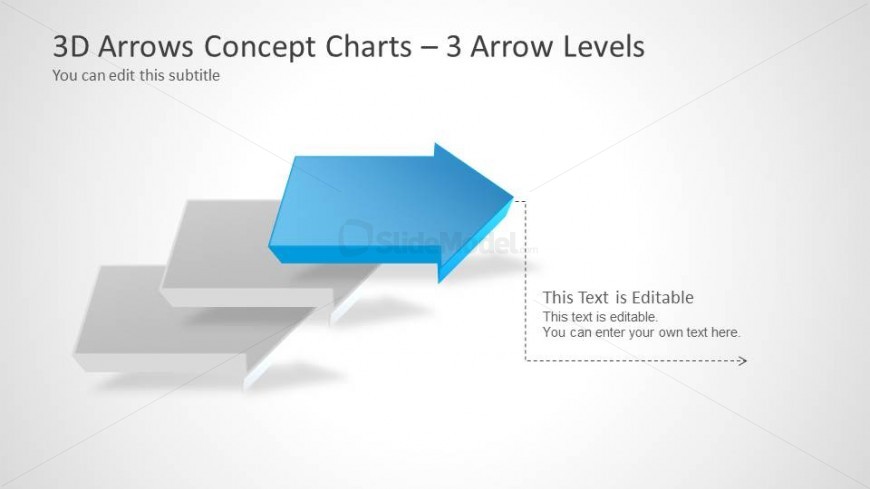
3 Arrow Levels Concept Chart for Presentations
- Diagram
- Arrow Sequence
- Process Slide
- 16:9
- 100% Editable
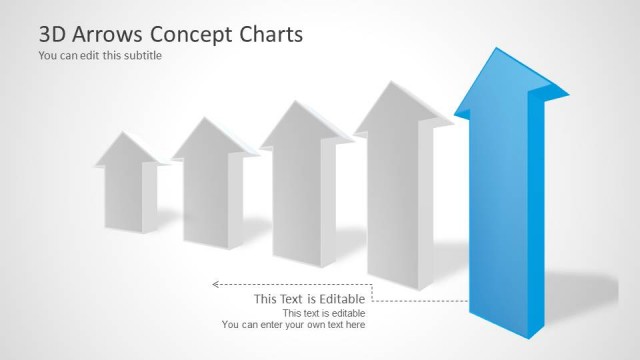
The 3 Arrow Levels Diagram from the 3D Arrows Concept Charts for PowerPoint template offers a clear visual tool for illustrating process progression and strategic planning. This slide layout features editable shapes and vector icons arranged in a staggered arrow sequence, ideal for business presentation updates and project timelines. Its design supports customization within PowerPoint templates and Google Slides templates, making it a practical choice for creating concise and effective slide decks.
What’s on This Slide
The layout features three 3D arrows positioned in a staggered manner, with the foremost arrow in blue and the others in gray. The blue arrow points to the right, indicating direction or progress. To the right of the blue arrow, there is a text placeholder for editable content, aligned vertically. The title is positioned at the top left, with a subtitle placeholder directly below it. The background is light, enhancing the visibility of the arrows. The overall composition emphasizes the leading arrow, creating a clear visual hierarchy.
How to Use It
This layout serves as a progression diagram, illustrating steps or levels in a process. It fits well in presentations that require a visual representation of growth, direction, or comparison. Ideal scenarios include business updates, project timelines, or strategic planning discussions. The clear arrow design allows for easy customization of text to fit specific content needs, making it versatile for various topics.
Text Placeholders & Capacity
Keep your copy within these limits so it fits without resizing. Text slots are spacious, allowing for detailed content.
| Placeholder | Count | Max characters (approx.) |
|---|---|---|
| Slide title | 1 | 40 |
| Subtitle | 1 | 60 |
| Item body | 1 | 100 |
Slide Keywords
Download unlimited PowerPoint templates, charts and graphics for your presentations with our annual plan.
DOWNLOADReturn to 3D Arrows Concept Charts for PowerPoint.