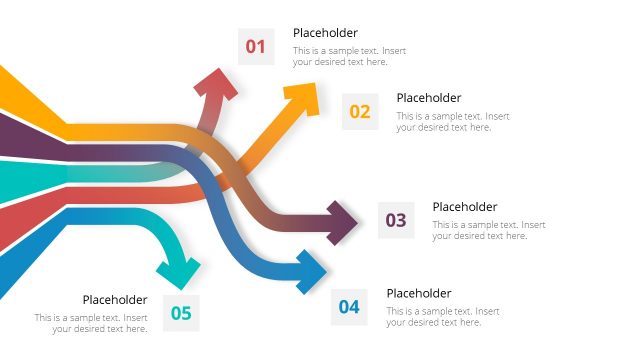
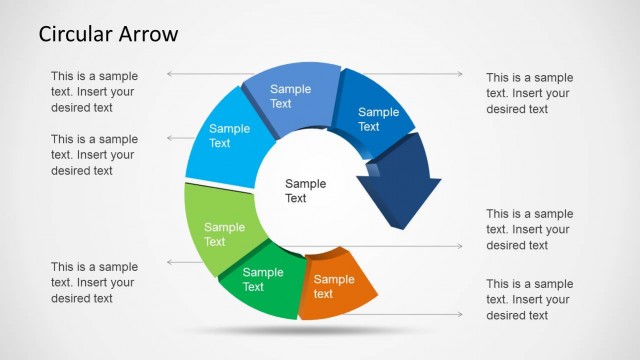
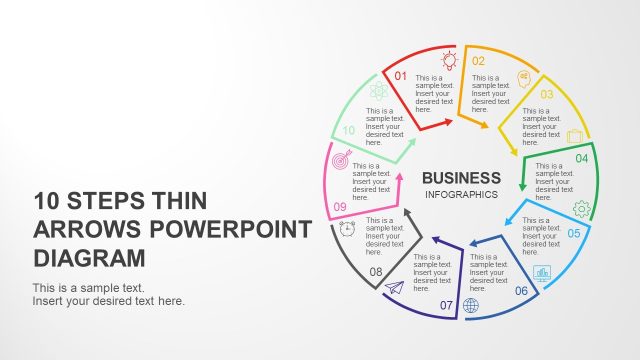
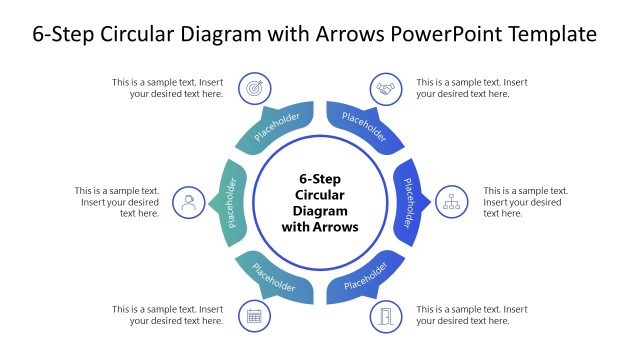
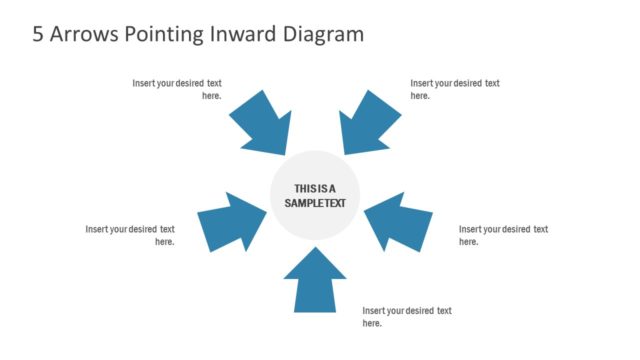
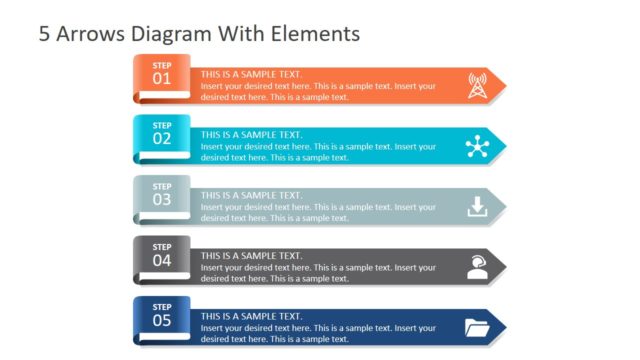
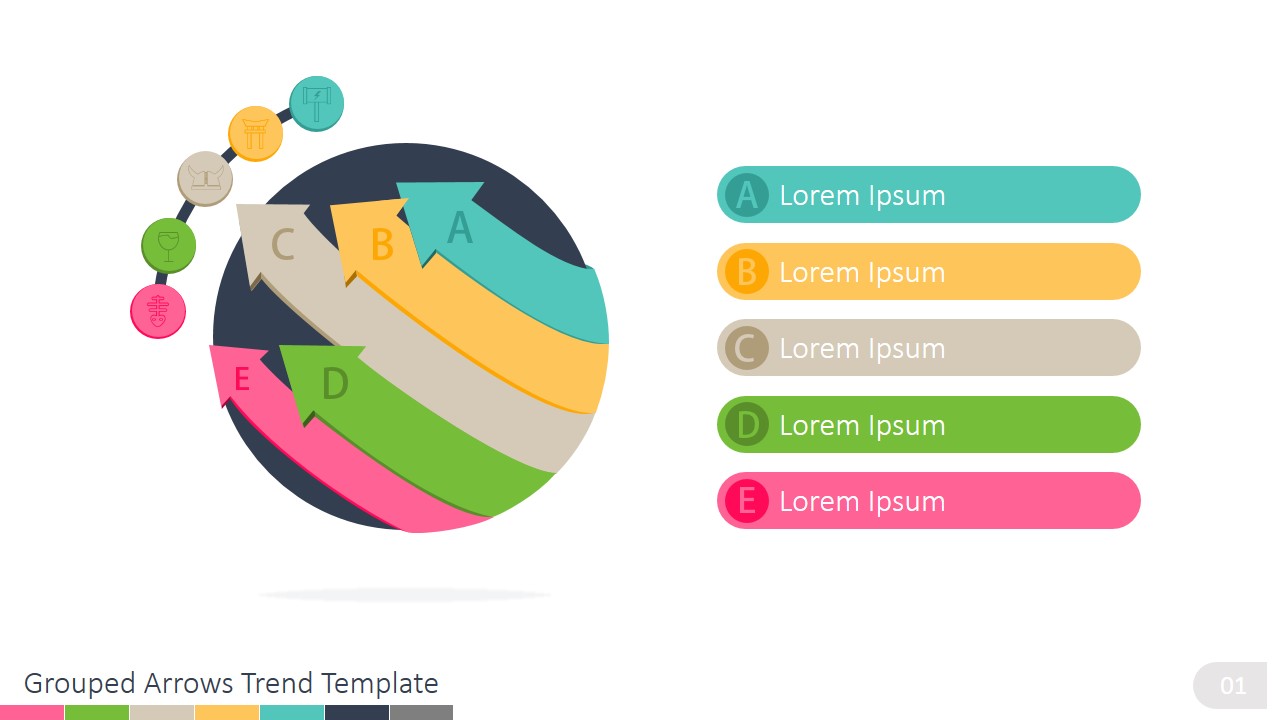
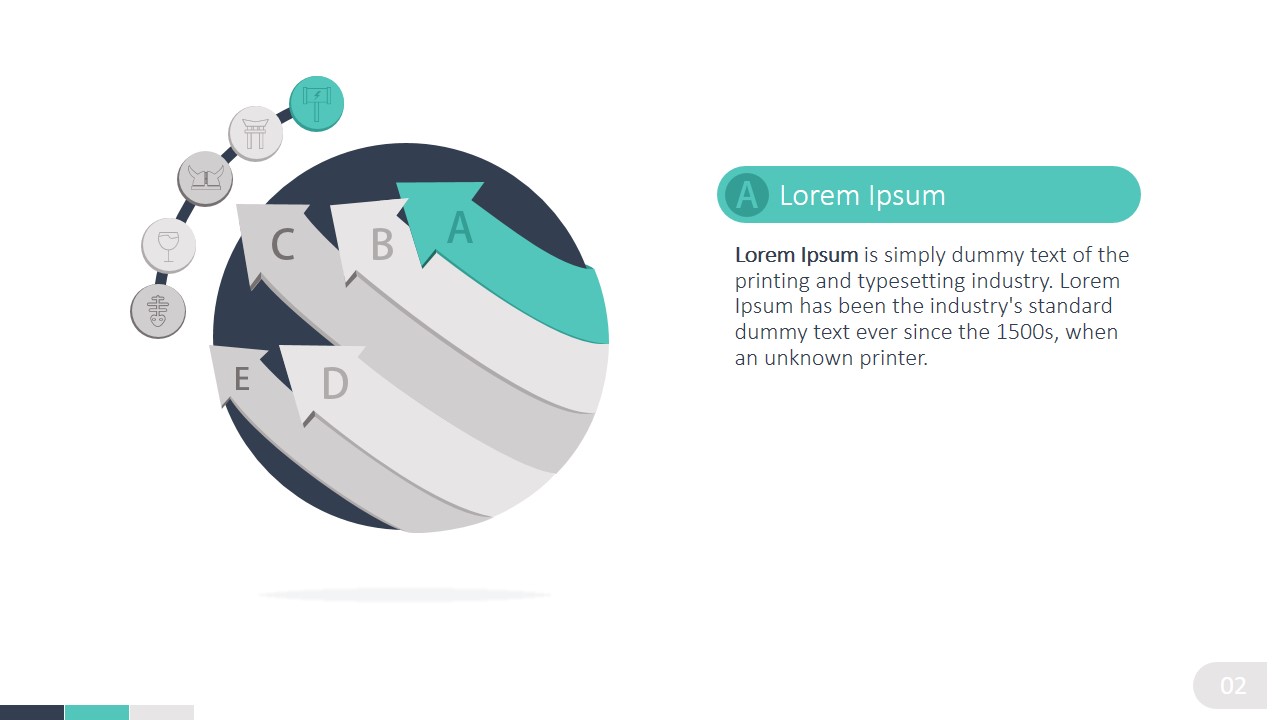
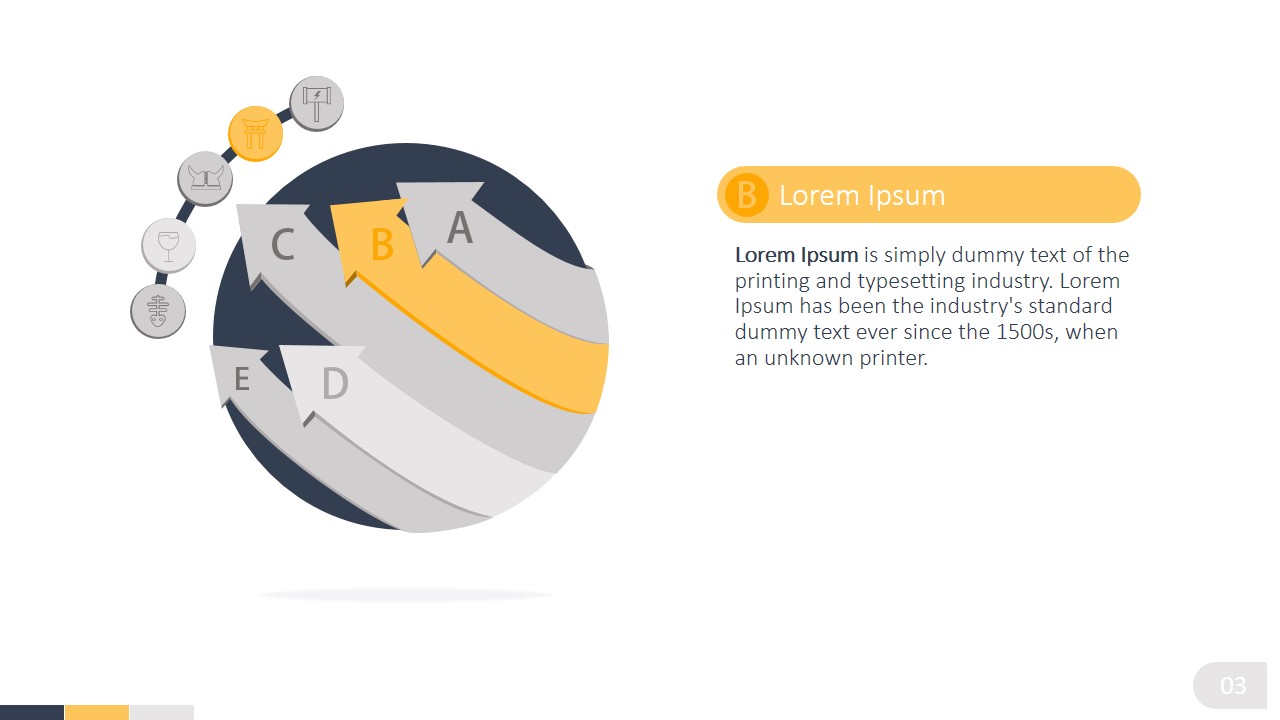
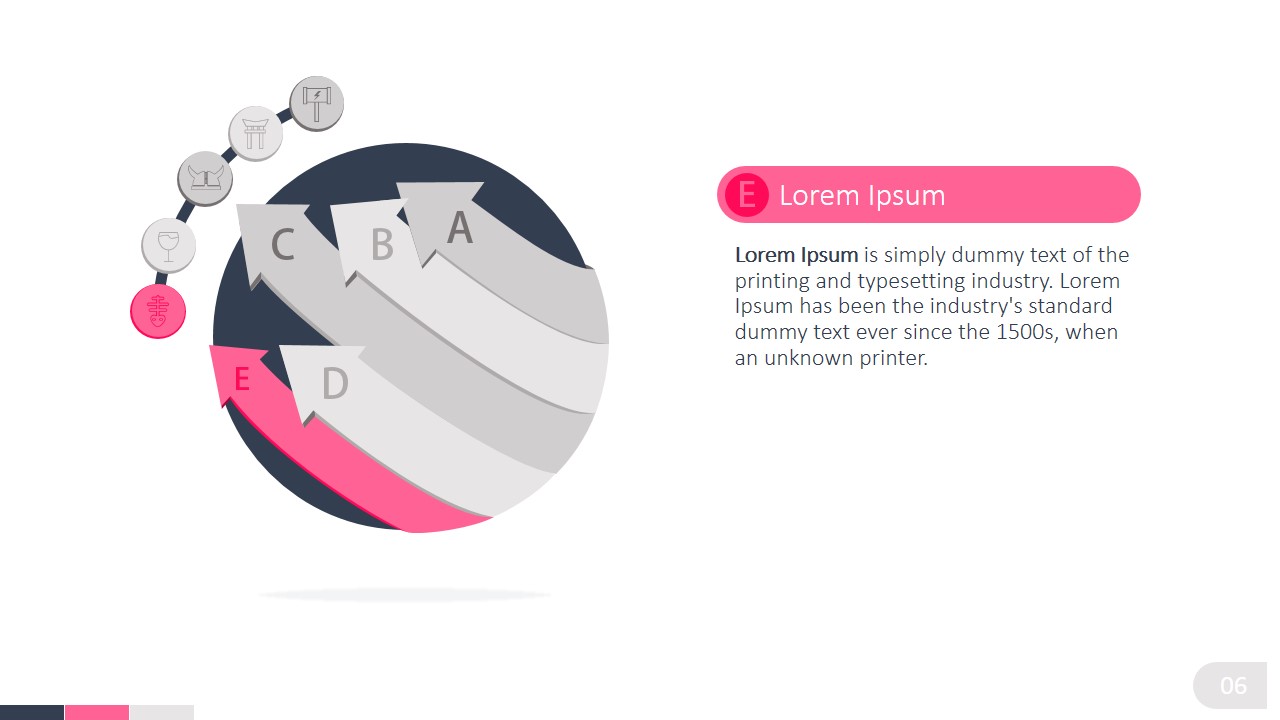
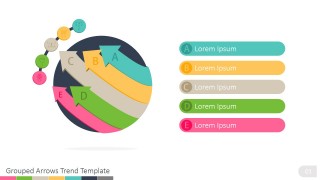
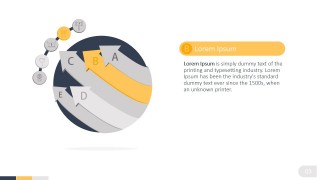
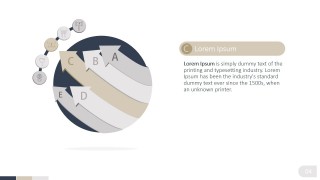
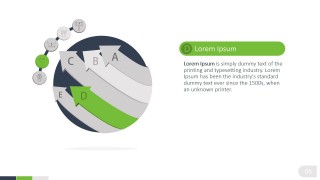
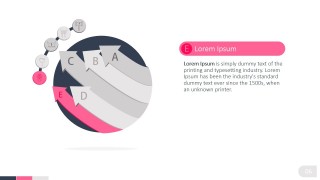
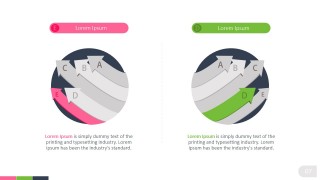
Avoid death by PowerPoint creating appealing PowerPoint presentations. Replace bullet lists with professional PowerPoint Diagrams. Apply the Grouped Arrows Trend PowerPoint Diagram and create a 5 Steps lists with a modern flat design look and feel. Each arrow can represent a topic or a step in a business process. Apply the design as a PowerPoint Sequence Diagram, where each arrow represents a growing trend. Each arrow is featured individually in a separate slide, allowing the user to drill down in the selected topic.
Each of the elements of the Grouped Arrows Trend PowerPoint Diagram is created as a PowerPoint Shape. This design feature provides the flexibility to customize every aspect of the diagram as colors, size and effects.
What’s inside this template
Example presentation scenarios
- A strategy consultant can use the circular grouped arrow overview to introduce five connected growth drivers before discussing each driver on its own focus slide.
- A project manager can present a phased implementation plan by assigning each colored arrow to a workstream, milestone, or decision point.
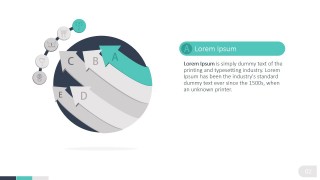
- A marketing manager can use the individual A through E focus slides to explain campaign stages while keeping the full trend structure visible in the diagram.
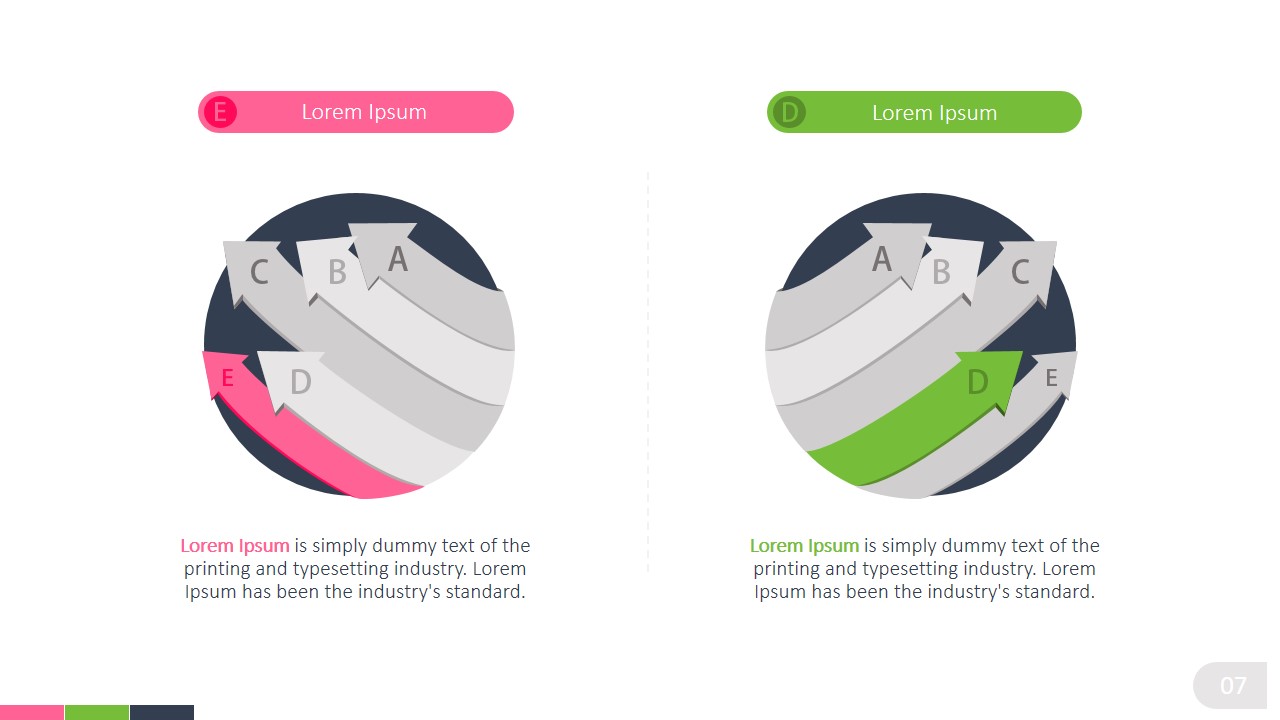
- An operations leader can use the two-panel layout to compare two process stages, such as current focus versus next focus, with separate diagrams and short notes.
Features
- 100% editable presentation template
- Compatible with Microsoft PowerPoint and Google Slides
- 16:9 aspect ratio slides
- Scalable vector shapes, icons and illustrations
- AI-Ready for Microsoft Copilot and Claude
- Instant access and download
Frequently asked questions
Q: How should a presenter explain the five arrows without turning the diagram into a list?
A: Start with Slide 1 as the organizing frame and state what each arrow represents in one sentence. Then use the individual focus slides to explain one arrow at a time while the muted arrows preserve context. This keeps the audience oriented and prevents the five topics from feeling like disconnected bullet points.
Q: What type of business message fits this grouped arrow diagram best?
A: This template fits messages where five related topics move in the same general direction, such as a growth sequence, operating model, transformation path, or trend buildup. It is best for consultants, managers, and team leads who need to show connection and progression without using a date-based timeline.
Q: Why does the circular arrow metaphor work for trend and process communication?
A: The curved arrows imply movement, momentum, and a connected system rather than isolated steps. Highlighting one arrow while graying out the others creates a clear focal point, but the circular structure still reminds viewers that each topic belongs to a larger pattern or recurring business cycle.


Grouped Arrows Trend PowerPoint Diagram
7-slide presentation template with grouped arrows, 5-step trend diagram, and focused process callouts
Grouped Arrows Trend PowerPoint Diagram is a 7-slide diagram template for explaining five-step trends, sequences, or process topics. It includes a circular grouped arrow overview, individual focus slides for arrows A through E, and a two-panel comparison layout. Built for business presenters using Microsoft PowerPoint or Google Slides.
- Category
- Diagrams
- Rating


 Loading...
- Aspect ratio
- 16:9, 4:3
- Item ID
- 0004-01
- Colors
 Microsoft PowerPoint
  Microsoft Copilot
  Claude for PowerPoint
 Other formats supported
Subscribe today and get immediate
access to download our PowerPoint templates.