3D Agile Scrum PowerPoint Diagram is a professional PowerPoint template with different diagrams describing the Scrum methodologies for agile practices.
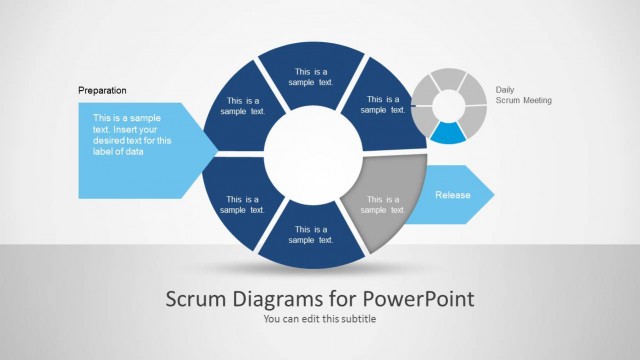
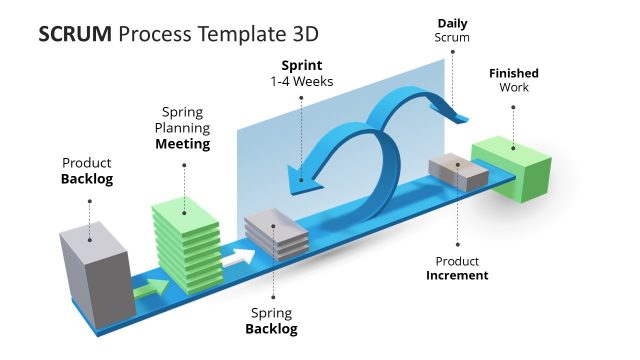
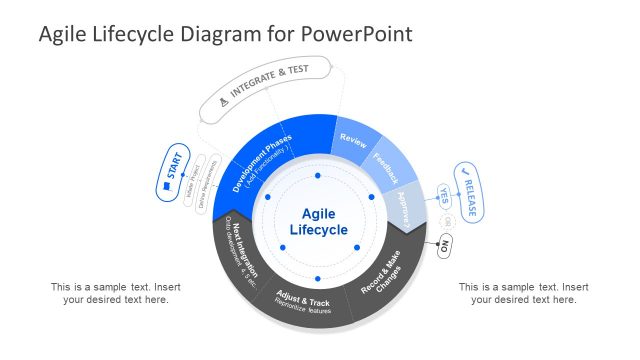
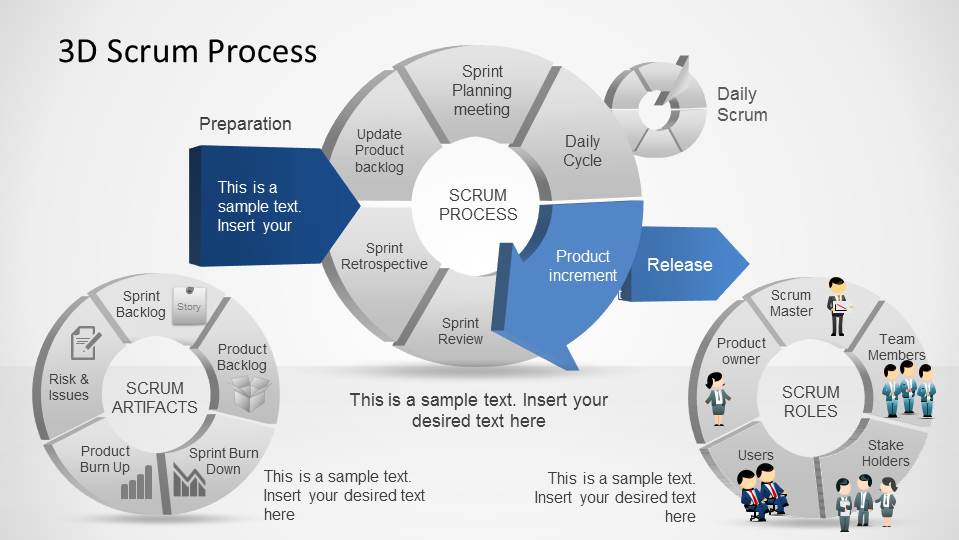
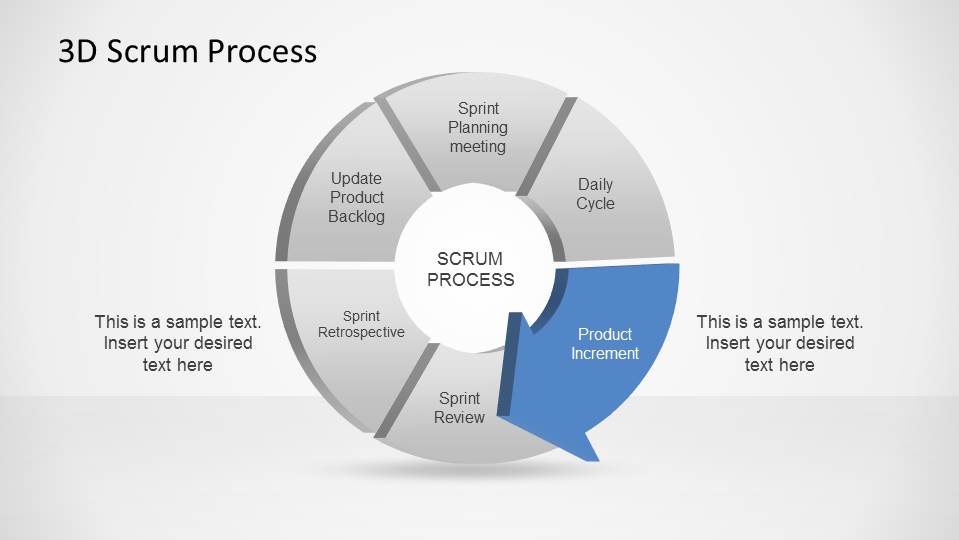
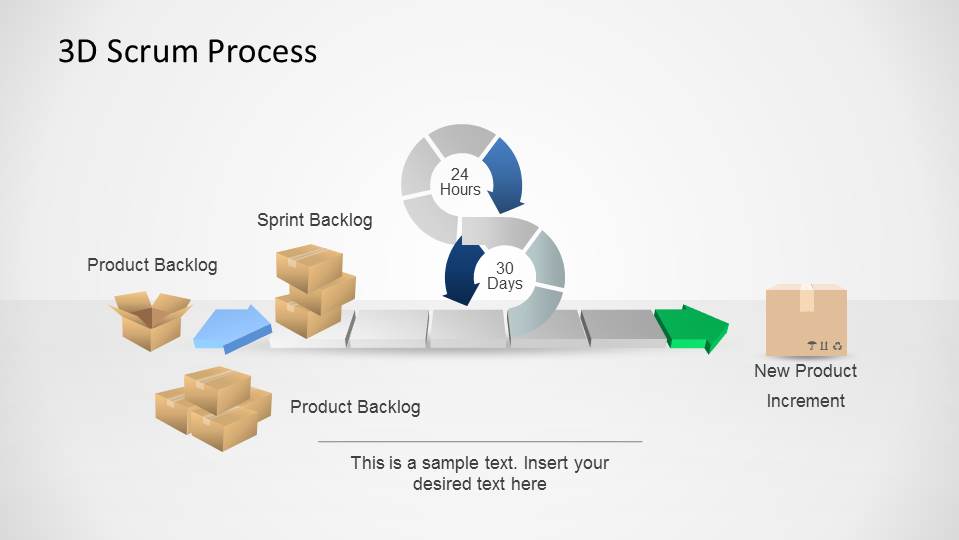
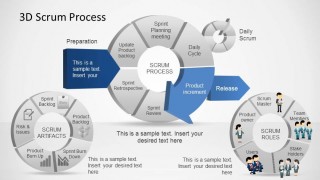
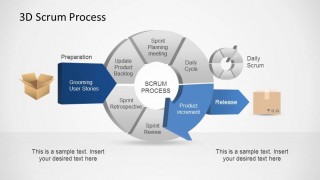
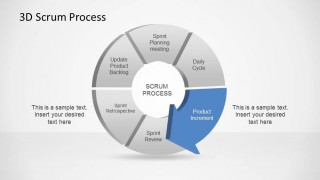
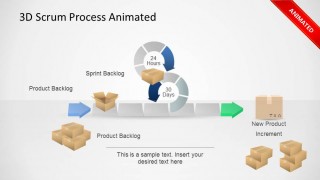
The presentation contains several sections, each of them describing an important aspect of the scrum methodology. The first slide provides the 3D Agile Scrum PowerPoint Diagram with an overall highlight, that presents the general Scrum Cycle, the Scrum Roles involved and the Scrum Artifacts used. The following slide concentrates in the process flow diagram, showing a product backlog as input, going though grooming and showing how this input goes through the Scrum infinite loop Sprint Planning, Daily Cycle, Product Increment, Sprint Review, Sprint Retrospective and Product Backlog Update.
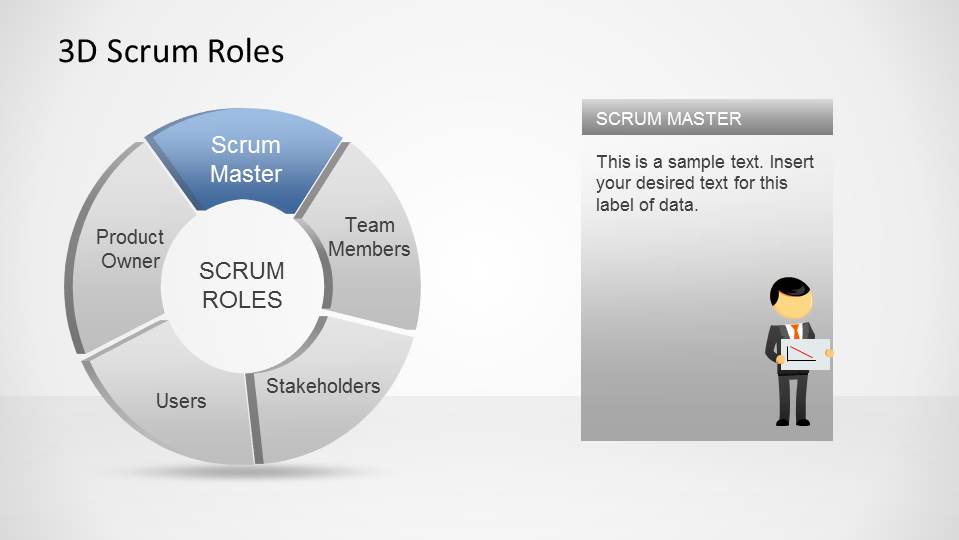
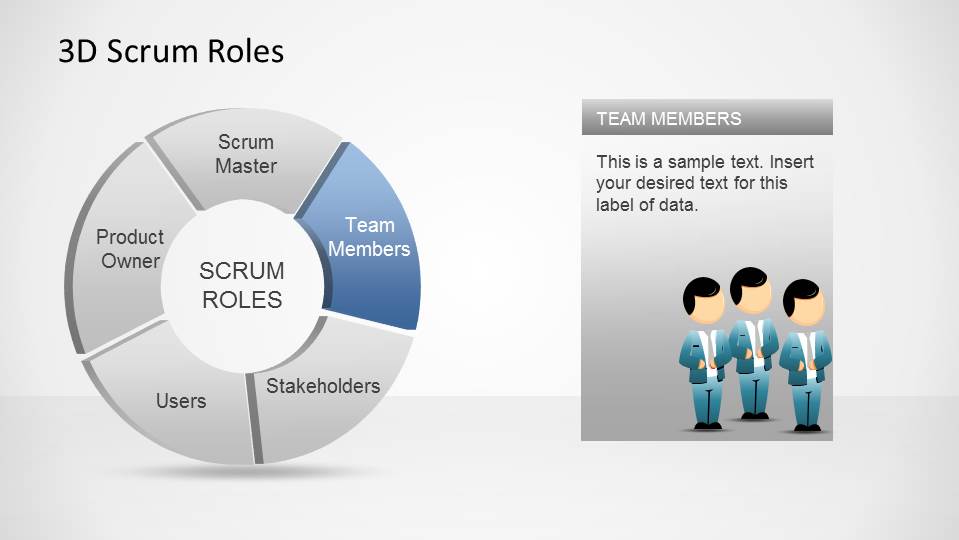
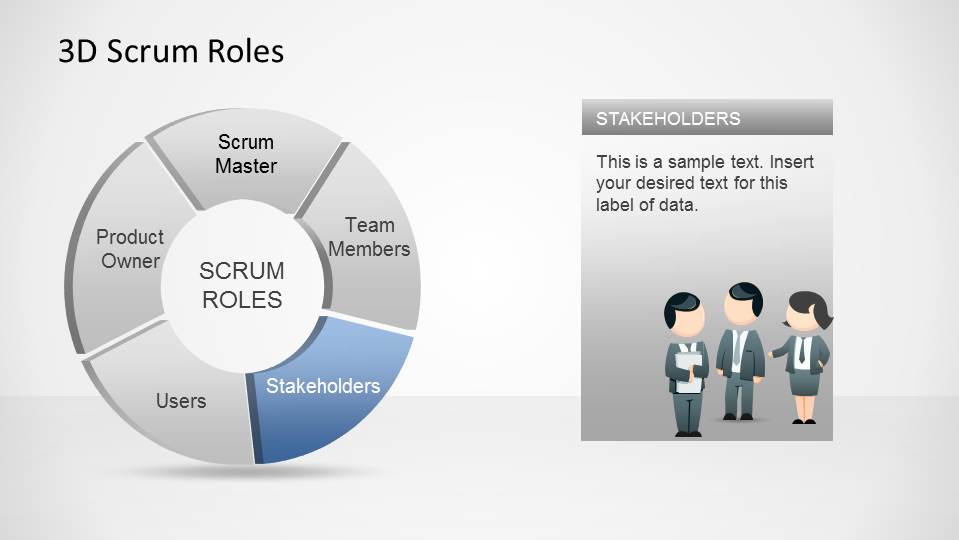
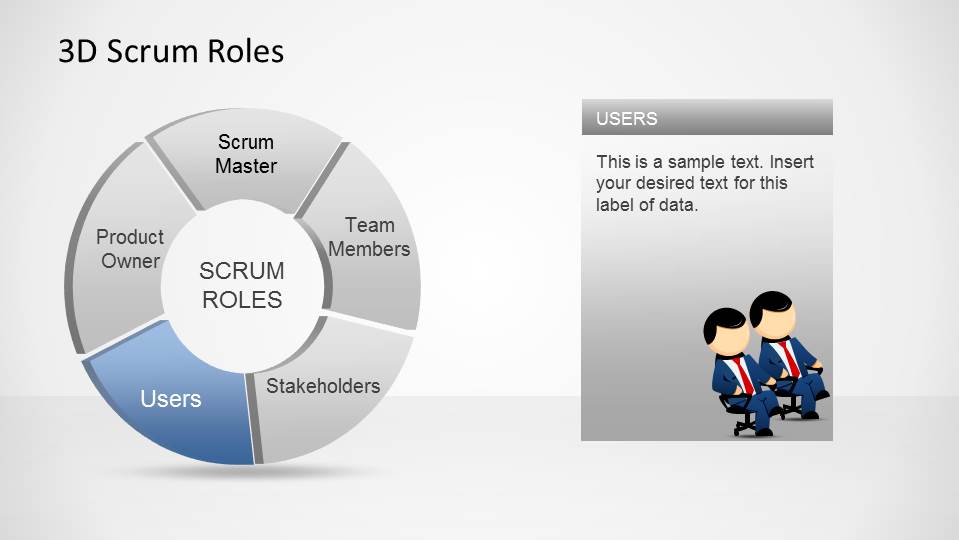
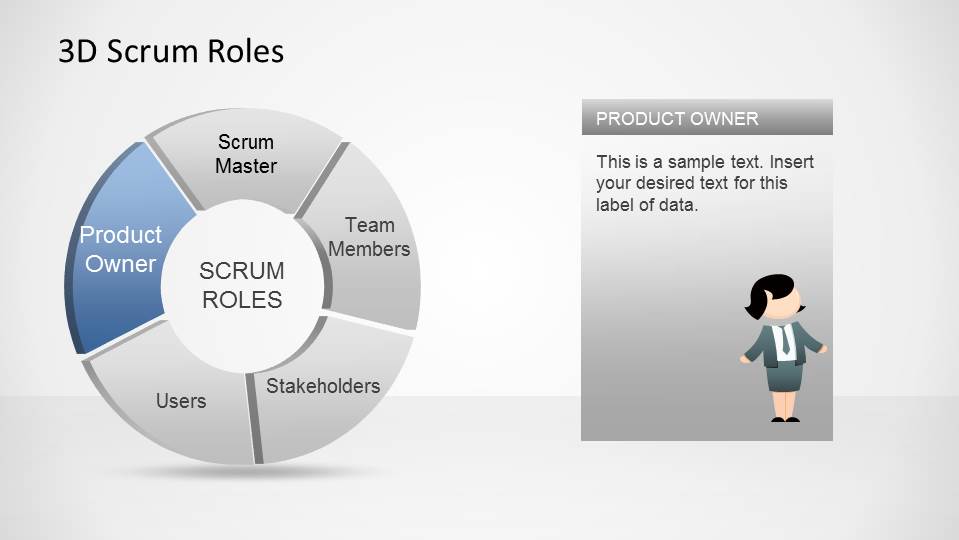
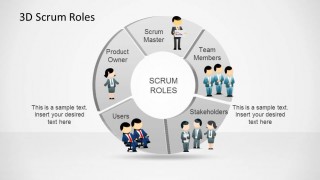
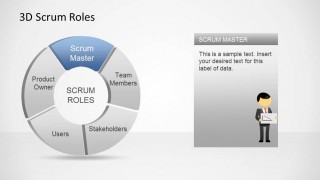
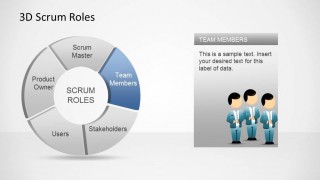
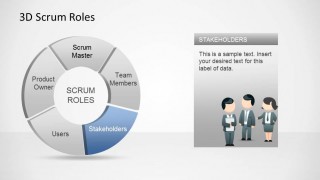
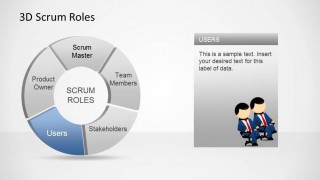
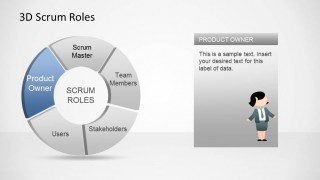
The forth slide describes the Scrum Roles, assigning a cartoon to each of them to picture it better and to be able to complement the presentation with additional visual reference if more content is needed. Each Scrum Role has a slide where the user can write down role and responsibility, or information about role expectations. The text is free for flexibility.
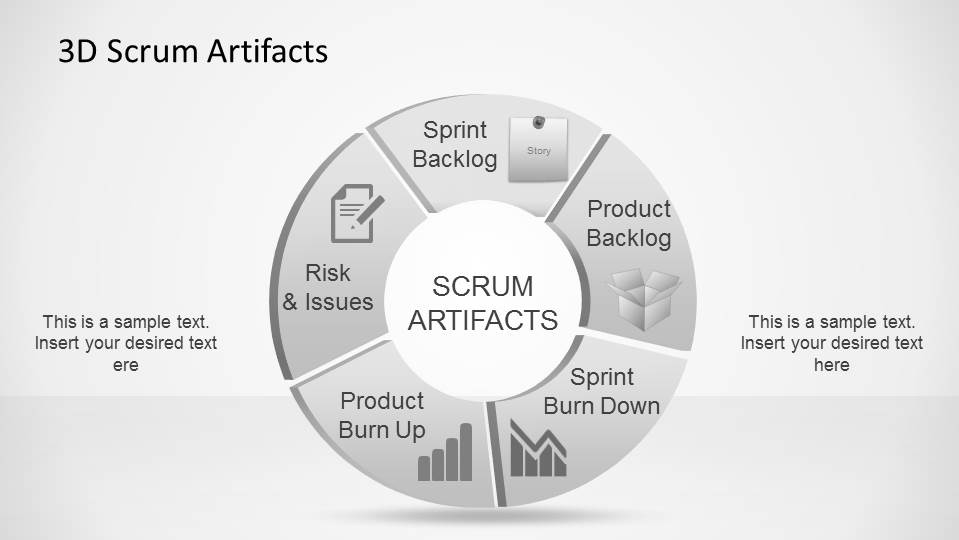
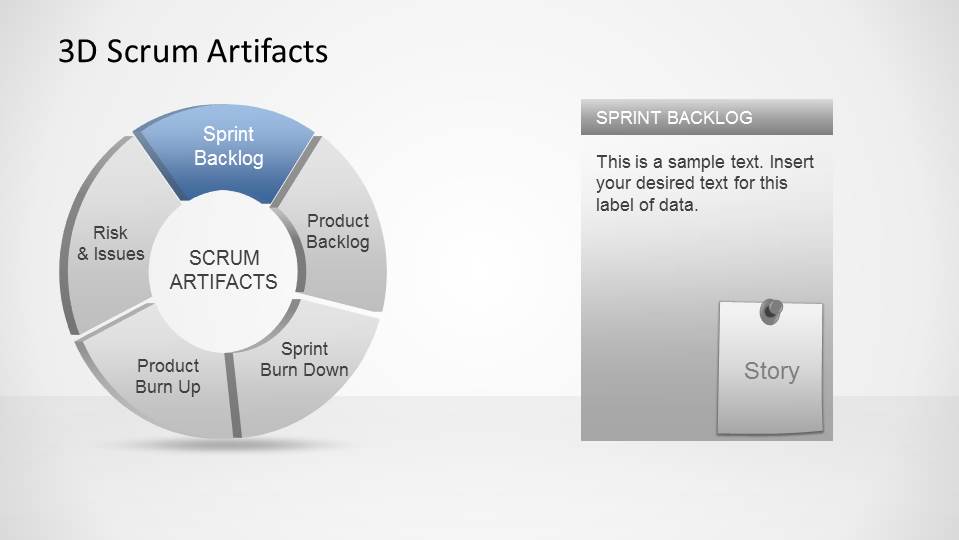
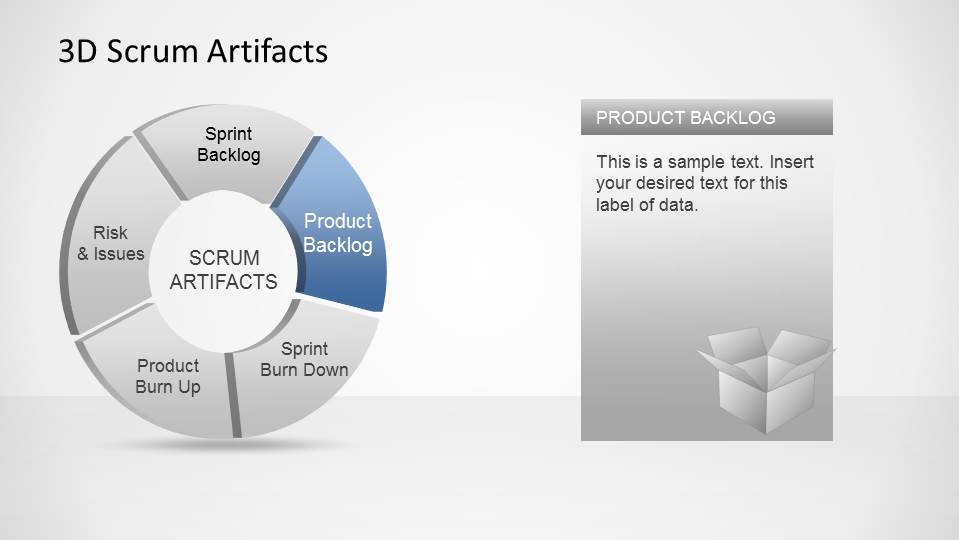
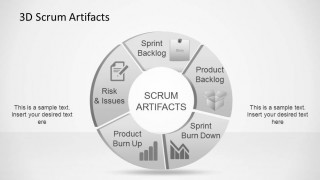
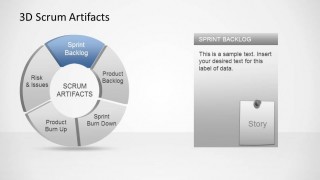
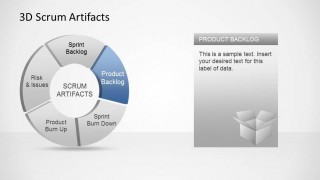
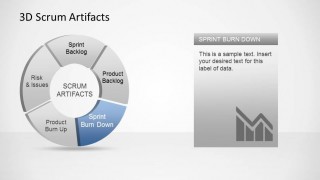
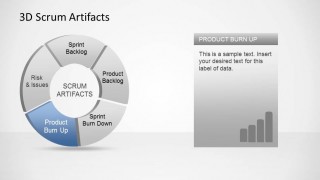
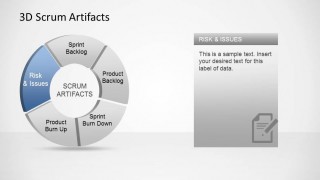
Following the Scrum Roles, a Scrum Artifacts section begins, with the Scrum Artifacts diagram. Following the same idea for the Scrum Roles cartoons, the presentation contains Icons for the Scrum Artifacts to enable visual representation later in the presentation or in additional content. Each Artifacts has a slide for description.
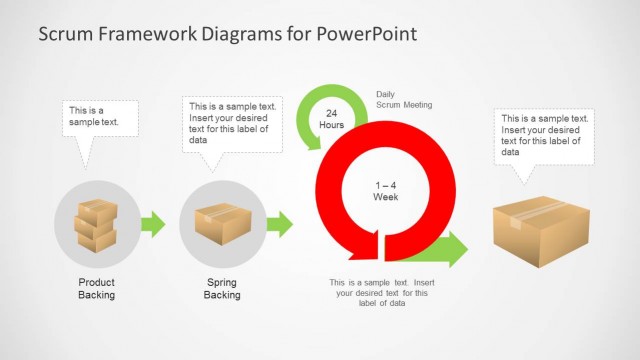
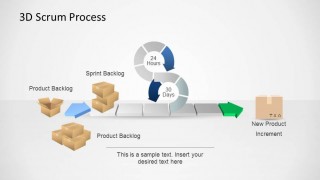
As as summary of the Scrum Process the 3D Agile Scrum PowerPoint Diagram Template is presented in two flavors, static and Animated, showing how a feature, represented as a cardboard box, flows though the process.
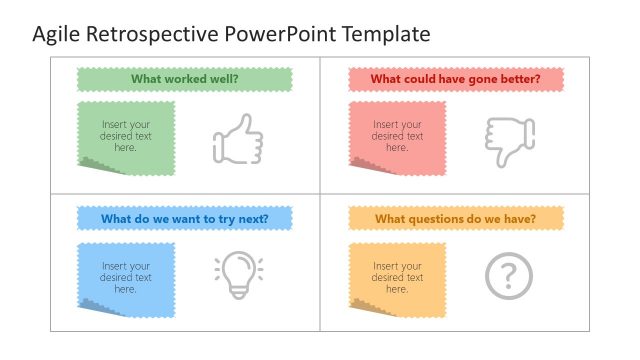
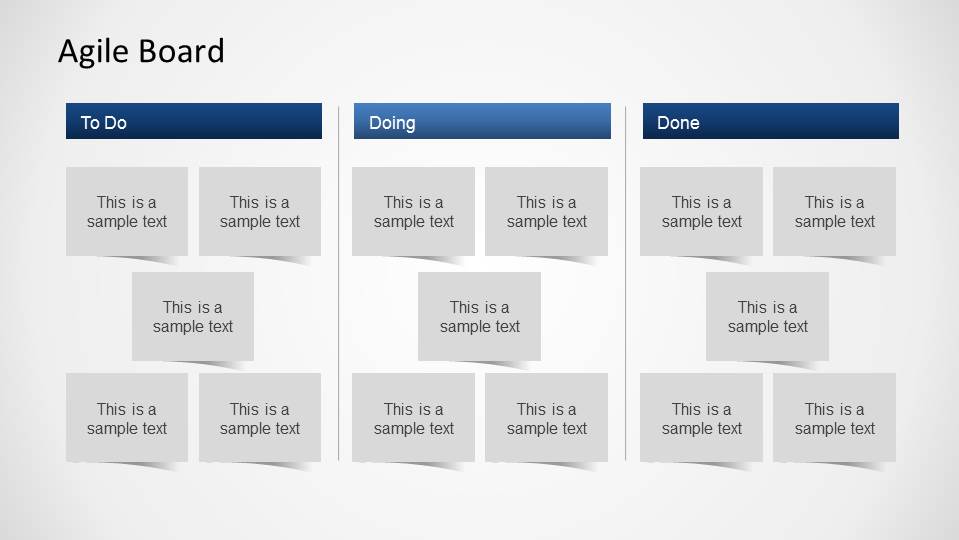
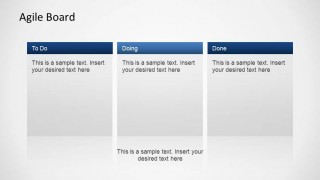
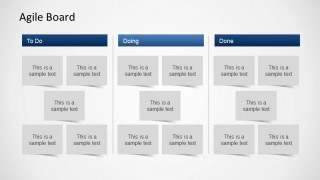
At the end of the presentation, we include the Story board, and PowerPoint objects like Post-it, for the user to work with its team in a Scrum base project, or Kanban project or any agile project that requires a agile board as a tool.
Scrum is a set of Agile methodologies which have a backlog (described as the lists of things to-do) and follows a set of time-boxed ceremonies, by a set of roles, with a commitment to complete the backlog in an iterative process. This methodology for lean software development has proven success under lean start-ups that require quick time to market, high budget consumption visibility and most of all, high adaptability to reality changes.
Combine the 3D Agile Scrum PowerPoint Diagram with any of our PowerPoint Diagrams or PowerPoint Shapes and create outstanding presentations that appeal to global audiences.
What’s inside this template
Example presentation scenarios
- An Agile coach can use the Scrum cycle and artifacts wheel to train a new software team on ceremonies, outputs, and sprint cadence.
- A Scrum Master can present the role wheel and role detail slides to clarify responsibilities for product owners, team members, stakeholders, and users before a project kickoff.
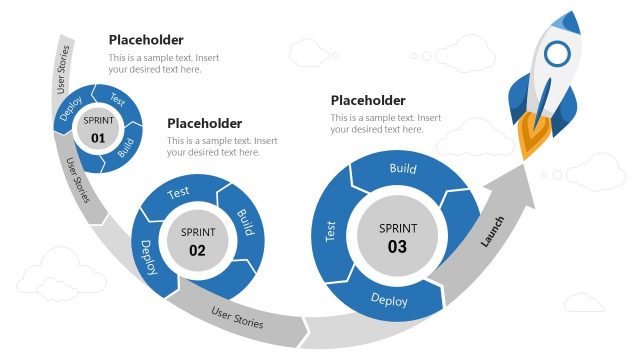
- A product owner can use the horizontal sprint process and backlog visuals to explain how user stories move from product backlog to product increment.
- A project manager can use the Agile Board slides to facilitate a workflow discussion with To Do, Doing, and Done columns during sprint planning.
Features
- 100% editable presentation template
- Compatible with Microsoft PowerPoint and Google Slides
- 16:9 aspect ratio slides
- Scalable vector shapes, icons and illustrations
- AI-Ready for Microsoft Copilot and Claude
- Instant access and download
Frequently asked questions
Q: How should a presenter explain Scrum with this deck without overwhelming a mixed audience?
A: Start with the combined process overview, then separate the discussion into roles and artifacts before showing the sprint flow. This sequence lets non-technical stakeholders first see the full system, then understand who participates, what outputs matter, and how backlog items move through the cycle into a product increment.
Q: Who is this template best suited for during an Agile rollout?
A: It fits Scrum Masters, Agile coaches, product owners, and project managers who need to introduce Scrum to a team or reset expectations in a kickoff. The role wheel helps assign responsibility, the artifacts wheel defines shared work objects, and the Agile Board slides support a practical discussion of current work.
Q: Why use circular and 3D metaphors for this Scrum topic?
A: The circular diagrams reinforce Scrum as an iterative system rather than a one-time sequence. The 3D boxes, arrows, and cycle markers make backlog movement feel concrete, which helps audiences connect abstract terms such as sprint backlog, review, retrospective, and increment with a visible flow of work.






3D Agile Scrum PowerPoint Diagram
19-slide Scrum presentation template with 3D process cycles, role wheels, artifacts, and Agile Board layouts
The 3D Agile Scrum PowerPoint Diagram is a 19-slide presentation template for explaining Scrum practices. It includes a 3D Scrum cycle, role wheel, artifacts wheel, horizontal sprint process, and Agile Board layouts. It is built for trainers, Scrum Masters, product owners, and software teams in Microsoft PowerPoint and Google Slides.
- Category
- Process Diagrams
- Rating


 Loading...
- Aspect ratio
- 16:9
- Item ID
- 6488-02
- Colors
 Microsoft PowerPoint
  Microsoft Copilot
  Claude for PowerPoint
 Other formats supported
Subscribe today and get immediate
access to download our PowerPoint templates.