Scrum Diagrams for PowerPoint– a compilation of useful PowerPoint shapes diagrams that can be used in Scrum management method presentations. The Office template is already a complete set of symbols. It only needs minimal development in creating quality reports. Professional audiences can surely find this design understandable and appealing.
The slide designs are ideal for software development projects and agile methodologies. It is perfect for Scrum presentations which it was especially plotted for. The shapes are intended to be reusable. Thus, the user can opt to copy and paste them to supplement personal or broader reports. Its features are fully customizable. The colors can be altered. The text placeholders can be moved around. Objects can be quickly manipulated through the PowerPoint shapes menu option. This makes the layout flexible and competitive.
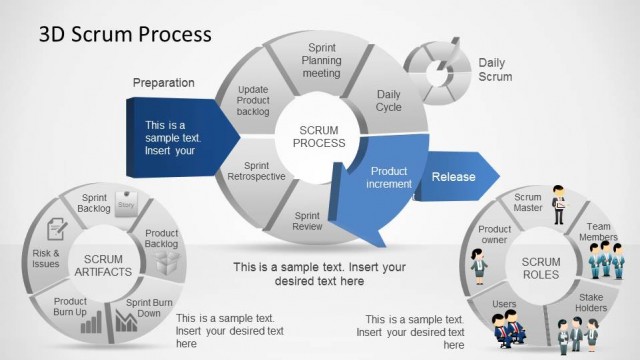
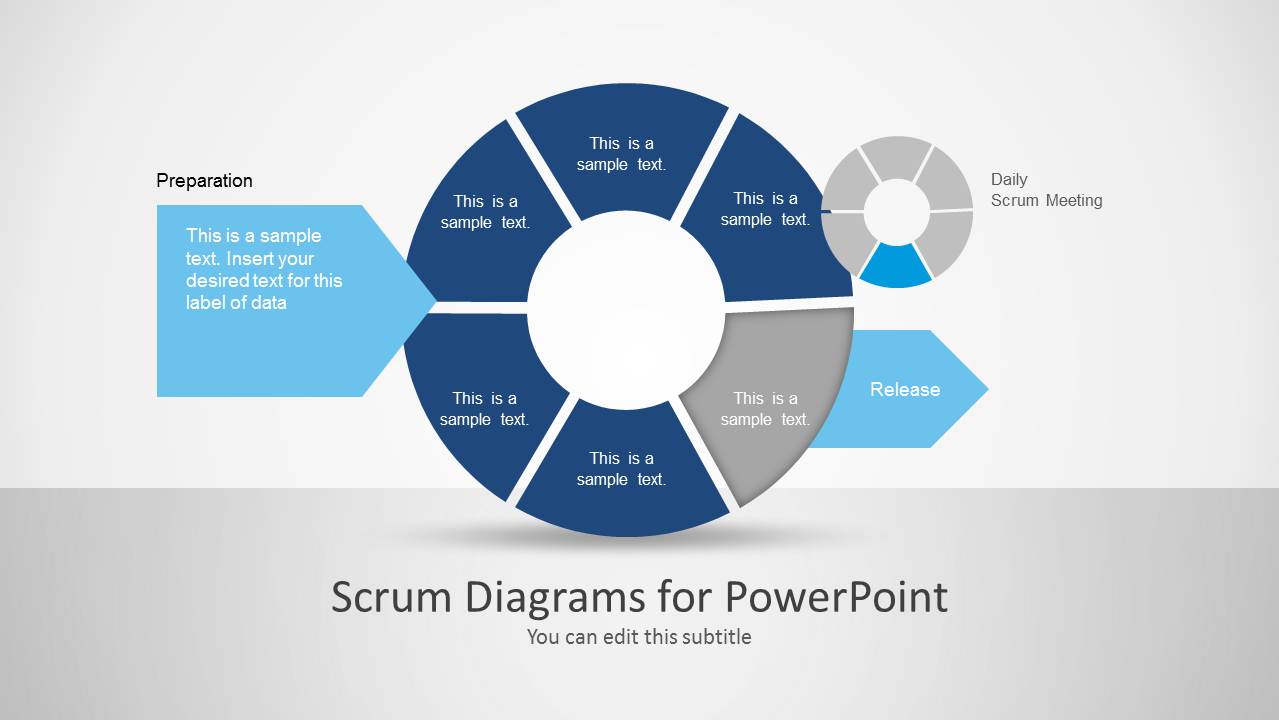
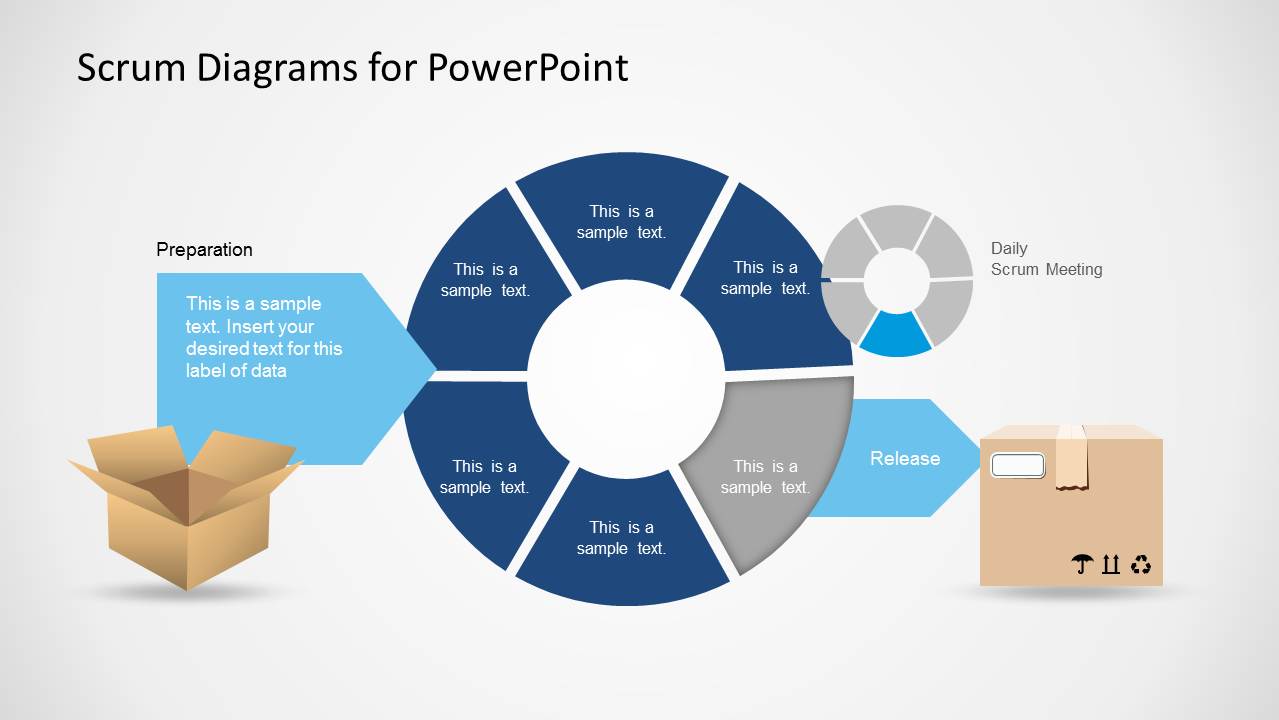
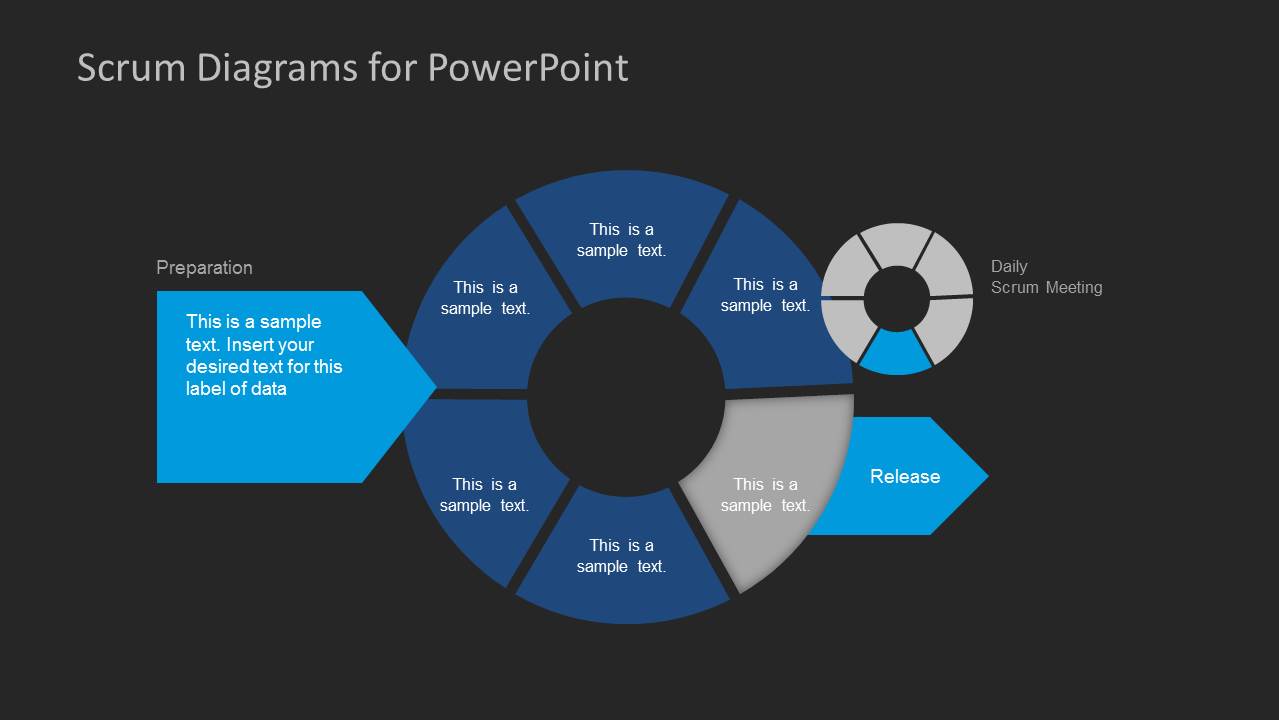
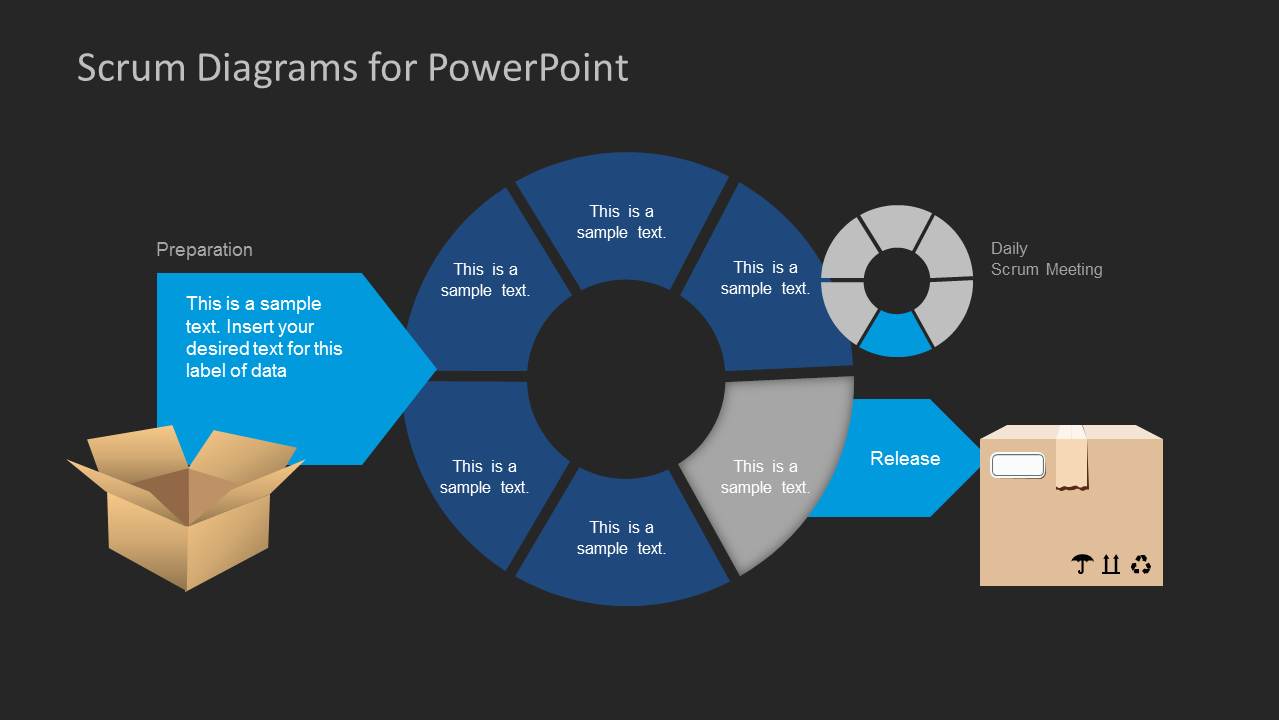
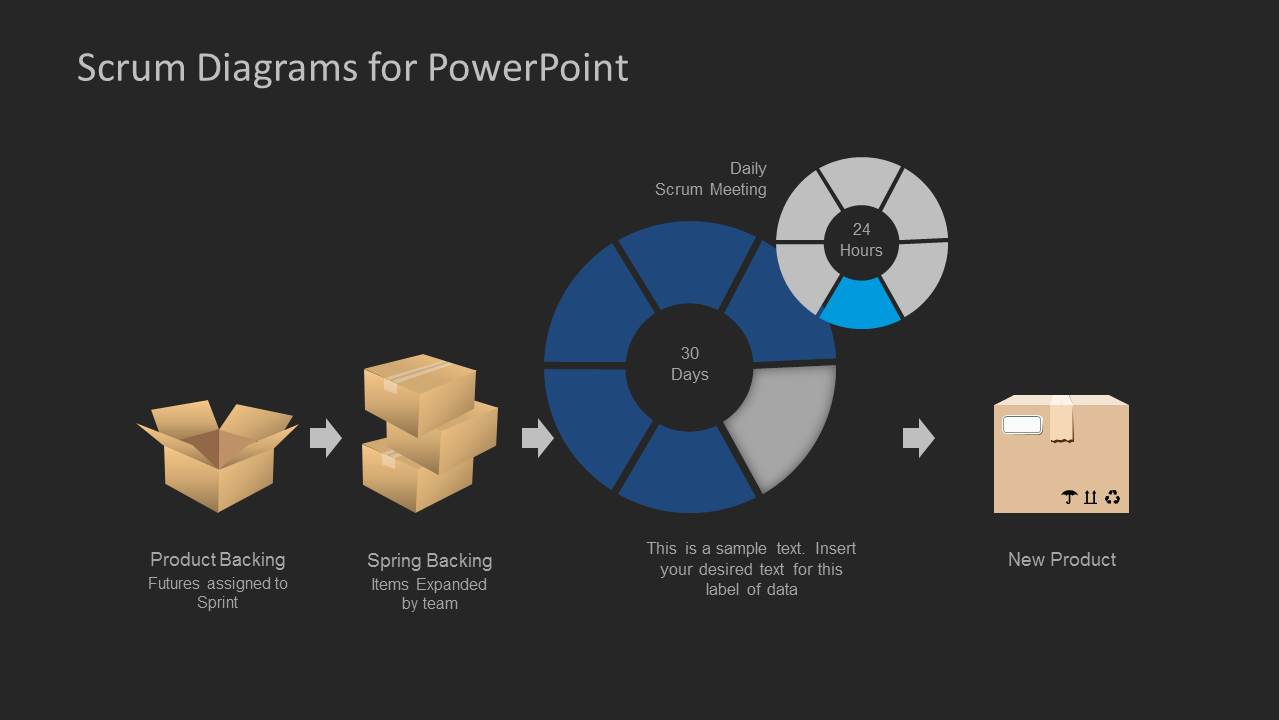
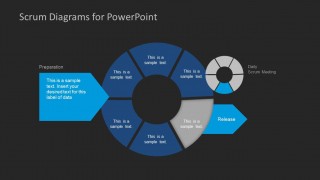
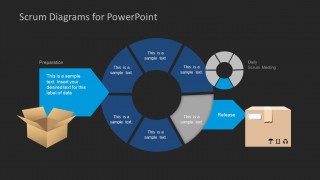
There are 6 uniquely outlined slides in the selection. The first slide already displays a process in a Scrum method. The activity starts from the left to the right. Each diagram symbolizes a particular step in the system. They are as follows:
Preparation- Big chevron arrow
Planning- big donut chart
Release- small chevron arrow
Daily Scrum Meeting- small donut chart
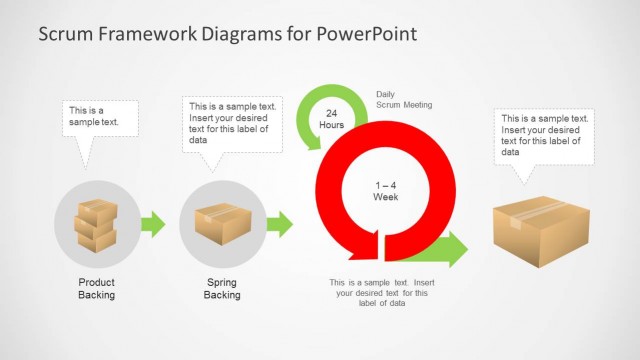
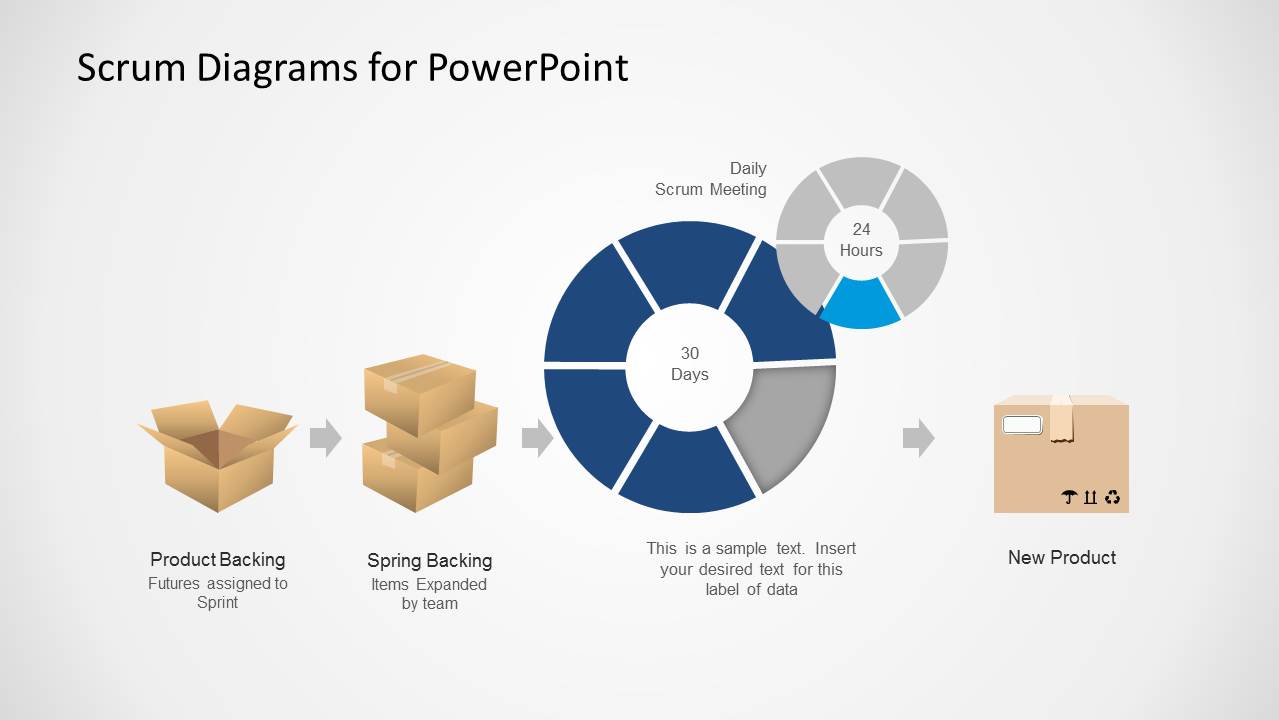
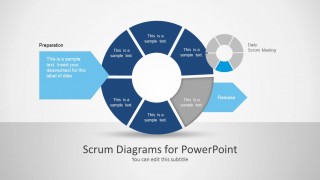
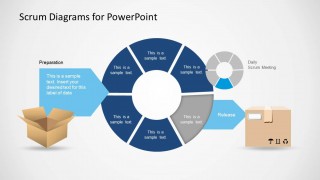
The second slide includes box shapes clipart. In the start of the process, the package is opened for example. Its contents were removed and they go through filtering. The output or end product is then transferred to another box after the release. The box is sealed right after that.
Scrum is a specific methodology designed for product or software development. It uses teamwork as a tool in achieving the goal. It analyzes challenges and allows generation of contingency planning. It sustains a holistic approach. The mainframe is personal communication among the group.
Enhance product development and agile presentations using Scrum Diagrams for PowerPoint. 3D Agile Scrum PowerPoint Diagram is also downloadable from the SlideModel gallery together with additional stunning Microsoft PowerPoint templates.
What’s inside this template
Example presentation scenarios
- A Scrum Master can use the segmented Scrum cycle and daily scrum donut to explain how preparation, planning, release, and daily meetings connect during a sprint kickoff.
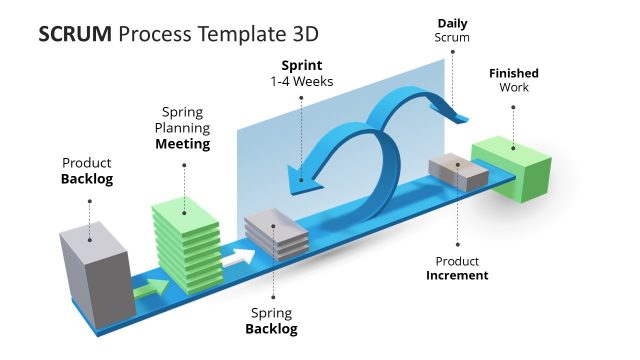
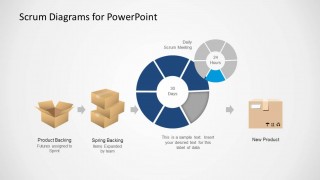
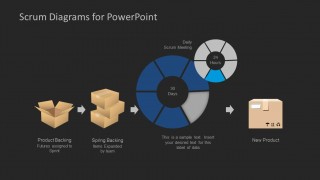
- A product owner can present the sprint-to-product flow to stakeholders, using the backlog box icons and 30 days cycle to show how work items become a new product increment.
- An agile coach can teach new teams with the light and dark process diagrams, using the package illustrations as a simple metaphor for filtering, organizing, and releasing work.
- A software development manager can use the release chevron and circular sprint layout in a delivery update to show where the team is in the current workflow.
Features
- 100% editable presentation template
- Compatible with Microsoft PowerPoint and Google Slides
- Scalable vector shapes, icons and illustrations
- AI-Ready for Microsoft Copilot and Claude
- Instant access and download
Frequently asked questions
Q: How should a presenter explain the Scrum flow without overcrowding the audience?
A: Start with the large segmented Scrum cycle and introduce one stage at a time: preparation, planning, release, and daily scrum. Use the chevrons as entry and exit points, then move to the sprint-to-product slide for the delivery outcome. Keep each segment label short so the diagram stays process-focused instead of becoming a dense project report.
Q: Who is this Scrum diagram template best suited for?
A: It fits Scrum Masters, agile coaches, product owners, and software delivery leads who need to explain how work moves through a sprint. The process ring, daily scrum marker, backlog icons, and new product endpoint are useful when the audience needs a shared mental model before planning, training, or reviewing an agile project.
Q: Why does the template use boxes and circular diagrams as visual metaphors?
A: The package illustrations make backlog handling feel concrete: work enters, gets sorted, passes through a cycle, and exits as a product increment. The circular Scrum diagram reinforces iteration, while the 24 hours daily scrum marker separates recurring team inspection from the larger 30 days sprint loop. Together, the metaphors make the workflow easier to remember.
Scrum Diagrams for PowerPoint
6-slide PowerPoint presentation template for Scrum cycle diagrams and sprint process flows
Scrum Diagrams for PowerPoint is a 6-slide diagram template for agile software development presentations. It includes a Scrum cycle ring, chevron process steps, packaging flow illustrations, and a sprint-to-product workflow with daily scrum markers. It is designed for Scrum Masters, product owners, and delivery teams using PowerPoint.


 Loading...
 Microsoft PowerPoint
  Microsoft Copilot
  Claude for PowerPoint
 Other formats supported
Subscribe today and get immediate
access to download our PowerPoint templates.