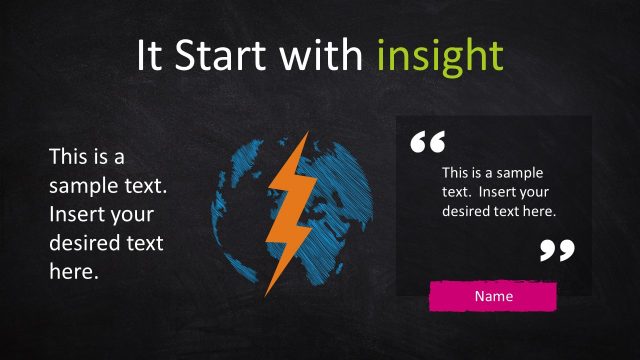
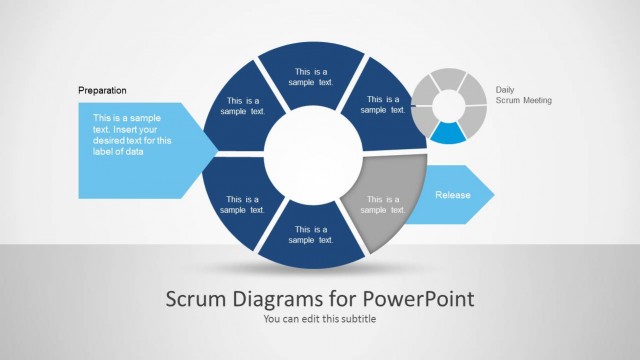
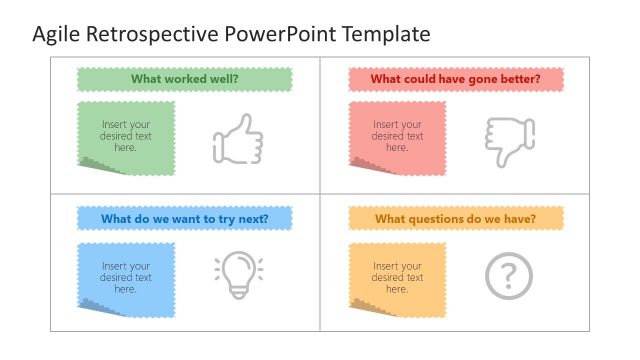
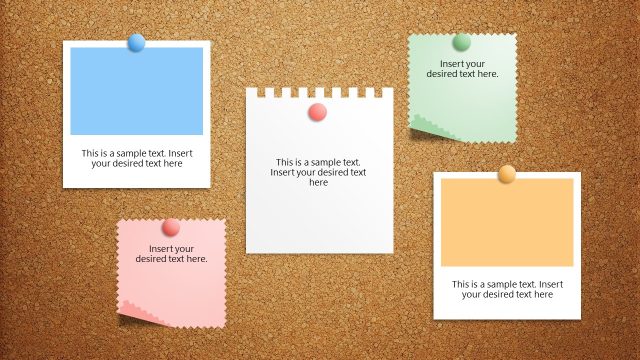
Blackboard and Sticky Notes PowerPoint Shapes – Impress your colleagues with an exciting PowerPoint template inspired by the Agile methodology. This template induces a sense of familiarity to presentations for organizations that have high preference and utility for this development method. Taskboards and post-its are staple instruments in the daily activities in an Agile environment. This presentation takes your audience back to the exciting experiences brought by projects and ventures done in this method.
Create Amazing Agile Boards with this 100% Editable PowerPoint Template. Each Clipart is created with PowerPoint objects, allowing the user to fully customize their appearance (size, color, effects, position, etc.). The presentar evan can reuse this PowerPoint Shape, decorating existing presentations, adding high quality Clipart and visual impact.
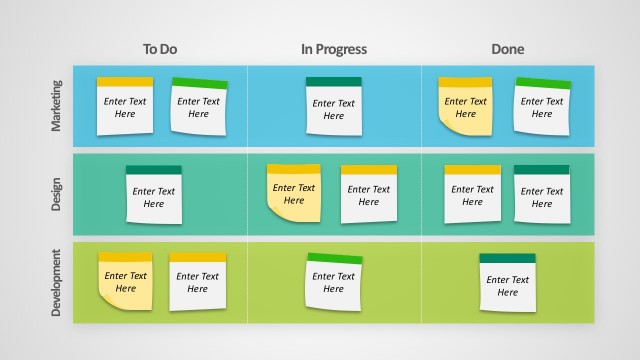
The taskboard, an Agile projects’ background serves a special role in constructing the team’s major progress. The developments, regardless of its level of significance are all primarily documented in this humble tool. The taskboard is the team’s information bulletin that effectively disseminates relevant data, obstructions and developments. Therefore, the entire team can keep an integrated network which allows each member to formulate a coherent and synchronized action. It also allows each member to be updated with the current events and developments of the project which keeps his or her tasks useful at all times. For example, a team member could modify or stop working on a feature if there are implemented changes that will make that feature irrelevant to the development. A taskboard’s simple tools and mechanics increase the team’s efficiency by allowing immediate presentation of relevant ideas.
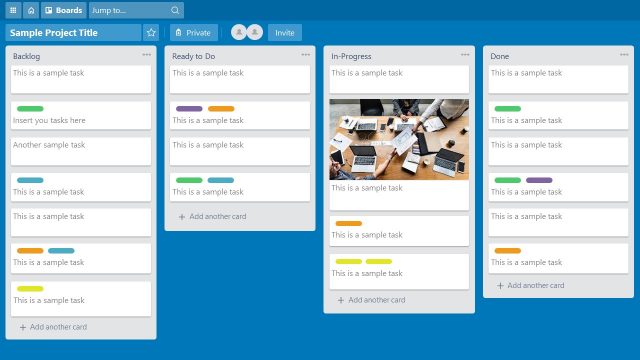
In spite of the taksboard’s advantages, an electronic version may lessen the efficiency of the method if simulated without considerable amount of experience from its use. The main advantage of a physical taskboard is its centralized presence. Whoever is present in the team, at any given time, the entire development is readily available. The same reason allows it for immediate updates and call to action. Some teams may also miss out on its benefits due to the belief that it is applicable to teams situated in different locations. This manner of application eliminates the system’s main cause of effectiveness.
What’s inside this template
Example presentation scenarios
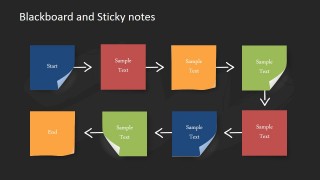
- A Scrum master can present sprint planning goals by placing backlog themes on the sticky note palette and moving into the eight-step process flow.
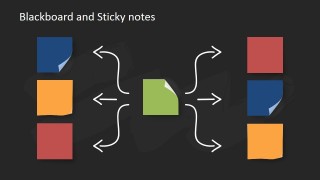
- A product owner can explain feature dependencies to stakeholders with the central note hub diagram and surrounding colored sticky notes.
- An Agile coach can run a brainstorming workshop by using the radial lightbulb layout to collect ideas, blockers, and follow-up actions.
- A project manager can summarize team status with the two-sided comparison slide, separating current risks from proposed next steps.
Features
- 100% editable presentation template
- Compatible with Microsoft PowerPoint and Google Slides
- 16:9 aspect ratio slides
- Scalable vector shapes, icons and illustrations
- AI-Ready for Microsoft Copilot and Claude
- Instant access and download
Frequently asked questions
Q: How should a presenter use the sticky note layouts without making the slide feel decorative?
A: Treat each note as one work item, decision, blocker, or idea. Keep the wording short, use one color meaning consistently, and let the chalk arrows show movement or dependency. The process flow slide works best when the presenter narrates a sequence, while the lightbulb layouts work better for idea generation and synthesis.
Q: For which Agile conversations is this template the best fit?
A: This template fits informal planning, standup summaries, backlog grouping, and retrospective discussions where the audience needs to see work as movable items. Scrum masters, Agile coaches, product owners, and software leads can use the blackboard and sticky note metaphor to make task status, blockers, and next actions easy to scan.
Q: Why does the blackboard and sticky note metaphor help Agile communication?
A: The design echoes a physical team board, so the audience immediately understands that ideas can be grouped, moved, and connected. Chalk arrows make direction and dependency feel hand-drawn instead of rigid. That visual language supports collaborative discussion because it feels like a shared workspace rather than a finished report.


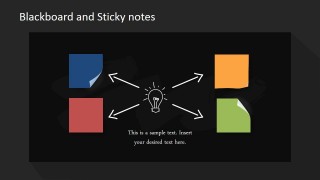
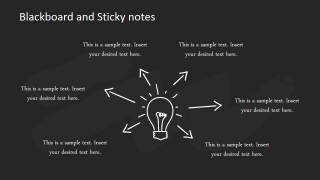
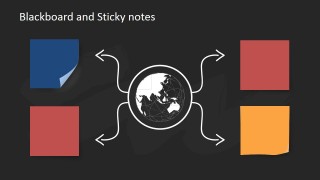
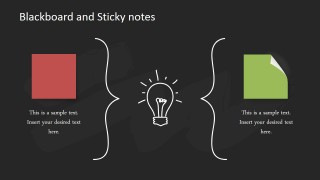
Blackboard and Sticky Notes PowerPoint Shapes
9-slide presentation template for Agile sticky notes, blackboard task boards, and idea maps
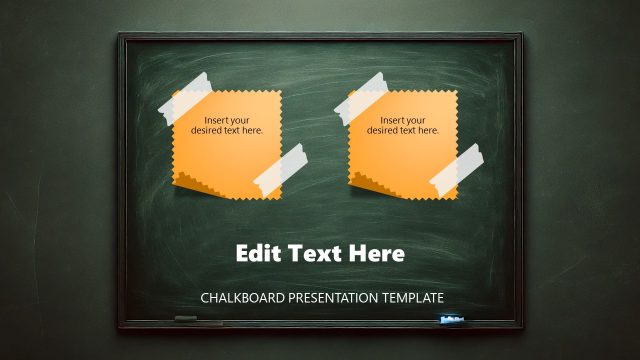
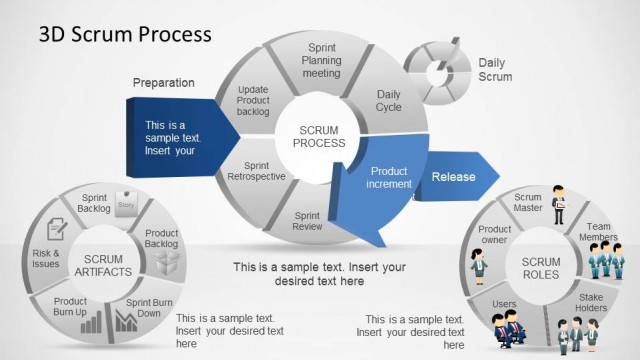
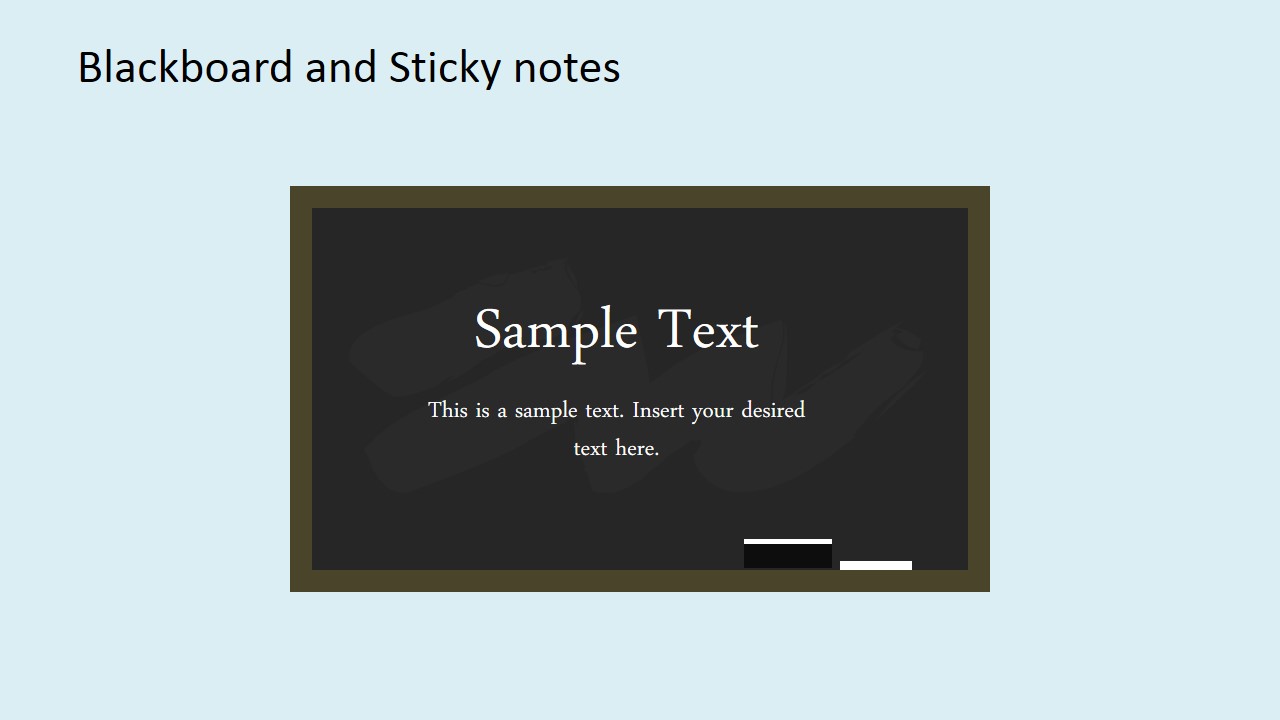
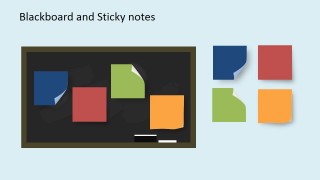
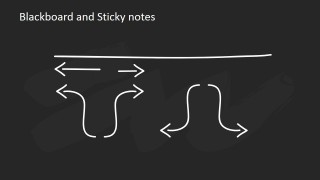
Blackboard and Sticky Notes PowerPoint Shapes is a 9-slide presentation template for Agile and Scrum communication. It includes a blackboard title slide, sticky note shape palette, idea hub diagrams, process flow, and chalk arrow set. It is for project teams, Scrum masters, and facilitators using Microsoft PowerPoint or Google Slides.
- Category
- Shapes
- Rating


 Loading...
- Aspect ratio
- 16:9, 4:3
- Item ID
- 6751-01
- Colors
 Microsoft PowerPoint
  Microsoft Copilot
  Claude for PowerPoint
 Other formats supported
Subscribe today and get immediate
access to download our PowerPoint templates.