Sprint PowerPoint Templates
The Sprint PowerPoint Templates are process cycle layouts of Agile and SCRUM project management methodologies. The sprint plannings are commonly used terms for iterative and incremental development (IID) processes. Basically, one development cycle in SCRUM is known as one sprint. The sprint PowerPoint slides include iterative diagrams, Agile and SCRUM process templates. These layouts include flat PowerPoint diagrams and 3D animations to engage the audience. Further, these Sprint slides are suitable for business and management professionals to display workflow of project activities. These PowerPoint layouts are editable Sprint templates which enable users to customize design according to presentation requirements.

Project Sprint Review PowerPoint Template
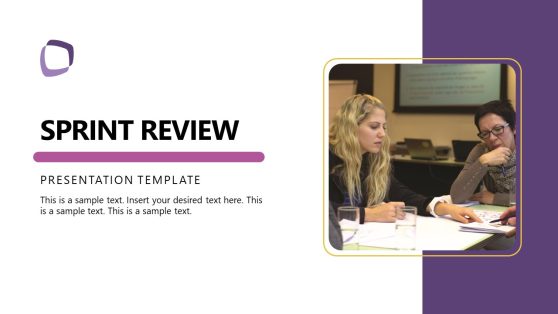
Sprint Review PowerPoint Template
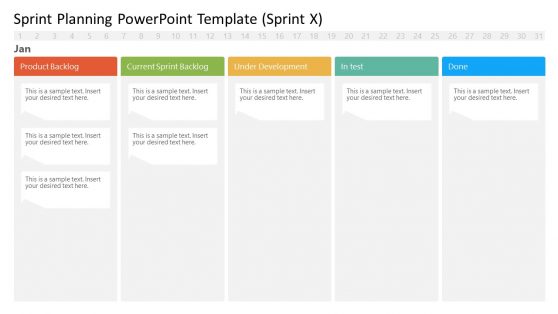
Sprint Planning Template
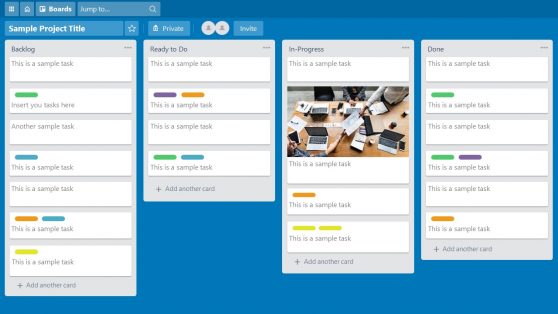
Trello Board PowerPoint Template
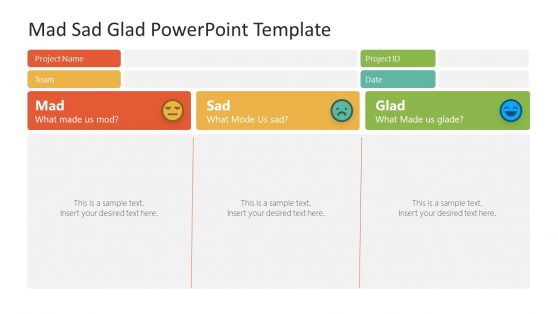
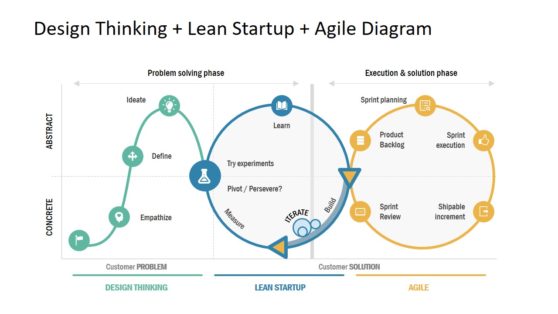
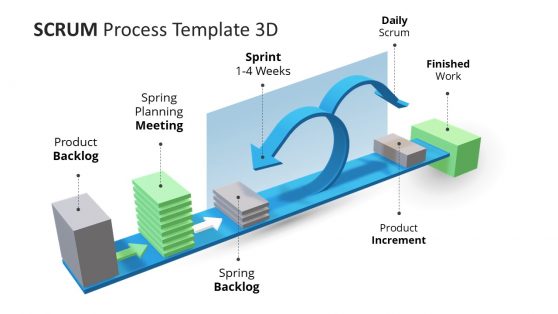
3D Animated Scrum Process PowerPoint Template
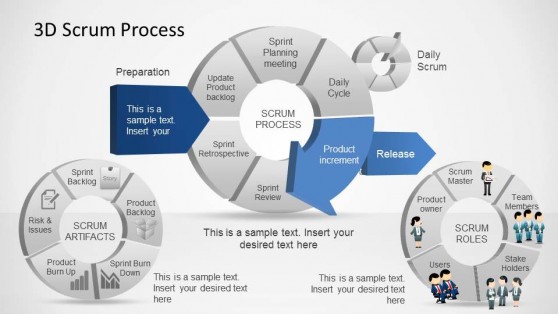
3D Agile Scrum PowerPoint Diagram
Agile teams run planning, review, and retrospective meetings every 1 to 2 weeks, and rebuilding the same slide layout each cycle wastes time that should go into the actual conversation. A sprint PowerPoint template gives scrum teams a ready-made structure for backlog items, velocity, and burndown data, so the meeting starts with content rather than formatting.
Our sprint templates are built for scrum masters and product owners who run these ceremonies on a fixed cadence. The same file works whether the team runs one-week or two-week sprints, since the layout does not assume a fixed cycle length.
Why Scrum Teams Choose Sprint Slides
Sprint ceremonies recur on a schedule, and a team that rebuilds its planning or review deck from scratch each cycle spends meeting prep time on layout rather than on the backlog itself. A sprint PPT template removes that overhead by keeping the structure fixed while only the content changes: the same burndown chart shape, the same backlog table, the same retrospective columns, refreshed with new numbers each sprint.
Scrum masters running a sprint review presentation for stakeholders outside the immediate team also benefit from a consistent format, since a stakeholder who joins occasionally can follow the deck without relearning a new layout every time. Teams that pair sprint slides with a broader sprint planning routine find that meeting length shortens once the format stops changing week to week.
What a Sprint PowerPoint Template Includes
A sprint PPT template is a slide set built around the recurring artifacts of a scrum cycle: backlog items, velocity, and burndown tracking. What you’ll typically find inside:
- Sprint planning slides listing backlog items and story points
- Burndown and burnup chart layouts
- Sprint review summary slides for completed work
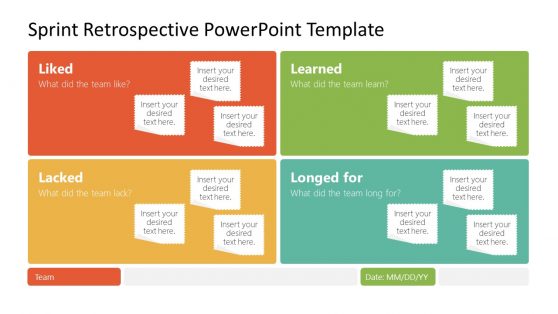
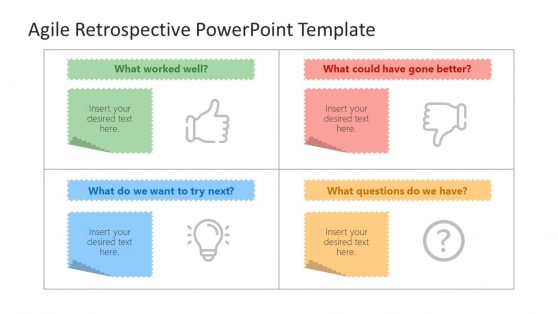
- Retrospective columns for what went well, what didn’t, and action items
How Sprint Templates Fit Into Agile Ceremonies
Scrum masters use the planning layout to open each new sprint with the team, while product owners reference the review summary when demonstrating completed work to stakeholders. Development teams use the retrospective columns to capture feedback at the end of each cycle, and agile coaches introducing a new team to Scrum use the same templates to teach the ceremony structure before the team builds its own habits.
Distributed teams running ceremonies over video call rely on Google Slides to fill in the retrospective columns together in real time rather than passing a single file back and forth. Engineering managers reviewing multiple teams’ sprints at once also rely on the summary format to compare velocity trends across squads without having to request a custom report from each team.
What is a sprint presentation template?
Backlog items and burndown data mean little without the ceremony context around them: planning, review, and retrospective, which is the specific structure this format is built around.
How do I create a sprint PowerPoint template?
Start with a layout that already includes the burndown chart and backlog table, then connect it to your current sprint data and update the numbers each cycle.
Where can I find a free sprint presentation template?
Our library includes free and premium sprint layouts, covering planning, review, and retrospective slides for scrum and agile teams.
Do sprint templates work for kanban or non-scrum agile teams?
The backlog and board-style slides adapt well to kanban workflows, though the burndown chart and fixed retrospective columns are built specifically around the scrum sprint cycle.
Can the burndown chart be swapped for a burnup chart within the same template set?
Yes, both chart types are included, so you can choose whichever better fits your team’s convention: burndown showing remaining work, burnup showing completed work against total scope.
Are the retrospective columns limited to three categories, or can more be added?
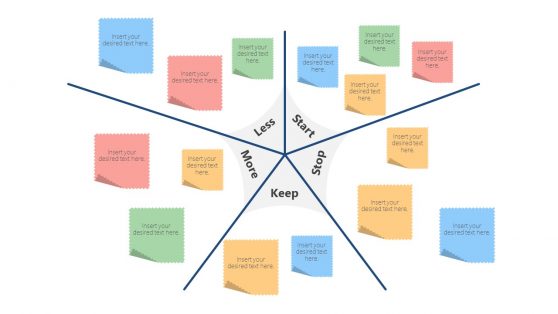
Additional columns can be added beyond the standard what-went-well, what-didn’t, and action-items structure, useful for teams using an expanded retrospective format like Start-Stop-Continue.
Can the sprint planning slide show story points alongside time estimates?
Yes, both story points and time-based estimates can be shown together, useful for teams transitioning between estimation methods or presenting to a mixed audience.