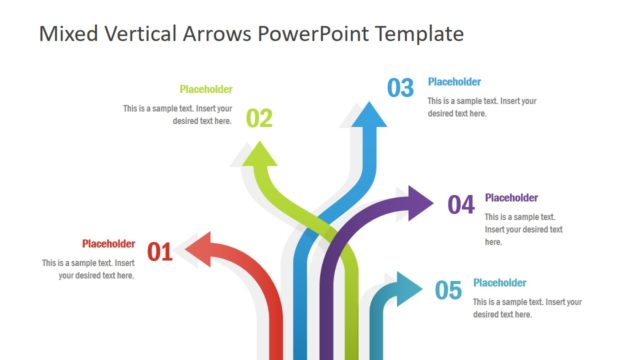
3 Arrows Text Layout Template for PowerPoint is a presentation design for Microsoft PowerPoint containing creative arrows diagrams with text layout that you can use to decorate your presentations.
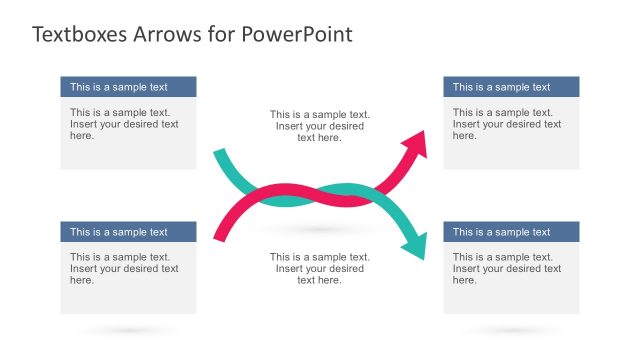
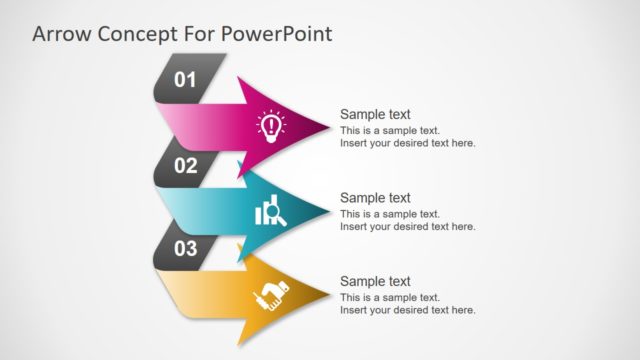
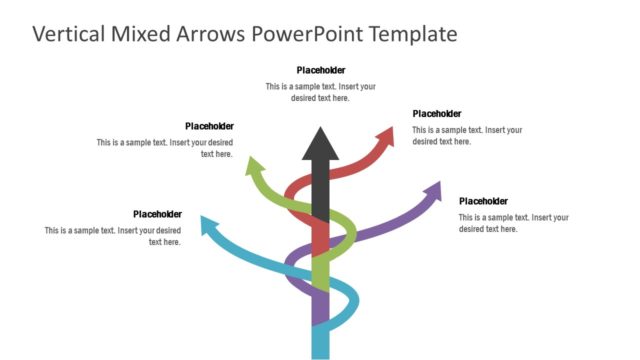
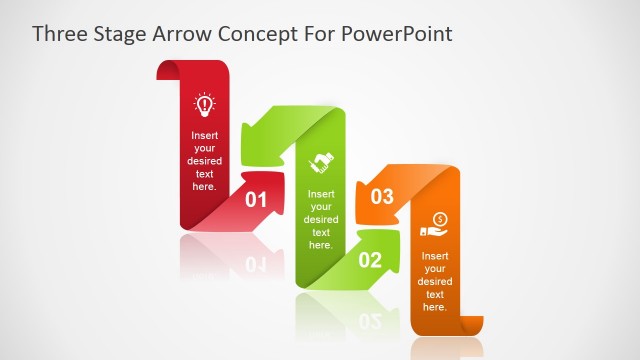
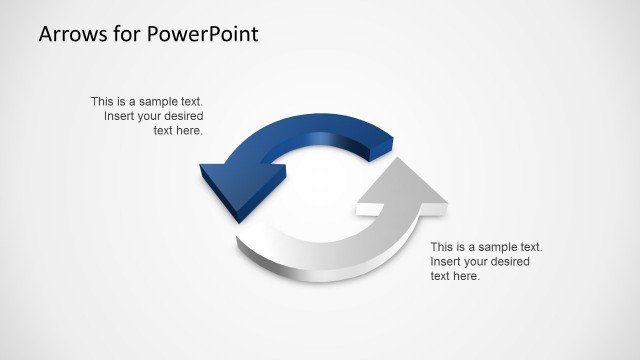
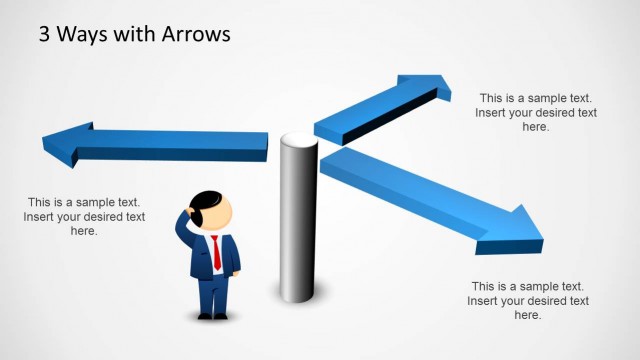
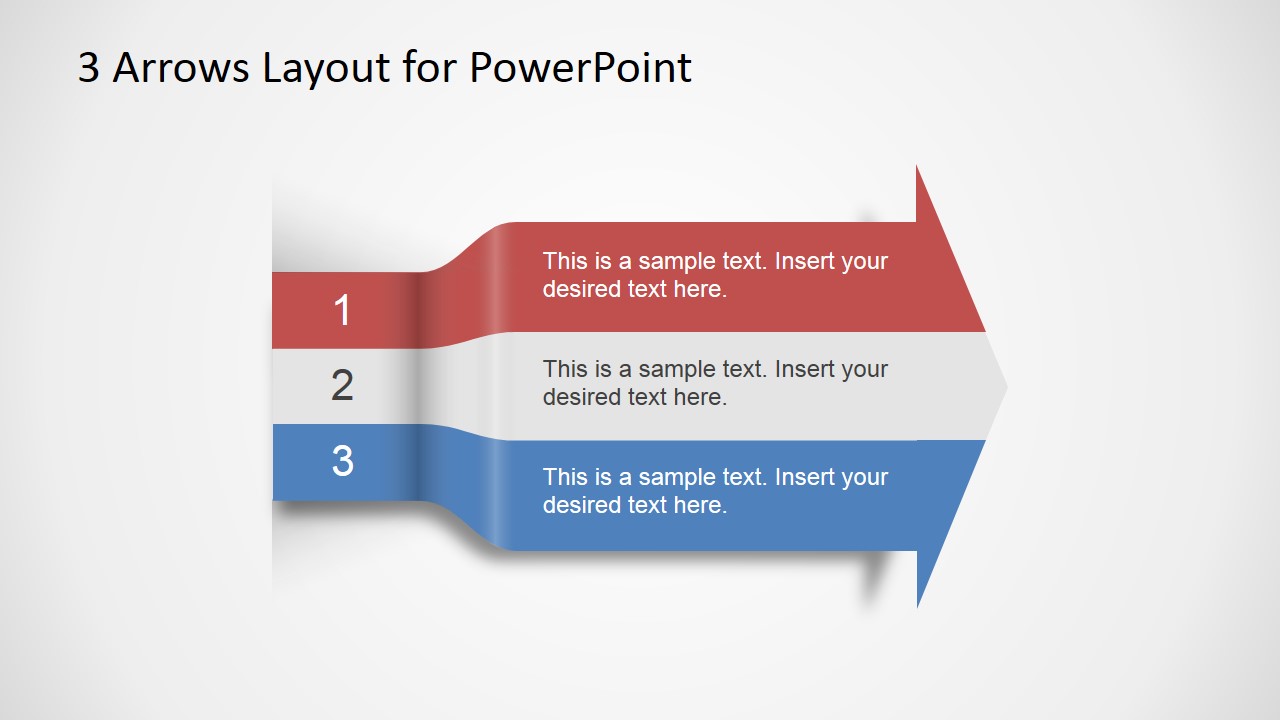
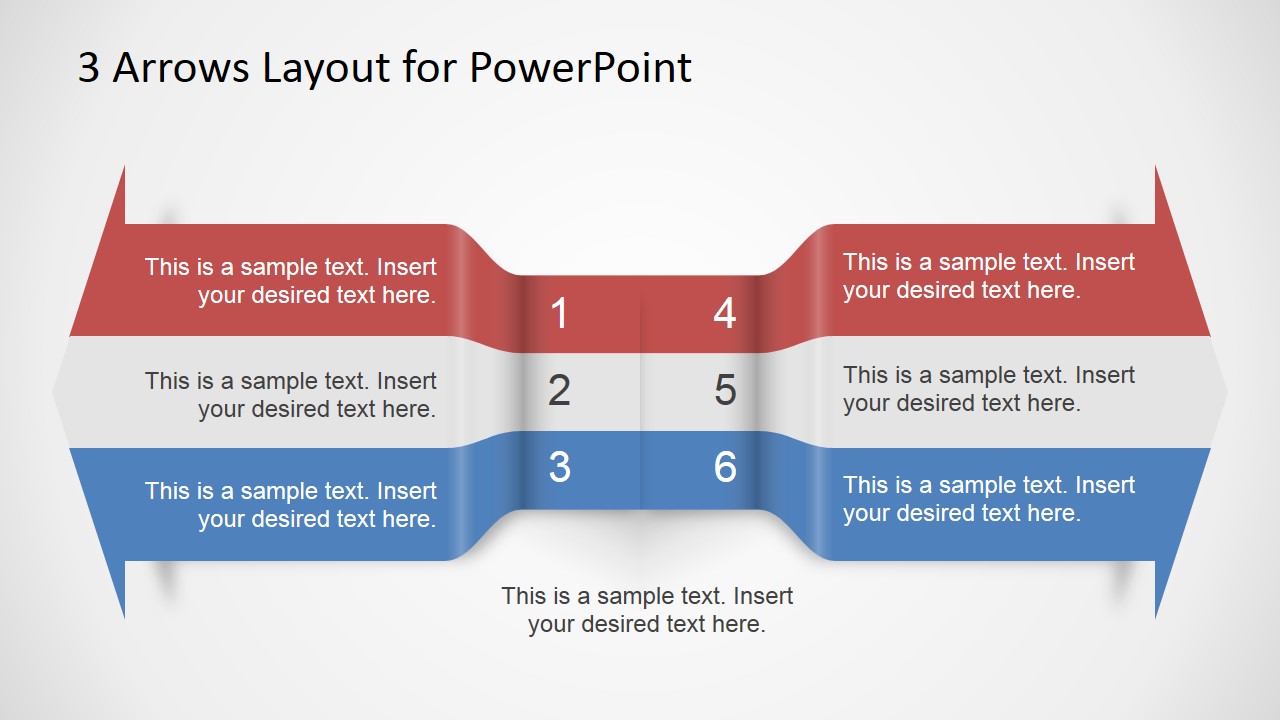
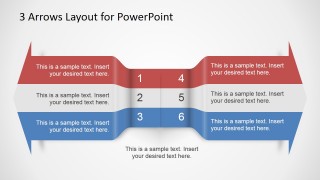
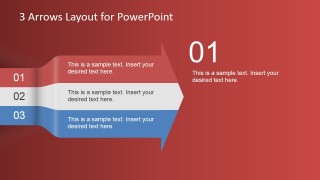
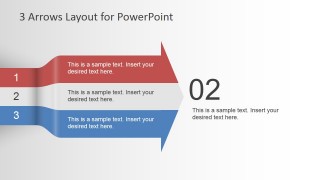
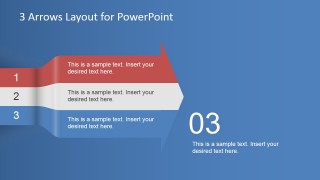
The first slide contains a big arrow with three components that you can use to describe a process flow. This PPT template also contains another two headed arrows in opposite direction with six text placeholders and components that you can use to describe opposing ideas.
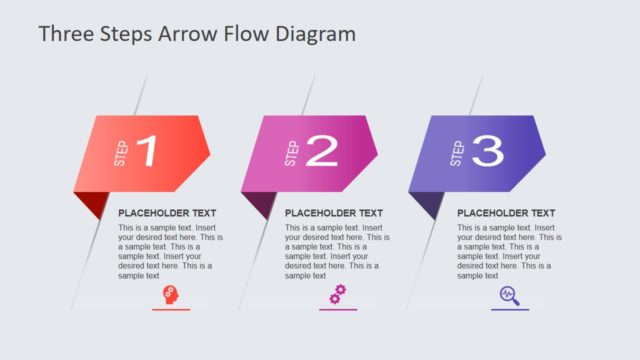
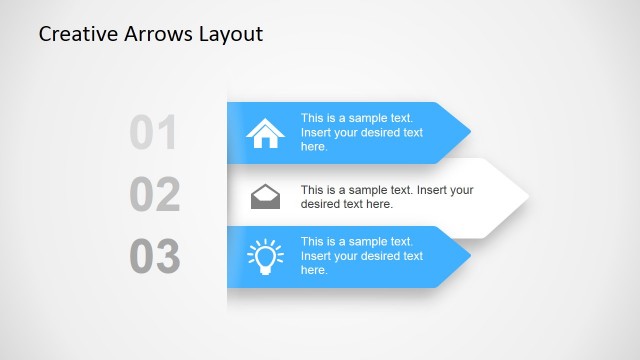
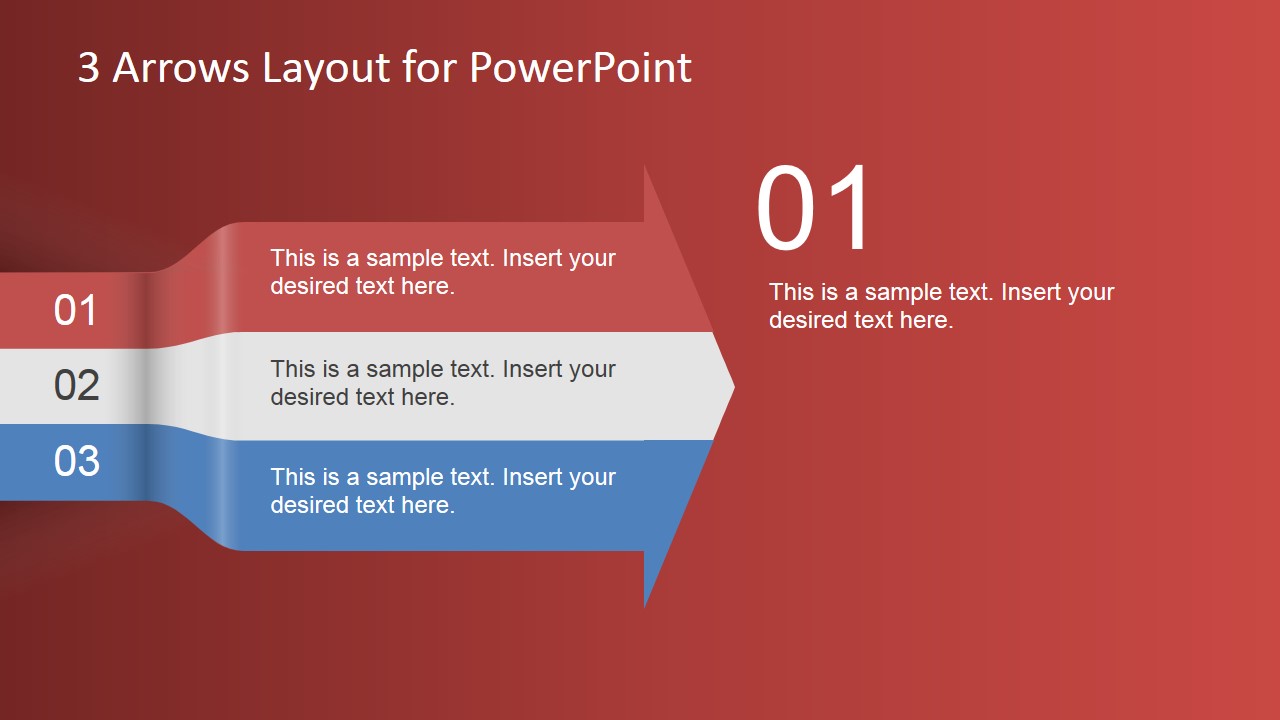
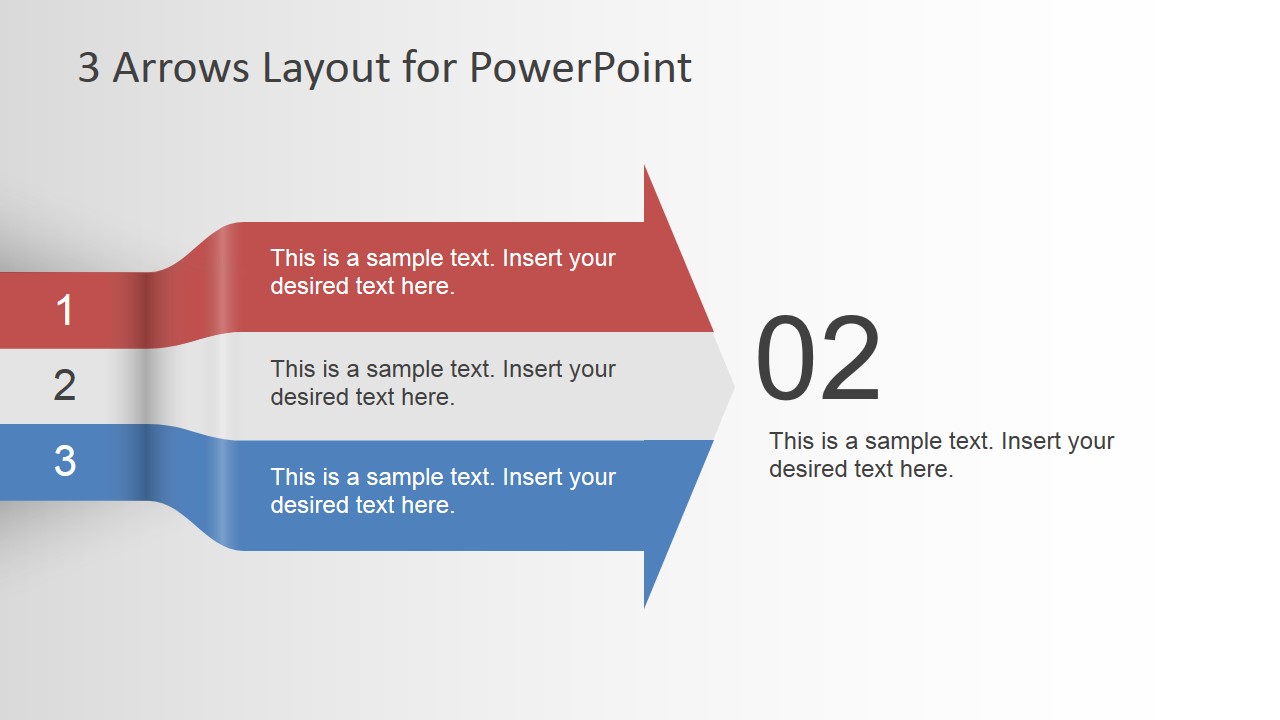
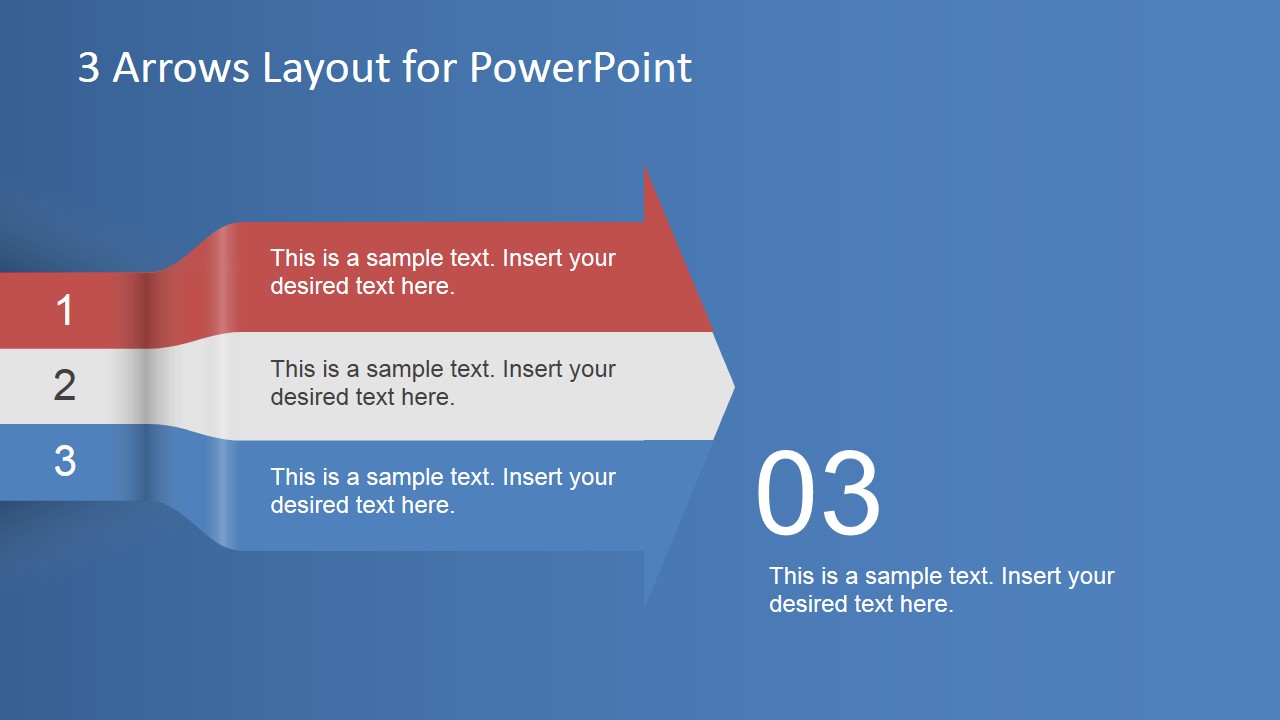
The last three slides can be used to describe each individual step and it contains a different color background for each individual step.
What’s inside this template
Example presentation scenarios
- A project manager can use the three-lane arrow to present three workstreams, show how each one moves toward the same outcome, and keep short descriptions aligned in parallel.
- A consultant can use the two-headed opposing arrow to compare two directions, such as current state versus target state, with three points on each side.
- A trainer can use the step 01, step 02, and step 03 callout slides to introduce a process one stage at a time and give each step a dedicated explanation.
- A sales presenter can use the three-step arrow to show a simple customer onboarding path, then use the numbered detail slides to explain responsibilities or next actions.
Features
- 100% editable presentation template
- Compatible with Microsoft PowerPoint and Google Slides
- 16:9 aspect ratio slides
- Scalable vector shapes, icons and illustrations
- AI-Ready for Microsoft Copilot and Claude
- Instant access and download
Frequently asked questions
Q: How should I adapt the three-arrow layout without overcrowding it?
A: Treat each arrow lane as one distinct idea, not a paragraph container. Use short action phrases in the colored bands and move detail into the dedicated step slides. The first slide should establish the three-part structure, while slides 3, 4, and 5 should expand only the key point for each numbered step.
Q: Who is this template best suited for?
A: This template fits presenters who need a simple visual structure for three related points, such as project phases, service steps, decision criteria, or implementation actions. It works well for managers, consultants, sales teams, and trainers who want the audience to follow direction, sequence, or contrast without reading dense tables.
Q: Why use arrows instead of a standard list?
A: The arrow shapes add directional meaning that a plain list does not show. The right-pointing three-lane diagram suggests forward movement through a process, while the two-headed arrow creates a clear metaphor for opposing ideas or alternative paths. Large numbered callouts then help the presenter slow down and discuss each step separately.
3 Arrows Text Layout Template for PowerPoint
5-slide presentation template with three-step arrows and process text layouts for PowerPoint and Google Slides
3 Arrows Text Layout Template for PowerPoint is a 5-slide arrow diagram deck for explaining short processes and comparisons. It includes a three-lane arrow, a two-headed opposing arrow with six text placeholders, and individual step callout slides for steps 01, 02, and 03. It is built for Microsoft PowerPoint and Google Slides.
- Category
- Text & Tables
- Rating


 Loading...
- Aspect ratio
- 16:9, 4:3
- Item ID
- 6799-01
- Colors
 Microsoft PowerPoint
  Microsoft Copilot
  Claude for PowerPoint
 Other formats supported
Subscribe today and get immediate
access to download our PowerPoint templates.