


Google Slides Tutorials
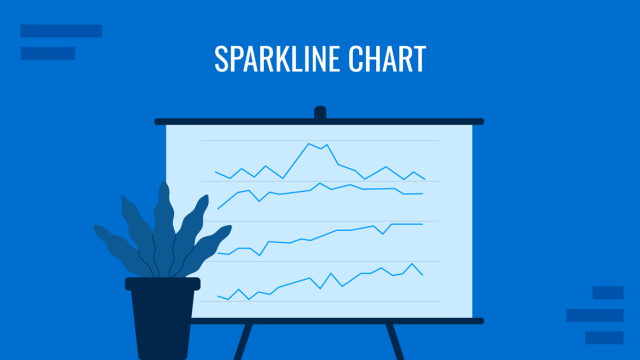
Sparkline Chart for Presentations
Small but powerful, sparkline charts let you show trends without overwhelming your slides. This guide covers how to use them effectively in any presentation.
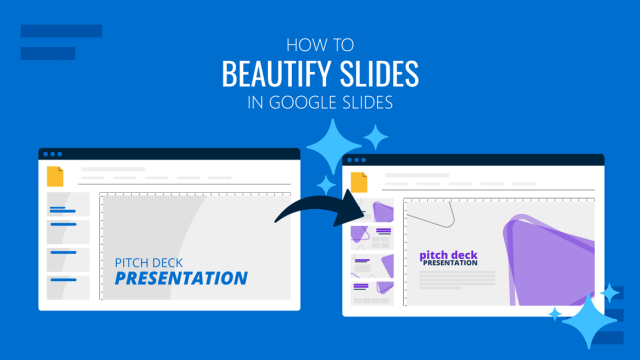
How to Beautify Slides in Google Slides
AI-assisted design is now built into Google Slides. Discover how the Beautify feature works, what results to expect, and how to get the most out of it.
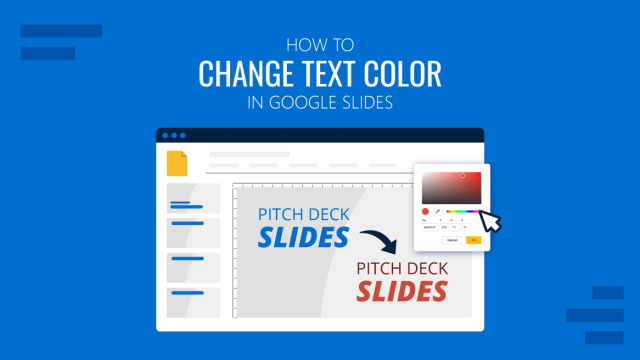
How to Change Text Color in Google Slides
Not all color changes are equal. Discover how to apply, match, and customize text color in Google Slides for cleaner, more intentional slide design.