Zipper PowerPoint Shapes – Created with professional PowerPoint Clipart vectors, the Zipper PowerPoint Shapes are ideal for introducing agenda topics at an opening presentation. The presenter can apply this versatile set of zipper graphics to divide sections of a speech, or apply the unreveal metaphor through the usage of the fastener shapes.
Each of the shapes is created with PowerPoint objects, allowing the user to fully customize its appearance and look & feel to the destination theme. The graphics are designed with modern material design techniques that provide great lighting and shading effects, without the need of specific PowerPoint features. This template can be applied across different resolutions without losing visual quality.
The zipper shapes are editable in all PowerPoint major versions, Google Slides, Keynote and even Libreoffice.
What’s inside this template
Example presentation scenarios
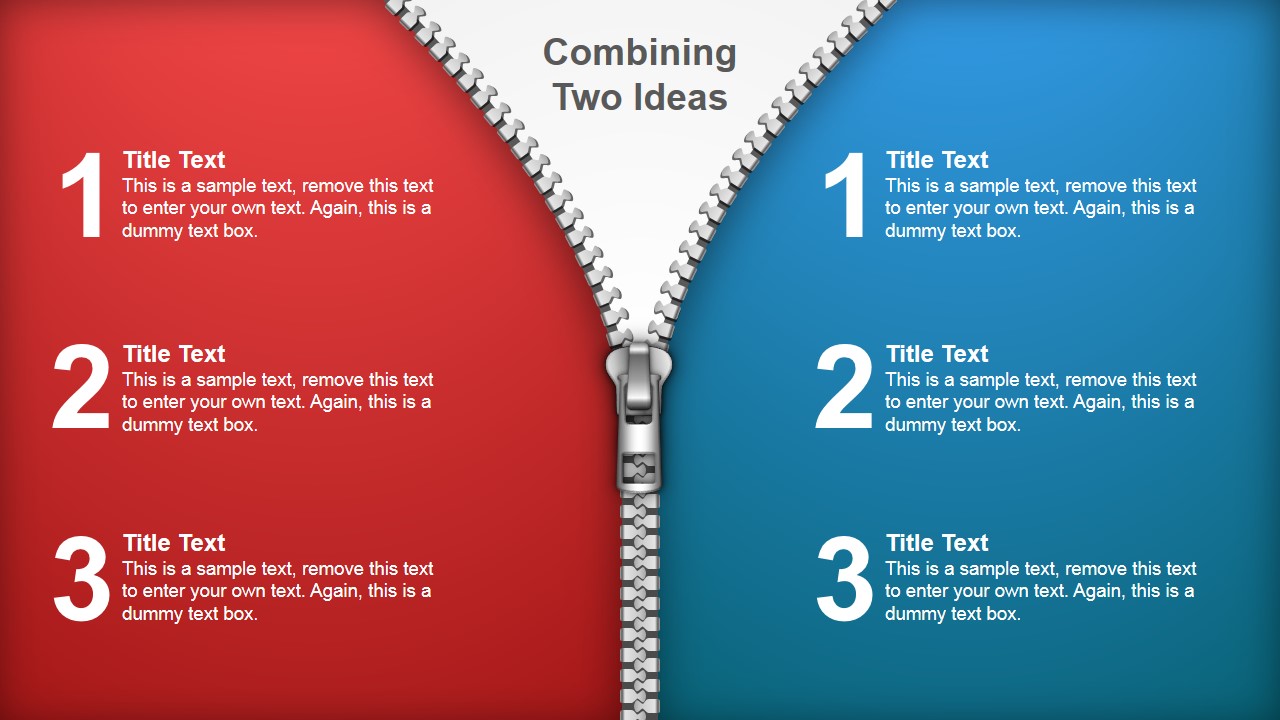
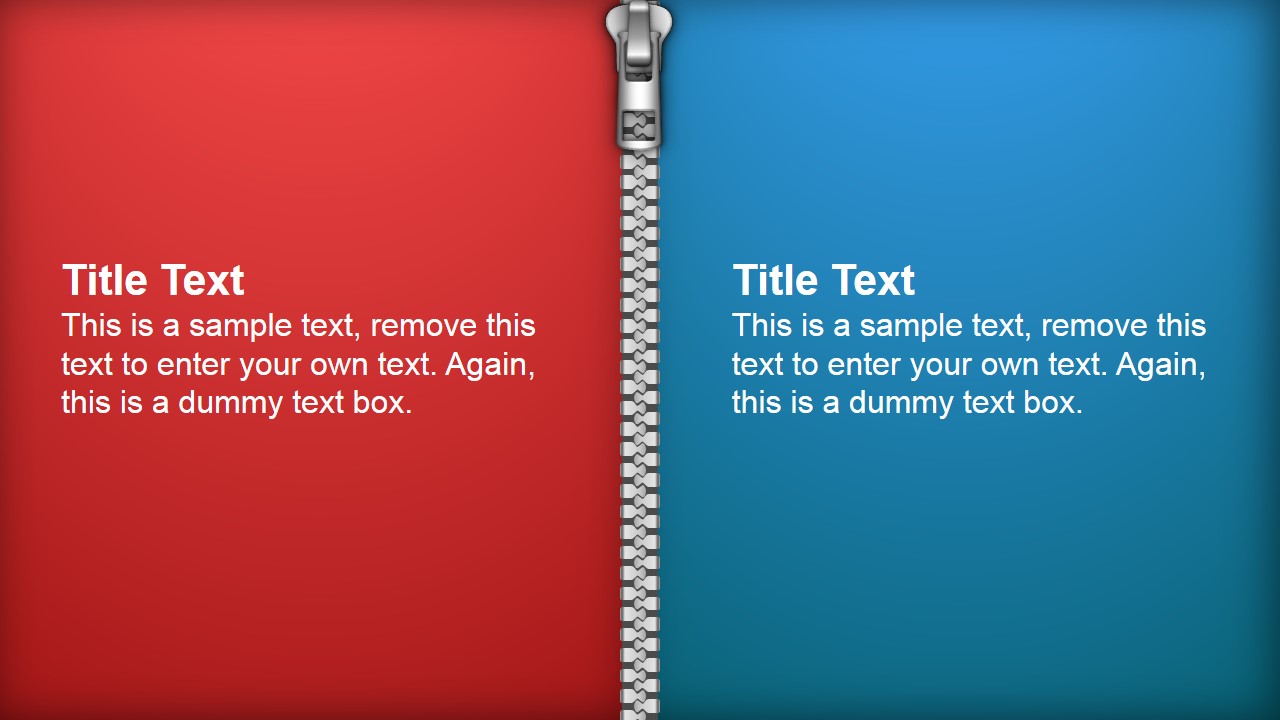
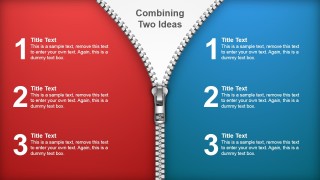
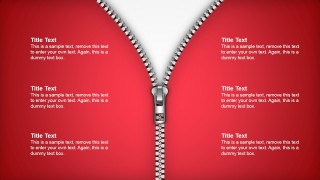
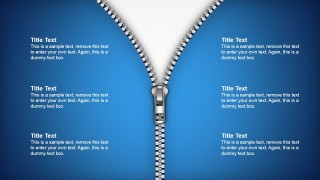
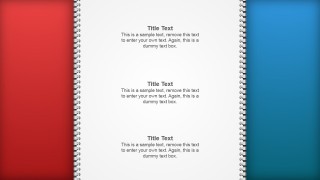
- A product manager can compare two roadmap choices by placing benefits and tradeoffs on the red and blue split zipper layout.
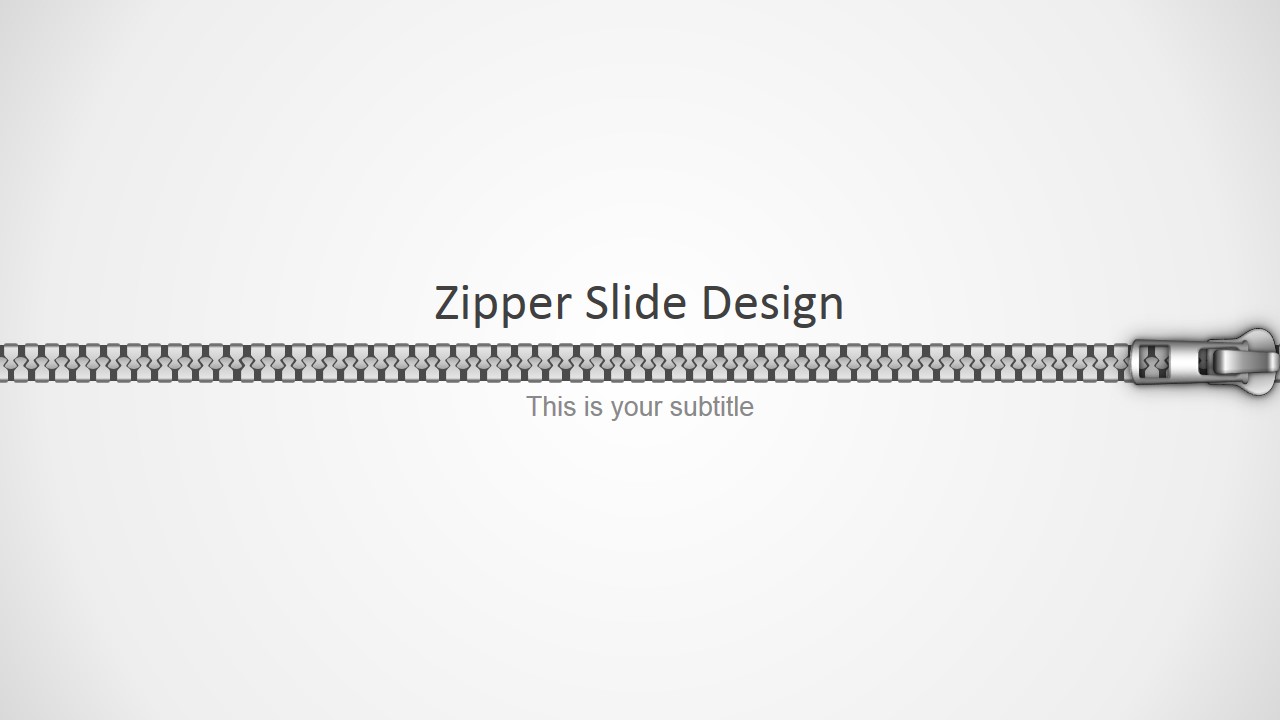
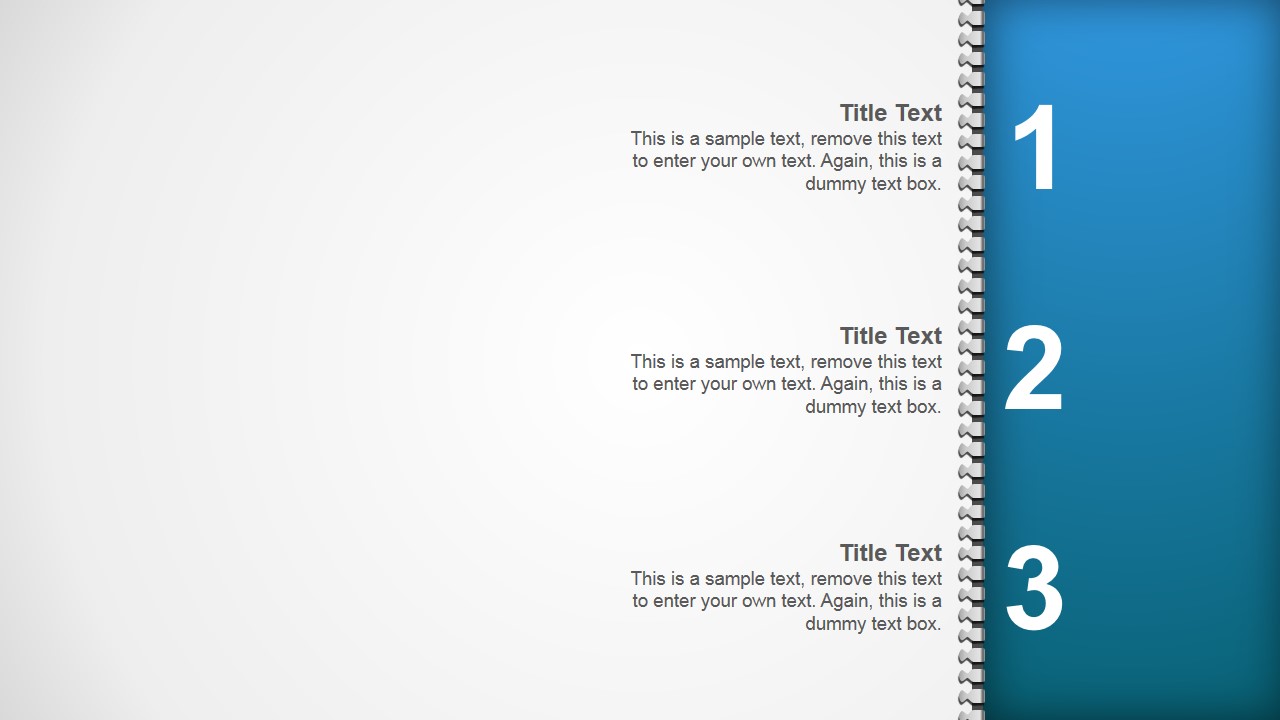
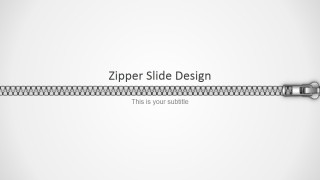
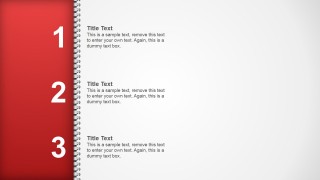
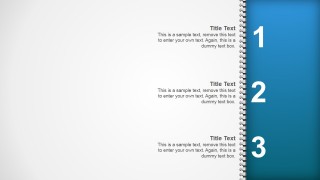
- A trainer can open a module by using the horizontal zipper title divider, then organize lesson points with the numbered agenda rail.
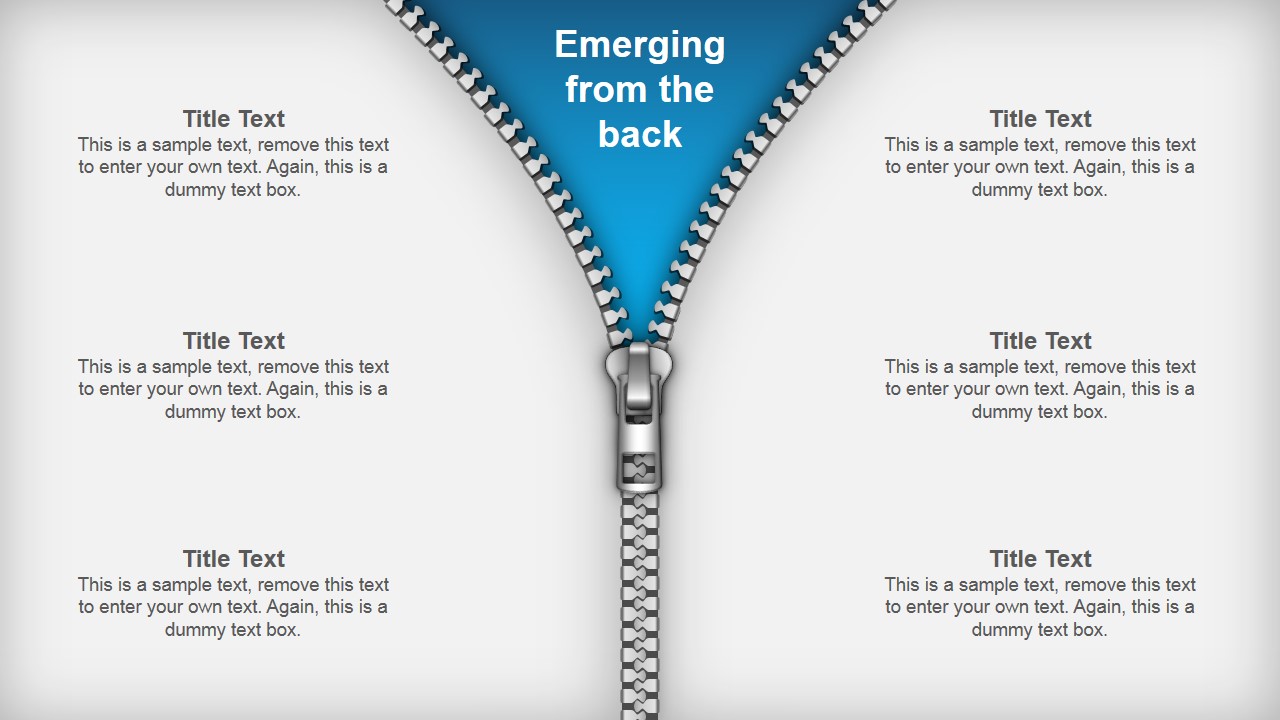
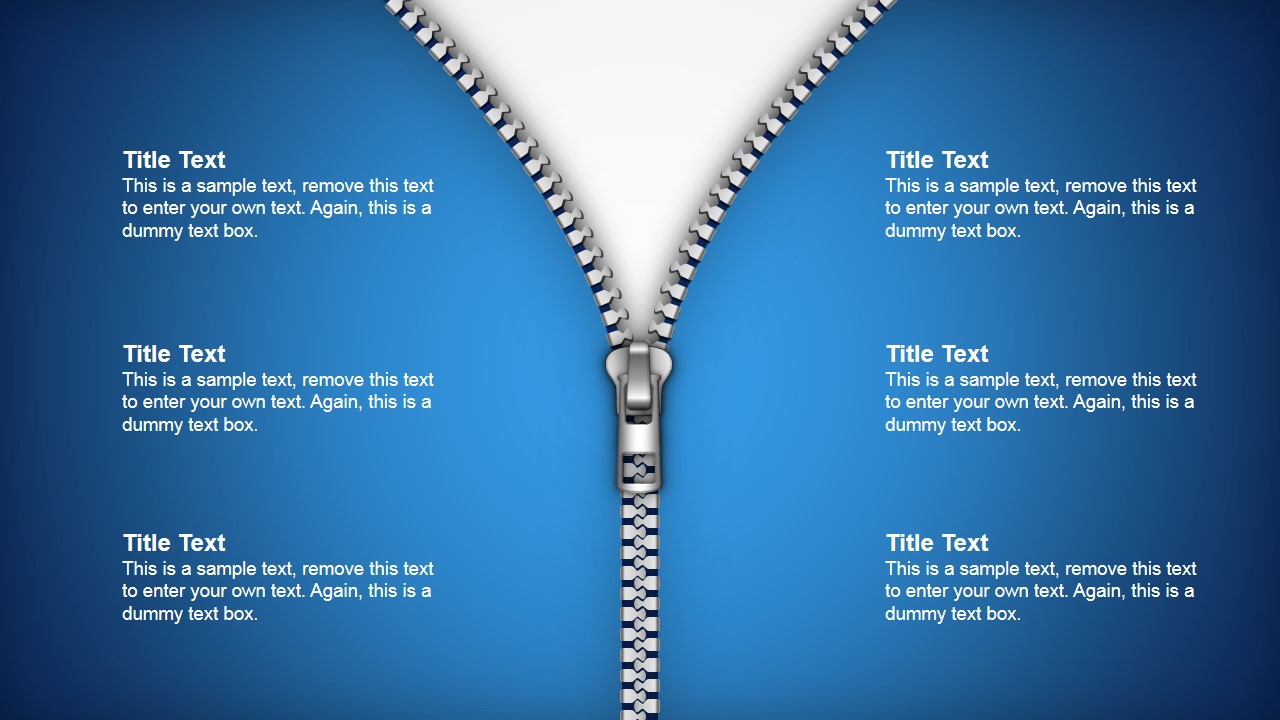
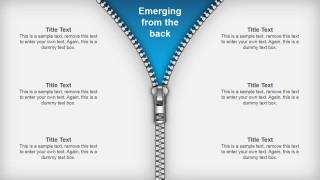
- A consultant can explain a hidden issue or insight by placing supporting points around the reveal layout with the top zipper opening.
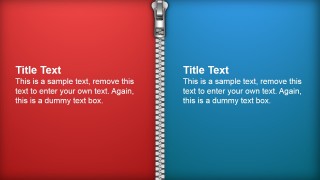
- A team lead can separate responsibilities between two groups with the two-column zipper divider and show where collaboration happens at the center seam.
Features
- 100% editable presentation template
- Compatible with Microsoft PowerPoint and Google Slides
- 16:9 aspect ratio slides
- Scalable vector shapes, icons and illustrations
- AI-Ready for Microsoft Copilot and Claude
- Instant access and download
Frequently asked questions
Q: How should I use the zipper metaphor without making it feel decorative?
A: Assign a clear meaning to the zipper before adding content. Use the split red and blue slide to compare two ideas, the top opening slide to reveal an insight, and the numbered rail to structure an agenda. Keep each text block short so the audience understands the metaphor and the message at the same time.
Q: What presentation situations fit this template best?
A: This template fits presenters who need a visual chapter break, a comparison, or a reveal moment rather than a full report deck. Consultants, trainers, and product teams can use it to introduce agenda sections, contrast two options, or show how separate topics connect through a central idea.
Q: Why does the zipper design help communication?
A: A zipper is a familiar metaphor for opening, closing, joining, and dividing. The layouts place the zipper teeth and pull at the decision point, which draws attention to the boundary between ideas. That makes transitions, comparisons, and reveals easier to follow than ordinary text boxes.



Zipper PowerPoint Shapes
9-slide presentation template with zipper dividers, reveal layouts, and numbered agenda panels
Zipper PowerPoint Shapes is a 9-slide presentation template of editable zipper graphics for Microsoft PowerPoint and Google Slides. The deck includes a split comparison zipper, reveal header slide, horizontal title divider, two-column separator, numbered agenda rail, and framed center content layouts for presenters organizing topics or showing ideas coming together.
- Category
- Shapes
- Rating


 Loading...
- Aspect ratio
- 16:9, 4:3
- Item ID
- 2032-01
- Colors
 Microsoft PowerPoint
  Microsoft Copilot
  Claude for PowerPoint
 Other formats supported
Subscribe today and get immediate
access to download our PowerPoint templates.