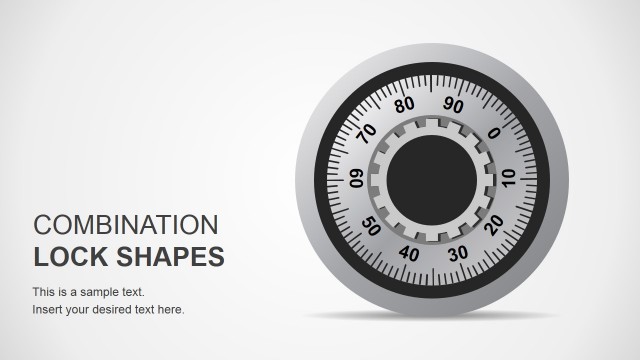
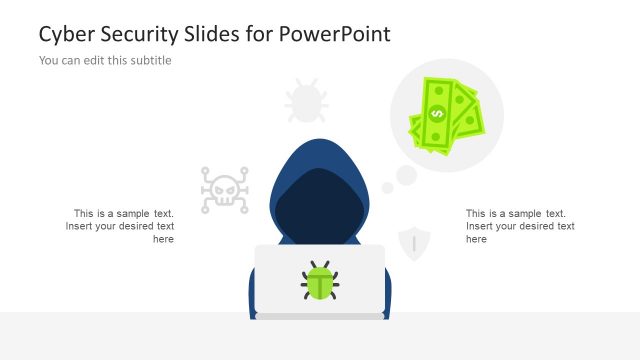
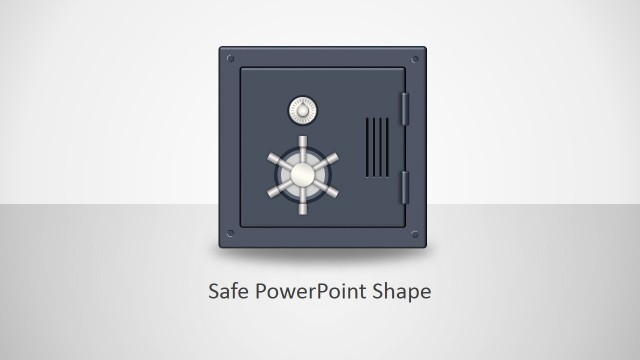
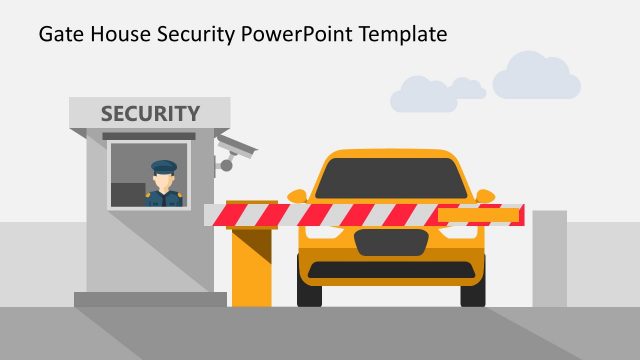
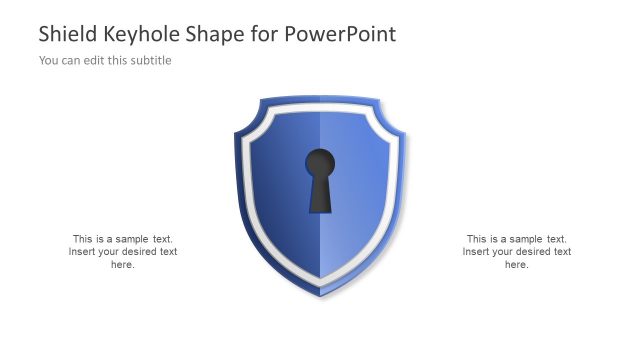
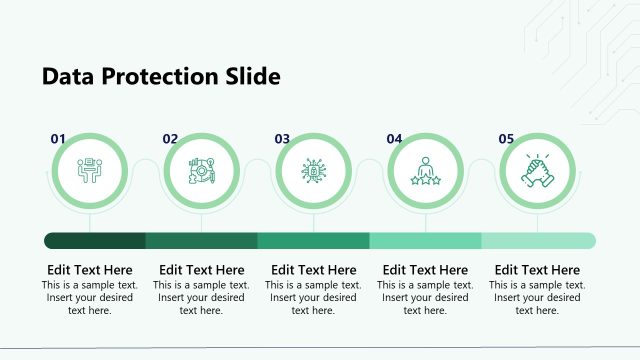
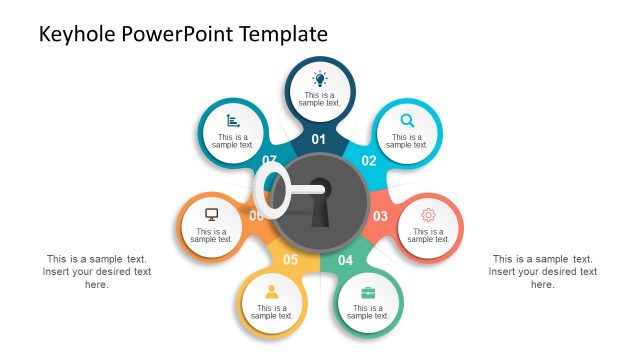
Padlock Shape for PowerPoint is an awesome template for PowerPoint containing different security illustrations and padlock shapes. You can use this PowerPoint shape collection to prepare awesome presentations for security topics.
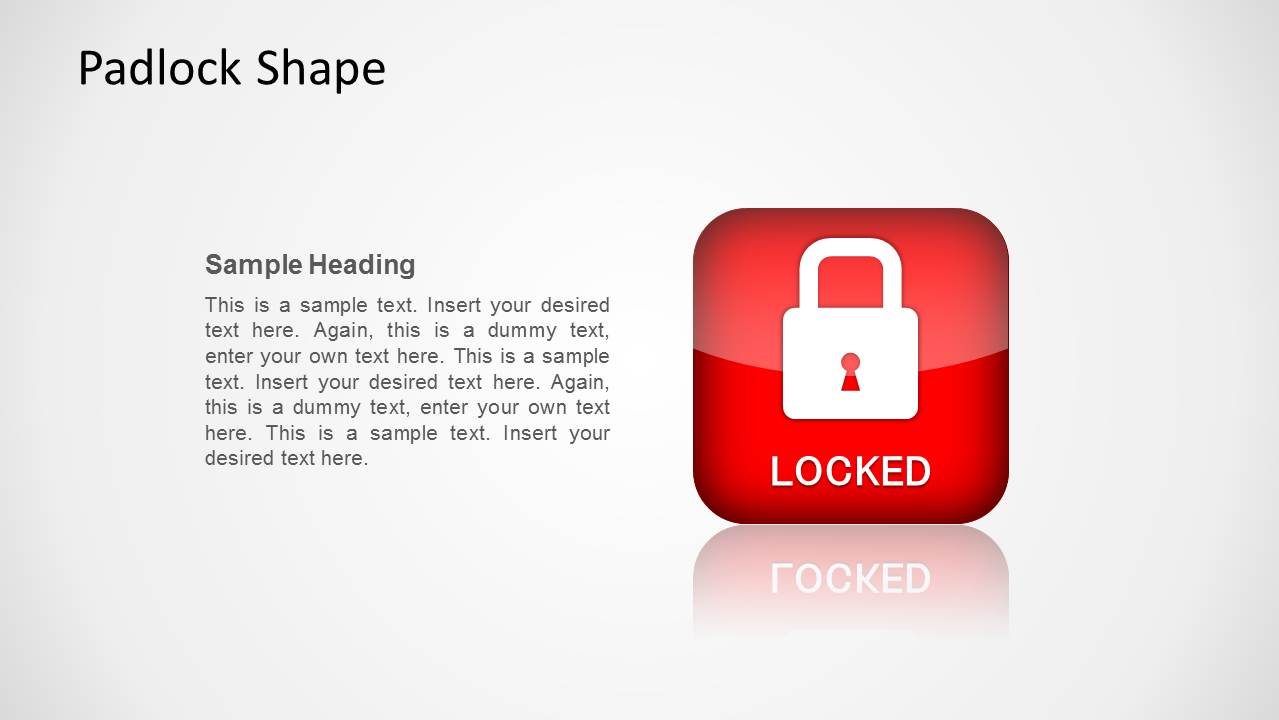
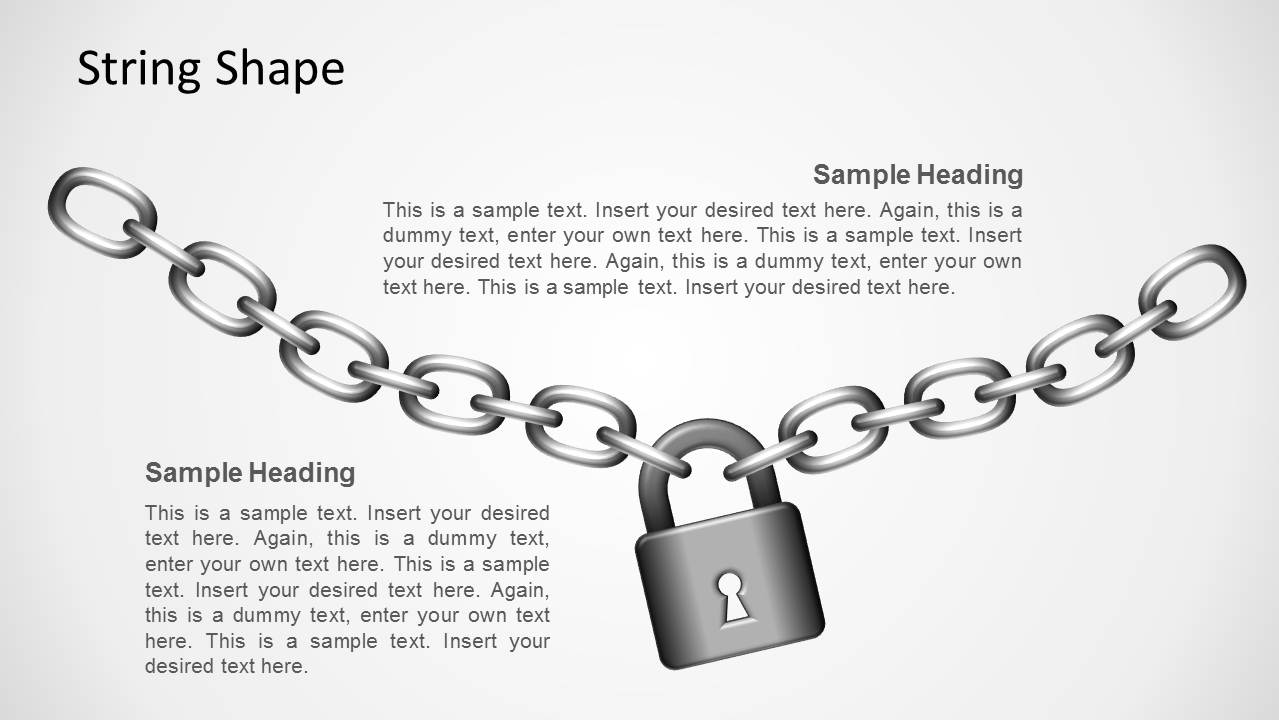
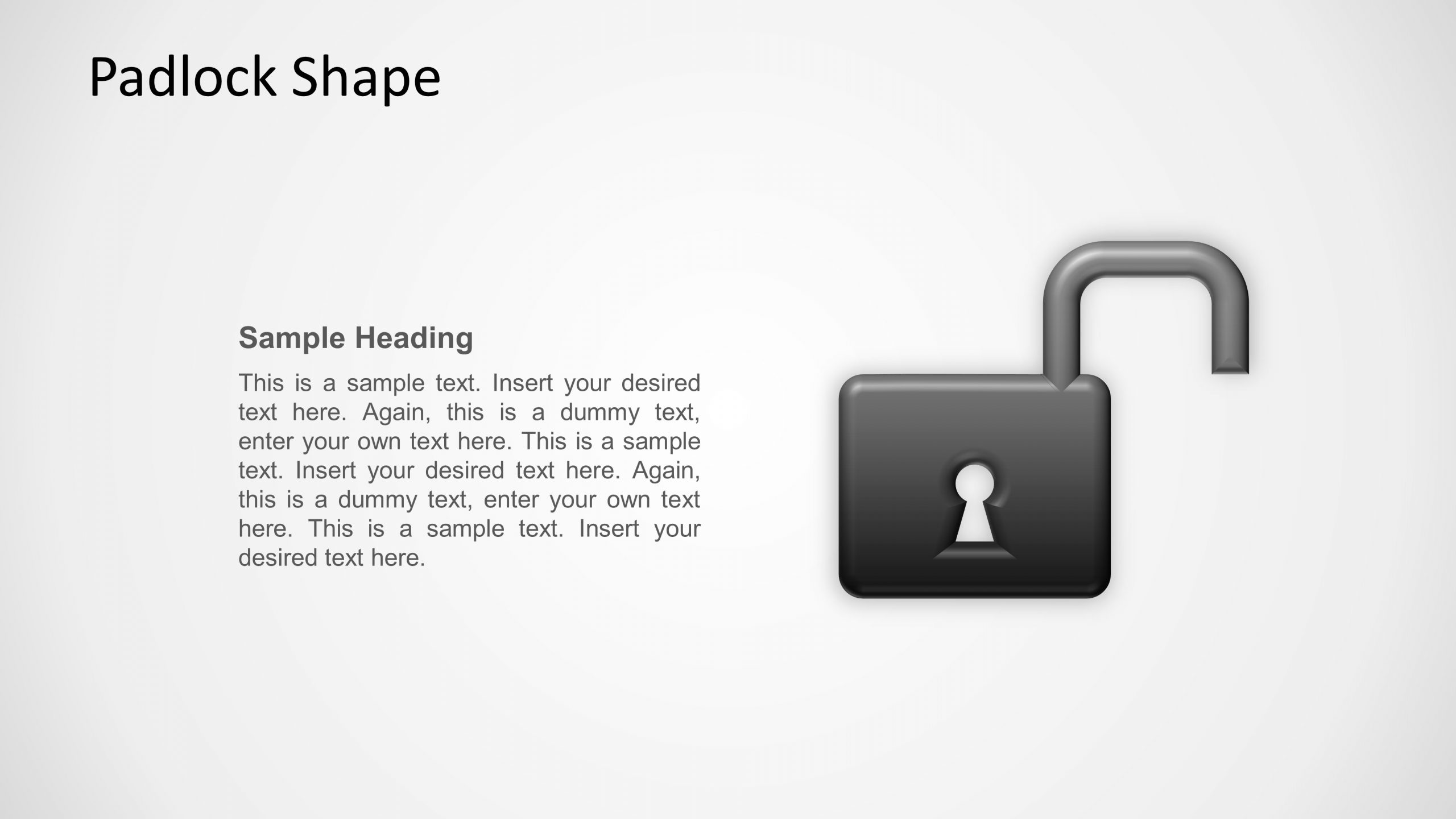
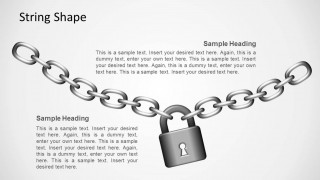
The padlock shape presentation for PowerPoint includes different padlock shape illustrations combining different colors for vulnerable situations and safe scenarios but also string and link shapes.
The presentation template comes with very useful slides for presentations on IT security, for example to describe user permissions and privileges as well as other security related presentations with strings attached or weak links.
Create professional PowerPoint presentations with our Microsoft Clip Art, and engage your audience with high quality graphics.
What’s inside this template
Example presentation scenarios
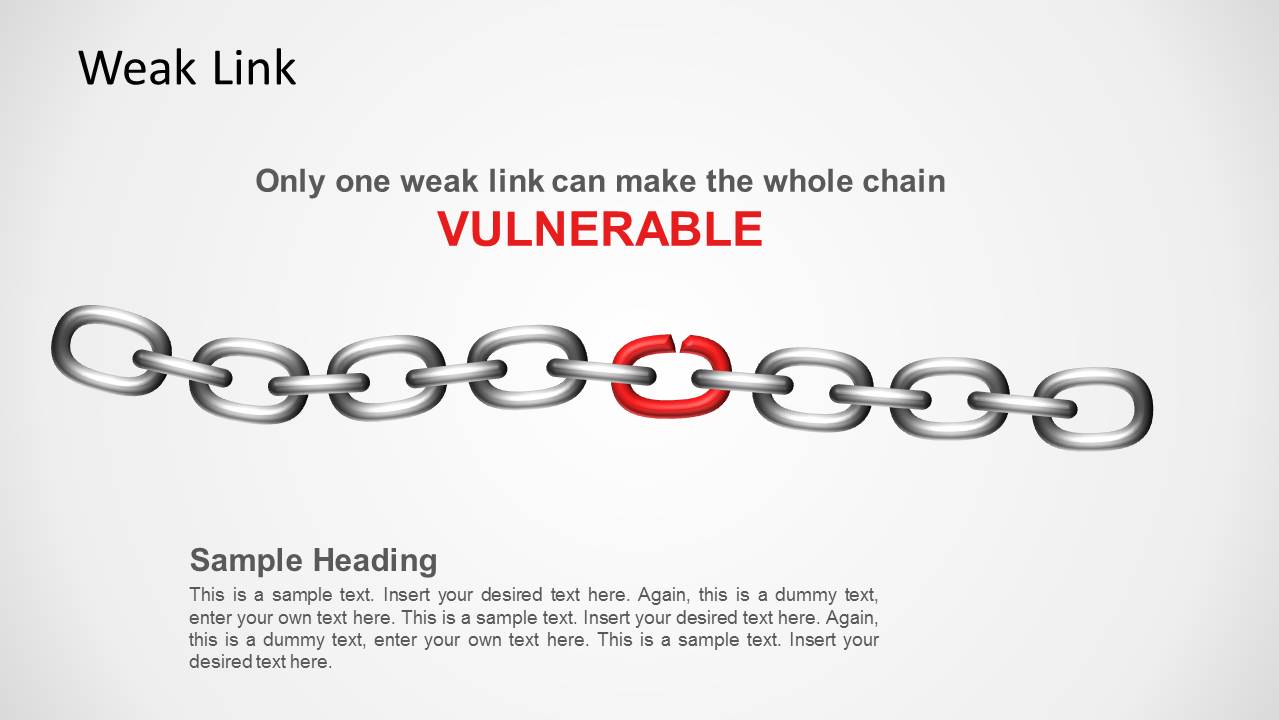
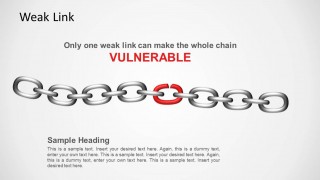
- An IT security manager can use the weak link diagram to explain how one exposed process or account can create vulnerability across a larger system.
- A compliance lead can use the locked and secured padlock badge slides to show which controls protect sensitive data or regulated workflows.
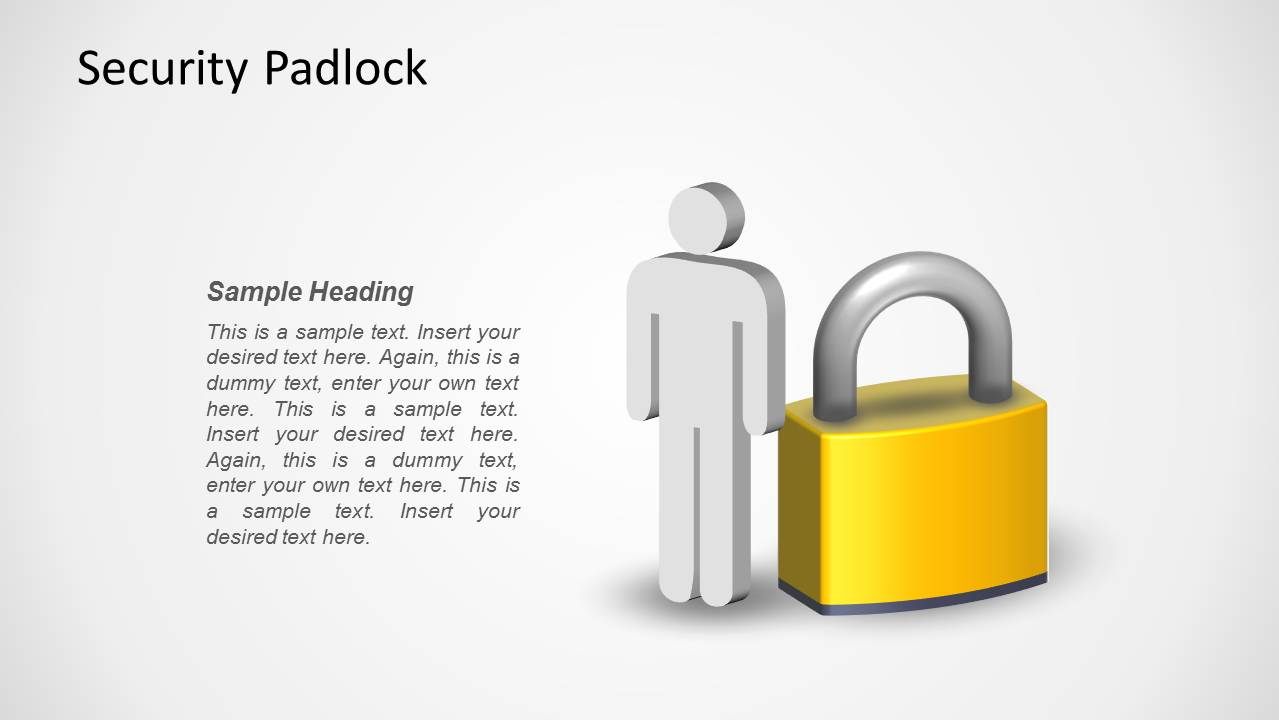
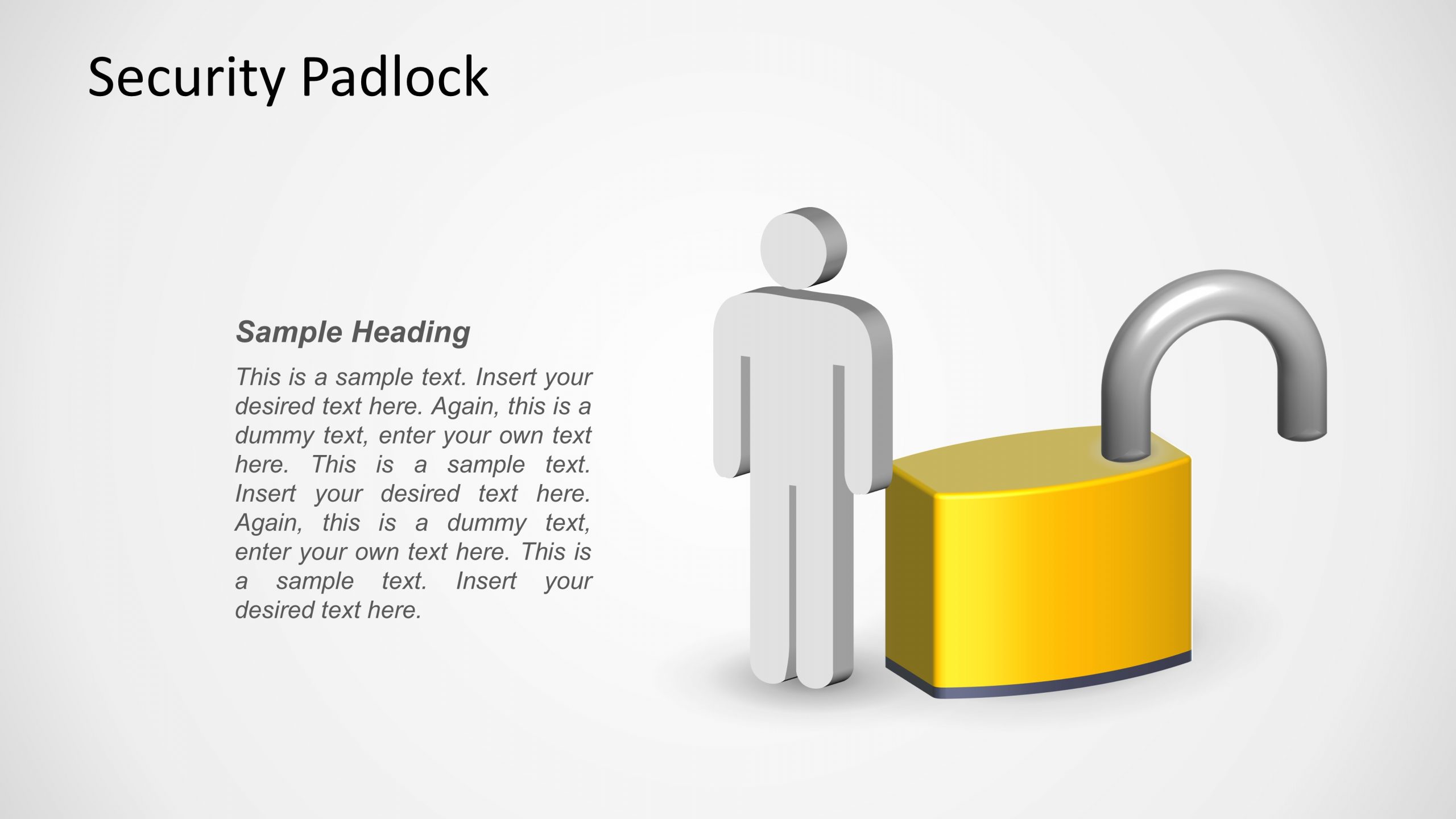
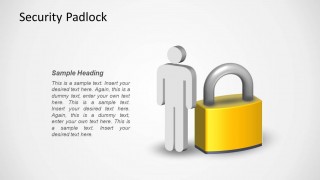
- A technology consultant can use the user figure and padlock layouts to explain privileges, roles, and access restrictions to nontechnical stakeholders.
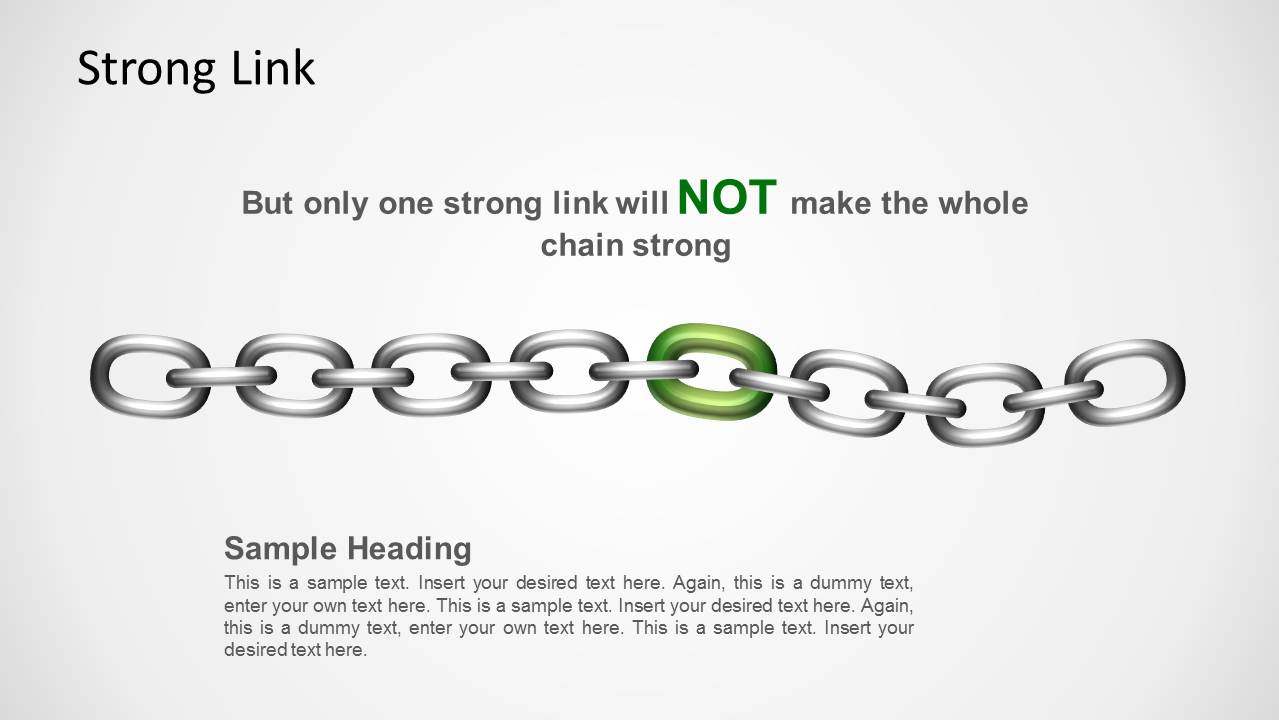
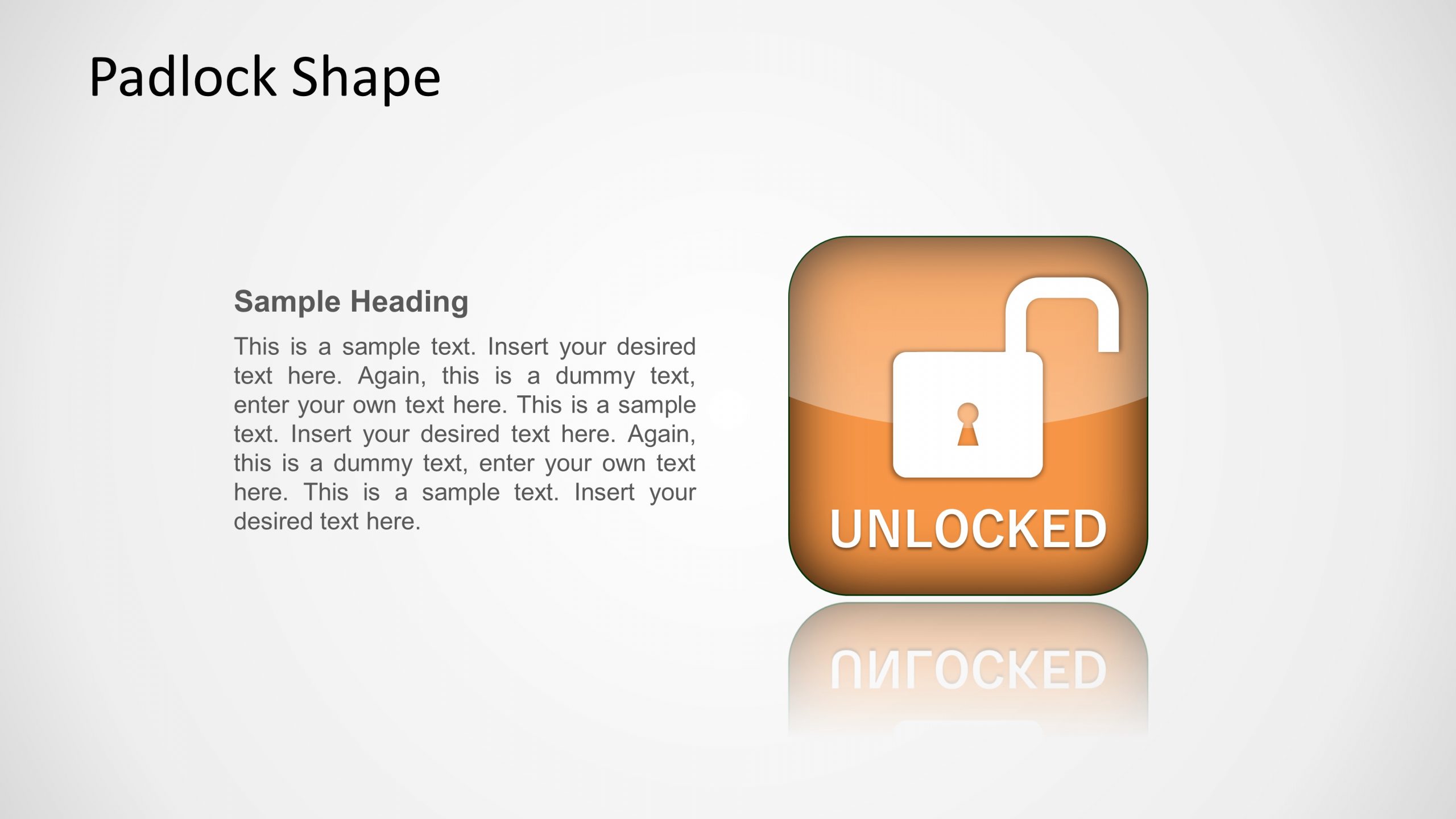
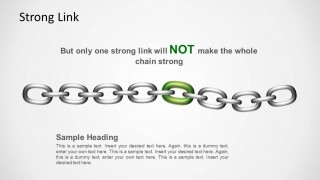
- A security awareness trainer can use the unlocked padlock slide to introduce risky behavior before showing the secured and strong link examples.
Features
- 100% editable presentation template
- Compatible with Microsoft PowerPoint
- 16:9 aspect ratio slides
- Scalable vector shapes, icons and illustrations
- AI-Ready for Microsoft Copilot and Claude
- Instant access and download
Frequently asked questions
Q: How should a presenter use the padlock and chain slides without oversimplifying a security topic?
A: Use the padlock slides for the main status message, then use the weak link or strong link diagram to explain the reason behind that status. Keep technical detail in the text areas and let the visual carry the concept. This works well when an audience needs to grasp risk, access, or control strength quickly.
Q: Who is this template best suited for in a business security presentation?
A: It fits IT, risk, compliance, and consulting presenters who need to explain security conditions rather than report detailed metrics. The locked, secured, unlocked, and user role visuals are useful for stakeholder briefings, awareness sessions, access control explanations, and early discussions about vulnerabilities or permissions.
Q: Why do the weak link and padlock metaphors improve the message?
A: The chain metaphor turns an abstract security idea into a simple dependency: one weak element can affect the whole system. The padlock metaphor signals status immediately, especially when color is used for warning, safe, or open conditions. These familiar visuals reduce explanation time and help nontechnical audiences remember the point.
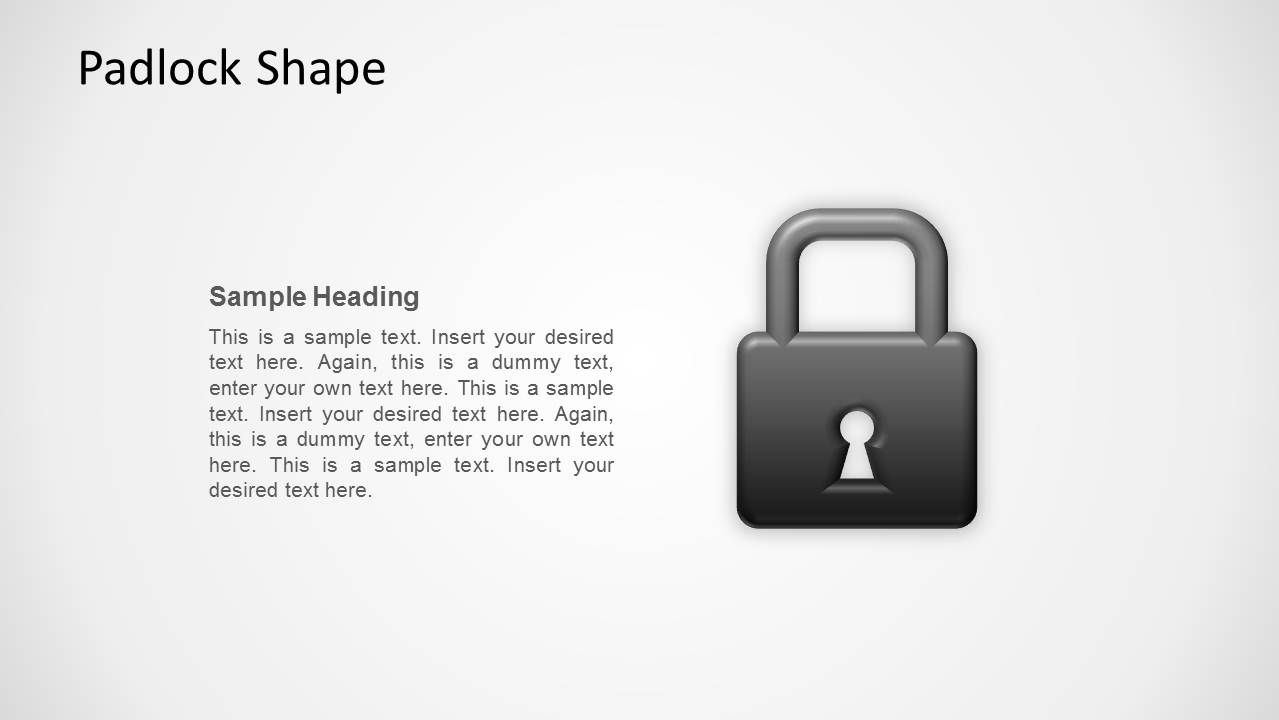


Security Padlock Shape for PowerPoint
8-slide PowerPoint shape template with padlock icons, chain links, and security status graphics
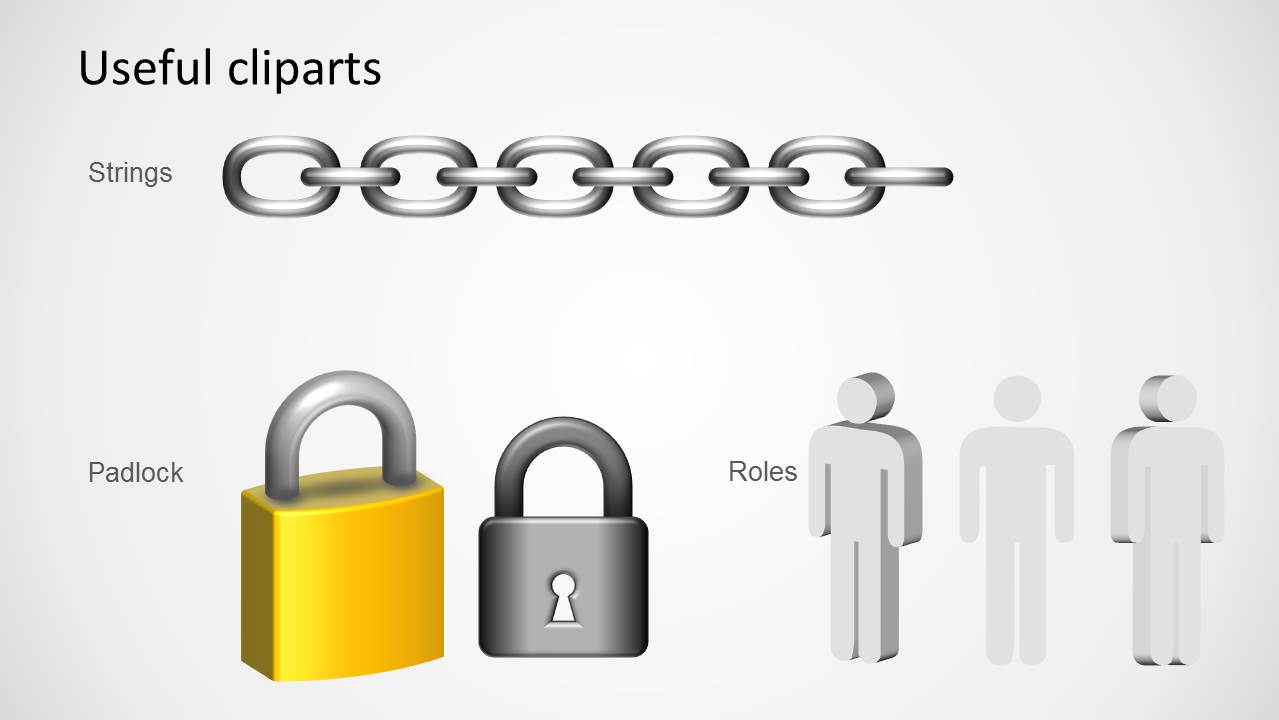
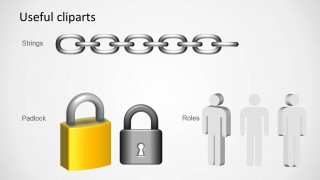
Security Padlock Shape for PowerPoint is an 8-slide shape template for security presentations. It includes locked, secured, and unlocked padlock graphics, weak and strong chain link diagrams, user role visuals, and a clipart library slide. It is built for Microsoft PowerPoint in 16:9 and 4:3 formats.
- Category
- Shapes
- Rating

 Loading...
- Aspect ratio
- 16:9, 4:3
- Item ID
- 1172
- Colors
 Microsoft PowerPoint
  Microsoft Copilot
  Claude for PowerPoint
 Other formats supported
Subscribe today and get immediate
access to download our PowerPoint templates.