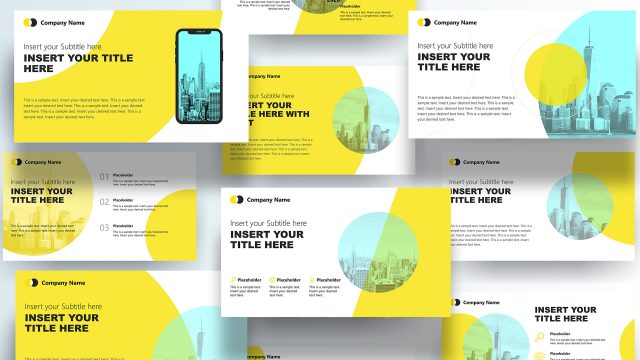
Yellow Portfolio PowerPoint Template– a variation of project slide designs that feature graphics for mobile marketing. The yellow color theme resonates mental activity, a sunny mood and creativity according to color psychology studies. An impressive layout is set to impress professional audiences. Use Yellow Portfolio PowerPoint Template for outstanding project presentations.
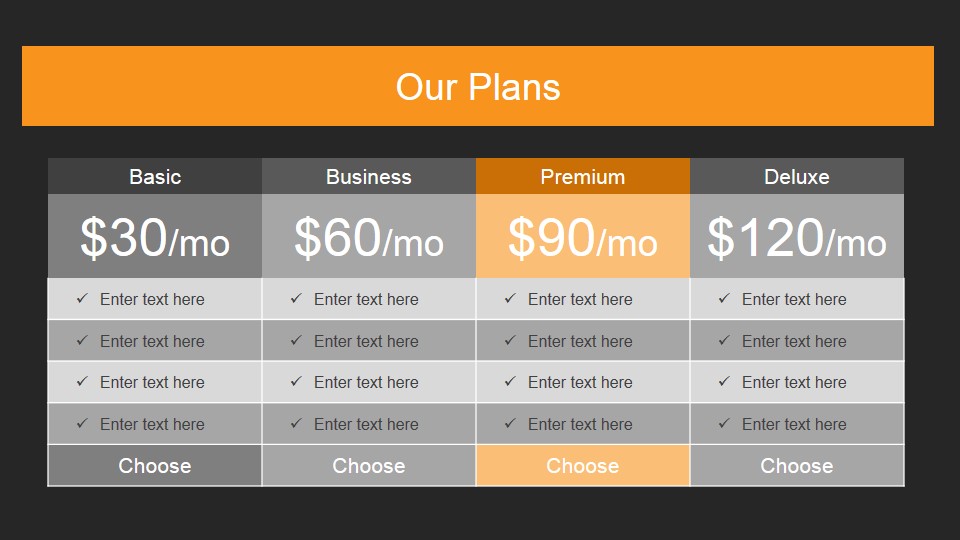
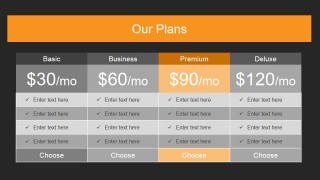
The PowerPoint template is ideal for marketing and advertising presentations. It is perfect for business planning and cost analysis. The 2nd slide for example, illustrates a comparative table of allocation plans. It can be used in mobile usage management. The user can utilize it to showcase product or project feasibility. The featured PowerPoint shapes are completely custom-designed. The presenter can opt to quickly alter them anytime with the use of PowerPoint shapes or objects menu.
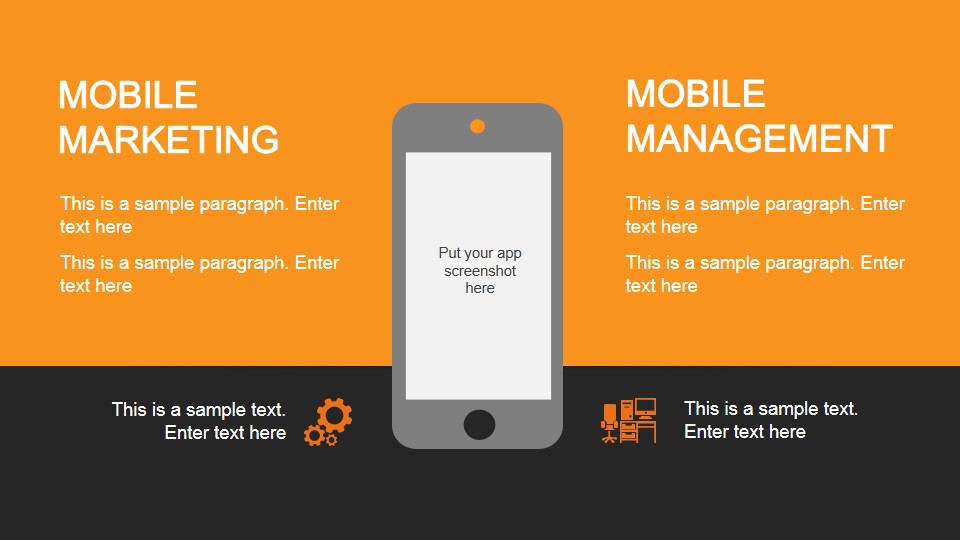
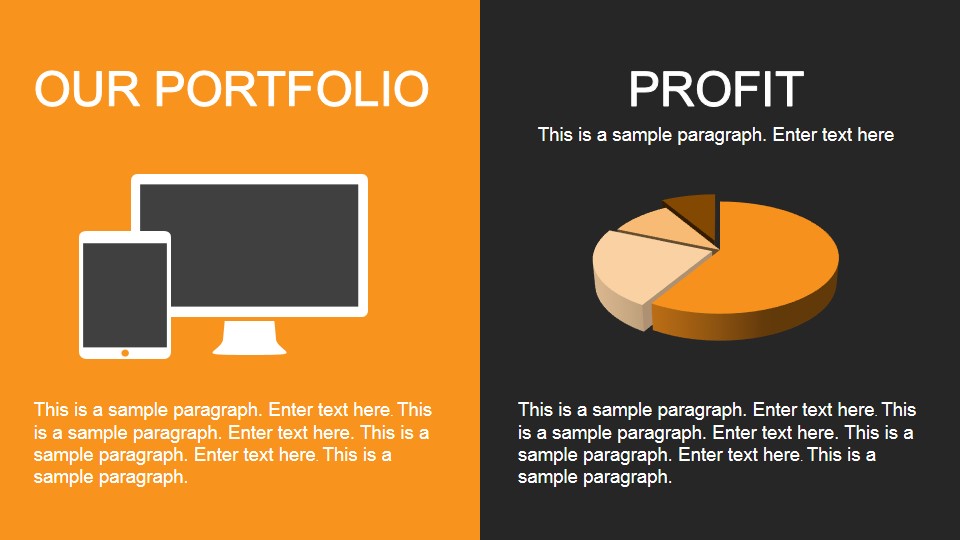
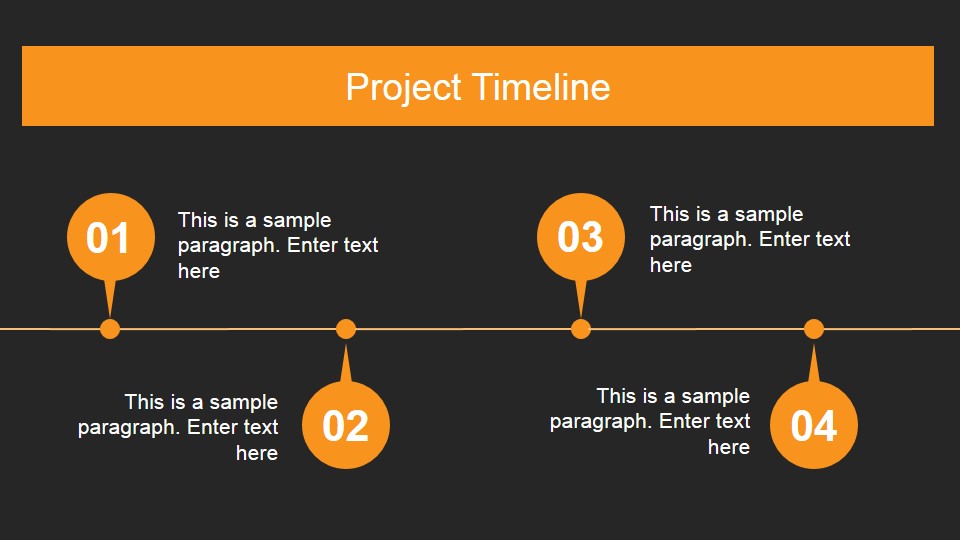
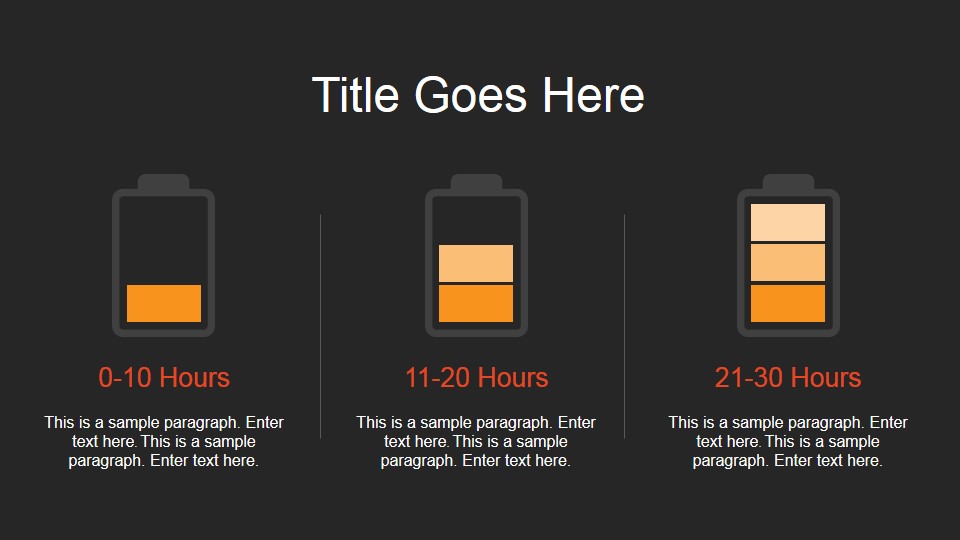
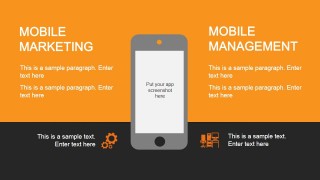
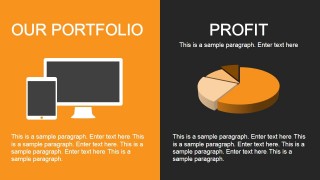
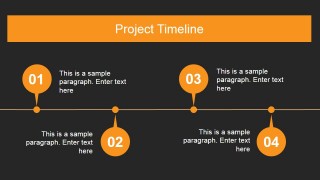
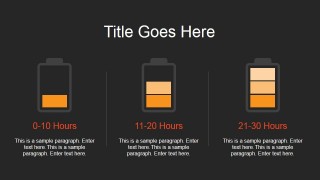
There are six uniquely designed slides. Each slide contains a useful layout with pictures and text placeholders. The first slide serves as the introduction with title box and a gradient background. The second slide has a table with budgeting plans, as mentioned above. In the 3rd slide, a smartphone shape is placed in the center. It is associated with default concepts of Mobile Management and Mobile Marketing. A portfolio section and profit pie chart is displayed on the 4th slide. The next one shows a 4-stemmed timeline. Lastly, the 6th slide incorporates battery figures.
A project portfolio is a compilation of a company or organization’s activities, projects and strategies. It is planned and analyzed to deliver a smart approach. Then, the company must come up with a list of chosen projects from this particular portfolio. Its main purpose is to catalyze on the business objectives and goals. These chosen projects must have the capacity to heighten the development of the company. They are the ones that get funded and are later on implemented.
Yellow Portfolio PowerPoint Template is comprehensive and creative. It is a must use for it appeals to global audiences. Another variant, Red Portfolio PowerPoint Template is downloadable at the SlideModel gallery.
What’s inside this template
Example presentation scenarios
- A marketing manager can present a mobile campaign concept to leadership using the mobile marketing and management slide to show audience focus, app placement, and service scope.
- A project manager can brief stakeholders on delivery sequencing with the four-step project timeline and then explain workload ranges through the battery indicator slide.
- A business planner can compare service tiers or funding options with the plan comparison table before connecting the preferred option to portfolio outcomes.
- A portfolio lead can summarize current initiatives with the portfolio and profit slide, using the device illustration and pie chart to link activity areas to financial performance.
Features
- 100% editable presentation template
- Compatible with Microsoft PowerPoint and Google Slides
- 16:9 aspect ratio slides
- Scalable vector shapes, icons and illustrations
- AI-Ready for Microsoft Copilot and Claude
- Instant access and download
Frequently asked questions
Q: How should a presenter organize the message with this portfolio template?
A: Start with the cover to name the portfolio or campaign, then use the plan comparison table to frame choices. Move to the mobile marketing slide to explain the scope, use the portfolio and profit slide for business impact, and finish with timeline and battery layouts to show schedule and capacity in concrete terms.
Q: Who is this template best suited for in a business presentation?
A: This template fits project managers, marketing managers, and business planners who need to explain a mobile or digital initiative without building a full pitch deck. It works best when the audience needs quick orientation, a comparison of options, a snapshot of profit or portfolio status, and a time-based delivery view.
Q: Why do the device, timeline, and battery visuals help the story?
A: The smartphone and device graphics make the mobile context clear before the presenter discusses details. The timeline converts the plan into ordered milestones, while the battery icons act as a capacity metaphor for hours or effort. These visual metaphors reduce explanation time and make planning trade-offs easier to discuss.


Yellow Portfolio PowerPoint Template
6-slide presentation template for project portfolios, pricing plans, mobile marketing, timelines, and profit analysis
Yellow Portfolio PowerPoint Template is a 6-slide 16:9 deck for project portfolio and mobile marketing presentations. It includes a cover, pricing plan comparison table, mobile marketing and management slide, portfolio with profit pie chart, four-step project timeline, and battery-style capacity indicators for planning discussions.
- Category
- Template Backgrounds
- Rating


 Loading...
- Aspect ratio
- 16:9
- Item ID
- 4008-02
- Colors
 Microsoft PowerPoint
  Microsoft Copilot
  Claude for PowerPoint
 Other formats supported
Subscribe today and get immediate
access to download our PowerPoint templates.