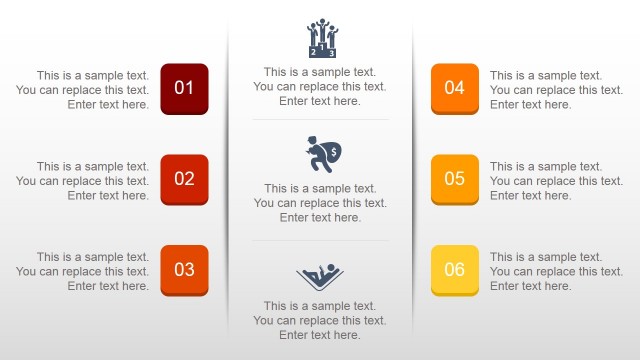
The Creative Orange PowerPoint Template is a visually striking business presentation pitch deck. A yellow and orange color pallet echoes sunrise and sunset as business metaphors. The sunset refers to growth whereas sunset is the term used for phasing out or terminating product/service. This orange PowerPoint template uses an eye-catching theme to help you present business proposals and portfolios. It is a 30-slides deck of creative layouts, diagrams, graphics, and high-resolution business images. The segmented layouts will enable presenter to turn business-related content into well-communicated information.
The PowerPoint templates of Creative Orange slide deck encapsulates business introduction, objectives, expertise, analytics, and models. It is a one-stop-shop to deliver a company’s high-level overview to investors, clients, or customers. The presentation agenda slide shows a table of contents along with beautiful cutout images. There is an animated timeline template with infographic effects using clipart icons. The analytics slides include 4 steps process, concentric circles for market segmentation, pyramid, funnel, and Venn diagrams. Additional cool slides have creative layouts for visual representation of text through icons and images. Altogether, the diagrams, shapes, icons, and images have the potential to make a winning presentation for entrepreneurs and corporates.
The Creative Orange PowerPoint Template is an editable company profile presentation. From simple changes such as text, shapes, and image formatting to personalized effects are available in PowerPoint. You can also change the theme of presentation form design menu. An easy-to-edit business template will let you make quick changes and save time on aesthetics. Alternatively, you can download other creative PowerPoint presentation backgrounds, that are 100% customizable with your own data and text.
What’s inside this template
Example presentation scenarios
- A founder can introduce a startup to investors by opening with the agenda, showing portfolio proof, then explaining growth milestones with the timeline slides.
- A marketing manager can present an agency capability overview to a prospective client using the about us cards, portfolio photo layouts, and process diagrams.
- A consultant can explain a market or operating model to executives with the segmented pyramid, funnel diagrams, and Venn diagrams.
- A sales team can support a proposal meeting by combining KPI slides, service diagrams, and the contact slide for next-step discussion.
Features
- 100% editable presentation template
- Compatible with Microsoft PowerPoint and Google Slides
- 16:9 aspect ratio slides
- Scalable vector shapes, icons and illustrations
- AI-Ready for Microsoft Copilot and Claude
- Instant access and download
Frequently asked questions
Q: How should a presenter structure a company profile with this deck?
A: Start with the cover and agenda to set context, then use the portfolio and about us slides to establish credibility. Move into the timeline, process diagrams, pyramid, funnel, and Venn slides only when they clarify how the business works. Close with KPI proof, contact details, and the thank you slide.
Q: Which presentation situations fit this orange company profile template best?
A: This template fits presenters who need to make a business feel active, visual, and easy to understand in a short meeting. It is strongest for agency introductions, startup pitches, consulting proposals, and service portfolio reviews where photos, milestone timelines, process diagrams, and funnel models can make the story concrete.
Q: Why does the orange sunrise-style visual theme help the message?
A: The warm orange palette creates a high-energy business tone, while the repeated circles, layered shapes, and gradient panels act as visual anchors across the deck. Those design cues help connect the cover, process diagrams, funnels, and closing slides, so the presentation feels like one branded story rather than separate slide ideas.




Creative Orange PowerPoint Template
30-slide presentation template for company profiles with portfolio layouts and timelines in an orange theme
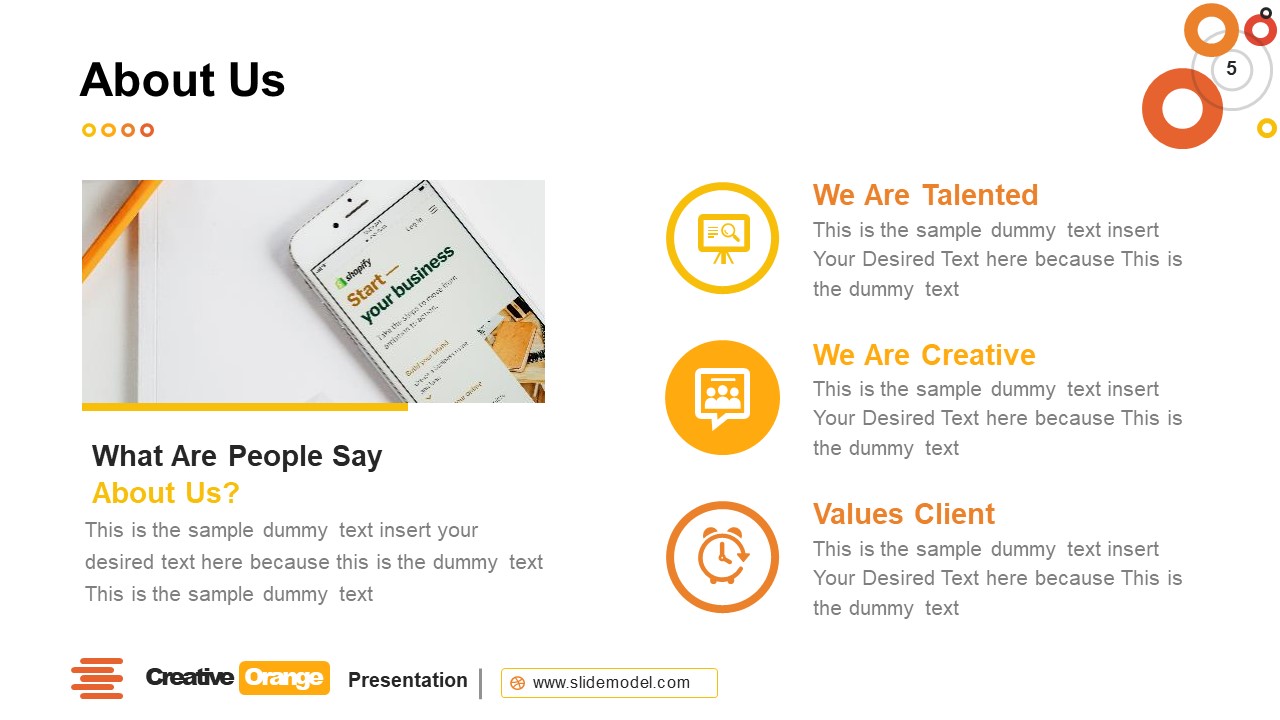
Creative Orange PowerPoint Template is a 30-slide business presentation deck for company introductions, portfolios, and proposals. It includes agenda, portfolio, about us, timeline, process diagram, pyramid, funnel, Venn diagram, KPI, contact, and thank you layouts. The 16:9 slides are built for Microsoft PowerPoint and Google Slides.
- Category
- Template Backgrounds
- Rating

 Loading...
- Aspect ratio
- 16:9
- Item ID
- 30097-01
- Colors
 Microsoft PowerPoint
 Microsoft Copilot
 Claude for PowerPoint
Other formats supported
Subscribe today and get immediate
access to download our PowerPoint templates.