World Map with Color Callouts for PowerPoint is a colorful and creative approach in world mapping and labeling. The modern design makes a fresh and professional look on the Office template. It is simple but very functional. Impress global audiences with this high standard layout.
Callouts are millennial text placeholder designs generally used in android and other internet platforms. They enclose the textual characters written by a user or customer. They have varying colors which make it attractive and easy to differentiate. Each contact is usually assigned with a single color. One perfect example is the Google Drive Sheet shared with multiple users. They are subjectively applied to this PowerPoint template as text placeholders.
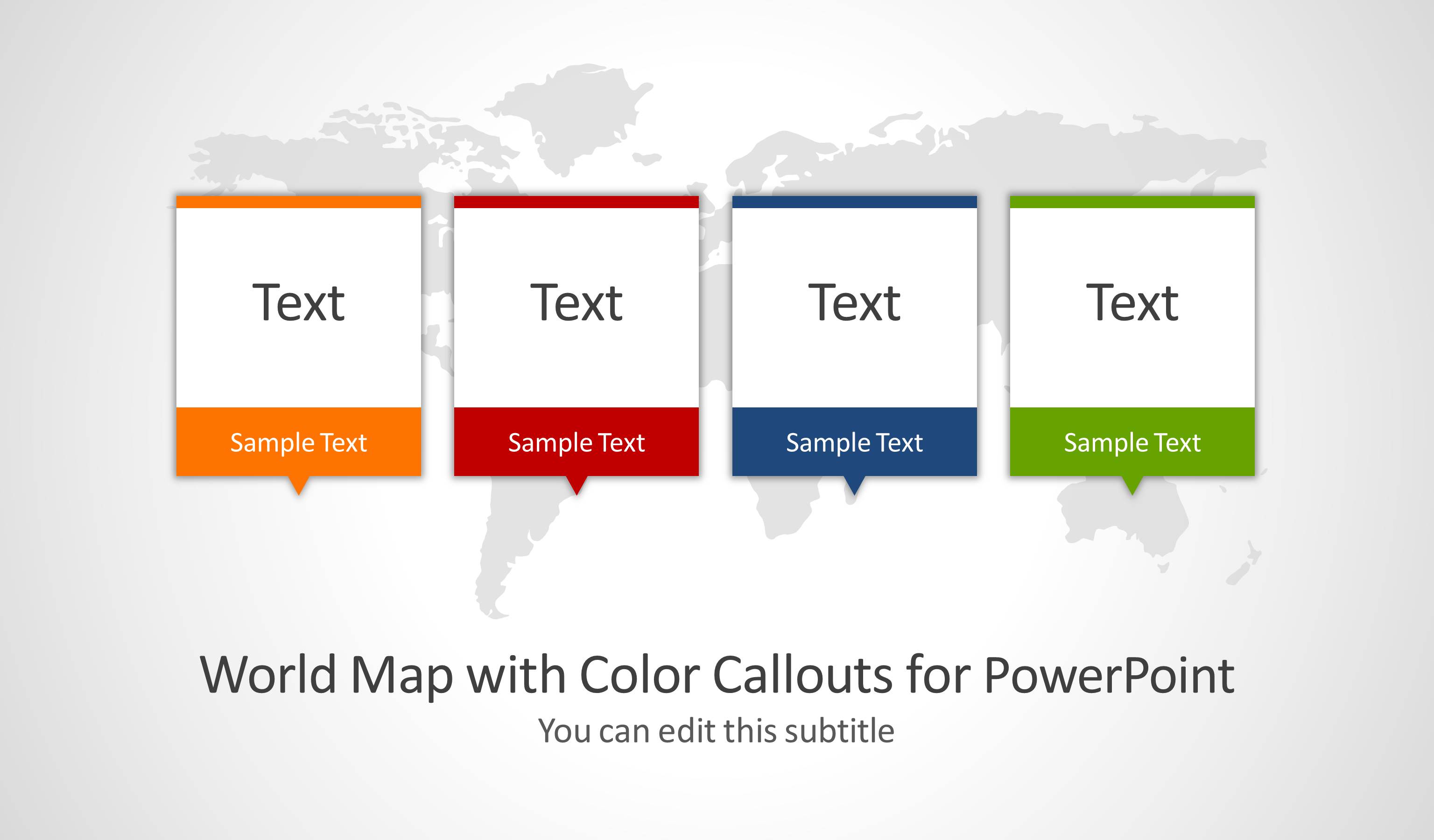
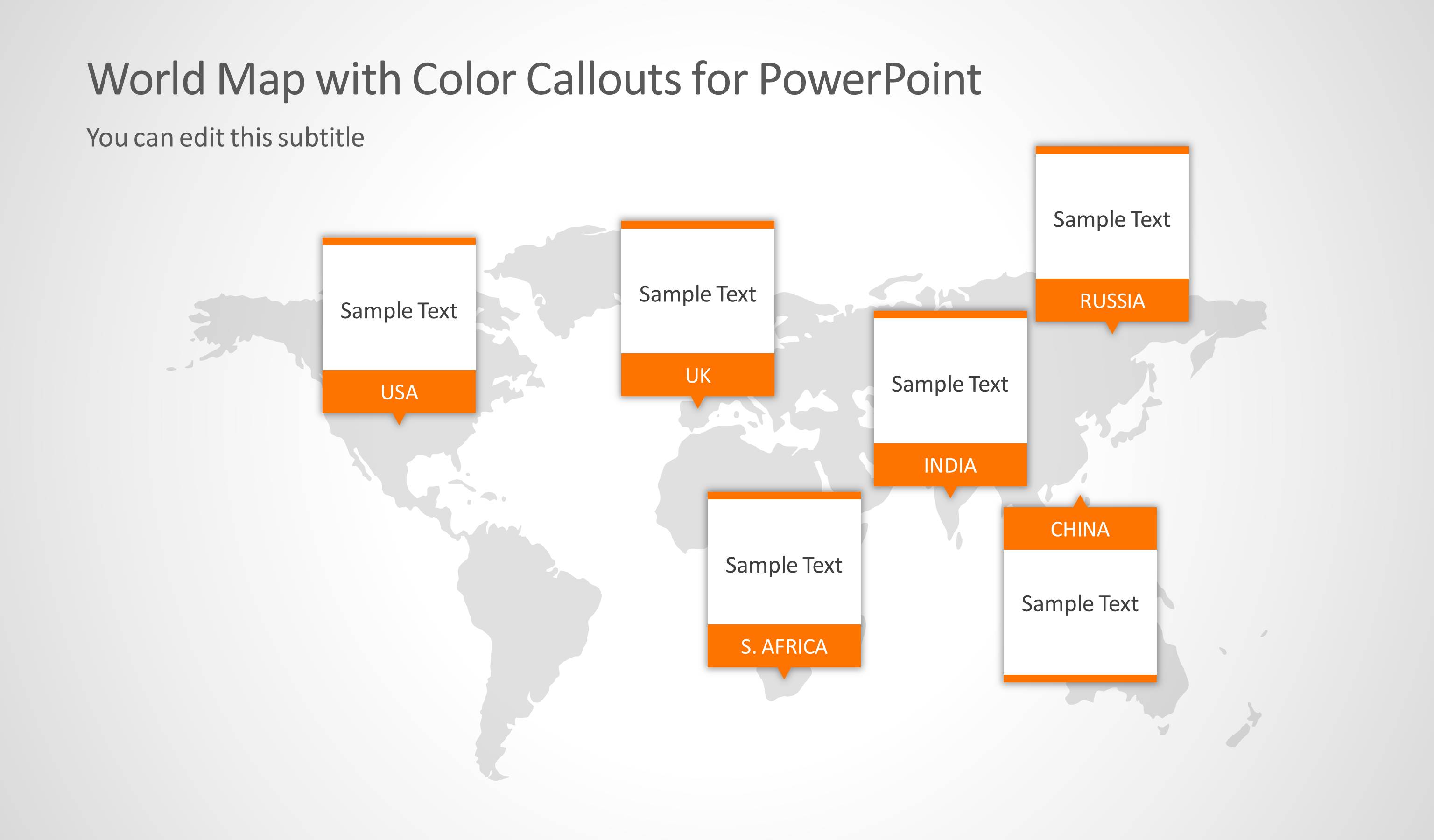
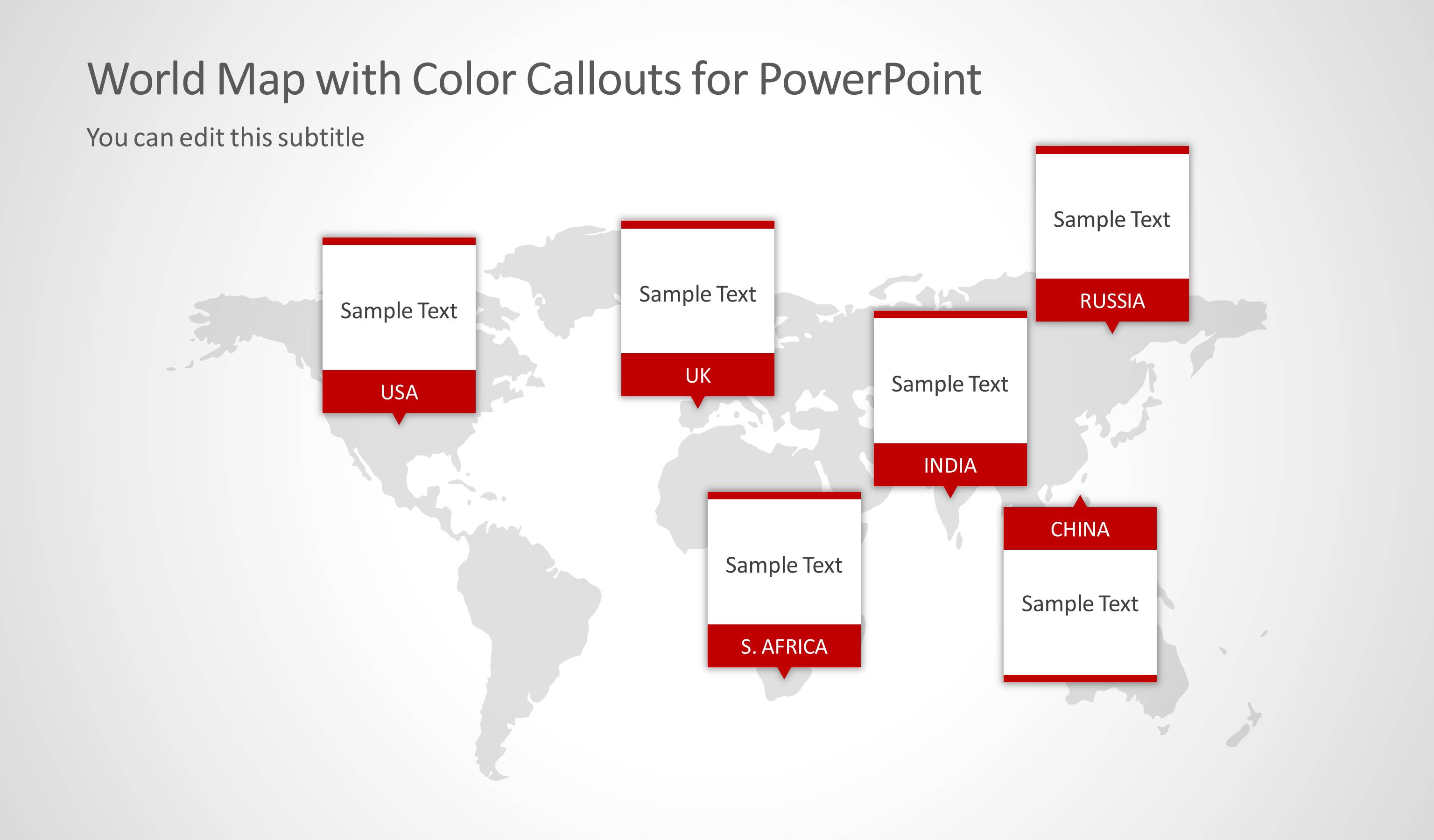
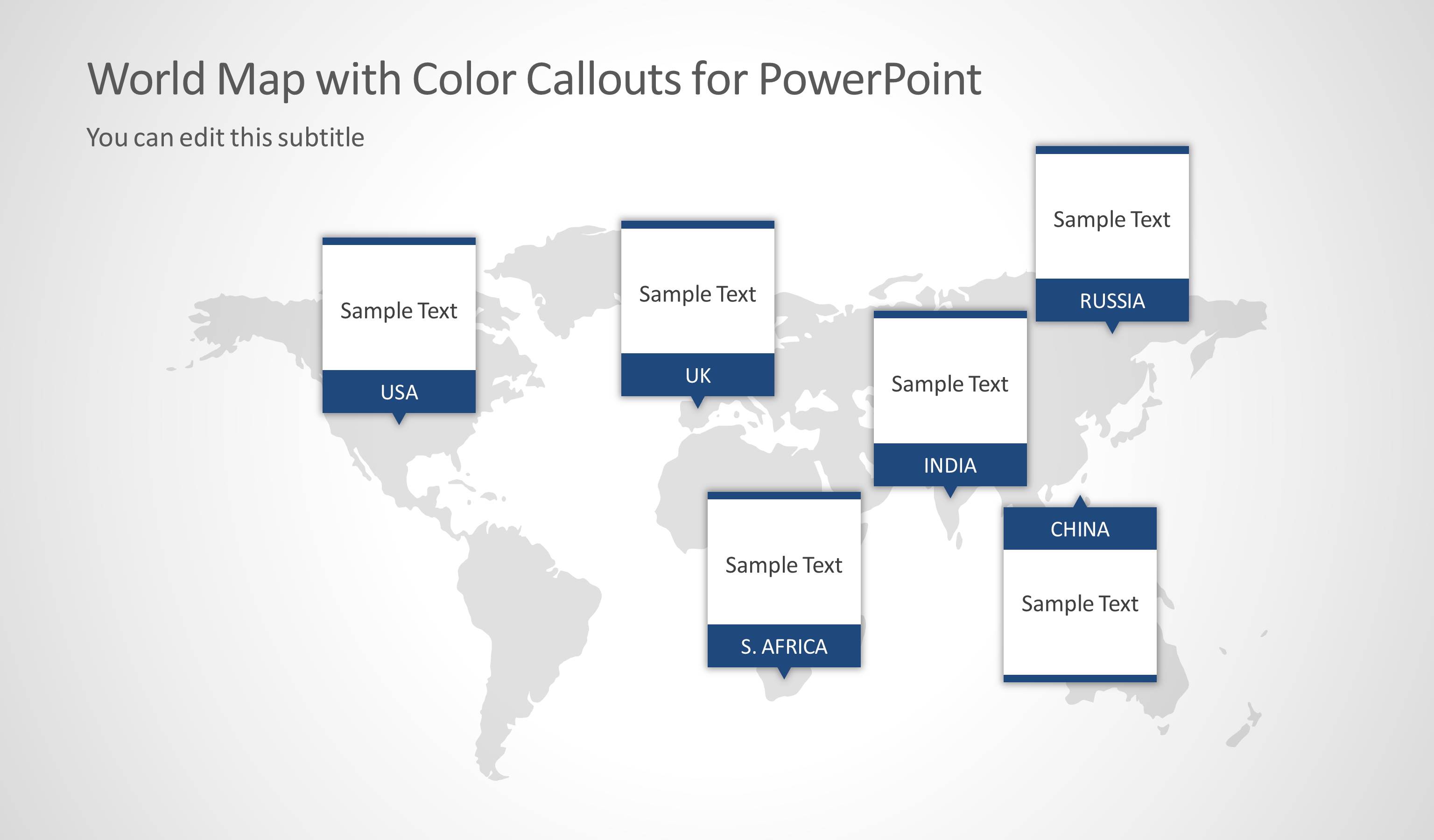
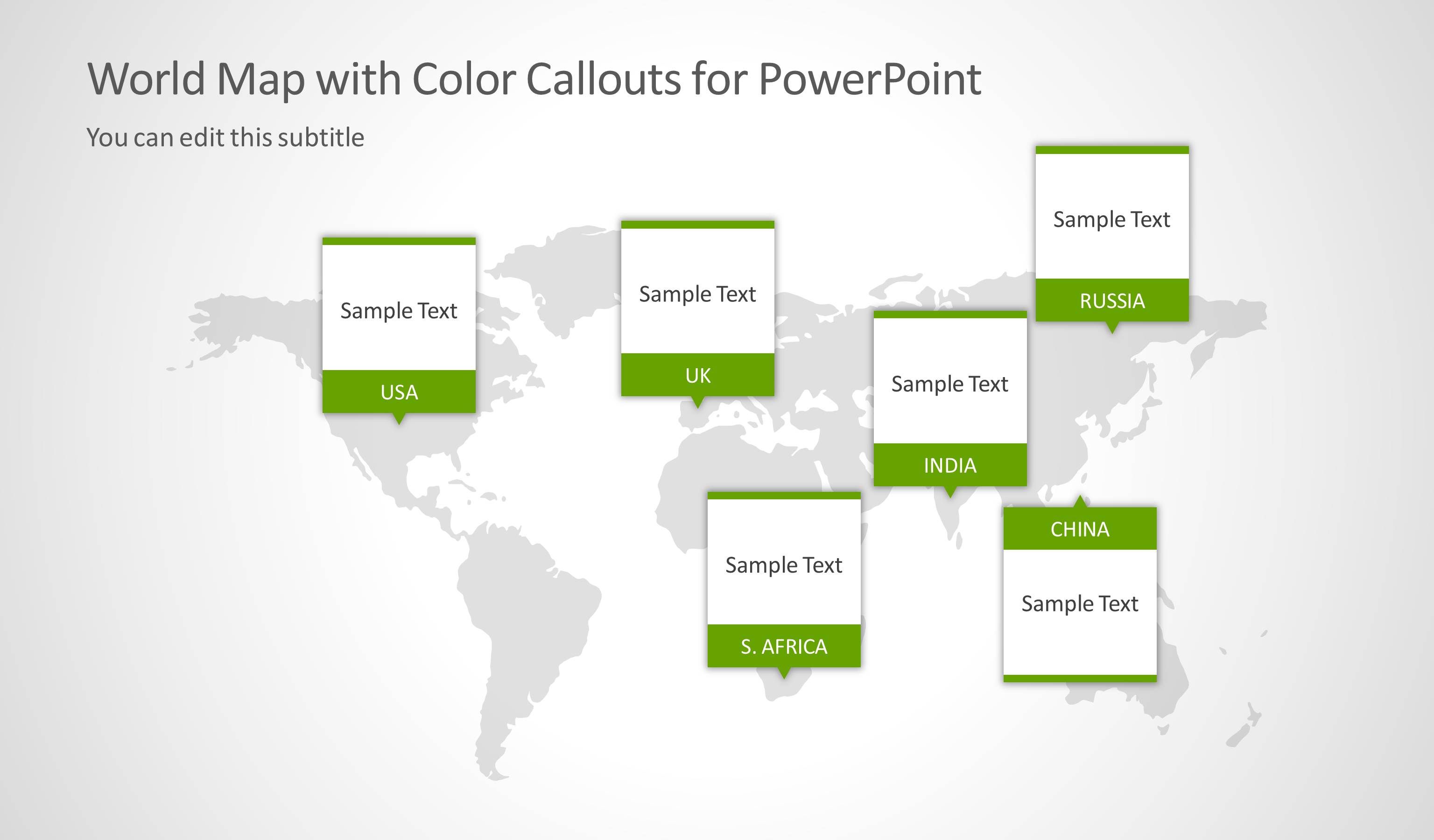
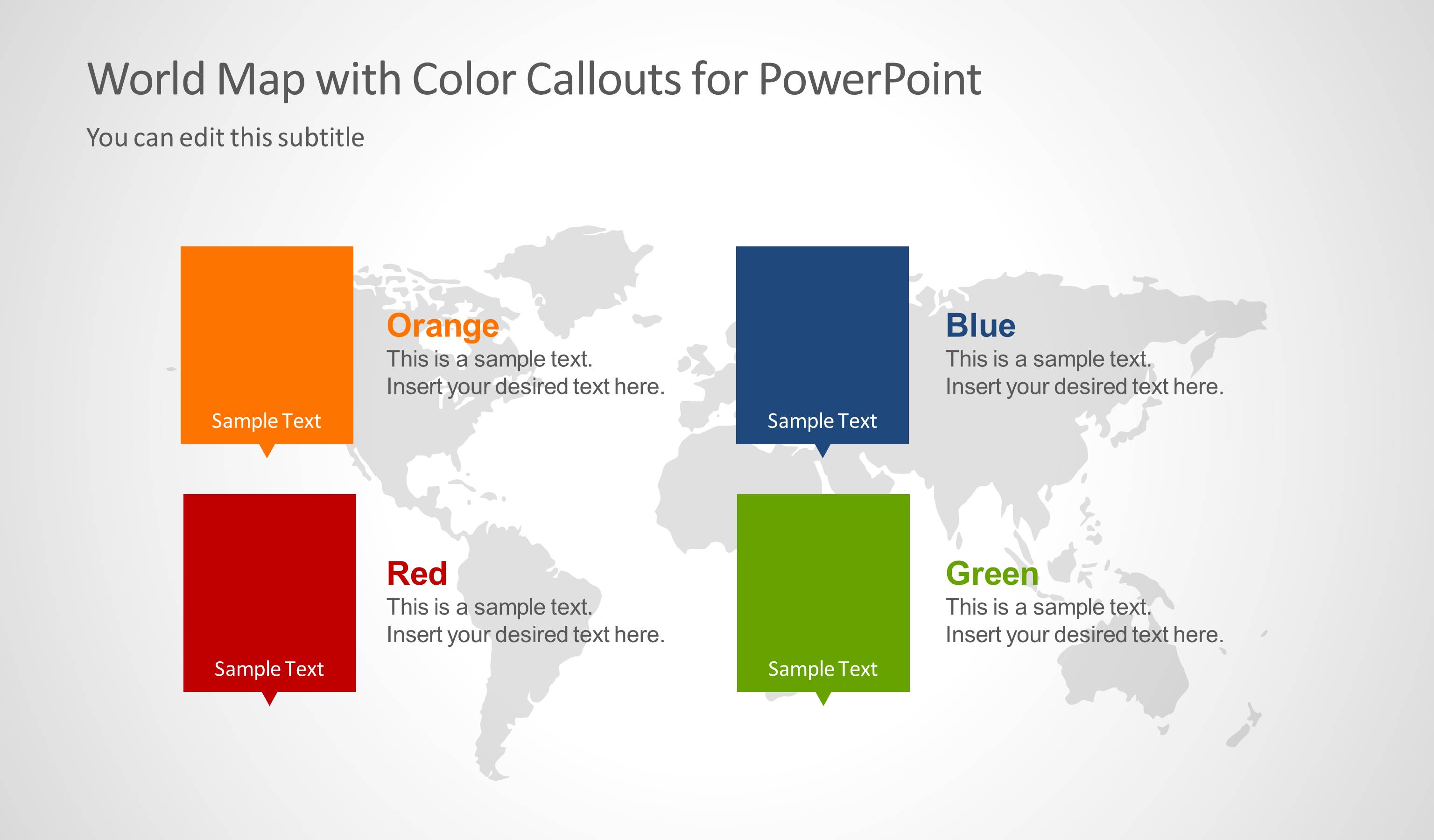
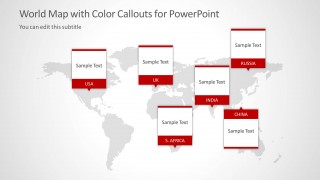
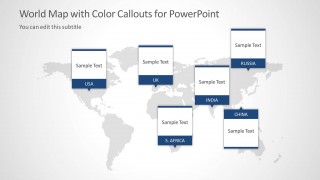
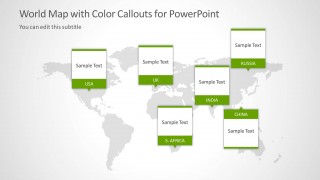
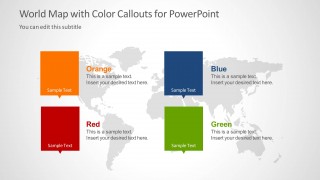
The callout shapes label places in the light gray World Map outline background. They are colored orange, red, blue and green. The first slide can serve as a dashboard while the speaker is giving an introduction. A quick header can be written in the boxes to give a clue to the audience about the subject matter. The following 4 slides individually emphasize on every color of the callout PowerPoint shapes. Each color can be considered as a single cluster. The last slide provides a color legend. Here, the presenter can further explain on the roles of each cluster.
This world map template with callouts is ideal for global presentations on history. It can illustrate tourism and make use of the callouts as site markers. The design is perfect for geographical studies or reports. Topics that can consider this layout extremely useful are culture, lifestyle, economy, religion, education, etc. The user can opt to customize the features to fit a specific mood. Items in the template can be modified and moved around. Color schemes can be altered, as well as text font and style.
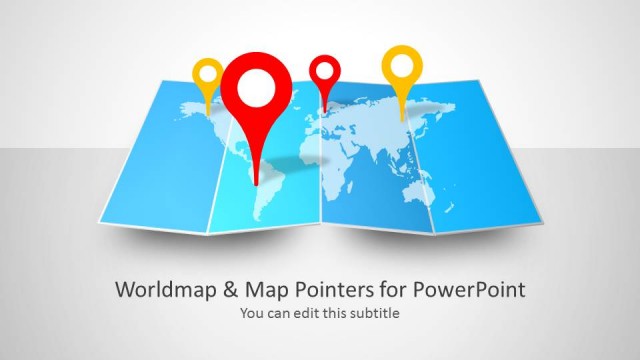
Deliver outstanding global presentations using World Map with Color Callouts for PowerPoint. Alternatively, you can download other editable map templates for PowerPoint, like the Folded World Map PowerPoint Template, or learn how to make a good presentation.
What’s inside this template
Example presentation scenarios
- A business analyst can present market presence across countries by using the map dashboard and the orange, red, blue, or green callout slides to group locations by region or status.
- An educator can explain geography, history, culture, or world events by placing short labels in the callout cards and using the legend slide to define each color category.
- A tourism presenter can show destination clusters by assigning each color to a travel theme and using the world map markers to point to highlighted countries.
- An operations manager can brief stakeholders on international offices, suppliers, or project sites by using the single-color map slides to separate each operational group.
Features
- 100% editable presentation template
- Compatible with Microsoft PowerPoint and Google Slides
- 16:9 aspect ratio slides
- Scalable vector shapes, icons and illustrations
- AI-Ready for Microsoft Copilot and Claude
- Instant access and download
Frequently asked questions
Q: How should a presenter organize the message with these map callouts?
A: Start with the cover dashboard to introduce the color system before moving into one color group at a time. Keep each callout label short, such as a country, region, project, or category. End with the legend slide so the audience can connect every color to a clear meaning.
Q: Who is this template best suited for?
A: This template fits presenters who need to explain global location groups without using dense tables. It is a good choice for educators, consultants, travel planners, and international teams because the map callouts show where items belong while the color legend clarifies what each group means.
Q: Why does the color callout design work for a world map presentation?
A: The light gray world map keeps geographic context in the background, while the colored callout cards pull attention to the labeled locations. Showing orange, red, blue, and green groups on separate slides reduces visual clutter and helps the presenter treat each color as a distinct category.
World Map Template for PowerPoint with Color Callouts
6-slide presentation template for world map callouts, regional markers, and color legend views
This 6-slide world map presentation template uses colored callout cards on a light gray outline map to label locations and categories. It includes a cover dashboard, single-color regional marker slides, and a four-color legend. It is built for global reporting, education, tourism, and business briefings in PowerPoint and Google Slides.
- Category
- Text & Tables
- Rating


 Loading...
- Aspect ratio
- 16:9
- Item ID
- 6076-01
- Colors
 Microsoft PowerPoint
  Microsoft Copilot
  Claude for PowerPoint
 Other formats supported
Subscribe today and get immediate
access to download our PowerPoint templates.