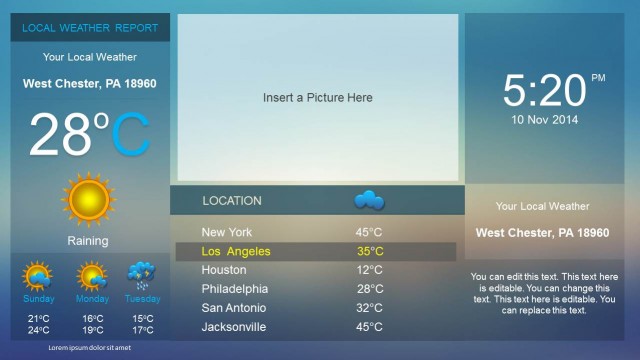
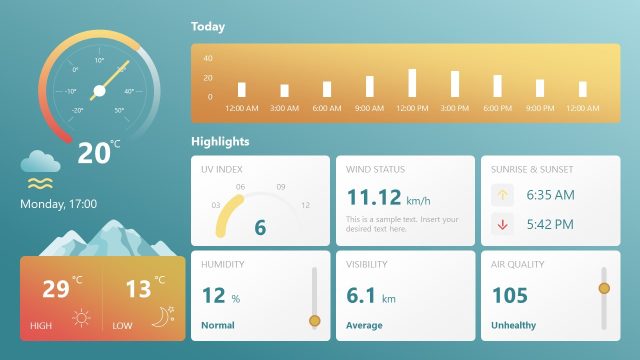
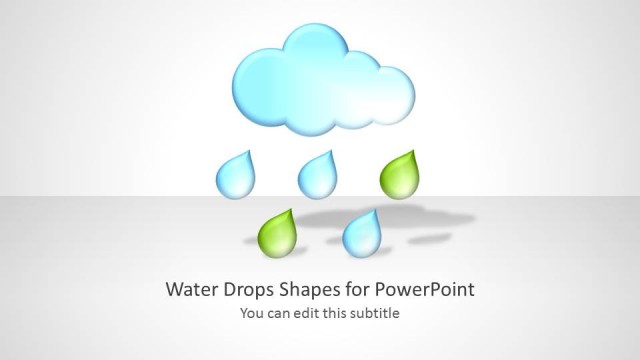
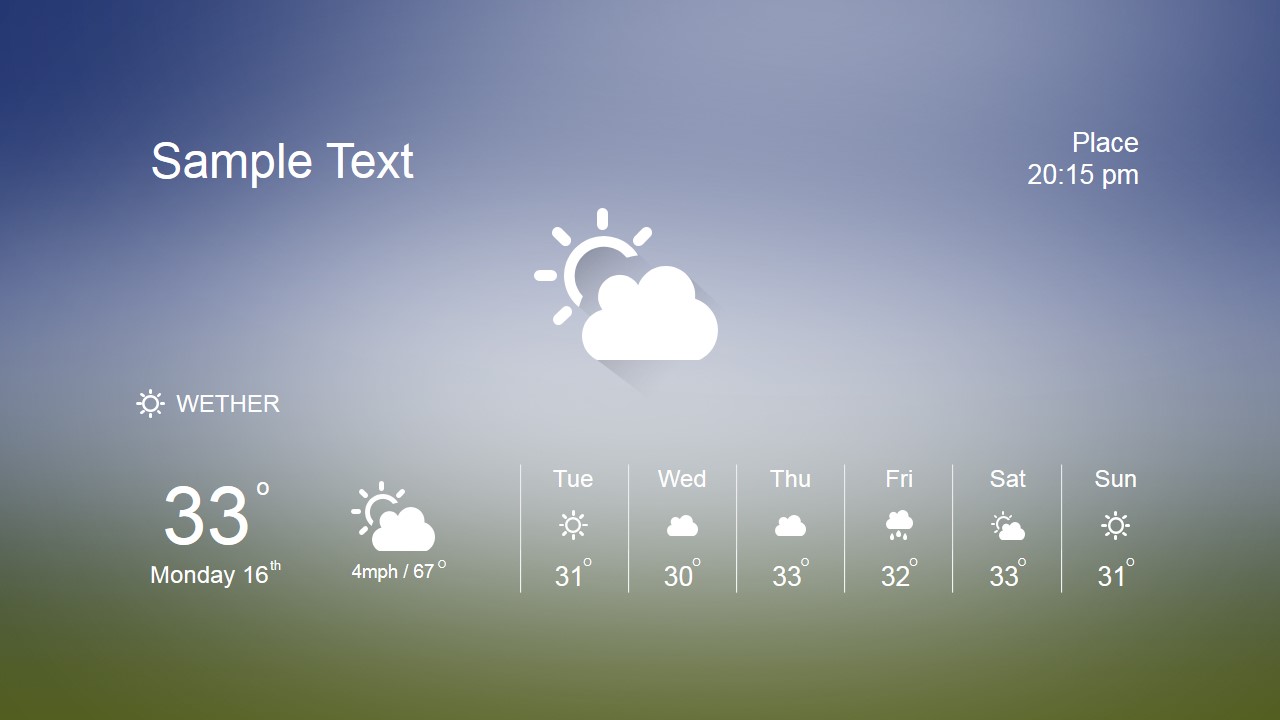
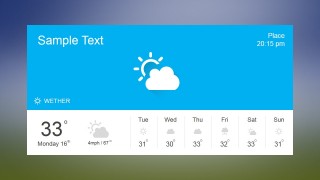
Weather Widget PowerPoint Dashboard is a professional template featuring a modern flat weather widget over a blur background in the PowerPoint slide. It contains pixel perfect cloud clip art, rain clip art, wind clipart and sunny clipart, ideal to describe every weather forecast. This weather PPT template provides two different themes, one designed to highlight the background, the second slide layout which is ideal for using in an existing presentation template.
Every object in this presentation template is created with built-in PowerPoint shapes, allowing the user to fully customize their properties. Impress your audience with this modern flat design Weather Widget PowerPoint Dashboard.
Alternatively, you can download other presentation slides and PowerPoint templates, including climate change PPT templates or other dashboard presentation templates for PowerPoint & Google Slides.
What’s inside this template
Example presentation scenarios
- An event planner can use the full-bleed weather widget to brief staff on expected outdoor conditions, showing current temperature, wind, and the seven-day forecast strip before an event schedule.
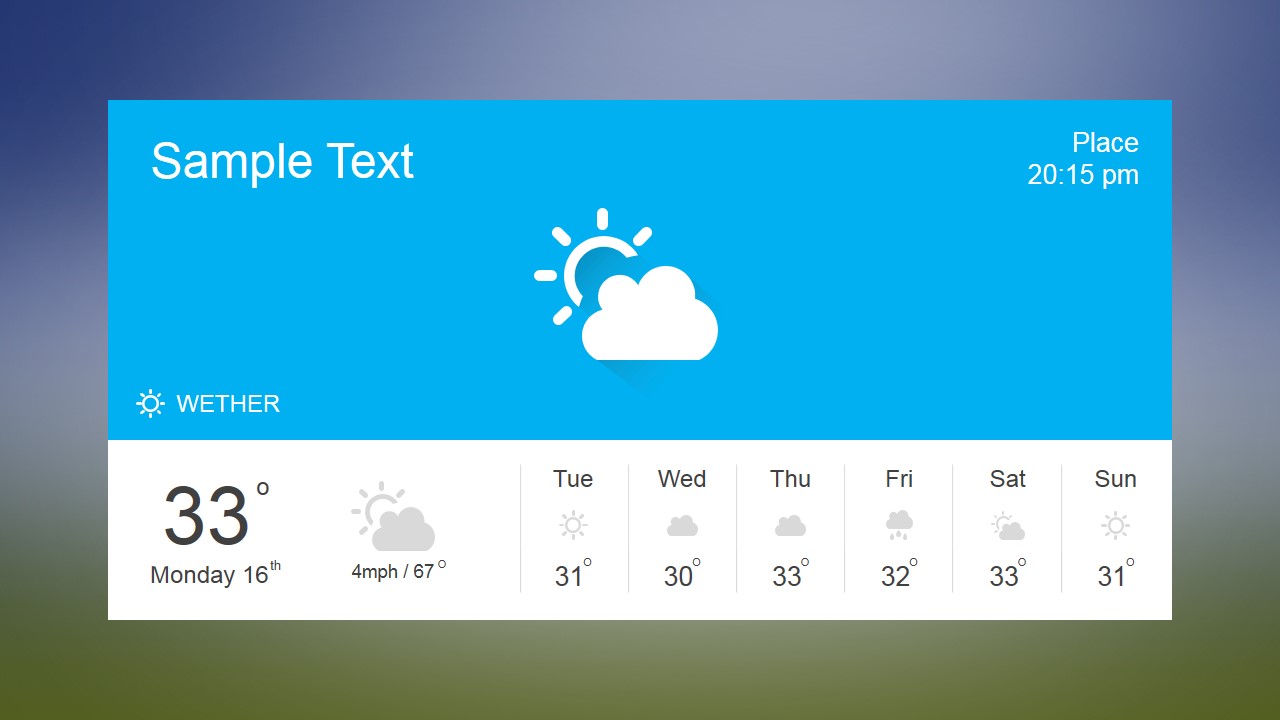
- A logistics manager can insert the two-tone dashboard card into an operations update to explain weather conditions that may affect routes, staffing, or delivery timing.
- A travel coordinator can use the forecast widget to present destination weather, place, and time details before explaining packing guidance or itinerary changes.
- A teacher or trainer can use the editable sun, cloud, rain, and wind icons to introduce weather vocabulary or explain how forecast information is organized.
Features
- 100% editable presentation template
- Compatible with Microsoft PowerPoint and Google Slides
- 16:9 aspect ratio slides
- Scalable vector shapes, icons and illustrations
- AI-Ready for Microsoft Copilot and Claude
- Instant access and download
Frequently asked questions
Q: How should the forecast information be organized so the slide stays easy to read?
A: Start with the headline and location, then point to the current temperature as the main takeaway. Use the large central weather icon to set the condition quickly, and treat the seven-day strip as supporting detail. Avoid filling every text label with long explanations; the widget works best as a quick visual briefing.
Q: Who is this weather dashboard best suited for?
A: This template fits presenters who need to show weather conditions as part of a larger decision, such as event setup, travel planning, logistics, or daily operations. The two available layouts let a presenter either use weather as a full-slide focus or place a contained forecast card inside an existing presentation style.
Q: Why does the design use a blurred background and flat weather icons?
A: The blurred background gives atmospheric context without competing with the forecast data, while the flat icons let the audience recognize sun, cloud, rain, and wind conditions at a glance. The second slide's blue header and white forecast panel add stronger separation, making it useful when clarity matters more than ambience.
Weather Widget PowerPoint Dashboard
2-slide weather dashboard presentation template with forecast widgets, icons, and blurred background themes
Weather Widget PowerPoint Dashboard is a 2-slide presentation template for displaying a compact weather forecast interface. It includes a full-background weather widget and a framed two-tone dashboard card with weather icons, place and time labels, current temperature, wind detail, and a seven-day forecast strip for Microsoft PowerPoint and Google Slides.
- Category
- Data & Charts
- Rating


 Loading...
- Aspect ratio
- 16:9, 4:3
- Item ID
- 6580-01
- Colors
 Microsoft PowerPoint
  Microsoft Copilot
  Claude for PowerPoint
 Other formats supported
Subscribe today and get immediate
access to download our PowerPoint templates.