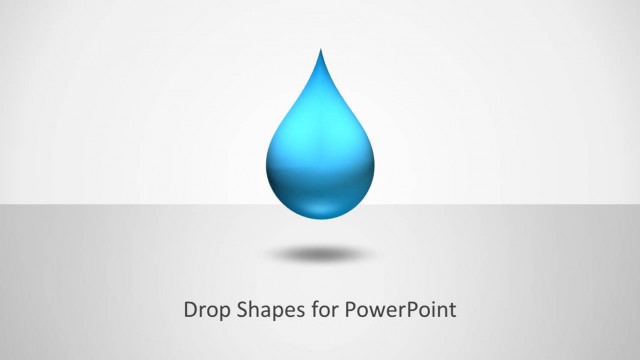
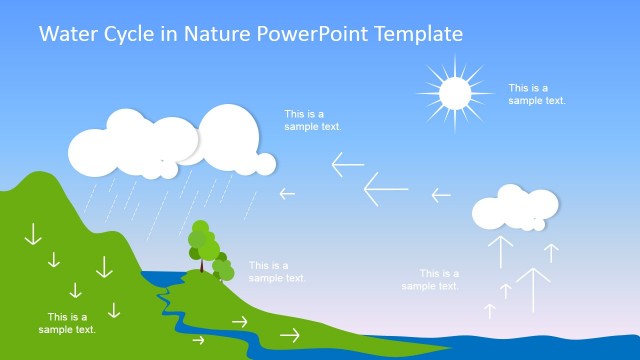
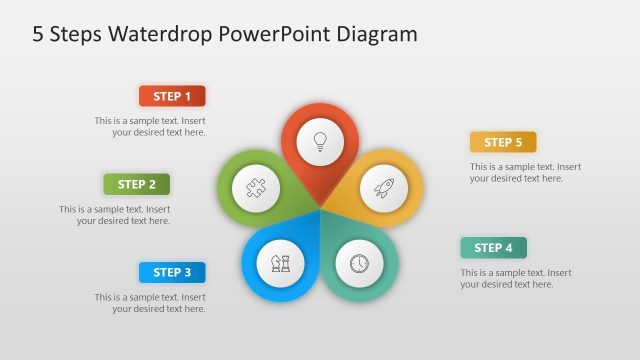
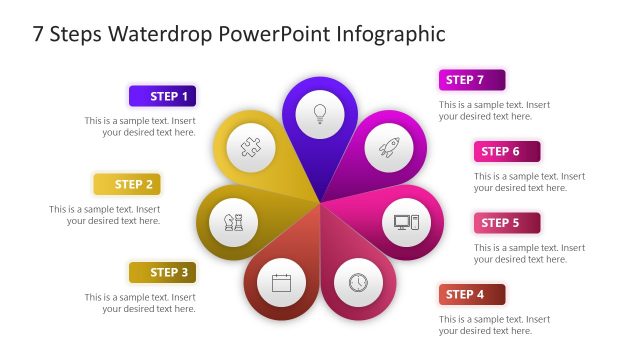
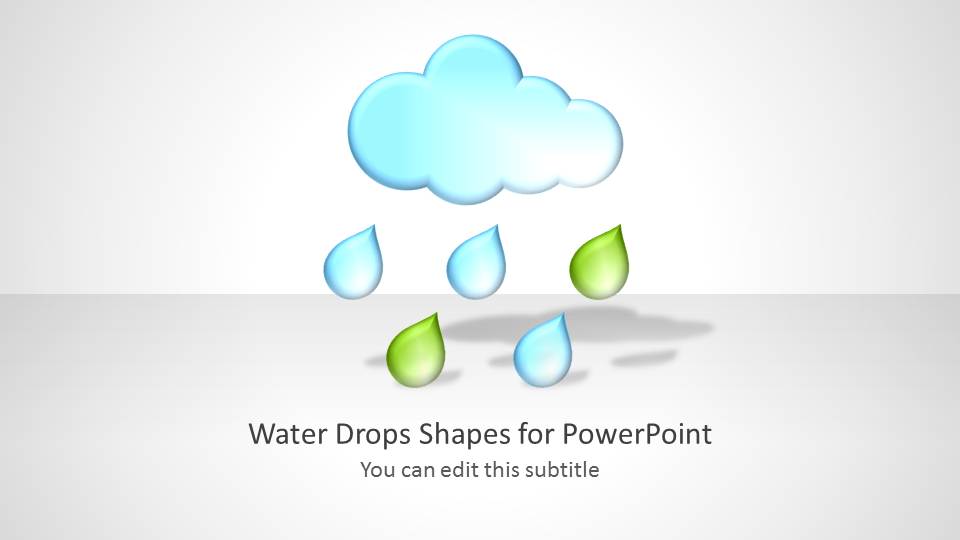
Water Drop Shapes for PowerPoint is a presentation design for Microsoft PowerPoint presentations containing water drop shapes.
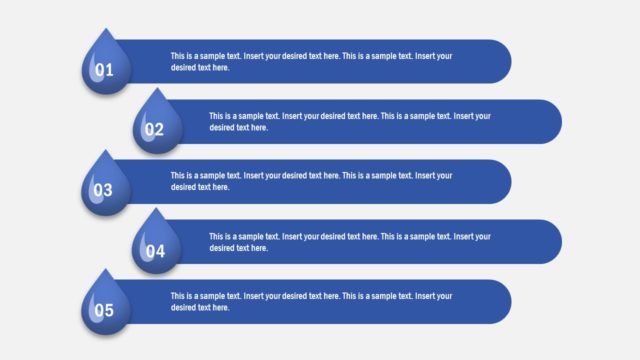
With these customizable water themed slides you can create presentations on topics related to the weather, seasons, global warming, rain, rising water levels, nature, science, as well as presentations related to business, finance and other topics, where the rain drop slide designs can be used symbolically.
The sample slides are customizable enough to construct custom diagrams by moving slide objects via drag and drop. You can also use various options from the PowerPoint Ribbon menu to adjust the look of slide elements, by changing their size, color, shape, etc.
What’s inside this template
Example presentation scenarios
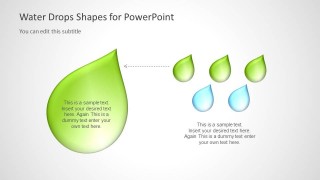
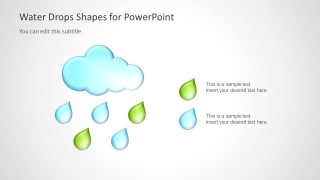
- A sustainability manager can introduce a water conservation initiative using the cloud-and-raindrop cover and the green droplet callout to frame environmental impact.
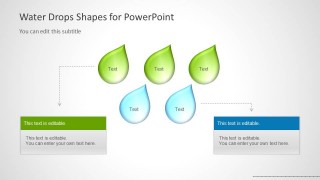
- A science educator can explain rainfall, evaporation, or water-cycle ideas with the rain cloud scene and labeled droplet cluster.
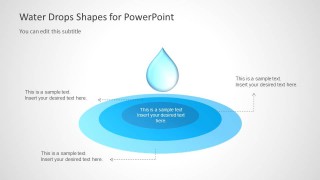
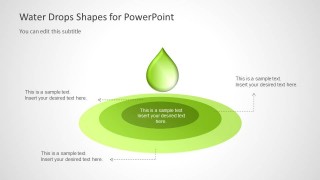
- A utilities or water services presenter can show cause and effect with the blue ripple diagram, using the center message as the main event and callouts as consequences.
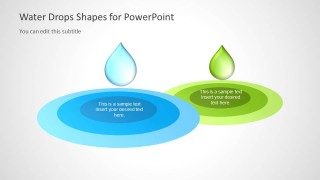
- A business presenter can use the two-part ripple comparison diagram to compare two initiatives, markets, or outcomes through blue and green visual groupings.
Features
- 100% editable presentation template
- Compatible with Microsoft PowerPoint and Google Slides
- Scalable vector shapes, icons and illustrations
- AI-Ready for Microsoft Copilot and Claude
- Instant access and download
Frequently asked questions
Q: How should a presenter structure a message with these water drop shapes?
A: Start with the cloud-and-raindrop title slide to set the water or sustainability theme, then use a large droplet slide for the main idea. Move to the ripple diagram when explaining downstream effects, reactions, or consequences. Keep each droplet label short so the shapes act as visual anchors rather than text containers.
Q: Who is this template best suited for?
A: This template fits presenters who need a visual metaphor for water, rain, nature, or environmental impact. Sustainability teams, educators, climate communicators, utilities, and science presenters can use the droplet clusters and ripple layouts to make abstract topics easier to follow without relying on dense paragraphs.
Q: Why do the droplet and ripple metaphors work for communication?
A: The design uses familiar water imagery to signal flow, spread, and natural change. A single large droplet can represent a core idea, while concentric ripples suggest impact moving outward. This makes cause-and-effect messages easier to explain because the audience can read the metaphor before reading the text.


Water Drop Shapes for PowerPoint
8-slide PowerPoint presentation template with water drop shapes, ripple diagrams, and rain-themed callouts
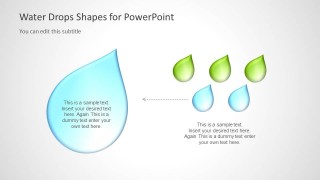
Water Drop Shapes for PowerPoint is an 8-slide presentation template for rain, water, sustainability, weather, and nature topics. Visible layouts include a cloud and raindrop title slide, labeled droplet cluster, large droplet callout slide, and concentric ripple diagrams. It is built for PowerPoint with editable vector shapes.


 Loading...
 Microsoft PowerPoint
  Microsoft Copilot
  Claude for PowerPoint
 Other formats supported
Subscribe today and get immediate
access to download our PowerPoint templates.