Slide 7 of 7 from Wave Curves for PowerPoint
6072-03-concept-curves-waves-7
Wave Curve Diagram for Presentations
- Diagram
- Other
- Concept Explanation Slide
- 16:9
- 100% Editable
The Wave Curve Diagram slide from the Wave Curves for PowerPoint template offers a clear visual tool for illustrating wave properties and signal processing concepts. This slide layout supports detailed explanations of oscillation and waveform behavior using editable shapes and vector icons, making it a practical choice for corporate presentations and technical pitch decks that require precise conceptual diagrams.
What’s on This Slide
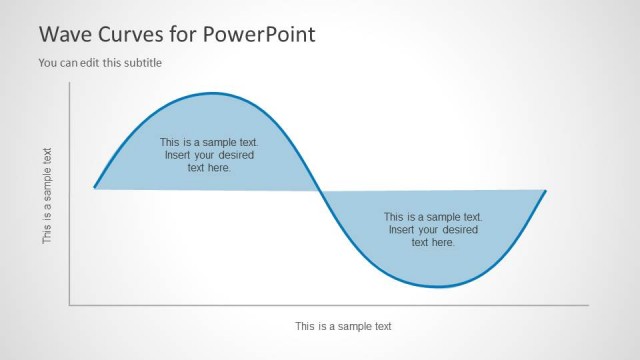
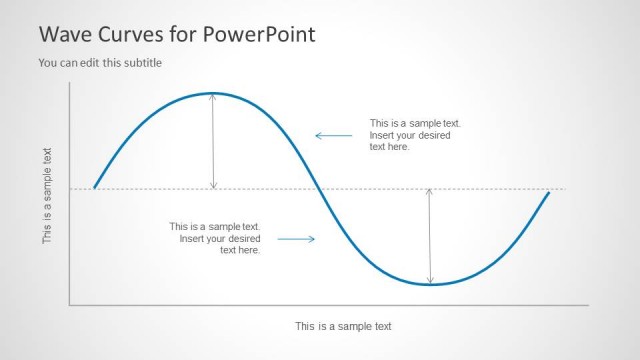
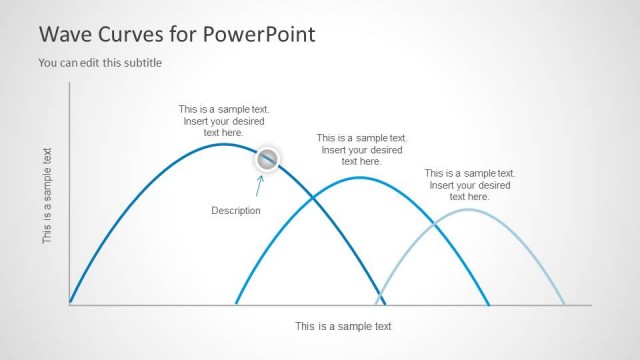
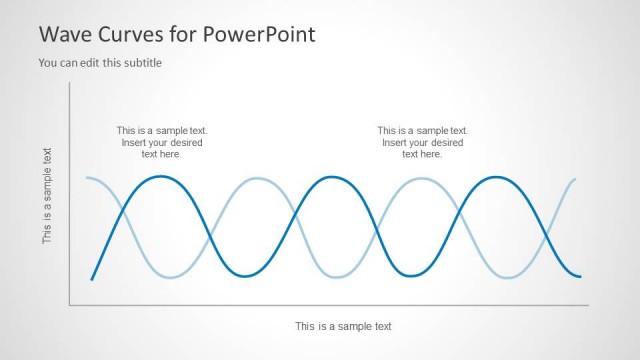
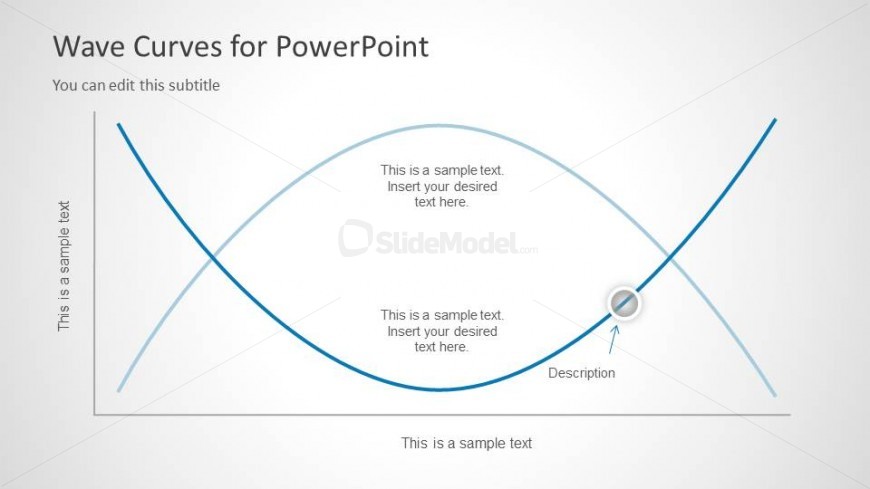
The slide features a central wave curve diagram with two distinct waveforms, one in blue and the other in light blue. The waveforms are positioned horizontally across the center, with the left side containing a vertical text placeholder and the right side featuring another text area. Below the waveforms, there is a circular node with an arrow pointing to it, indicating a description. Text placeholders are aligned to the left and center, allowing for additional content. The background is light and neutral, enhancing visibility.
How to Use It
This layout serves as a visual representation of waveforms, ideal for explaining concepts in physics or engineering. It fits well in a presentation sequence after introducing a problem and before discussing solutions. This slide is suitable for scenarios involving signal processing, oscillation, or mathematical curves, allowing for clear communication of complex ideas through visual means.
Text Placeholders & Capacity
Keep your copy within these limits so it fits without resizing. Body slots can hold roughly 8-10 words each.
| Placeholder | Count | Max characters (approx.) |
|---|---|---|
| Slide title | 1 | 30 |
| Subtitle | 1 | 30 |
| Body paragraph | 4 | 50 |
| Item heading | 1 | 20 |
Slide Keywords
Download unlimited PowerPoint templates, charts and graphics for your presentations with our annual plan.
DOWNLOADReturn to Wave Curves for PowerPoint.