Slide 5 of 7 from Wave Curves for PowerPoint
6072-03-concept-curves-waves-5
Sine Wave Diagram for Presentations
- Diagram
- Other
- Concept Explanation Slide
- 16:9
- 100% Editable
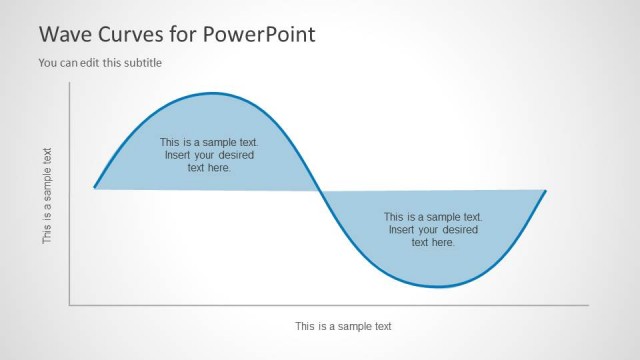
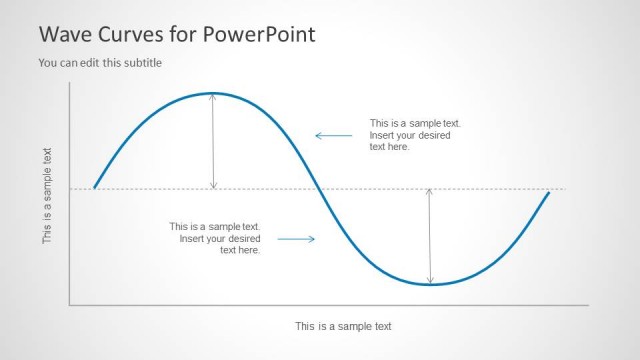
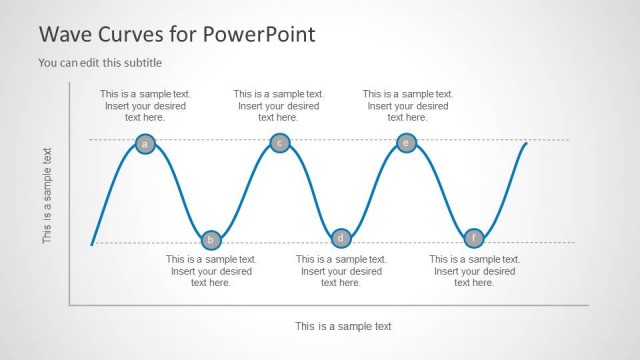
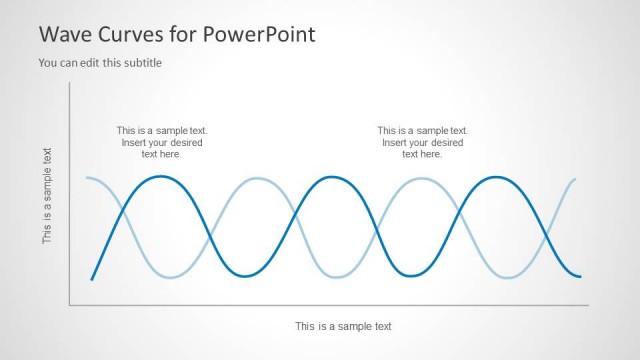
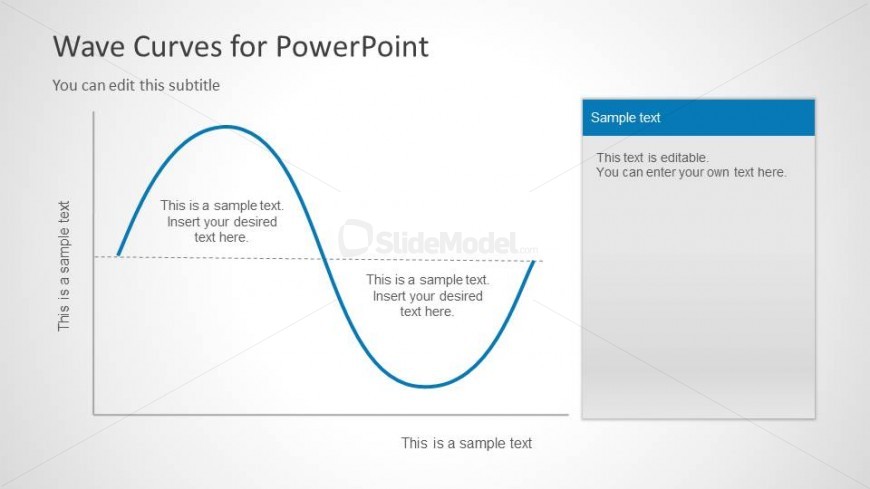
The Sine Wave Diagram with Text Placeholders slide from the Wave Curves for PowerPoint template offers a clear visual tool for explaining wave functions in educational and engineering presentations. This slide layout combines editable shapes with a balanced composition, featuring a smooth sine wave and text areas that support detailed explanations of physics concepts like amplitude and frequency. It integrates seamlessly into a business presentation or pitch deck template focused on technical subjects.
What’s on This Slide
The layout features a sine wave diagram occupying the left side, with a smooth curve flowing from the top to the bottom. Text placeholders are positioned along the curve, with one at the top, two along the wave, and one at the bottom. A rectangular text box is on the right side, containing a header and editable text area. The background is light, enhancing the visibility of the blue wave and text. The overall composition balances the wave diagram with the text box, creating a clear visual hierarchy.
How to Use It
This layout serves as a visual representation of wave functions, ideal for presentations in physics or engineering contexts. It fits well after introductory content, providing a detailed explanation of wave properties. Use it to illustrate concepts like amplitude or frequency, making it suitable for educational settings. The right-side text box allows for additional explanations or data, enhancing the overall narrative flow of the presentation.
Text Placeholders & Capacity
Keep your copy within these limits so it fits without resizing. Body slots can hold roughly 10 words each.
| Placeholder | Count | Max characters (approx.) |
|---|---|---|
| Slide title | 1 | 30 |
| Subtitle | 1 | 40 |
| Body paragraph | 4 | 50 |
Slide Keywords
Download unlimited PowerPoint templates, charts and graphics for your presentations with our annual plan.
DOWNLOADReturn to Wave Curves for PowerPoint.