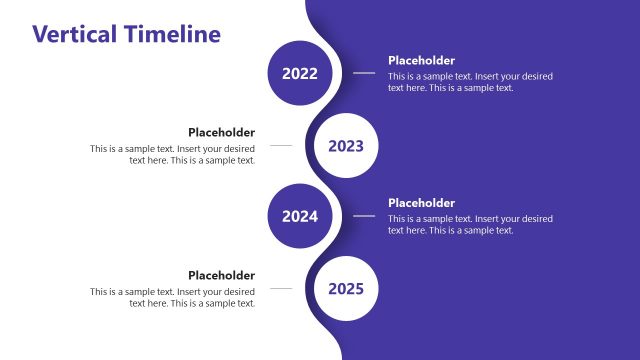
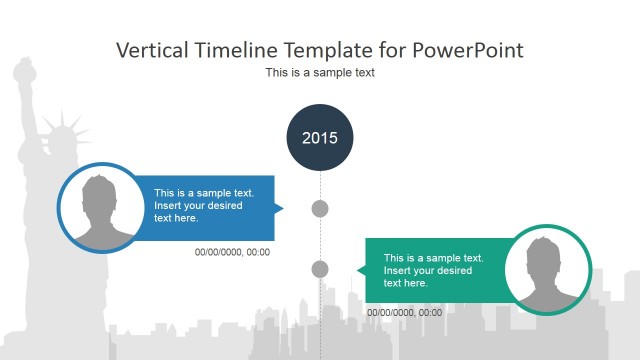
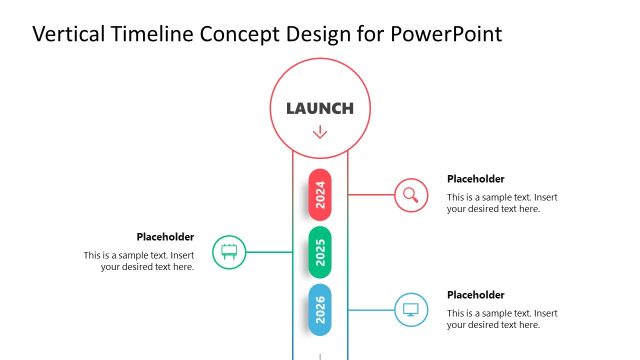
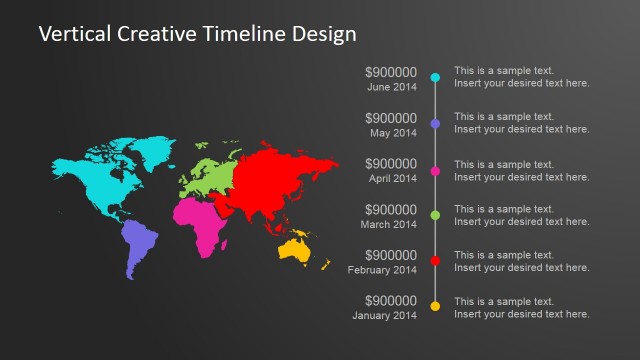
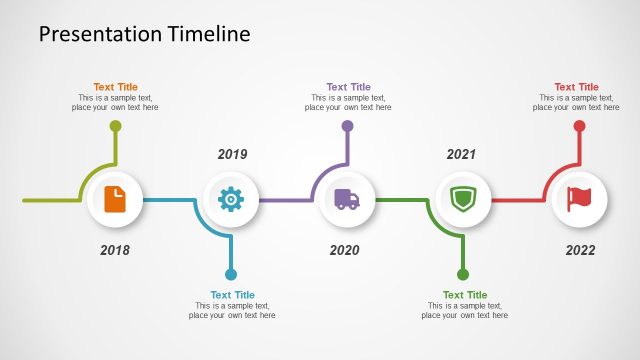
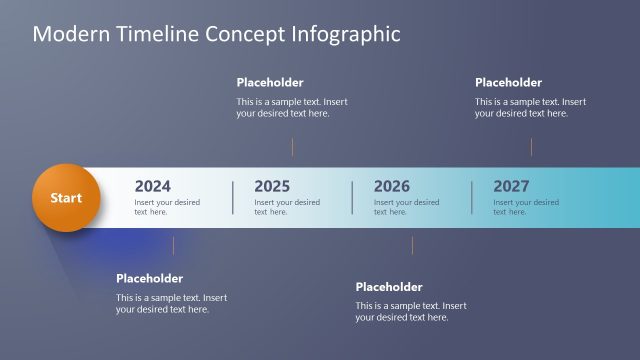
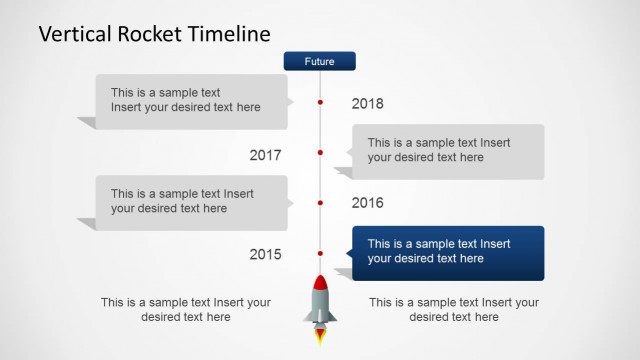
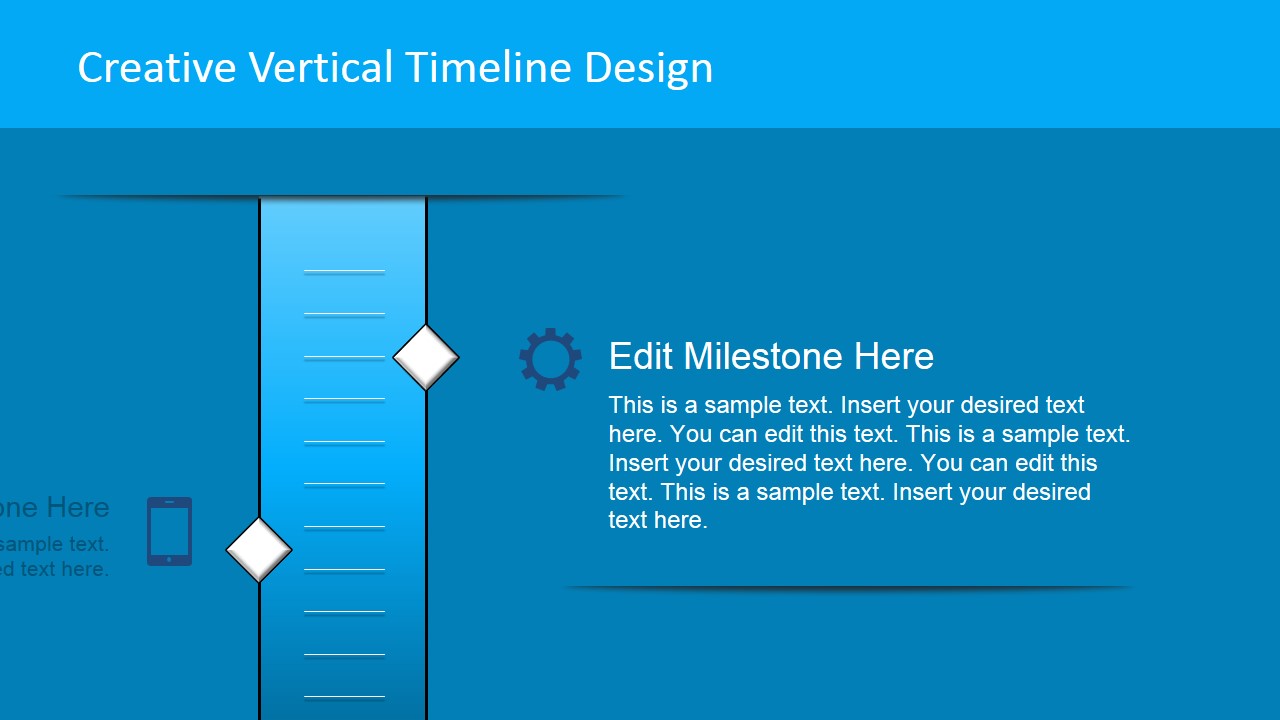
Vertical Timeline Design for PowerPoint is a presentation timeline created for Microsoft PowerPoint that you can use to present a project plan or describe the milestones involved in a business strategy. This timeline template design for PowerPoint contains vertical timeline designs that can be easily edited and adapted to your presentation needs. We have used shapes to represent the vertical graphic and text placeholders in PowerPoint so you can easily edit the milestones text.
You can decorate the project planning slides with other creative slides available in our PowerPoint templates catalog or even to use planning pictures in PowerPoint.
What’s inside this template
Example presentation scenarios
- A project manager can use the vertical ruler timeline to brief executives on completed and upcoming milestones in a schedule review.
- A consultant can use the alternating milestone callouts to explain a client implementation path from initial setup through later business activities.
- A strategy lead can use the icon-supported timeline to connect roadmap milestones with topics such as technology, finance, operations, or customer activity.
- A team lead can use the milestone detail slide to expand one important checkpoint while keeping the visual link to the full timeline.
Features
- 100% editable presentation template
- Compatible with Microsoft PowerPoint and Google Slides
- 16:9 aspect ratio slides
- Scalable vector shapes, icons and illustrations
- AI-Ready for Microsoft Copilot and Claude
- Instant access and download
Frequently asked questions
Q: How should a presenter structure a clear milestone update with this template?
A: Start with the full vertical timeline to establish the sequence, then keep each callout to one milestone name, one short explanation, and one icon cue. Use the detail slide for the milestone that needs context, decision points, or risks. Avoid filling every placeholder with long text because the ruler layout works best as a guided overview.
Q: Who is this timeline template best suited for?
A: It fits project managers, consultants, operations leads, and strategy presenters who need to explain a plan without a dense project schedule. The template is strongest when the message is a sequence of milestones, phases, or checkpoints rather than a task-by-task work breakdown. The icon set helps adapt each milestone to business, technology, finance, or process topics.
Q: Why does the vertical ruler metaphor help communicate progress?
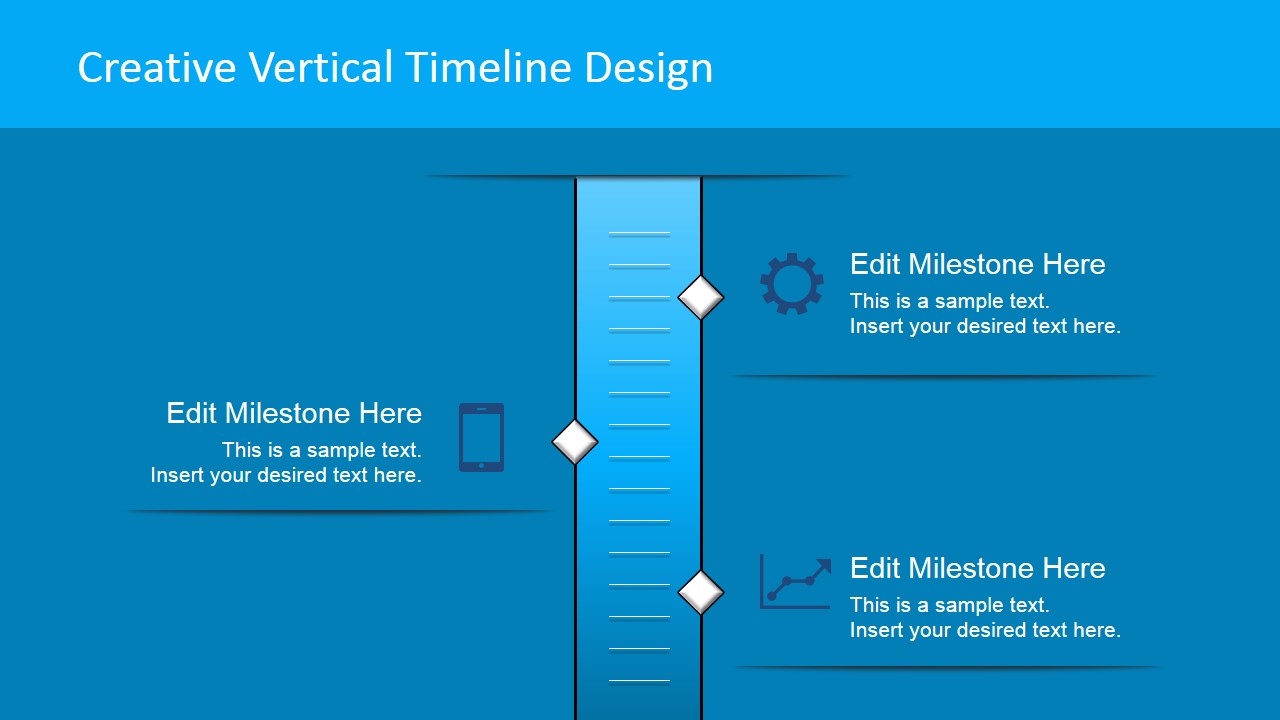
A: The central ruler gives the audience a measurement metaphor: each diamond marker feels like a position on a planned path. Alternating callouts prevent the slide from becoming one long list, while the icons add quick recognition cues. This makes the sequence easier to scan and helps viewers remember the relationship between milestones.



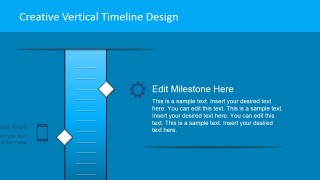

Vertical Timeline Design for PowerPoint
5-slide presentation template for vertical timelines, project milestones, schedule planning, and status updates.
Vertical Timeline Design for PowerPoint is a 5-slide timeline presentation template for showing project milestones, schedules, and business planning paths. It includes vertical ruler timelines, alternating milestone callouts, icon-supported milestone blocks, and a separate vector icon set. It is intended for business presenters using Microsoft PowerPoint or Google Slides.
- Category
- Timelines & Planning
- Rating


 Loading...
- Aspect ratio
- 16:9
- Item ID
- 8200-01
- Colors
 Microsoft PowerPoint
  Microsoft Copilot
  Claude for PowerPoint
 Other formats supported
Subscribe today and get immediate
access to download our PowerPoint templates.