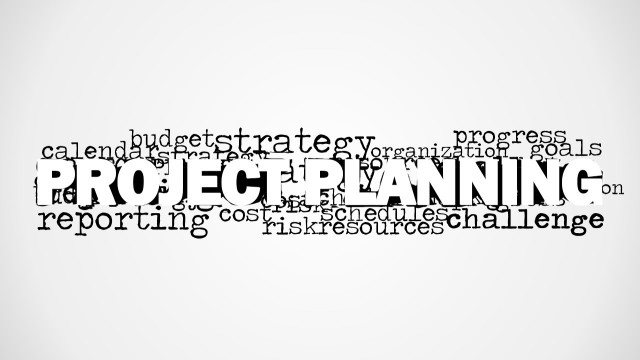
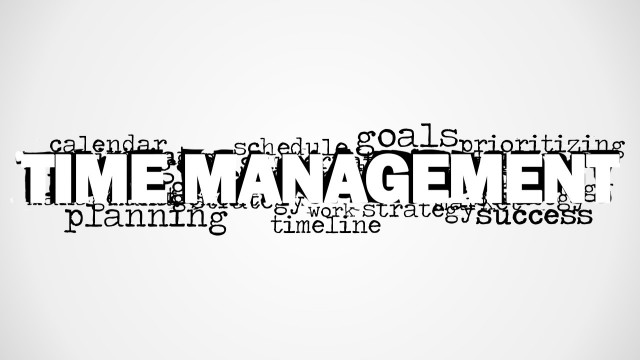
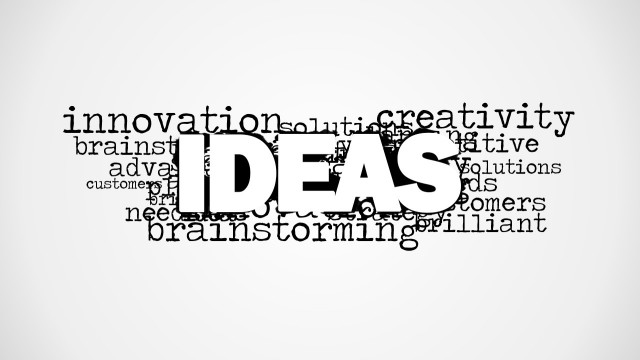
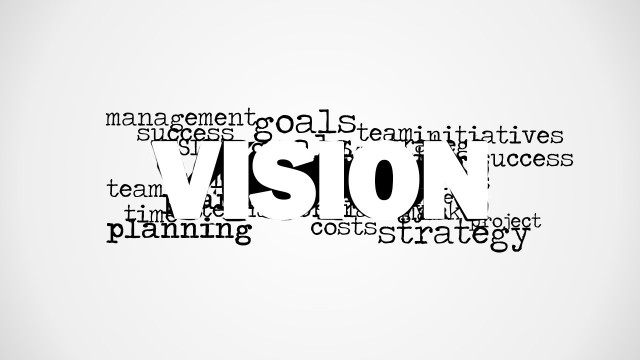
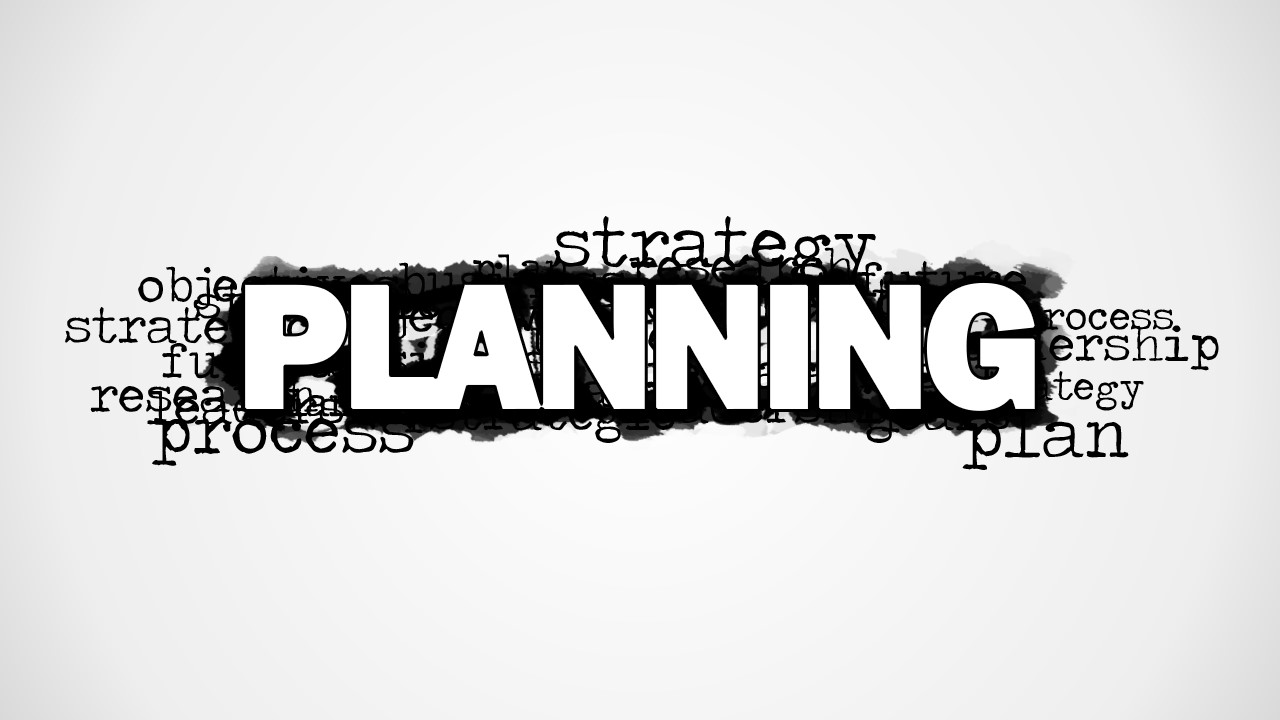
Planning Word Cloud Picture for PowerPoint is a creative graphic design for PowerPoint that you can use to decorate your business & planning slides. Planning or forethought is the process of thinking about and organizing the activities required to achieve a desired goal. By using the planning tag cloud picture for PowerPoint you can help your audience to perceive the presentation topic. This graphic design for PowerPoint can also be used in presentations for strategy and forecasting. The word cloud design contains the prominent word planning and other relevant words behind the picture including strategy, partnership, research and development, objectives, goals, etc.
What’s inside this template
Example presentation scenarios
- A project manager can use the gray vignette word cloud to open a project planning kickoff and focus stakeholders on process, objectives, goals, and partnerships.
- A strategy consultant can use the white-background word cloud as a section divider before explaining research findings, planning assumptions, and next steps.
- A market research presenter can use the central Planning graphic to frame a discussion about discovery, forecasting, and decision inputs before showing detailed analysis.
- A business analyst can use the blank canvas layout to add a short agenda or key question after the word cloud introduces the planning theme.
Features
- 100% editable presentation template
- Compatible with Microsoft PowerPoint and Google Slides
- 16:9 aspect ratio slides
- Scalable vector shapes, icons and illustrations
- AI-Ready for Microsoft Copilot and Claude
- Instant access and download
Frequently asked questions
Q: How should a presenter use the word cloud without making the opening feel decorative only?
A: Use the large Planning word as the verbal anchor for the first message, then call out two or three smaller terms that matter most to the meeting, such as strategy, objectives, research, or process. This turns the picture into a framing device, not a background, and prepares the audience for the planning logic that follows.
Q: Which presentation situations fit this template better than a detailed roadmap or timeline?
A: This template works best at the beginning of a planning, forecasting, or strategy discussion when the goal is to align attention around a topic before showing detail. Project managers, consultants, and analysts can use it for kickoffs, section breaks, or recap moments where a broad planning theme matters more than dates or task sequencing.
Q: Why does the oversized Planning word improve the communication of the topic?
A: The visual hierarchy makes Planning impossible to miss, while the surrounding word cloud suggests that planning is built from connected inputs such as strategy, goals, process, partnership, and research. The metaphor works because the smaller terms orbit the core idea, helping the audience see planning as an organized set of related decisions.

Planning Word Cloud Picture for PowerPoint
2-slide presentation template with planning word cloud graphics for strategy, forecasting, and project planning decks
Planning Word Cloud Picture for PowerPoint is a 2-slide presentation template centered on a bold planning word cloud graphic. Visible layouts include a gray vignette word cloud picture, a blank canvas cell, and a white-background word cloud picture. It suits strategy, forecasting, market research, and project planning presenters in Microsoft PowerPoint and Google Slides.
- Category
- Pictures
- Rating


 Loading...
- Aspect ratio
- 16:9
- Item ID
- 8149-01
- Colors
 Microsoft PowerPoint
  Microsoft Copilot
  Claude for PowerPoint
 Other formats supported
Subscribe today and get immediate
access to download our PowerPoint templates.