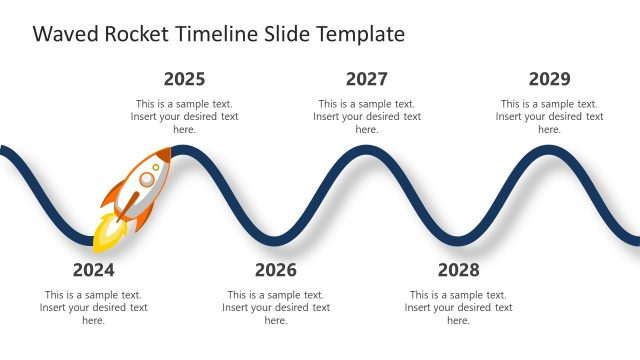
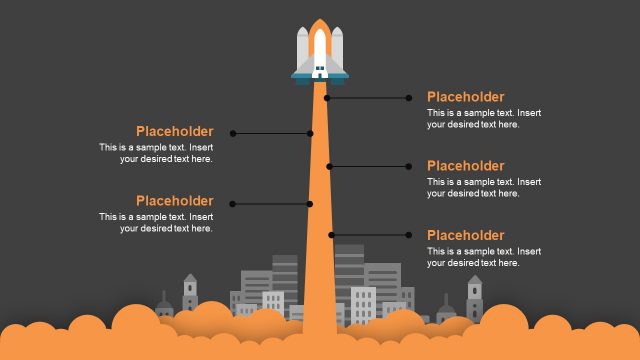
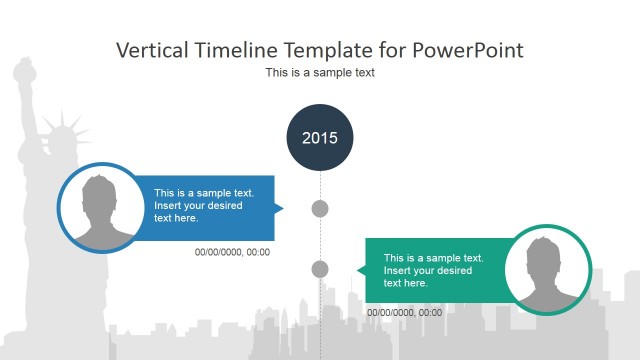
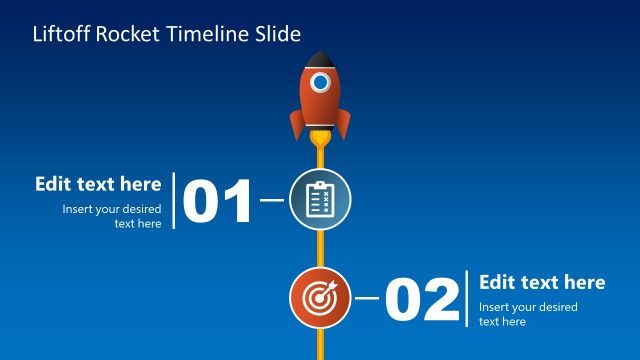
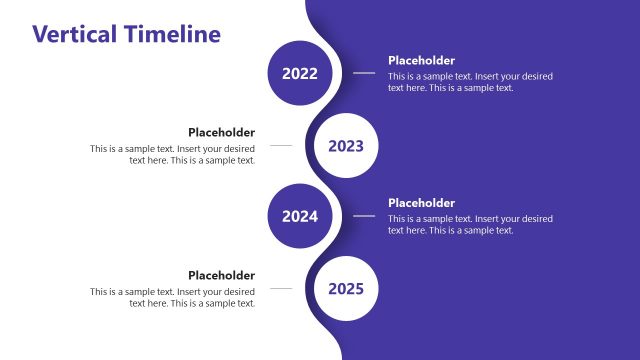
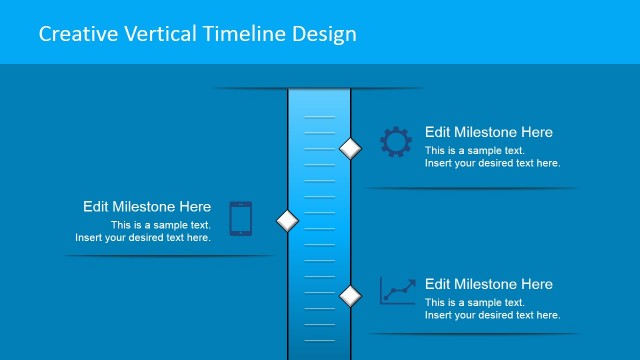
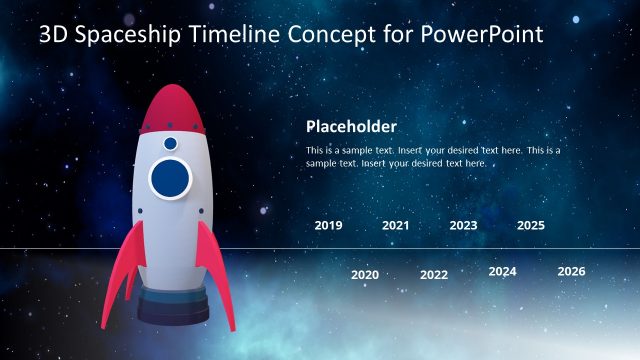
Vertical Rocket Timeline Template for PowerPoint is a comprehensive template for making PowerPoint Timelines.
Instead of spending endless hours for making timelines in PowerPoint, you can use this template to present your ideas effectively, with the help of attractive graphics, clipart and visually appealing layouts.
The Vertical Rocket Timeline Template for PowerPoint provides multiple sample timeline slides. Simply edit the given sample content to create a timeline for your project, business plan or historical information. You can edit the given placeholders to create a custom timeline by specifying the timeframe for your timeline. You can also add new placeholders or copy existing ones to extend the scope of your timeline.
What’s inside this template
Example presentation scenarios
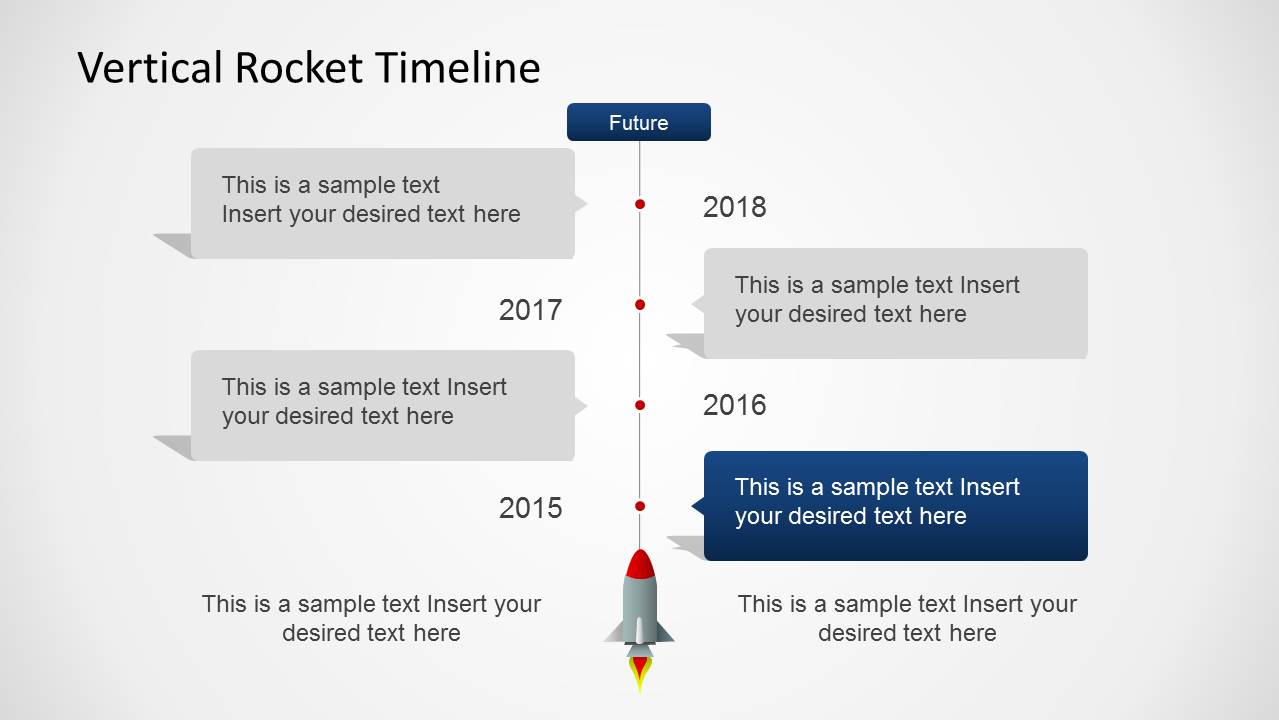
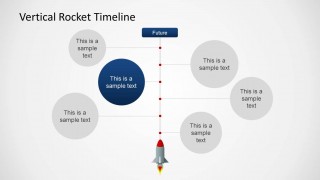
- A project manager can present a launch schedule to stakeholders by using the vertical rocket timeline to show yearly milestones and the detail slides to explain each phase.
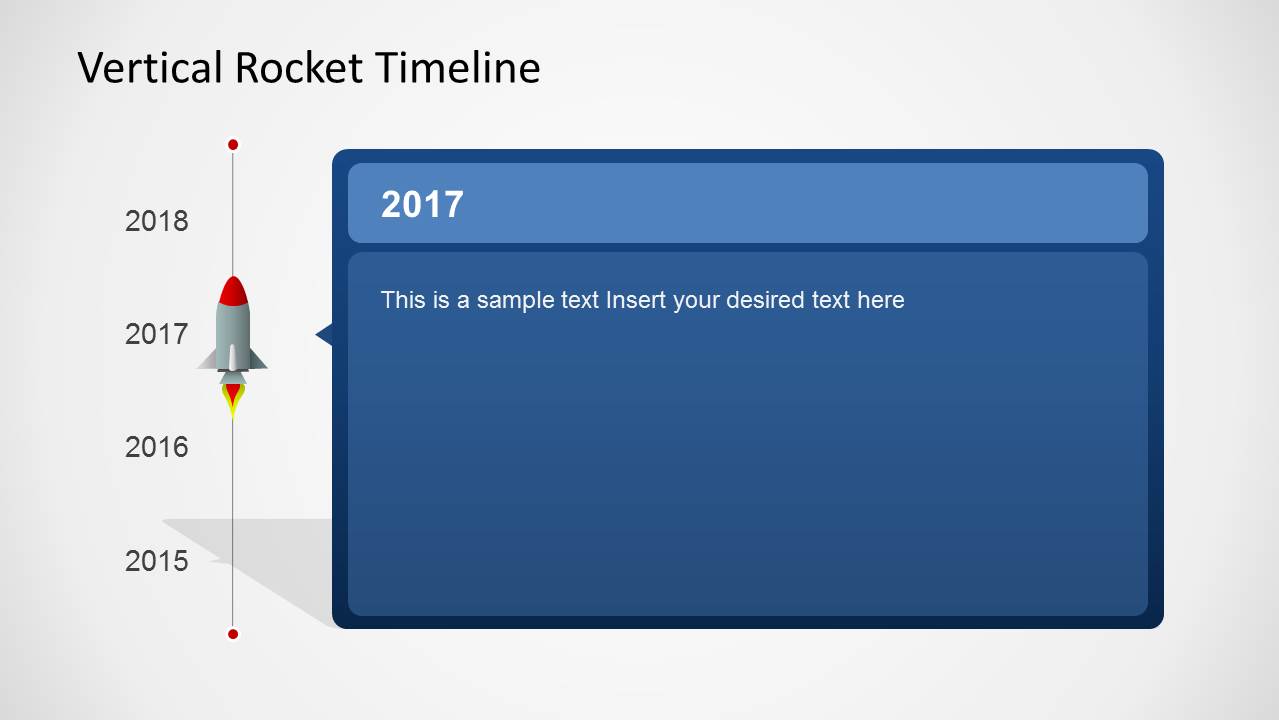
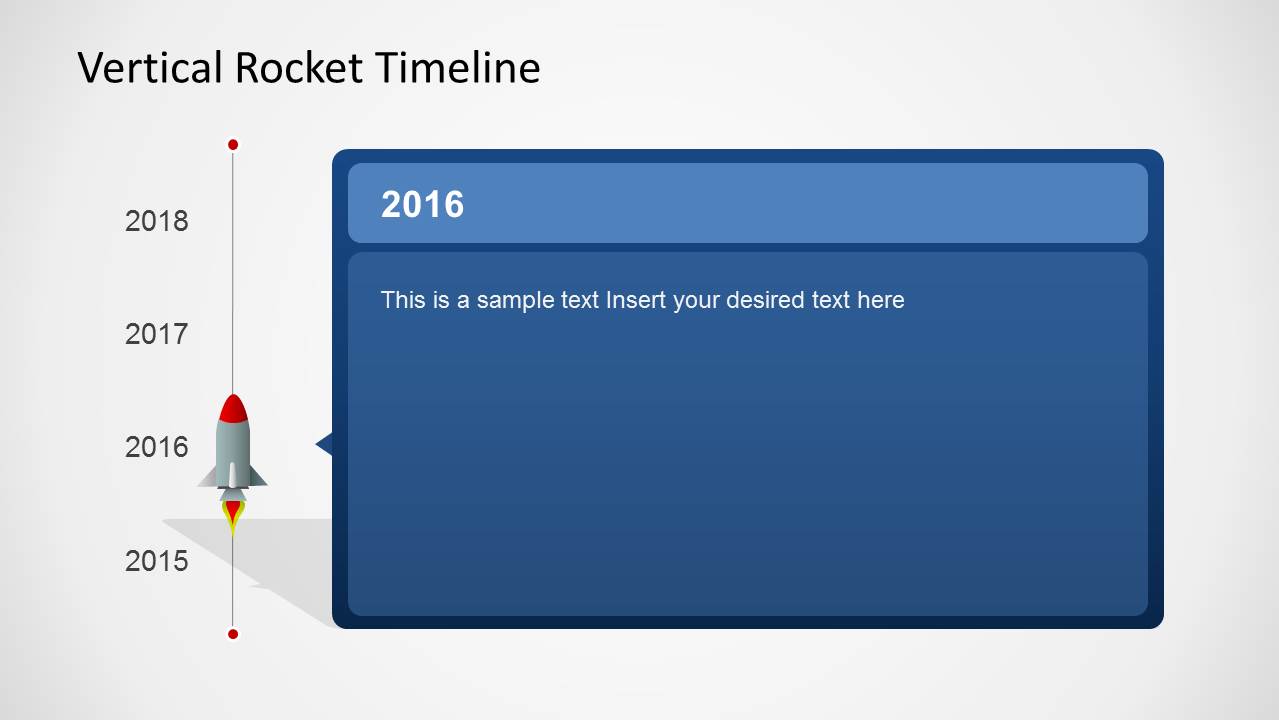
- A startup founder can explain product growth to investors by using the future marker, rocket ascent, and year-specific panels to connect past progress with the next goal.
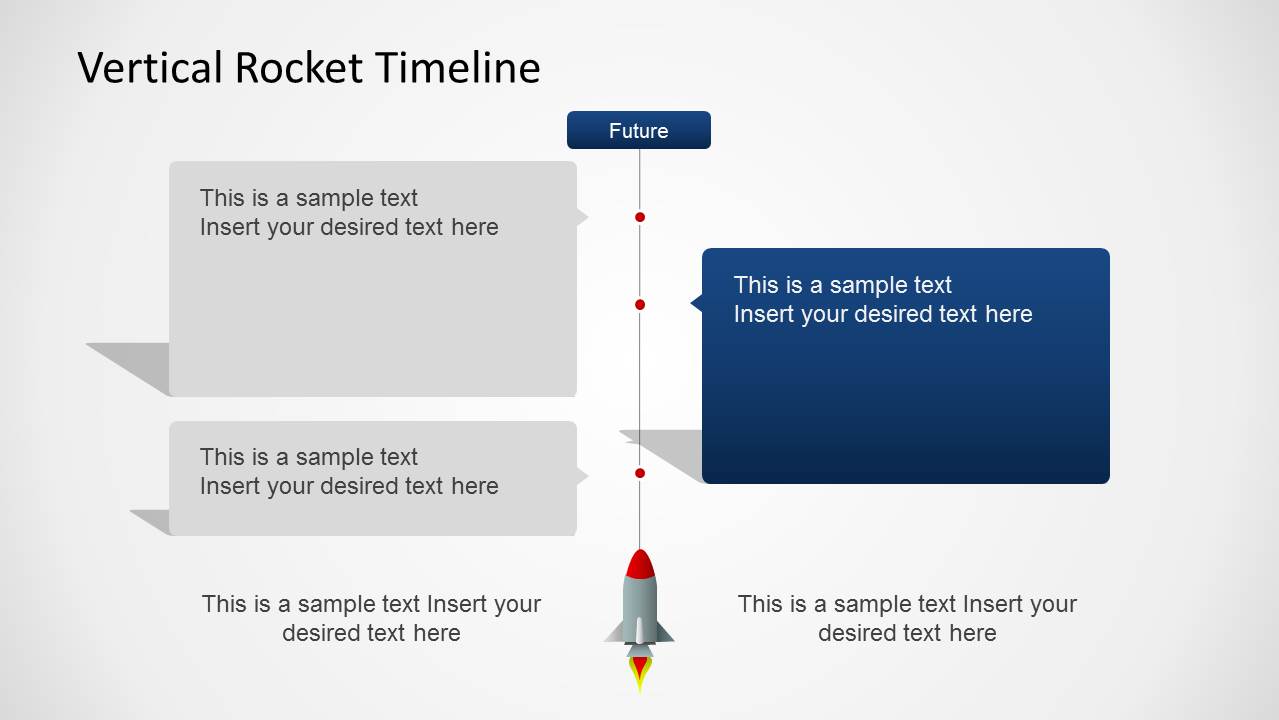
- A product team can brief internal leaders on a release plan by using the alternating milestone callouts to separate dependencies, decisions, and upcoming deliverables.
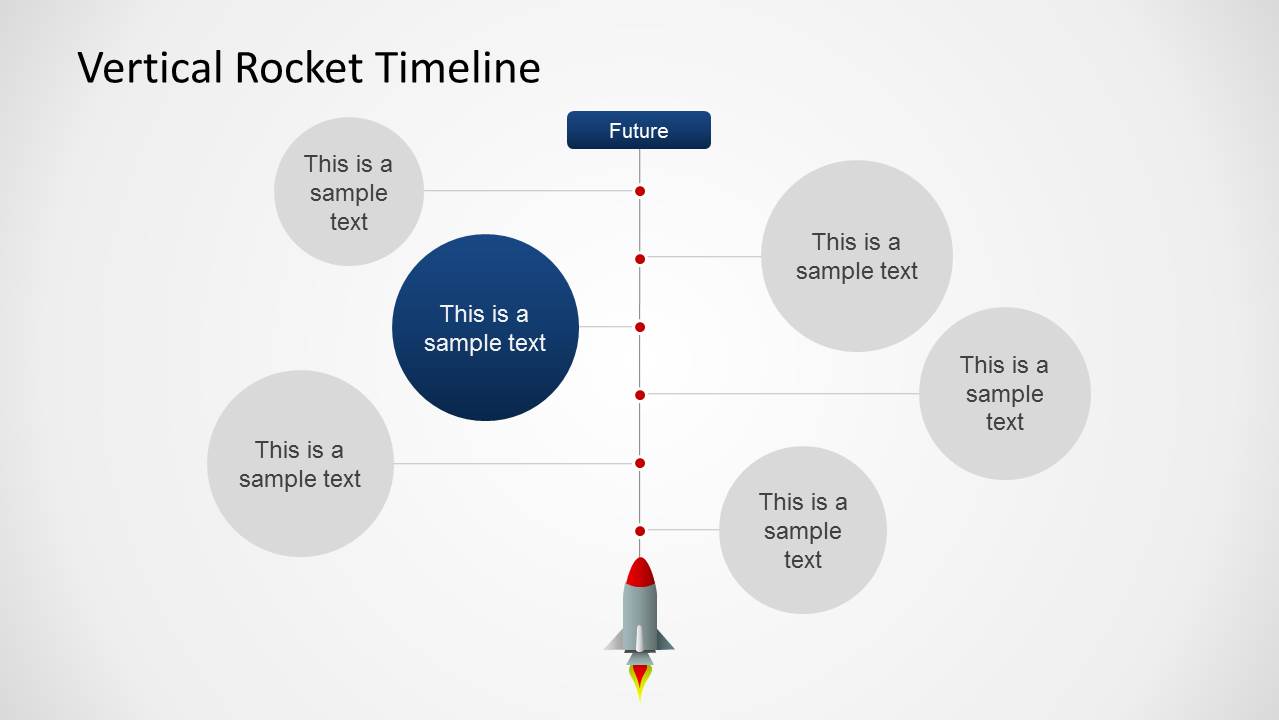
- An educator can teach a science or space-themed sequence by using the circular node timeline and rocket graphic to make each step visually distinct.
Features
- 100% editable presentation template
- Compatible with Microsoft PowerPoint and Google Slides
- 16:9 aspect ratio slides
- Scalable vector shapes, icons and illustrations
- AI-Ready for Microsoft Copilot and Claude
- Instant access and download
Frequently asked questions
Q: How should a presenter structure the message with this rocket timeline?
A: Start with the overview timeline to establish the full launch path, then move into the year-specific detail slides for the milestones that need explanation. Keep each detail panel focused on one decision, result, or dependency. End with the rocket feature panel to summarize the next destination or call to action.
Q: What presentation situation is this template best suited for?
A: This template fits project, product, startup, and education presentations where progress needs to feel directional and easy to follow. It works best when the presenter can frame milestones as stages in an ascent, such as a launch schedule, growth plan, implementation roadmap, or science topic timeline.
Q: Why does the rocket metaphor help communicate a timeline?
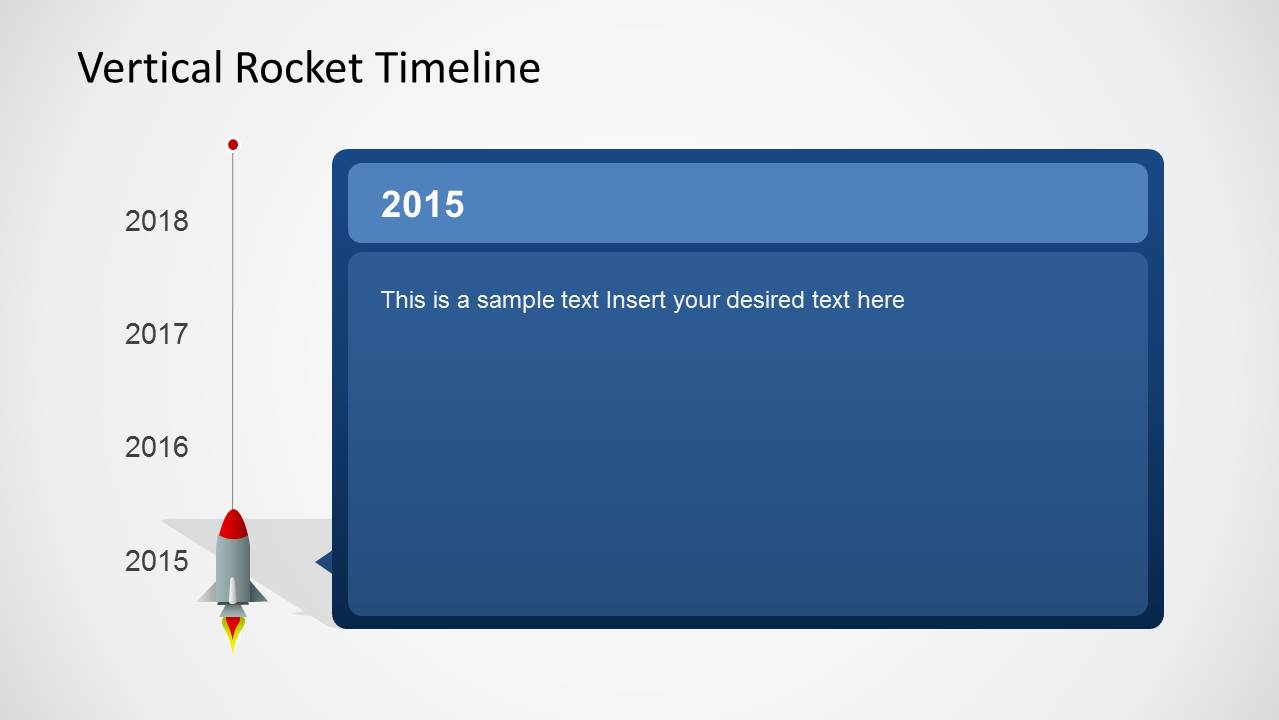
A: The rocket turns a list of dates into a clear movement story. Viewers can read the vertical path as progress from launch point to future goal, while red dots, side callouts, and large year panels separate overview from detail. The metaphor supports momentum without requiring a complex chart.


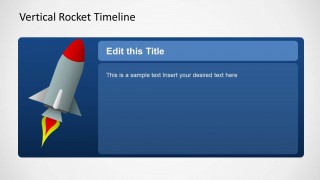
Vertical Rocket Timeline Template for PowerPoint
8-slide presentation template with vertical rocket timeline, milestone callouts, and launch planning layouts
Vertical Rocket Timeline Template for PowerPoint is an 8-slide timeline and planning deck for launch, project, or milestone presentations. It includes a vertical rocket timeline, alternating milestone callouts, circular node timeline, year-specific detail slides, and a rocket title panel. Built for Microsoft PowerPoint and Google Slides.
- Category
- Timelines & Planning
- Rating


 Loading...
- Aspect ratio
- 16:9
- Item ID
- 6471-01
- Colors
 Microsoft PowerPoint
  Microsoft Copilot
  Claude for PowerPoint
 Other formats supported
Subscribe today and get immediate
access to download our PowerPoint templates.