Visualize how multiple inputs converge into outputs with clarity in your business presentations using the Vertical Input to 3-Item to Output PowerPoint Template. The vertical diagram helps project managers map the relationship between source nodes, process stages, and converging points. The vertical input-output diagram is also useful to communicate hierarchical processes, cause-and-effect logic, and consolidation models. Business analysts use this vertical layout in their client presentations to showcase data inputs, system integrations, or decision pipelines when converging points carry the most weight. A supply chain director edits the layout to show how three regional procurement channels feed into a centralized fulfillment node within inventory management. A management consultant discusses the process to merge finance, HR, and IT workstreams from two partnering organizations into a unified operational structure.
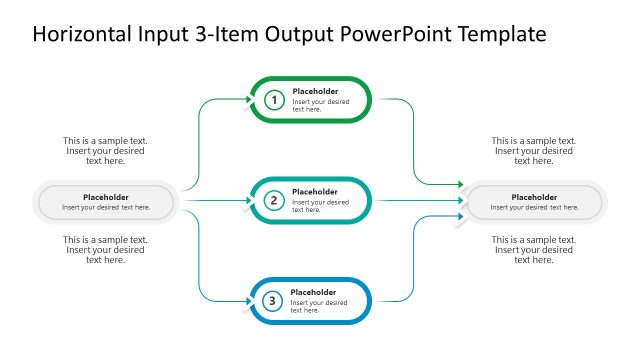
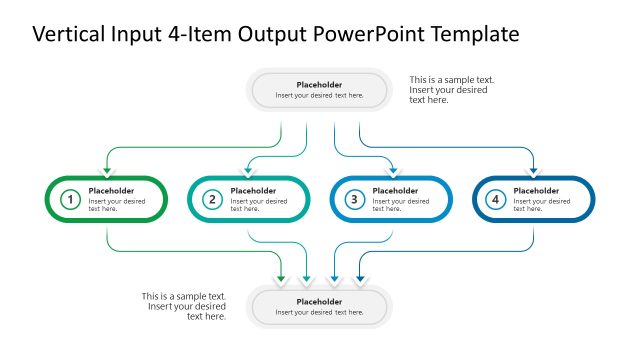
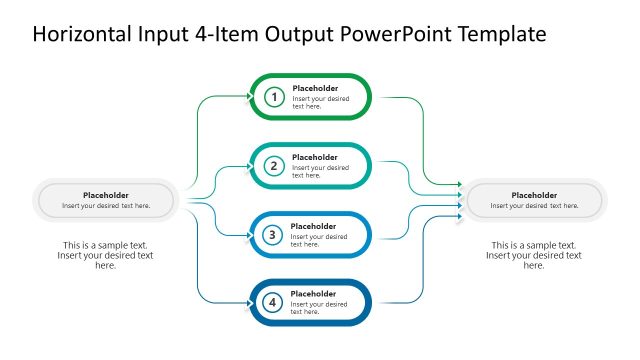
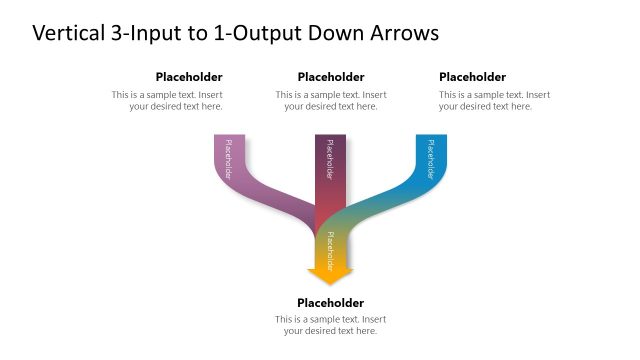
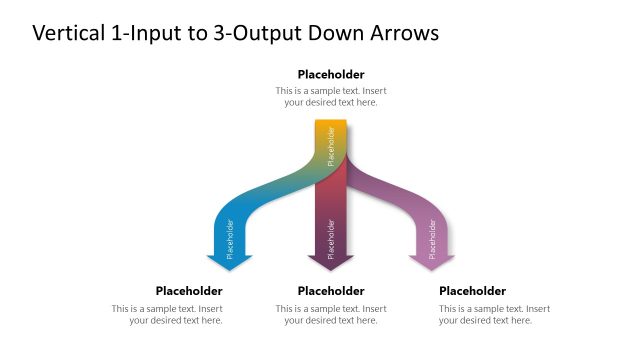
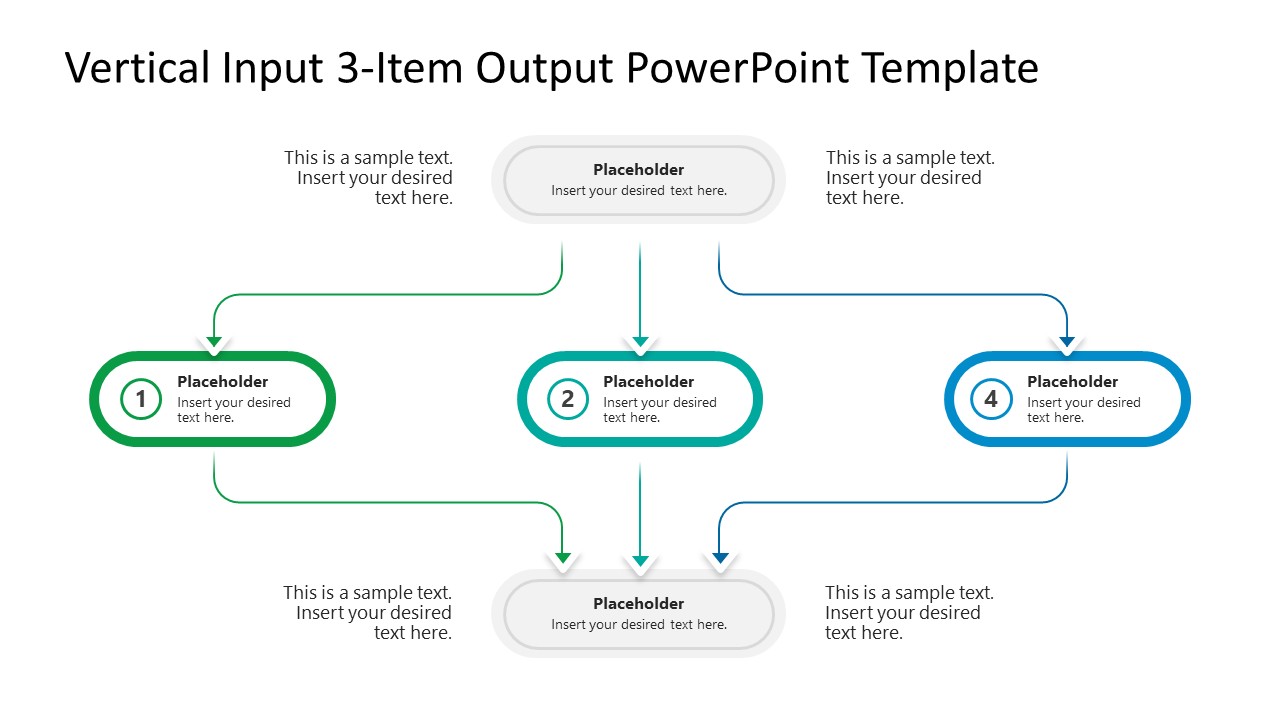
The Vertical Input to 3-Item to Output PowerPoint Template is a single-slide template featuring a vertical diagram. The diagram contains multiple small rectangular shapes across the design. There is a block at the top from which their input items emerge. In the central plane, each arrow shape joins the corresponding box. Then, the arrows again combine at the bottom into one single box. The top-down flow helps compliance managers present the three key strategies to keep the company on a seamless development path without any legal issues. Users adjust the number of input/output items based on their needs. They can also change the colors, shapes, or fonts to match their company’s theme. Download the vertical input to the 3-item to output diagram template and use it in your strategy presentations to discuss the execution framework effectively.
What’s inside this template
Example presentation scenarios
- A project manager can explain how three workstreams receive direction from one sponsor and deliver into one combined project outcome using the numbered process items and bottom output box.
- A business analyst can present a decision pipeline by placing source data in the top input pill, decision steps in the three middle boxes, and the selected result in the output pill.
- A supply chain leader can show how regional channels feed into centralized fulfillment by labeling the side callouts and using the curved arrows to show the flow path.
- A consultant can summarize post-merger integration by mapping functions such as finance, HR, and IT into the three-item process flow and one unified operating model.
Features
- 100% editable presentation template
- Compatible with Microsoft PowerPoint and Google Slides
- 16:9 aspect ratio slides
- Scalable vector shapes, icons and illustrations
- AI-Ready for Microsoft Copilot and Claude
- Instant access and download
Frequently asked questions
Q: How should I present the three process items without making the diagram feel crowded?
A: Keep each middle box to one short label and one supporting phrase. Use the side callouts for context, assumptions, or examples instead of filling the boxes with long text. Present the top input first, pause on each numbered item, then summarize the bottom output so the audience follows the full flow.
Q: Who is this input-output diagram best suited for?
A: This slide is strongest for presenters who need to explain consolidation, routing, or dependency in one view. Project managers, business analysts, operations leaders, and consultants can use it when a process starts from one source, passes through three critical items, and ends in a unified result.
Q: Why does the vertical convergence design help communicate the message?
A: The top-to-bottom structure gives the audience a natural reading path, while the curved arrows act as a convergence metaphor. The three colored middle boxes separate parallel items, and the lower output pill makes the final destination obvious. This reduces ambiguity when explaining how separate inputs become one result.
Vertical Input to 3-Item to Output PowerPoint Template
1-slide presentation template for a vertical input-output diagram, three-item process flow, and arrows
Vertical Input to 3-Item to Output PowerPoint Template is a 1-slide 16:9 presentation template for showing how a top input splits into three process items and recombines into an output. It includes a vertical input-output diagram, three-item process flow, curved connector arrows, and side text callouts for business analysts, project managers, and consultants using Microsoft PowerPoint or Google Slides.
- Category
- Multi-purpose
- Rating

 Loading...
- Aspect ratio
- 16:9
- Item ID
- 23709-01
- Colors
 Microsoft PowerPoint
  Microsoft Copilot
  Claude for PowerPoint
 Other formats supported
Subscribe today and get immediate
access to download our PowerPoint templates.