Vertical 1-Input 3-Output Down Arrows PowerPoint Template
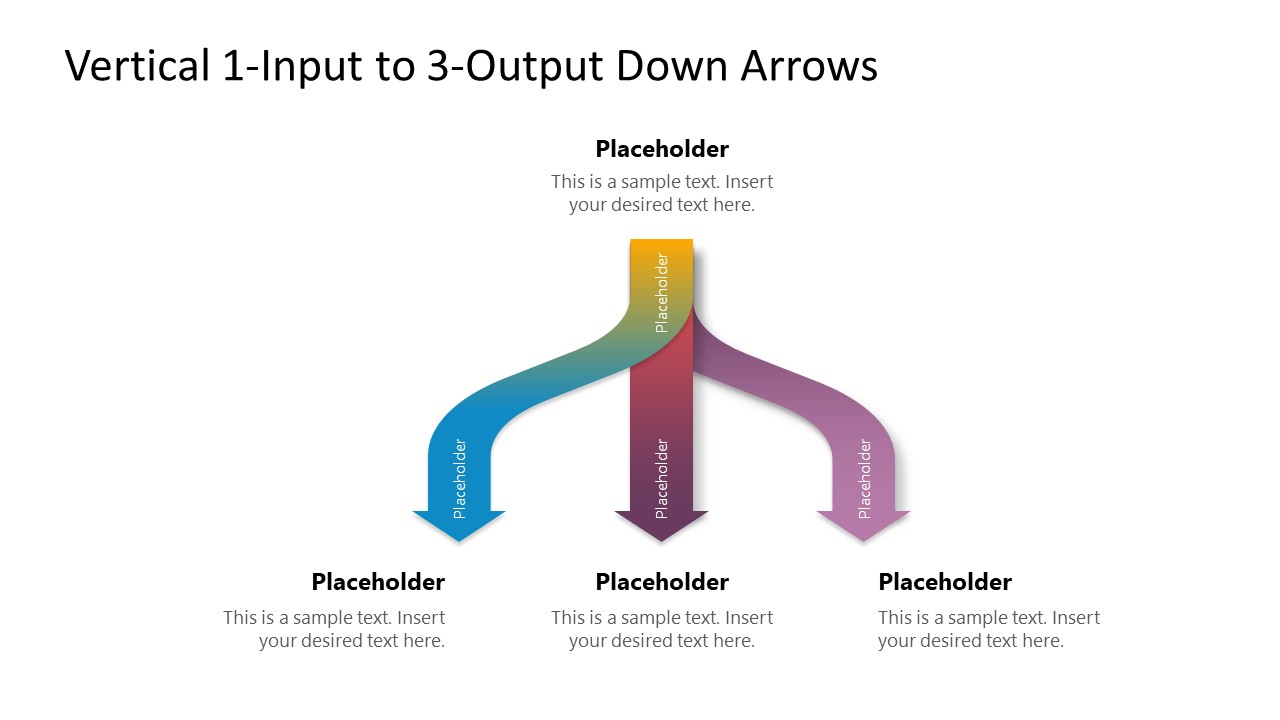
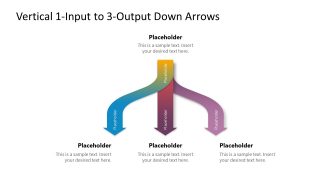
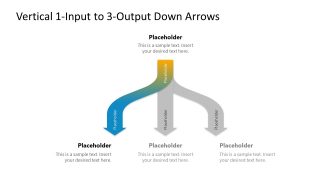
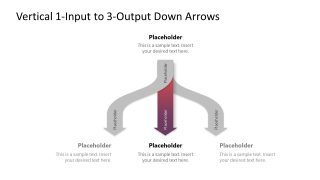
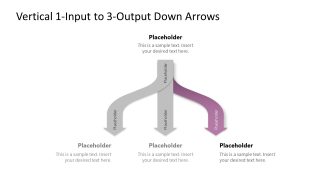
Map one input source into three outcomes with our editable Vertical 1-Input 3-Output Down Arrows PowerPoint Template for process presentations. The branching structure shows how one starting point can produce separate results without implying a single sequential path. The full-color version uses three accent colors to distinguish the outputs. Alternate slide versions help presenters highlight individual branches, letting them focus discussion on one outcome while retaining the full relationship. The main diagram layout places the input above the branching point, with three labeled output arrows. The full-color version works as an overview before discussing each result separately. The placeholder headings and supporting text sections offer professionals space to mention concise descriptions at the input and output stages.
For a marketing campaign review, the diagram helps marketing leads connect one campaign initiative with three resulting outcomes using our input-output diagram. During new employee onboarding, an HR team can show one onboarding activity leading toward three expected outcomes. A customer experience presentation can map one customer interaction into three possible service results using the editable arrows diagram template. For employee training, the structure helps present one learning activity with three resulting capabilities.
Users can also change the colors, shapes, or fonts to match their specific theme needs. They can also edit the layout with Google Slides and other versions of Microsoft PowerPoint. The layout suits process presentations where one source needs to connect visually with several outcomes. Use the Vertical 1-Input 3-Output Down Arrows PowerPoint Template for presentations that explain branching processes and outcome relationships.


You must be logged in to download this file.
DOWNLOAD- Category
- Diagrams
- Rating

 Loading...
- Size
- 16x9
- Item ID
- 23735-01
- Colors
Subscribe today and get immediate
access to download our PowerPoint templates.