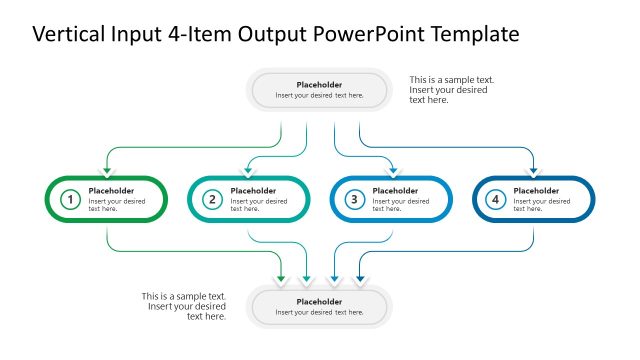
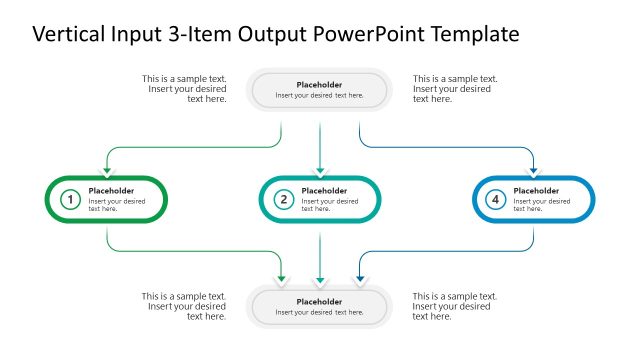
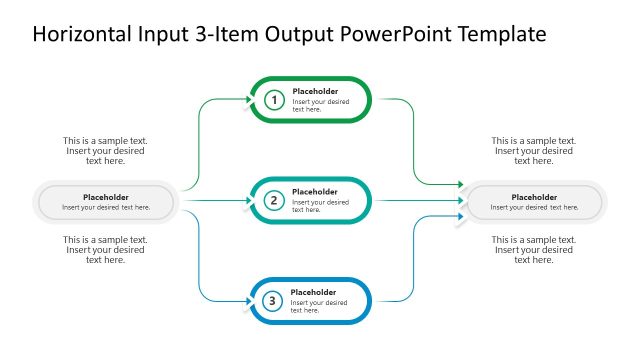
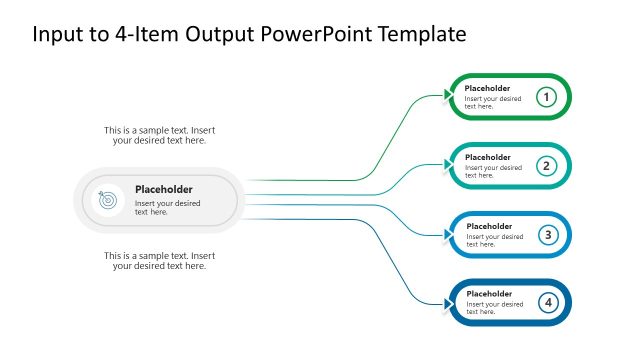
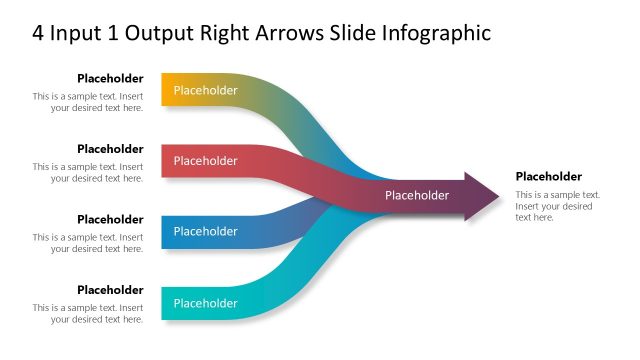
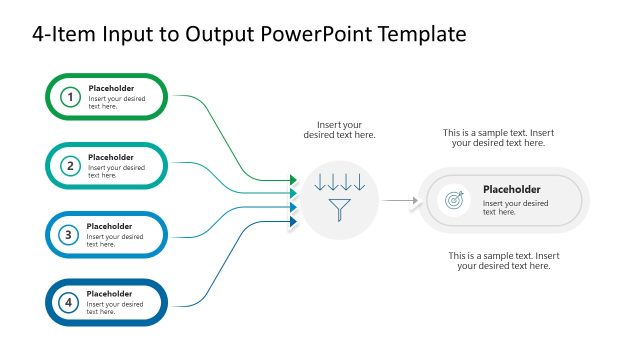
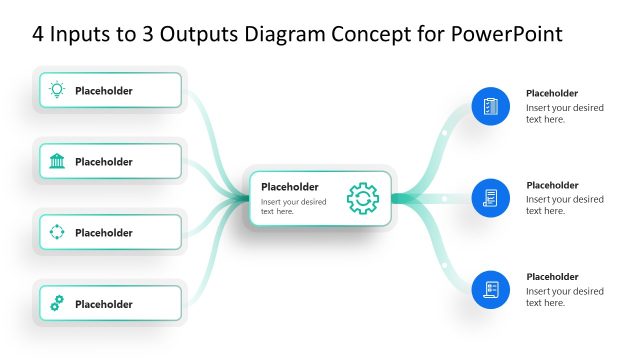
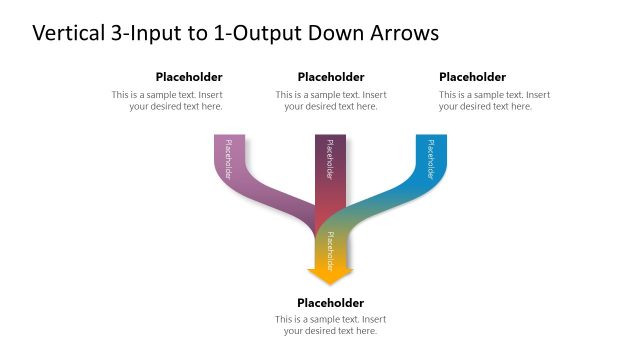
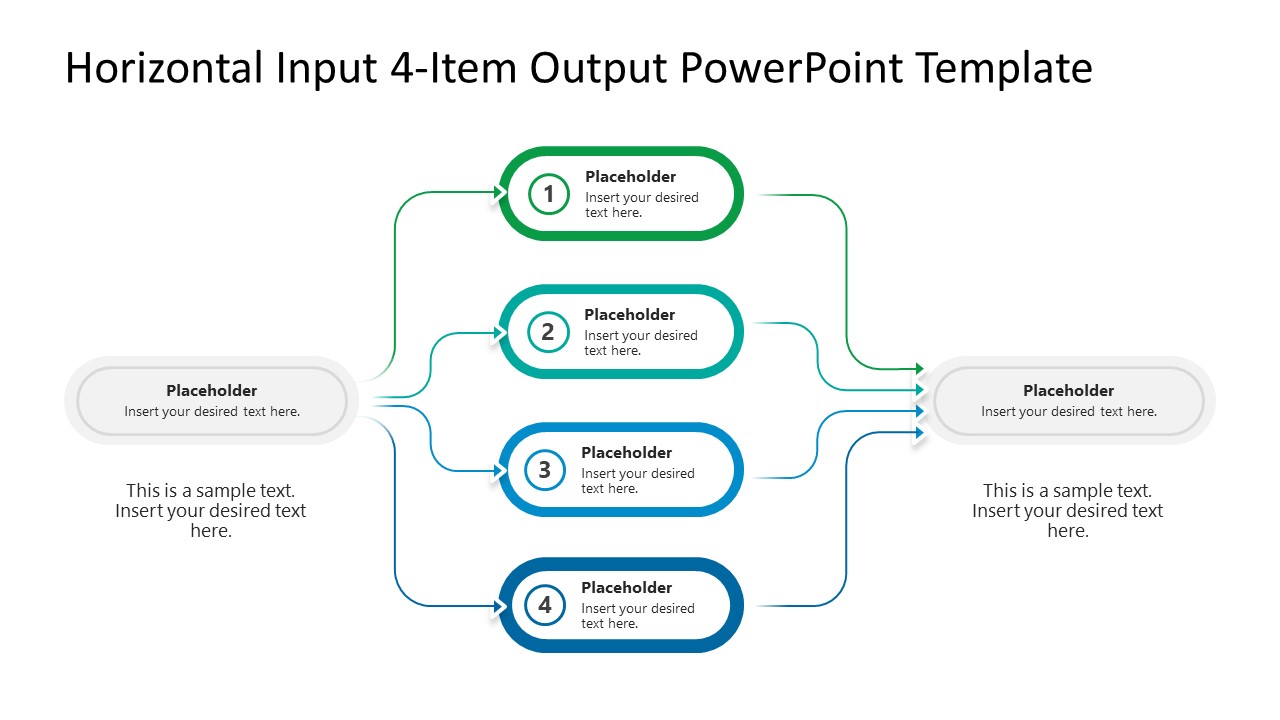
Download the editable Horizontal Input 4-Item Output PowerPoint Template to discuss the impacts of the converging processes in your strategy presentations. The input-output diagram has three nodes: one item at the input node, four items at the divergent node, and one item at the last converging output node. This PPT template is useful for mapping multiple workflows or automation processes. The first level serves as a trigger point for the next step, creating four input flows. The input items are reunited at the end to create the output. This is useful for demonstrating how a single trigger initiated multiple reactions that together created a combined effect. We have many versions of input-output diagrams for our users. So they can select the one that best fits their needs, such as the number of nodes, the number of input or output items, or the vertical or horizontal format.
For instance, one project beginning involved multiple departments working simultaneously, like technical, management, supply chain, and operations, to complete the project deliverables. The change management consultants use the Horizontal Input 4-Item Output PowerPoint Template to illustrate how a single policy change affects various business components to meet a single regulatory compliance requirement. Process management consultants present how a single raw material input triggers four production lines to create the final product. You can also download this template for a Google Slides presentation. Supply chain managers use the left-to-right flow with curved connectors for their client meetings.
Download the horizontal input-output diagram PPT template to communicate cause-and-effect relationships in business management. In addition, visit our collection of diagram templates to present your ideas clearly in team presentations.
What’s inside this template
Example presentation scenarios
- A process manager can use the four numbered nodes to explain how one operational input creates four parallel activities before they merge into a final output.
- A change management consultant can present a policy change by mapping the trigger on the left, affected business areas in the center, and the compliance result on the right.
- A supply chain manager can show how one material, request, or demand signal branches into four production or logistics paths and then supports one delivery outcome.
- A project lead can brief executives on cross-functional execution by assigning each center node to a department and using the right output node for the combined deliverable.
Features
- 100% editable presentation template
- Compatible with Microsoft PowerPoint and Google Slides
- 16:9 aspect ratio slides
- Scalable vector shapes, icons and illustrations
- AI-Ready for Microsoft Copilot and Claude
- Instant access and download
Frequently asked questions
Q: How should a presenter explain the diagram so the audience does not see four unrelated items?
A: Start with the left input as the trigger, not as a generic label. Then introduce the four numbered middle nodes as parallel responses to that trigger. Close by tying every branch to the right output node, using the lower text areas to state the business meaning of the input and the result.
Q: Who is this template best suited for in a business presentation?
A: This template fits presenters who need to explain dependency, impact, or transformation in one slide. Process managers, consultants, supply chain teams, and project leads can use it when a single event creates four coordinated workstreams that must be understood as one system rather than separate tasks.
Q: Why does the horizontal branching metaphor work for input-output communication?
A: The left-to-right flow matches how business audiences read process logic: source, activity, result. The four curved branches show parallel movement without implying a strict sequence between the center items. The convergence on the right makes the final output feel earned by the combined contribution of all four paths.
Horizontal Input 4-Item Output PowerPoint Template
1-slide presentation template for horizontal input-output mapping and four-step process flows.
The Horizontal Input 4-Item Output PowerPoint Template is a 1-slide diagram for showing one input splitting into four parallel items and recombining into one output. It includes a left-to-right input-output diagram, four numbered process nodes, curved connectors, and editable text placeholders for Microsoft PowerPoint and Google Slides.
- Category
- Diagrams
- Rating

 Loading...
- Aspect ratio
- 16:9
- Item ID
- 23708-01
- Colors
 Microsoft PowerPoint
  Microsoft Copilot
  Claude for PowerPoint
 Other formats supported
Subscribe today and get immediate
access to download our PowerPoint templates.