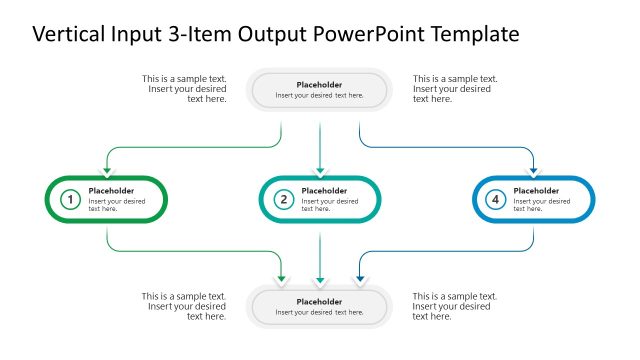
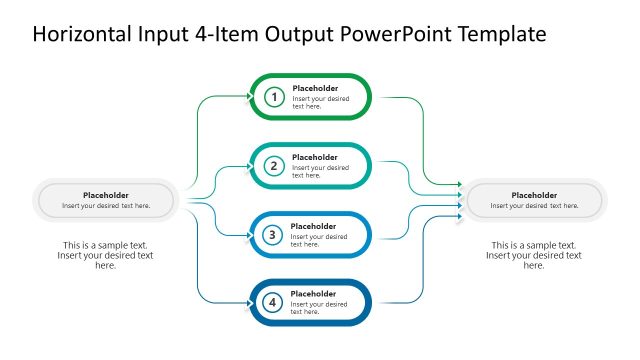
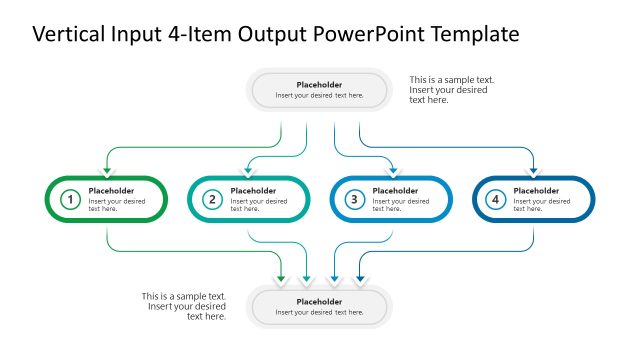
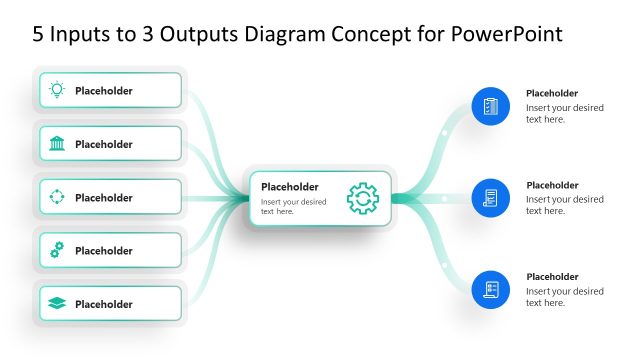
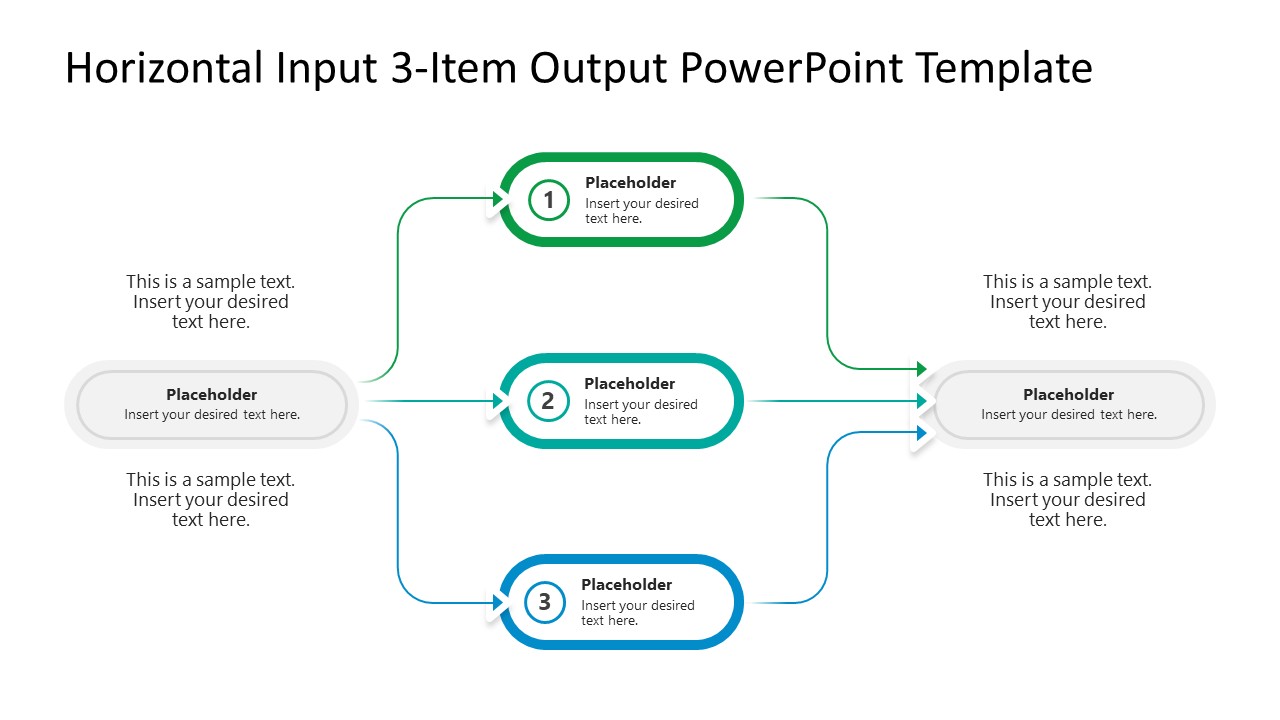
Map the single input through three parallel processes using the fully customizable Horizontal Input to 3-Item to Output PowerPoint Template. The input-output diagram shows how one step feeds into the next stage in the process. Business analysts customize the diagram with one input stage, three intermediate stages, and one output stage to outline the root cause analysis and the multiple factors affecting the systems. A solutions developer at a SaaS company explains to a non-technical client how a single API request cascades through three validation services before returning a unified response. For all input-output nodes, users edit the placeholder text sections to clearly and concisely describe each step.
The Horizontal Input to 3-Item to Output PowerPoint Template shows multiple rounded shapes with blue and green color outlines. There is one shape on the left, three in the center, and one on the right, arranged along a horizontal flow. This pattern shows how a single input or trigger initiates three processes that ultimately produce a consolidated effect. For instance, while working on AI automation, engineers design workflows that are triggered by a single input (e.g., a form submission) and then execute three processes (email notification, Airtable database entry, and follow-up email) to produce a combined outcome (lead generation). Also, the horizontal input-to-3-item-to-output diagram is editable in Google Slides. Our users change the colors to match their theme and add more input items based on their workflows or process stages.
Download the horizontal input-to-3-item-to-output PPT template diagram for your concept presentations in board meetings. Alternatively, we offer a collection of input-output template layouts so you can choose the perfect one for your strategy presentation.
Features
- 100% editable presentation template
- Compatible with Microsoft PowerPoint and Google Slides
- 16:9 aspect ratio slides
- Scalable vector shapes, icons and illustrations
- AI-Ready for Microsoft Copilot and Claude
- Instant access and download
Horizontal Input to 3-Item to Output PowerPoint Template
- Category
- Diagrams
- Rating

 Loading...
- Aspect ratio
- 16:9
- Item ID
- 23710-01
- Colors
 Microsoft PowerPoint
  Microsoft Copilot
  Claude for PowerPoint
 Other formats supported
Subscribe today and get immediate
access to download our PowerPoint templates.