Slide 1 of 1 from Vertical Input to 3-Item to Output PowerPoint Template
Vertical Input to 3-Item to Output PowerPoint Layout
Vertical Input to 3-Item Output Diagram
- Diagram
- Process Flow
- Process Slide
- 16:9
- 100% Editable
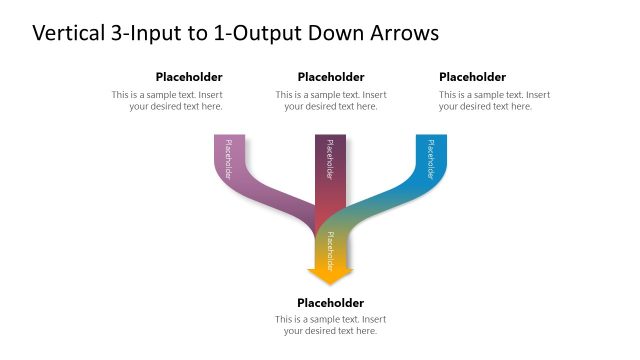
The Vertical Input to 3-Item Output Diagram from the Vertical Input to 3-Item to Output PowerPoint Template offers a clear process flow visualization ideal for business presentations. This slide template uses editable shapes and vector icons to illustrate how a single input branches into three distinct components, supporting project management and workflow explanations in corporate presentations or pitch decks.
What’s on This Slide
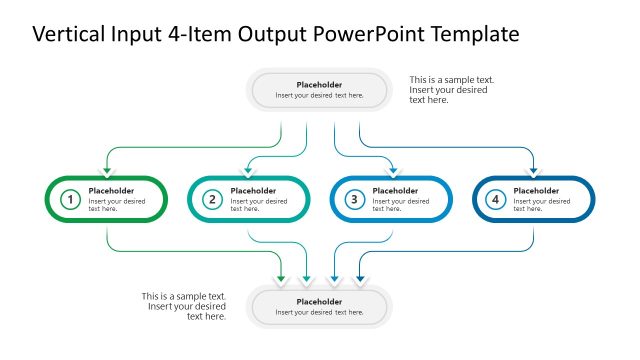
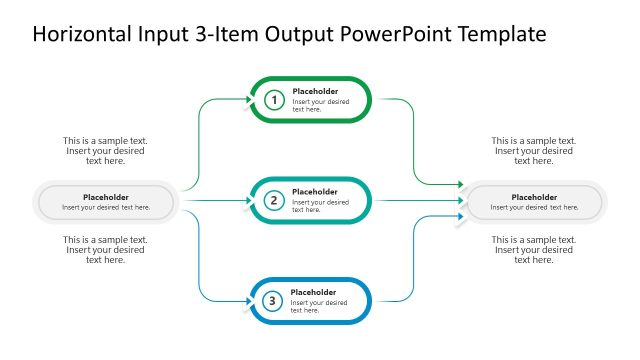
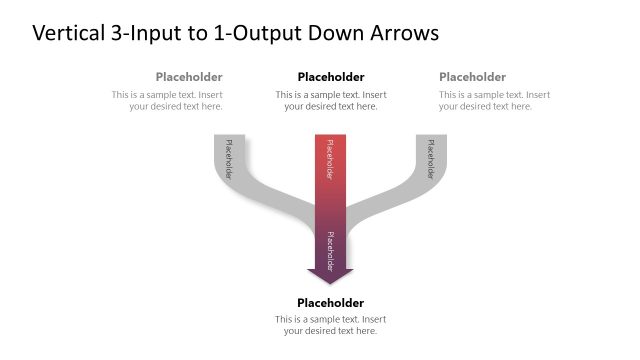
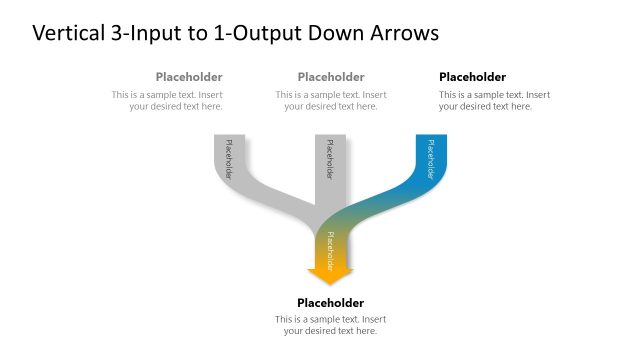
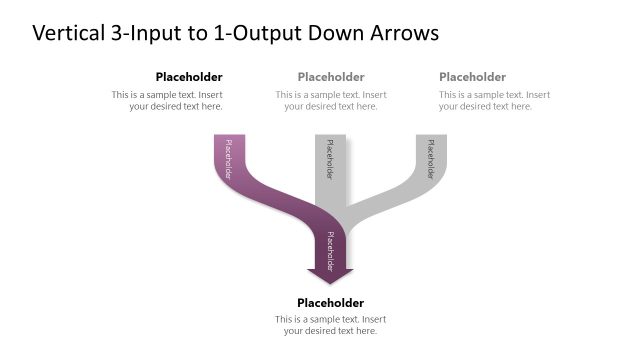
The layout features a central vertical input shape at the top, leading to three distinct process items below. Each process item is represented by a rounded rectangle, with the first and third items in green and blue respectively, while the second item is in a different shade of blue. Curved arrows connect the input to each item, indicating flow direction. Below the process items, there are text placeholders aligned centrally for additional context. The overall composition is balanced, with clear visual hierarchy and spacing between elements.
How to Use It
This layout serves as a process flow diagram, illustrating how a single input branches into three components and culminates in an output. It is suitable for presentations in business contexts, such as project management or process analysis. This structure can effectively communicate workflows or operational processes, making it ideal for consultants and analysts. It fits well in a sequence following an introductory problem statement, leading into detailed process explanations.
Text Placeholders & Capacity
Keep your copy within these limits so it fits without resizing. Node labels can hold about 30 characters each, while body paragraphs can hold around 50 characters.
| Placeholder | Count | Max characters (approx.) |
|---|---|---|
| Item heading | 3 | 30 |
| Body paragraph | 4 | 50 |
Slide Keywords
Download unlimited PowerPoint templates, charts and graphics for your presentations with our annual plan.
DOWNLOADReturn to Vertical Input to 3-Item to Output PowerPoint Template.