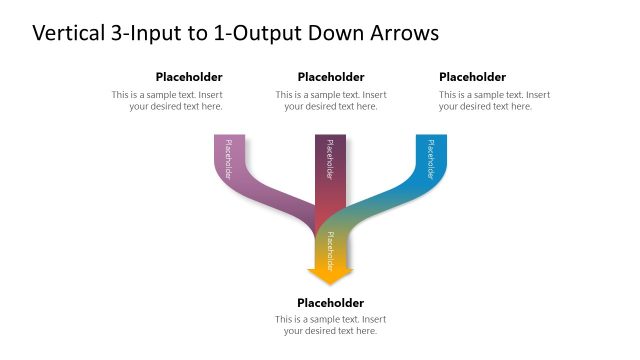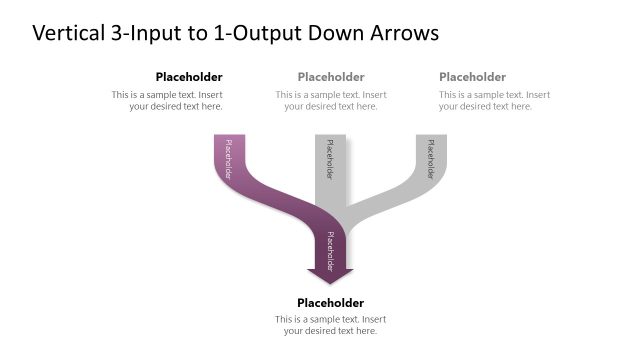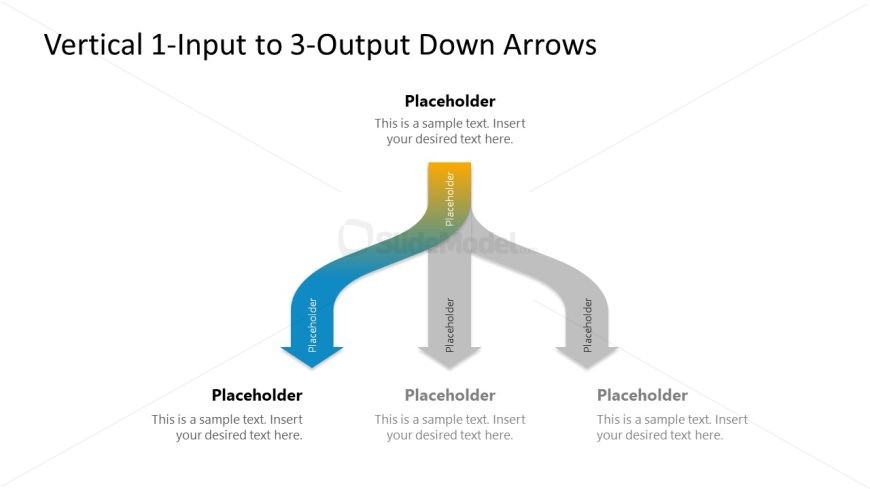
Slide 2 of 4 from Vertical 1-Input 3-Output Down Arrows PowerPoint Template
Editable Vertical 1-Input 3-Output Down Arrows PPT Template
1-Input to 3-Output Diagram Template
- Diagram
- Arrow Sequence
- Process Slide
- 16:9
- 100% Editable
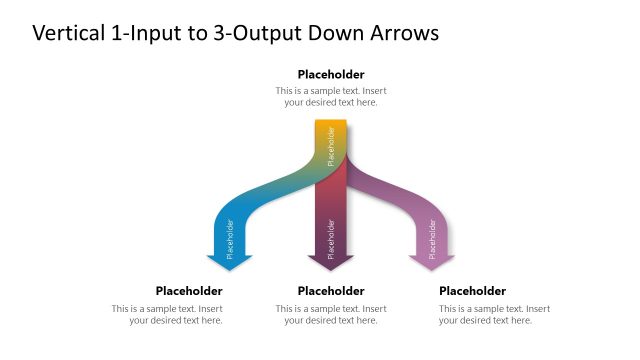
The 1-Input to 3-Output Diagram slide from the Vertical 1-Input 3-Output Down Arrows PowerPoint Template offers a clear process mapping layout ideal for business presentations. This slide template features editable shapes and vector icons that visually represent a single input branching into three distinct outputs, supporting management workflows and decision trees. Its design enhances communication in corporate presentations and pitch decks by illustrating multiple outcomes from one source effectively.
What’s on This Slide
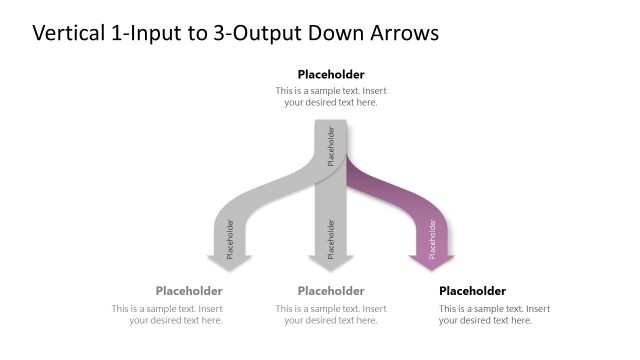
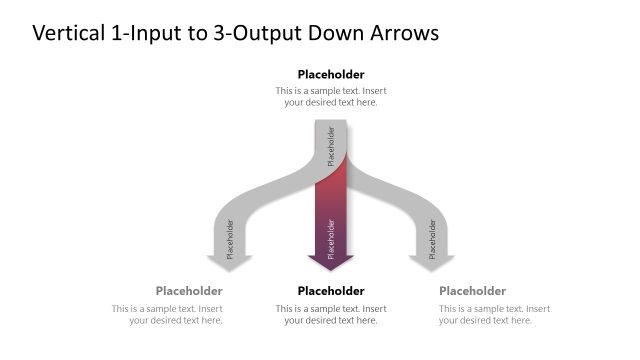
The layout features a central input node at the top, with three downward arrows leading to output nodes. The arrows are curved, creating a flow from the input to each output. Each output node is a rectangular shape, positioned evenly spaced along the bottom. There are text placeholders within each node for labeling. The background is white, enhancing the visibility of the colored arrows. The top input node is highlighted in a gradient from blue to green, while the output nodes are in gray. The visual hierarchy emphasizes the input node as the primary focus.
How to Use It
This layout serves as a flow diagram illustrating a single input leading to multiple outputs. It is suitable for presentations that require the depiction of processes or decision-making pathways. It fits well after problem identification slides, helping to outline solutions or outcomes. This structure is useful in business contexts such as management processes, project planning, or strategic analysis, where one action leads to several results. It can effectively communicate how different outputs stem from a common input.
Text Placeholders & Capacity
Keep your copy within these limits so it fits without resizing. Node body slots can accommodate around 15-20 words each.
| Placeholder | Count | Max characters (approx.) |
|---|---|---|
| Item heading | 3 | 60 |
| Item body | 3 | 100 |
| Slide title | 1 | 60 |
Slide Keywords
Download unlimited PowerPoint templates, charts and graphics for your presentations with our annual plan.
DOWNLOADReturn to Vertical 1-Input 3-Output Down Arrows PowerPoint Template.