Slide 3 of 4 from Vertical 1-Input 3-Output Down Arrows PowerPoint Template
Customizable Vertical 1-Input 3-Output Down Arrows PPT Layout
Vertical 1-Input to 3-Output Diagram Template
- Diagram
- Arrow Sequence
- Process Slide
- 16:9
- 100% Editable
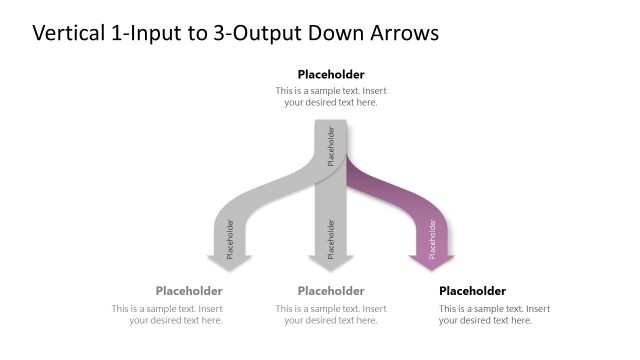
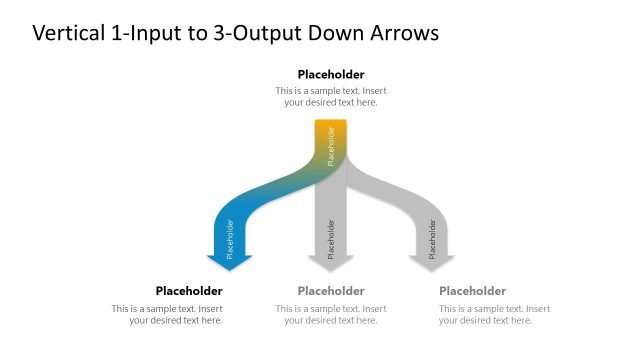
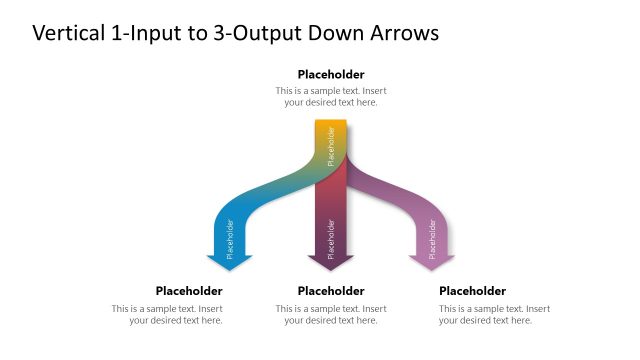
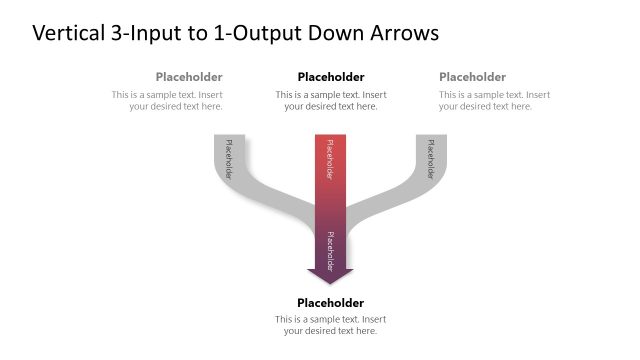
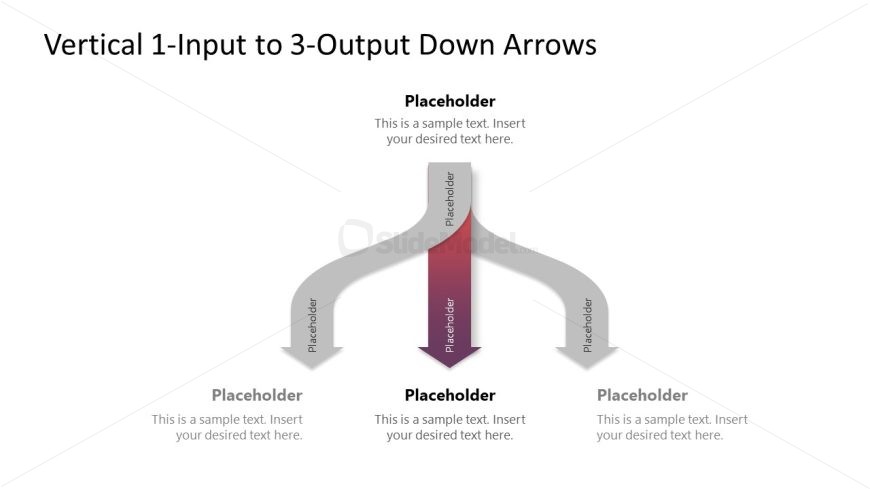
The Vertical 1-Input to 3-Output Diagram slide from the Vertical 1-Input 3-Output Down Arrows PowerPoint Template visually maps a single input branching into three distinct outputs, ideal for illustrating workflows and decision-making processes. This slide layout uses editable shapes and vector icons to clearly present complex business presentations, making it a practical choice for corporate slide decks and pitch deck templates that require precise process explanation.
What’s on This Slide
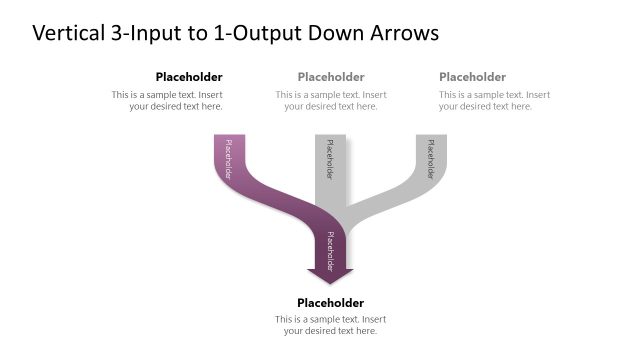
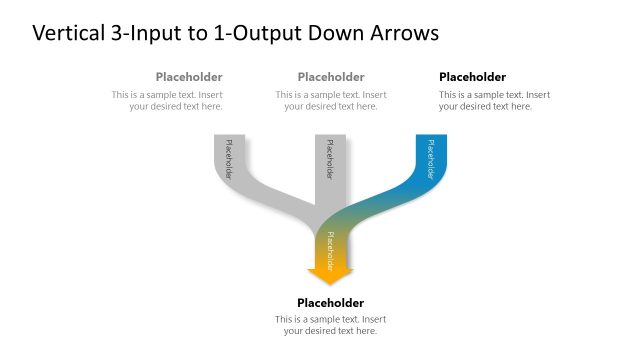
The layout features a central vertical arrow pointing downward, branching into three horizontal arrows. The top section contains a title placeholder, while the central arrow has a larger placeholder for key input text. Below this, three smaller placeholders are aligned left, center, and right, each corresponding to an output. The arrows are stylized with a gradient effect, creating a visual hierarchy. The background is plain, enhancing focus on the arrows and text areas. All placeholders are clearly defined and positioned for easy readability.
How to Use It
This layout serves as a process flow diagram, illustrating a single input leading to multiple outputs. It is suitable for presentations that require a clear depiction of how one concept or action can lead to several results. This slide fits well in a sequence discussing processes, decision-making, or management strategies. It can be used in business contexts to outline workflows, project outcomes, or strategic initiatives, making complex information more digestible for the audience.
Text Placeholders & Capacity
Keep your copy within these limits so it fits without resizing. Node body slots can accommodate roughly 15-20 words each.
| Placeholder | Count | Max characters (approx.) |
|---|---|---|
| Slide title | 1 | 50 |
| Item body | 3 | 80 |
| Body paragraph | 1 | 100 |
Slide Keywords
Download unlimited PowerPoint templates, charts and graphics for your presentations with our annual plan.
DOWNLOADReturn to Vertical 1-Input 3-Output Down Arrows PowerPoint Template.