Slide 4 of 4 from Upward Curves for PowerPoint
6072-04-concept-curves-upward-4
Upward Concept Curves for PowerPoint
- Diagram
- Process Flow
- Process Slide
- 16:9
- 100% Editable
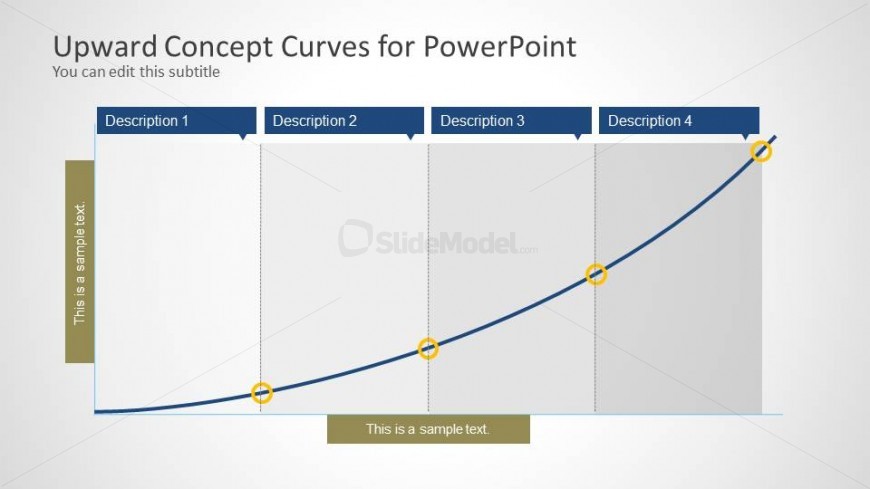
The Upward Concept Curves slide from the Upward Curves for PowerPoint template offers a clear visual flow ideal for illustrating project milestones and growth trends. This slide layout uses editable shapes and vector icons to emphasize progression along a smooth curve, making it a practical choice for business presentations and pitch deck templates that require a structured depiction of development stages.
What’s on This Slide
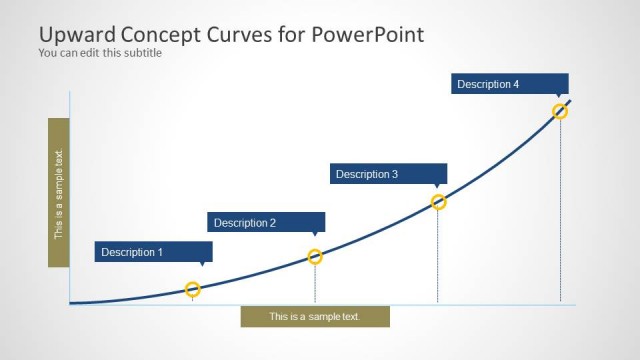
The layout features a smooth upward curve spanning the width of the slide. Four rectangular sections are positioned above the curve, each labeled with 'Description 1' through 'Description 4'. Below the curve, two text placeholders are aligned left and right, labeled 'This is a sample text'. The curve is highlighted with circular markers at each description point, emphasizing progression. The background is a light gradient, enhancing the visual hierarchy. The overall composition is balanced, with a clear flow from left to right.
How to Use It
This layout serves to illustrate a sequential process or concept progression, making it suitable for presentations that require visual representation of growth or improvement over time. It fits well in a presentation sequence after problem identification and before strategic recommendations. Scenarios include showcasing project milestones, product development stages, or performance metrics. The structure allows for clear communication of complex ideas in a simplified manner, aiding audience understanding.
Text Placeholders & Capacity
Keep your copy within these limits so it fits without resizing. Node labels can accommodate roughly 2-3 words each.
| Placeholder | Count | Max characters (approx.) |
|---|---|---|
| Slide title | 1 | 40 |
| Subtitle | 1 | 40 |
| Item heading | 4 | 20 |
| Item body | 2 | 30 |