Slide 3 of 4 from Downward Curves for PowerPoint
6072-04-concept-curves-downward-3
Four-Milestone Decline Curve for Presentations
- Diagram
- Four Milestone Decline Curve
- Evaluation Slide
- 16:9
- 100% Editable
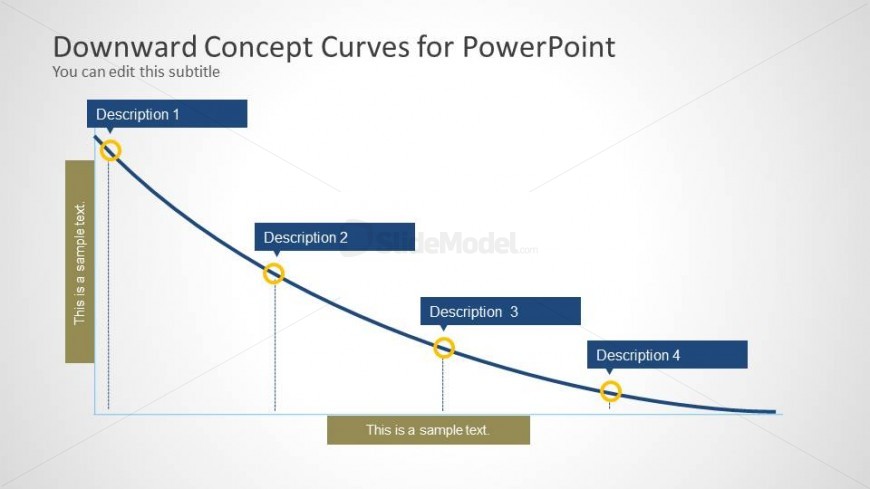
The Four-Milestone Decline Curve slide from the Downward Curves for PowerPoint template offers a clear visual for tracking decreasing trends across four key points. This slide layout is well-suited for business presentations involving financial trend analysis, project performance reviews, or strategic planning. Its editable shapes and vector icons enable precise customization to highlight critical milestones within a corporate presentation or pitch deck template.
What’s on This Slide
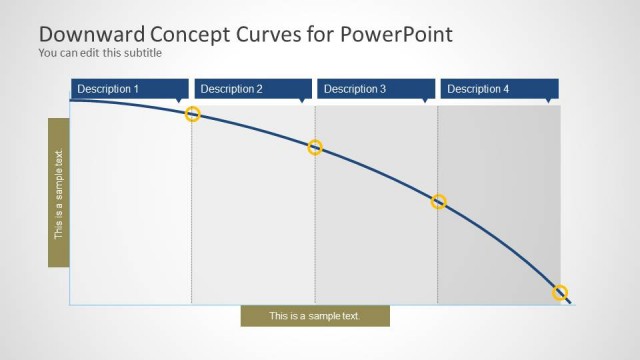
The slide features a downward curve diagram with four labeled milestones positioned along the curve. The curve flows from the top left to the bottom right, illustrating a decline. Each milestone is represented by a circular node with connecting vertical lines to the curve. The nodes are evenly spaced, with the first node being the highest and the last node the lowest. Text placeholders are present for each milestone, aligned horizontally above the nodes, and there are two additional text placeholders at the bottom left and right. The background is light gray, providing contrast to the blue curve and dark text.
How to Use It
This layout serves as a four-milestone decline curve, ideal for illustrating decreasing trends or performance metrics over time. It fits well in a presentation sequence following a problem statement, helping to visualize the impact of negative trends. This structure is useful in business contexts such as financial reports, project evaluations, or strategic planning discussions, where a clear depiction of decline is necessary to convey critical insights effectively.
Text Placeholders & Capacity
Keep your copy within these limits so it fits without resizing. Node labels can accommodate roughly 20 characters each.
| Placeholder | Count | Max characters (approx.) |
|---|---|---|
| Item heading | 4 | 20 |
| Body paragraph | 2 | 30 |
Slide Keywords
Download unlimited PowerPoint templates, charts and graphics for your presentations with our annual plan.
DOWNLOADReturn to Downward Curves for PowerPoint.