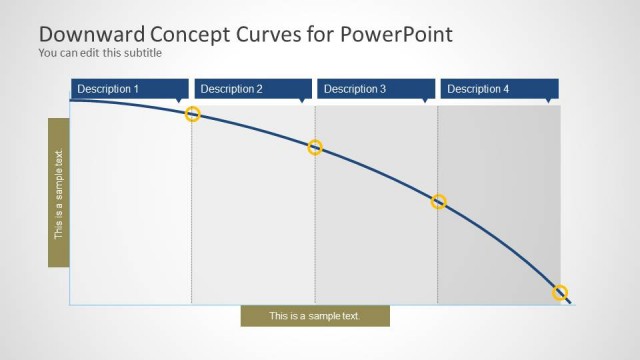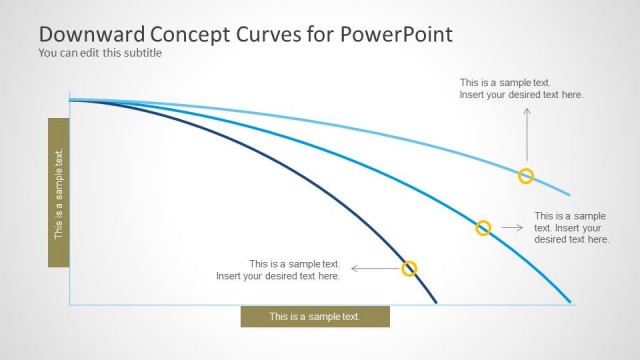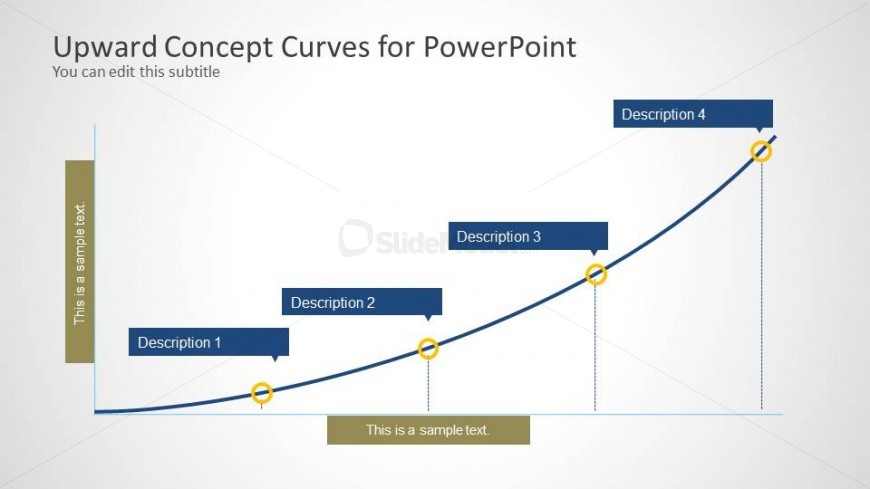
Slide 3 of 4 from Upward Curves for PowerPoint
6072-04-concept-curves-upward-3
Upward Concept Curves for PowerPoint
- Diagram
- Process Flow
- Process Slide
- 16:9
- 100% Editable
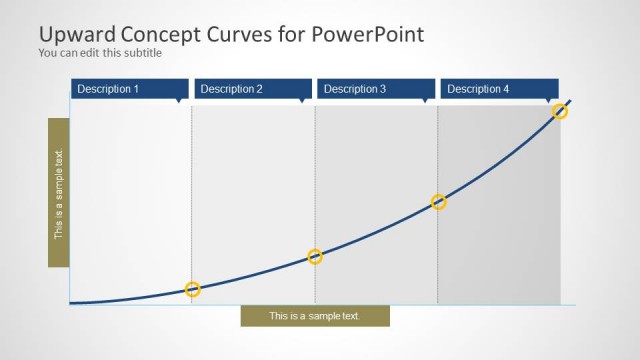
The Upward Concept Curves slide from the Upward Curves for PowerPoint template offers a clear visual process flow ideal for illustrating project milestones, sales growth, and performance trends. This slide layout uses editable shapes and vector icons to emphasize strategic progress along a smooth curve, making it suitable for business presentations and corporate slide decks focused on tracking upward trends effectively.
What’s on This Slide
The layout features a smooth upward curve with four labeled points along its path. Each point is marked with a circular icon, and lines extend vertically from the curve to the corresponding descriptions. The curve is positioned centrally, with a light background enhancing visibility. A subtitle placeholder is located in the top left, while a text placeholder is at the bottom center. The visual hierarchy emphasizes the curve and its points, creating a clear flow from left to right. Color contrasts are used to differentiate elements.
How to Use It
This layout serves as a visual representation of progress or growth over time, ideal for illustrating concepts like project milestones or sales trends. It fits well in a presentation sequence after problem identification, leading into solutions or strategies. This structure is useful in business contexts, such as performance tracking or strategic planning, where upward trends need to be highlighted clearly. It can also be adapted for educational purposes to show learning progressions.
Text Placeholders & Capacity
Keep your copy within these limits so it fits without resizing. Node labels can accommodate brief descriptions, roughly 3-5 words each.
| Placeholder | Count | Max characters (approx.) |
|---|---|---|
| Slide title | 1 | 30 |
| Subtitle | 1 | 30 |
| Item heading | 4 | 20 |
| Item body | 4 | 30 |
| Body paragraph | 1 | 30 |