Slide 2 of 5 from Tree Diagram for PowerPoint
4 Levels Tree Diagram Design for PowerPoint
Tree Diagram for Presentations
- Diagram
- Tree Hierarchy
- Strategic Analysis Slide
- 16:9
- 100% Editable
The Tree Diagram slide from the Tree Diagram for PowerPoint template offers a clear hierarchical layout ideal for illustrating organizational structures, decision-making processes, or family trees. This slide uses editable shapes and vector icons to visually communicate complex relationships within a business presentation or educational slide deck. Its structured design supports strategic analysis by mapping dependencies and categorizing information effectively in both PowerPoint and Google Slides templates.
About This Slide
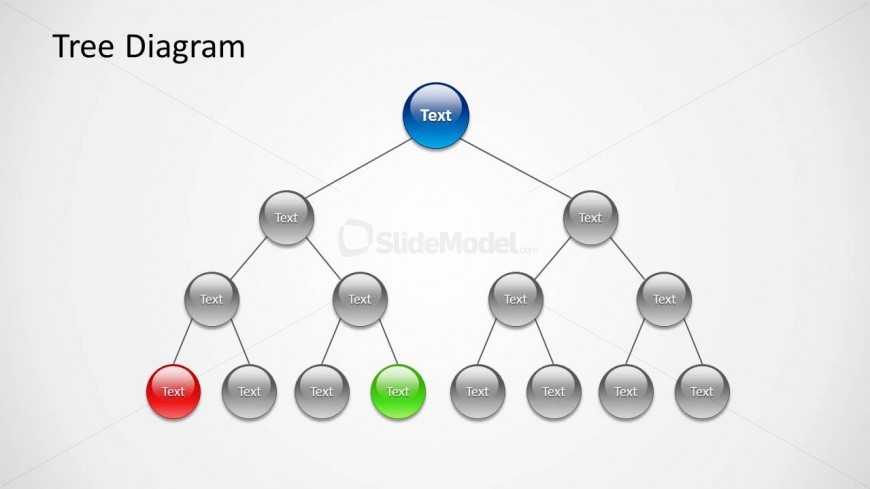
Example of slide design containing a nice tree diagram design created in Microsoft PowerPoint using shapes. The benefit of this diagram vs. other tree diagram templates for PowerPoint is that you can easily adjust the nodes and arrange the tree diagram to match any desired structure. Using shapes you can easily change the shape properties or use the Format Painter tool to apply the same effect to any desired node.
What’s on This Slide
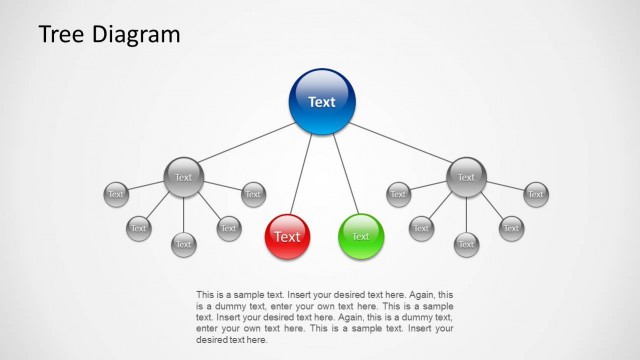
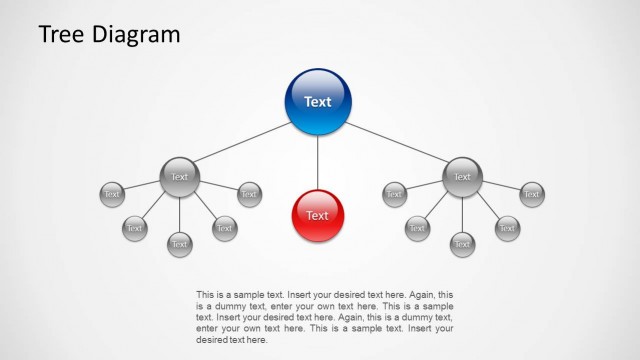
The layout features a central node at the top, colored blue, with the label 'Text.' Below, two branches extend downward to additional nodes, which are gray circles labeled 'Text.' The left branch contains a red node, while the right branch has a green node, both positioned below their respective parent nodes. Each node is connected by straight lines, creating a clear hierarchical structure. Text placeholders are present within the nodes and are centrally aligned. The background is light gray, enhancing the visibility of the nodes and connections.
How to Use It
This layout serves as a hierarchical representation, ideal for illustrating relationships or decision paths. It fits well in presentations discussing organizational structures, family trees, or decision trees. This slide can be utilized to depict processes, categorize information, or visualize dependencies. It is effective in both educational and business contexts, allowing for clear communication of complex relationships. The tree diagram can be positioned after introductory content to illustrate detailed structures or relationships.
Text Placeholders & Capacity
Keep your copy within these limits so it fits without resizing. Node labels can accommodate short phrases, roughly 4 characters each.
| Placeholder | Count | Max characters (approx.) |
|---|---|---|
| Item heading | 7 | 4 |
| Slide title | 1 | 10 |
Slide Keywords
Download unlimited PowerPoint templates, charts and graphics for your presentations with our annual plan.
DOWNLOADReturn to Tree Diagram for PowerPoint.